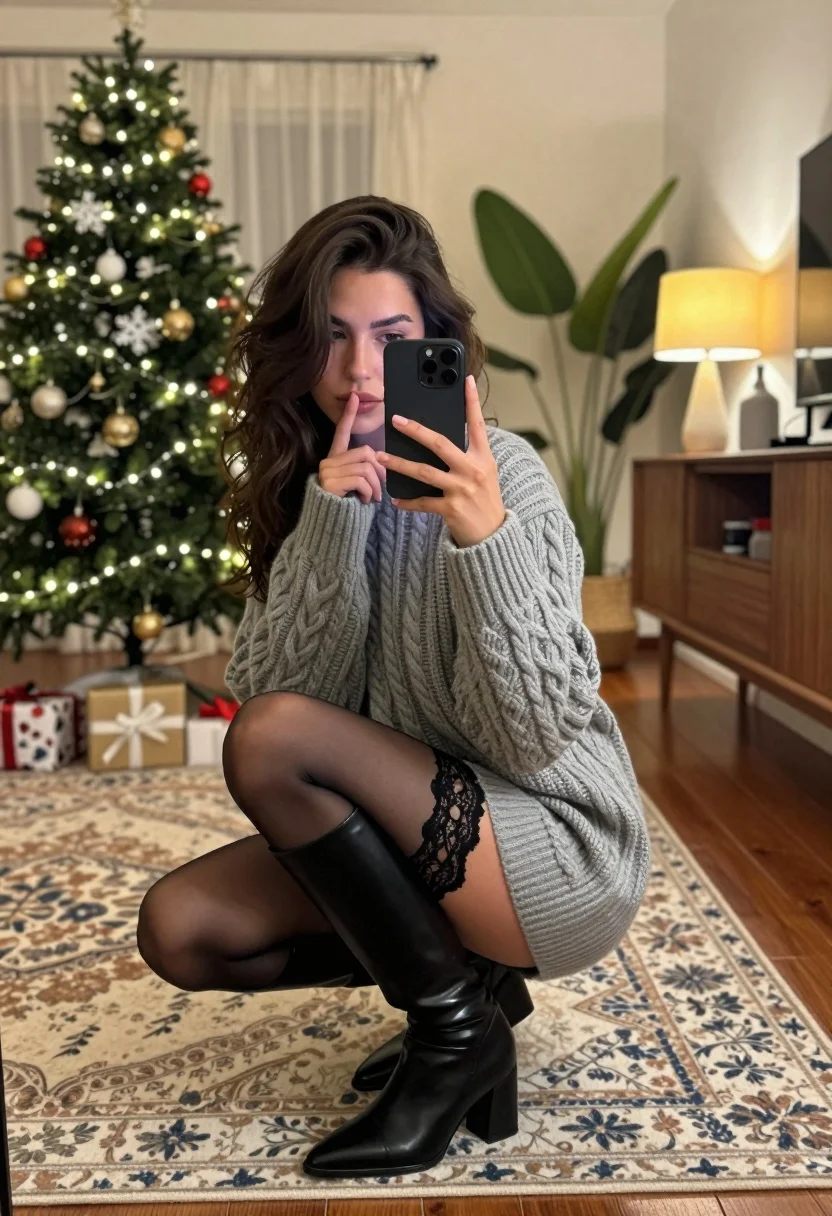
Young woman taking mirror selfie in cozy decorated living room setting
Prompt
A young woman with dark wavy hair crouches on a patterned rug while taking a mirror selfie with a black smartphone.

Subject: A young woman with long, dark, wavy hair and a contemplative expression looking into the mirror reflection.

Clothing: She wears an oversized grey cable-knit sweater dress, sheer black lace-trimmed stockings, and tall black leather boots with block heels.

Action: The subject is crouching low to the ground, holding a smartphone in her left hand to take a photo of herself in the mirror, while her right index finger touches her lips in a shushing gesture.

Environment: A cozy living room decorated for Christmas featuring a lit tree with ornaments and wrapped gifts on the left, a wooden sideboard with a lamp and vase on the right, and a large potted plant near the wall.

Camera: The shot is framed as a mirror selfie taken at eye level, capturing the subject's reflection along with the surrounding room interior.

Lighting: Warm ambient lighting emanates from the Christmas tree lights and a glowing yellow pendant lamp, creating soft highlights on the sweater and floor while casting gentle shadows.

Style Details: The image has a candid, lifestyle photography aesthetic with a focus on cozy holiday textures and warm color tones.
Description
This prompt is useful for creating intimate lifestyle blog posts, seasonal fashion editorials, and personal social media content capturing a moment at home. The combination of 'oversized grey cable-knit sweater dress' against the backdrop of 'Christmas decorated living room' grounds the image in specific holiday comfort, while the 'warm ambient lighting' ensures that the textures of the knitwear and rug are visible rather than appearing flat under harsh illumination.
Suggestions
- Change 'black smartphone' to a vintage film camera for an alternative aesthetic.
- Swap 'patterned rug' for a faux fur throw to increase tactile appeal.
- Adjust 'glowing yellow pendant lamp' to 'dim Edison bulbs' for a more industrial feel.
Category
Tags
BrunetteFemaleIndoorsMedium ShotRealisticSelfie
Date added
July 12, 2026
Added by
PromptDexter Team
Related Prompts
More prompts with similar categories and tags.
Young woman taking mirror selfie in black crop top and patterned maxi

Glamorous woman taking mirror selfie in sheer sequined top

Woman in copper sequin dress taking a mirror selfie in luxurious bathroom
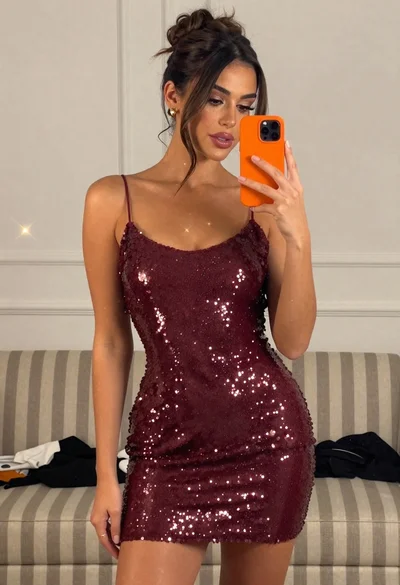
Woman taking mirror selfie in sparkly maroon mini dress indoors

Woman taking a mirror selfie in an opulent room with gold lace
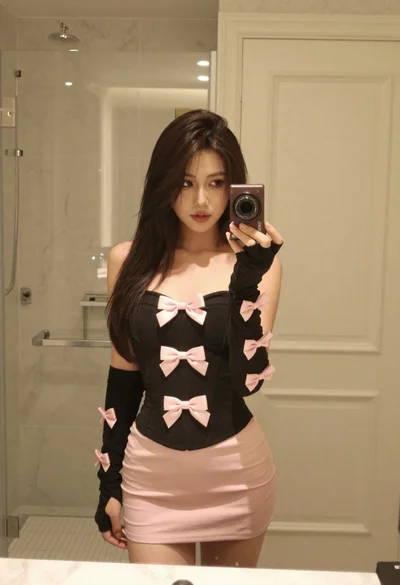
Young woman taking mirror selfie in bathroom wearing black strapless corset

Young woman in orange crop top squatting for mirror selfie indoors
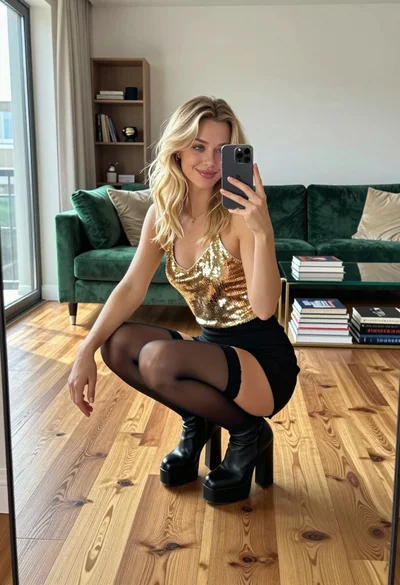
Young woman in gold top and black skirt taking mirror selfie indoors
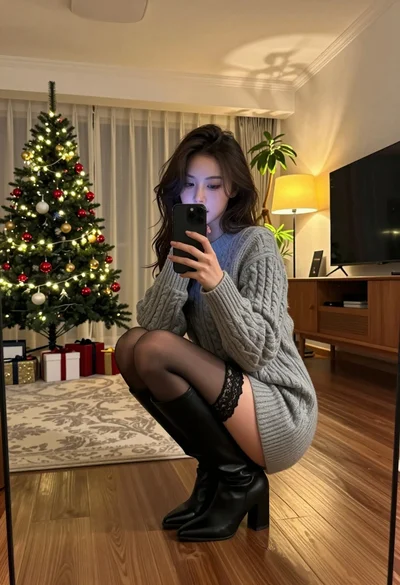
Young woman taking mirror selfie in cozy living room setting
Young blonde woman taking a selfie in a cozy warmly lit bedroom