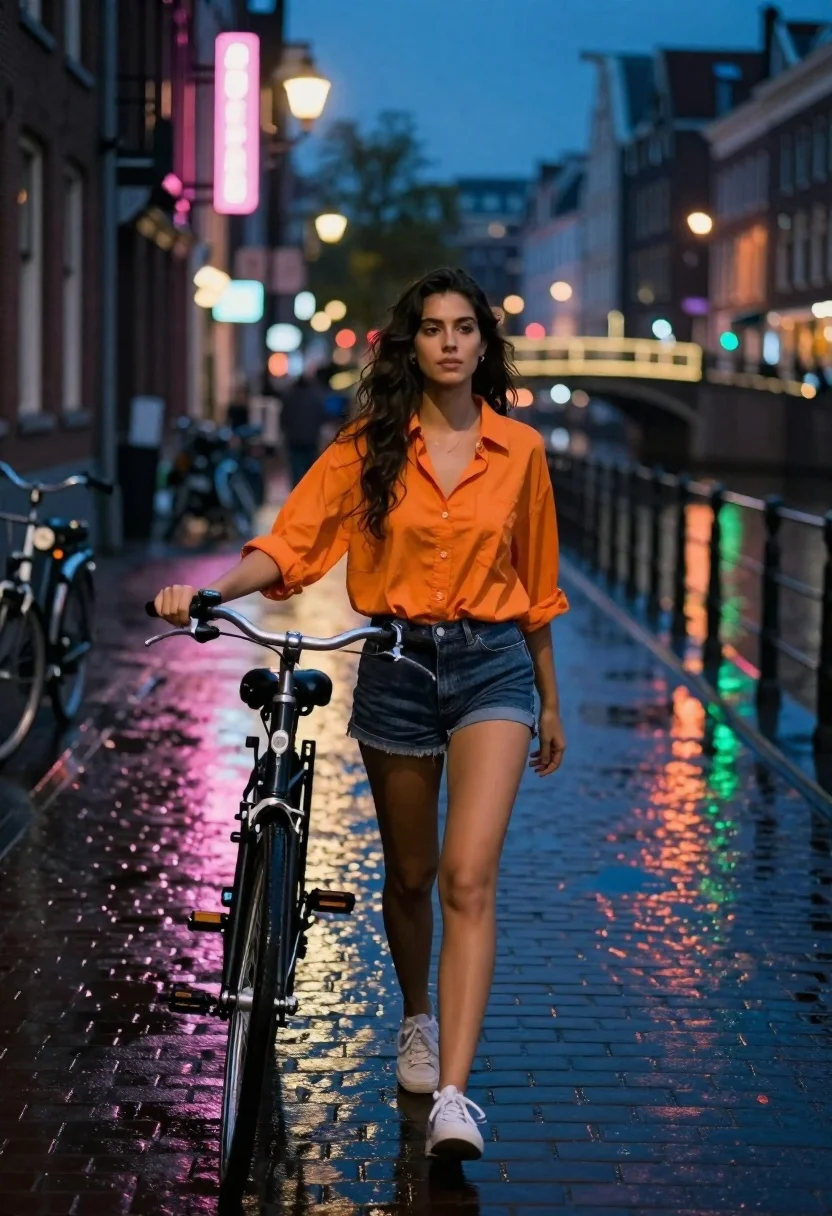
Young woman walking bicycle down wet cobblestone street at night
Prompt
A young woman with long dark wavy hair walks confidently down a wet cobblestone street at night while holding the handlebars of a black bicycle.

Subject: A young woman with long dark wavy hair and fair skin, wearing an orange button-down shirt and dark denim shorts.

Clothing: An orange loose-fitting button-down shirt with rolled-up sleeves, dark blue denim shorts, and white sneakers.

Action: Walking forward towards the camera with a calm expression, holding onto the handlebars of a bicycle with her left hand while her right arm hangs by her side.

Environment: A narrow European-style canal street at night with wet cobblestone pavement reflecting neon lights, tall brick buildings on the left, and a lit bridge in the background.

Camera: Eye-level perspective with a shallow depth of field that keeps the woman sharp while blurring the background city lights and distant architecture.

Lighting: Dim ambient blue twilight mixed with warm artificial streetlights and vibrant pink and green neon signs reflecting off the wet ground.

Objects: A black bicycle with a glowing front headlight, parked bicycles in the background, and a lit bridge arching over the canal.

Style Details: Cinematic urban night photography style with high contrast between cool blue shadows and warm orange highlights, featuring vivid color reflections on the wet surface.
Description
This prompt is useful for creating cinematic travel stills, moody editorial street photography, and video concept art depicting nighttime city life. The combination of 'dim ambient blue twilight' contrasting with 'warm artificial streetlights' and 'vibrant pink and green neon signs reflecting off the wet ground' establishes a high-contrast, saturated palette that prevents the scene from looking flat under typical night lighting conditions.
Suggestions
- Change 'orange button-down shirt' to 'navy turtleneck' for a more subdued color scheme.
- Add 'anamorphic lens flare' to enhance the cinematic quality of the lights.
- Swap 'black bicycle' for 'vintage cruiser bike' to change the vehicle aesthetic.
Category
Tags
Fair SkinFemaleMedium ShotRealisticStreetUrban
Date added
June 19, 2026
Added by
PromptDexter Team
Related Prompts
More prompts with similar categories and tags.
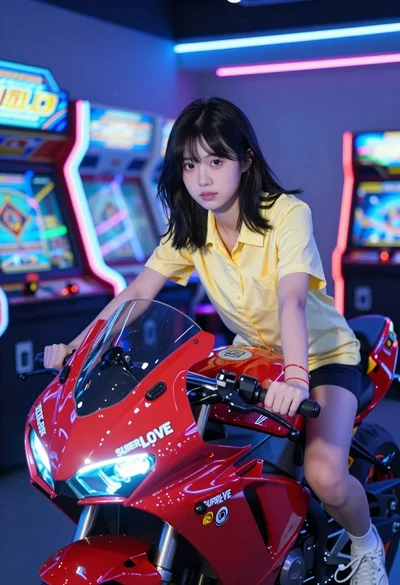
Young woman sitting on red arcade motorcycle in neon lit amusement center
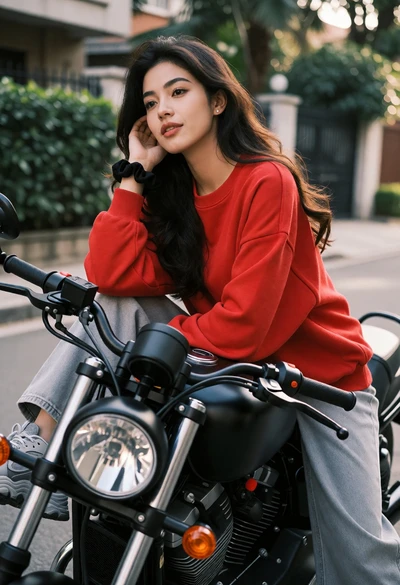
Young woman with dark wavy hair on black motorcycle in urban setting
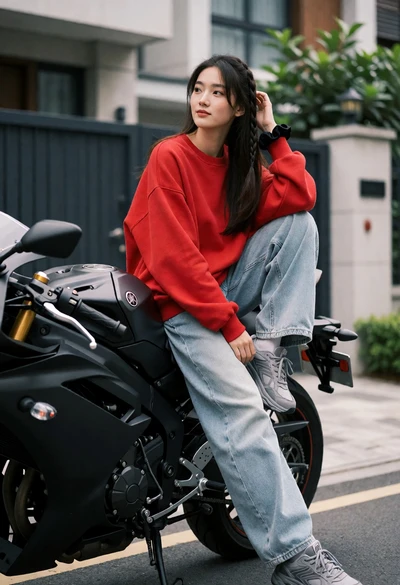
Young woman sitting sideways on a black motorcycle in an urban driveway
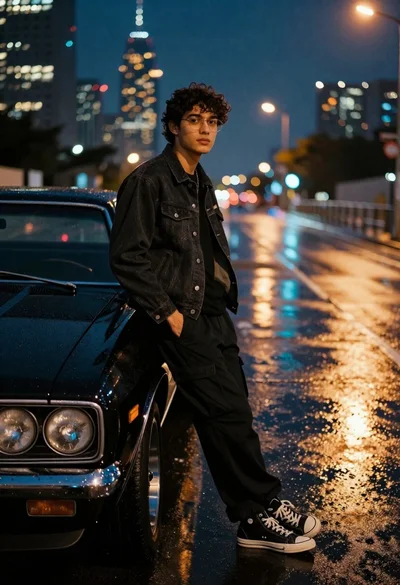
Young man leaning against black muscle car on wet city street at

Young woman in blue sweater holding yellow daffodils by railway tracks
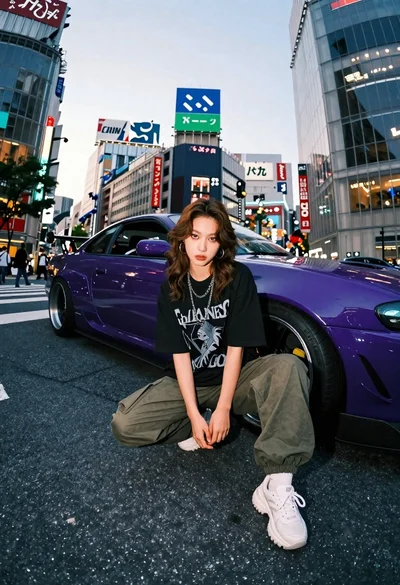
Young woman in oversized shirt crouching by purple car in city

Young woman with wet dark hair smiling inside car during rainy night
Confident woman in black leather jacket stands on wet city street at
Young woman with curly hair sitting on a vintage car in a
Young woman on electric scooter looking back through city street at night