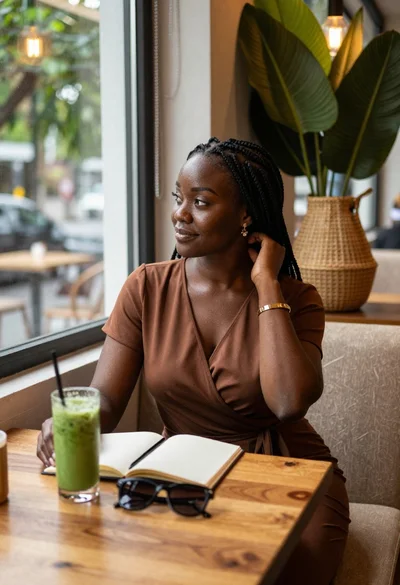

Young woman with black bob sits in cafe looking at camera
Prompt
A young woman with a short black bob haircut and bangs sits at a table in a restaurant, looking directly at the camera with a soft smile.

Subject: A young woman with fair skin, a short black bob haircut with straight bangs, and a gentle, closed-mouth smile.

Clothing: She wears a tight-fitting, sleeveless beige top with a high neck that reveals her collarbones.

Action: She is seated in profile but facing forward, looking directly at the camera with a calm expression.

Environment: The setting is an indoor restaurant or cafe with large windows behind her showing a blurred city view and blue evening sky. Wooden tables and chairs are visible in the background.

Camera: A medium close-up shot taken from eye level, focusing on the subject with a shallow depth of field that blurs the background elements.

Lighting: Soft, ambient indoor lighting illuminates her face evenly, creating a warm and inviting mood without harsh shadows.
Second

Subject: In the background, a female staff member wearing a black t-shirt, red apron, and black face mask is leaning over a table, arranging items.

Objects: A large paper cup with a lid and straw sits on the table in the foreground to the left, and a small ceramic bowl is partially visible at the bottom right edge of the frame.

Style Details: The image has a candid, lifestyle photography aesthetic with natural skin tones and a slightly grainy texture typical of smartphone cameras.
Description
This prompt is useful for creating lifestyle blog features, intimate portrait sessions, and commercial cafe ambiance shots. The combination of 'soft, ambient indoor lighting' and the 'shallow depth of field' ensures the subject remains the clear focus while the blurred city view provides contextual richness without distracting from her face or the visible texture of the wooden tables.
Suggestions
- Change 'beige top' to 'striped knit sweater' for more visual interest.
- Swap 'blue evening sky' for 'overcast daylight' if you want a cooler tone.
- Add 'bokeh effect' to emphasize the background blur.
Category
Tags
Black HairCafeCasual WearFair SkinFemaleIndoorsRealistic
Date added
June 19, 2026
Added by
PromptDexter Team
Related Prompts
More prompts with similar categories and tags.

Young woman in floral dress seated indoors by a window with greenery

Woman with black hair leaning indoors by glass railing in bright modern

Young woman with brown hair holding red wine at striped table setting

Young woman in white crop top sitting on bed by window light

Young woman in black crop top and cream trousers indoors looking over

Young woman with black hair making ok sign under pink neon light

Woman in black dress seated in dimly lit diner booth

Young woman in white top and denim jeans against concrete wall

Woman with dark hair sitting on wooden staircase looking thoughtfully upward
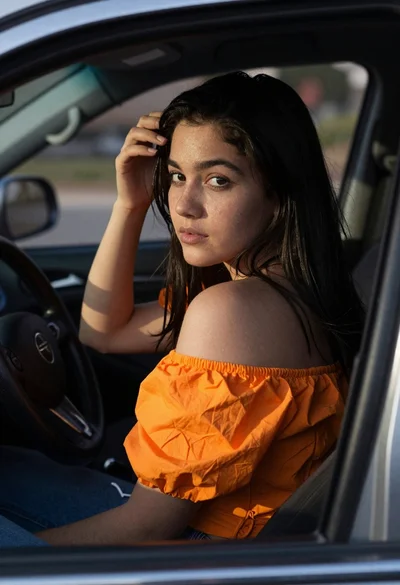
Young woman in orange top sitting inside car looking back over shoulder