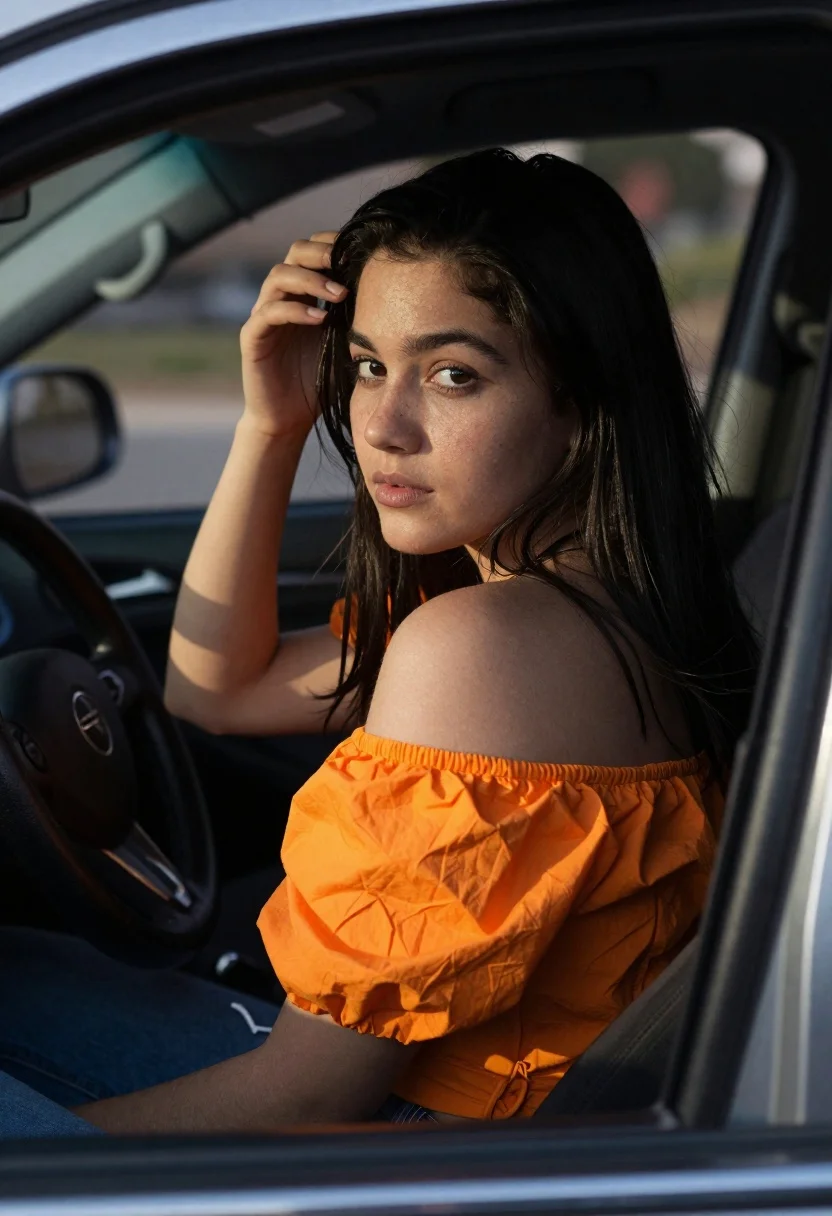
Young woman in orange top sitting inside car looking back over shoulder
Prompt
A young woman with long dark hair sits inside a car, looking back over her shoulder toward the camera.

Subject: A young woman with long, straight black hair and a fair complexion. She has a natural look with visible freckles on her nose and cheeks. Her expression is soft and contemplative as she gazes directly at the viewer.

Clothing: She wears a bright orange top with puffy sleeves that are pushed up to her elbows, revealing her shoulders and arms. She is also wearing blue denim jeans.

Action: She is seated in the driver's seat, leaning slightly back against the headrest. Her right hand is raised, resting gently on the side of her forehead near her hairline. Her body is angled away from the camera, but her face is turned to look back.

Environment: The interior of a car serves as the setting. A dark steering wheel is visible in the lower left foreground. The background shows the blurred interior of the vehicle and a glimpse of a patterned seat cover or blanket behind her.

Camera: The shot is taken from outside the vehicle, looking through the window frame which creates a natural vignette on the left side. The angle is slightly low, capturing her from the chest up in a medium close-up composition.

Lighting: Strong, directional sunlight streams in from the right side of the frame, illuminating her face and shoulder while casting deep shadows across the left side of her body and the car interior. This creates high contrast and highlights the texture of her skin and hair.

Style Details: The image has a candid, naturalistic aesthetic with a shallow depth of field that blurs the background elements to focus attention on the subject's face.
Description
This prompt is useful for creating cinematic character portraits, editorial lifestyle shots mimicking spontaneous moments, and moody narrative sequences. The combination of 'strong, directional sunlight' casting deep shadows against the 'shallow depth of field' isolates the subject's contemplative gaze, preventing the car interior from becoming a distracting backdrop while emphasizing the texture visible on her skin.
Suggestions
- Change 'bright orange top' to 'mustard yellow knitwear' for an autumnal feel.
- Adjust the lighting by swapping 'strong, directional sunlight' with 'soft overcast window light' for less contrast.
- Modify the action by having her hand resting lightly on her collarbone instead of her forehead.
Category
Tags
Black HairCasual WearFair SkinFemaleIndoorsRealisticSide Profile
Date added
June 19, 2026
Added by
PromptDexter Team
Related Prompts
More prompts with similar categories and tags.

Woman in red dress holding heart shaped balloon against white wall
Young woman in black slip dress standing by window in bright bedroom

Young woman in floral dress seated indoors by a window with greenery

Woman with black hair leaning indoors by glass railing in bright modern
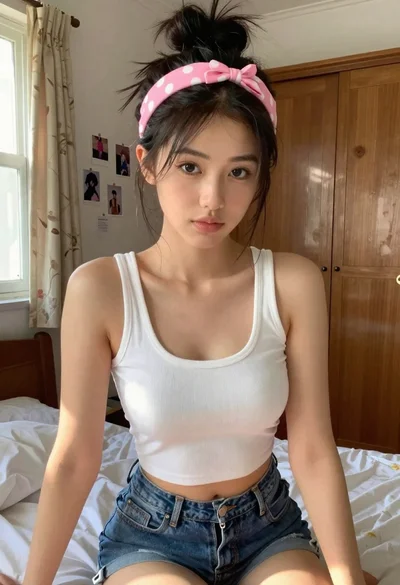
Young woman in white crop top sitting on bed by window light

Young woman in black crop top and cream trousers indoors looking over

Young woman with black hair making ok sign under pink neon light

Woman in black dress seated in dimly lit diner booth

Medium close up portrait of young woman wearing black top and sunglasses
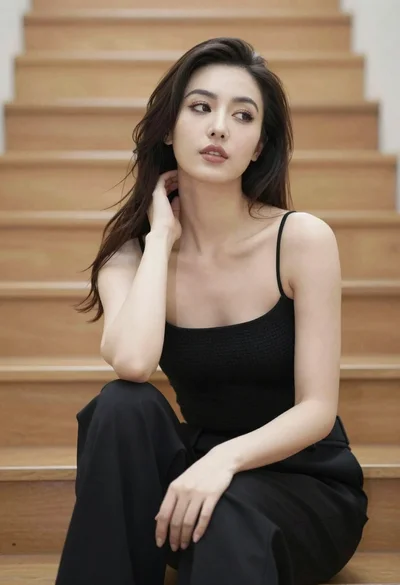
Woman with dark hair sitting on wooden staircase looking thoughtfully upward