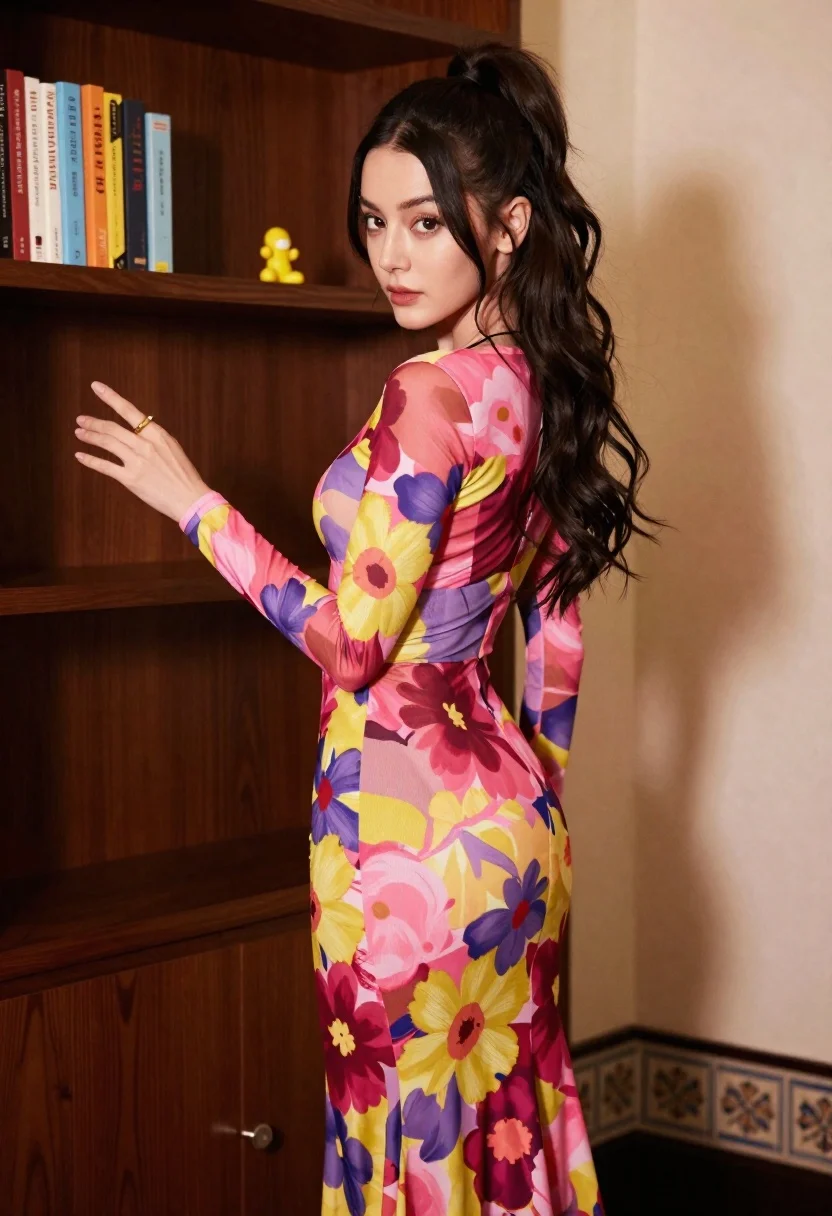
Young woman in floral maxi dress standing near dark wooden bookcase
Prompt
A confident young woman with long dark wavy hair styled in a high ponytail stands indoors wearing a vibrant floral print dress.

Subject: A poised young woman with fair skin and expressive eyes looking slightly to the side, her face framed by voluminous dark brown hair tied back in a high ponytail with loose tendrils falling around her shoulders.

Clothing: She wears a form-fitting, long-sleeved maxi dress featuring a bold, painterly floral pattern in shades of pink, magenta, yellow, and purple; the fabric appears to be a sheer mesh or chiffon over an underlayer, creating a textured look on the skirt.

Action: Her body is angled slightly away from the camera while her head turns back toward it; she holds one arm extended outward with fingers splayed in a relaxed gesture while the other hangs by her side, displaying a gold ring on her finger.

Environment: The background consists of a dark wooden bookcase filled with colorful books and a small yellow figurine on a shelf, set against a cream-colored wall with decorative border tiles near the floor.

Camera: Shot at eye level with a medium-full body framing that captures the subject from head to mid-thigh, utilizing a shallow depth of field to blur the background slightly while keeping the subject sharp.

Lighting: Soft studio lighting illuminates her face and upper body from the front-left, casting gentle shadows on the wall behind her and highlighting the intricate details of the dress fabric.

Style Details: The image has a high-fashion editorial aesthetic with rich color saturation and a focus on texture and pattern, resembling a professional portrait photography style.
Description
This prompt is useful for creating fashion lookbooks, interior design mood boards featuring lifestyle elements, and character concept art requiring detailed costuming. The combination of 'vibrant floral print' against the 'dark wooden bookcase' grounds the high-fashion aesthetic by providing rich, contrasting texture, while the 'shallow depth of field' ensures the subject remains the primary focus despite the busy background details.
Suggestions
- Change 'sheer mesh or chiffon' to 'heavy velvet' for a moodier feel.
- Swap 'yellow figurine' for 'ceramic bust' to change the object type.
- Adjust 'soft studio lighting' to 'rim light from above' for more drama.
Category
Tags
Brown HairBrunetteFair SkinFemaleIndoorsMedium ShotPortrait ShotRealisticStudio
Date added
June 19, 2026
Added by
PromptDexter Team
Related Prompts
More prompts with similar categories and tags.
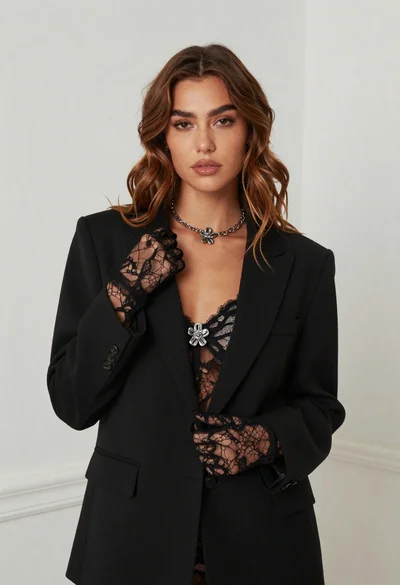
Fair skinned woman in black blazer against white studio wall

Young woman in blue denim jacket posing against pale pink seamless background
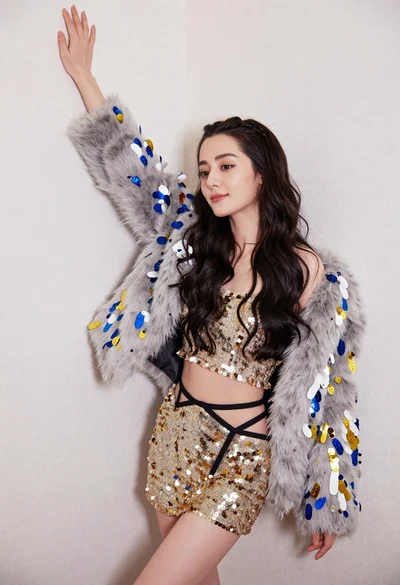
Glamorous woman posing in gold sequins against a white studio wall

Blonde woman in striped swimsuit seated on sofa indoors studio shot

Two women in red mini dresses posing indoors at an opulent setting
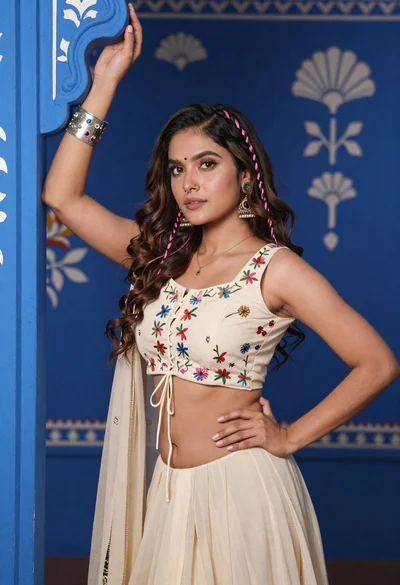
Young woman with brown hair posing by blue floral patterned wall

Portrait of woman in elaborate red feathered gown against vivid blue background

Blonde woman in cream sweater sitting on beige couch
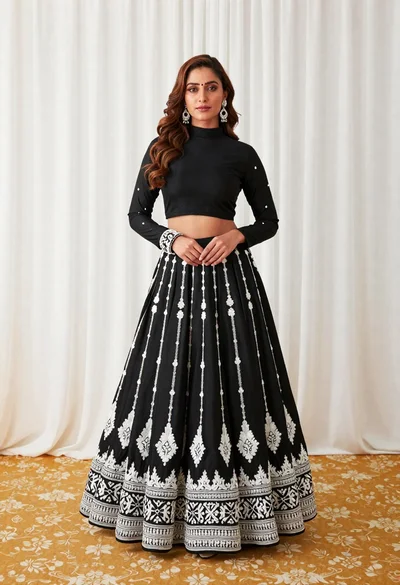
Full length portrait of woman in black traditional outfit indoors

Glamorous woman posing in shimmering two piece outfit against green backdrop