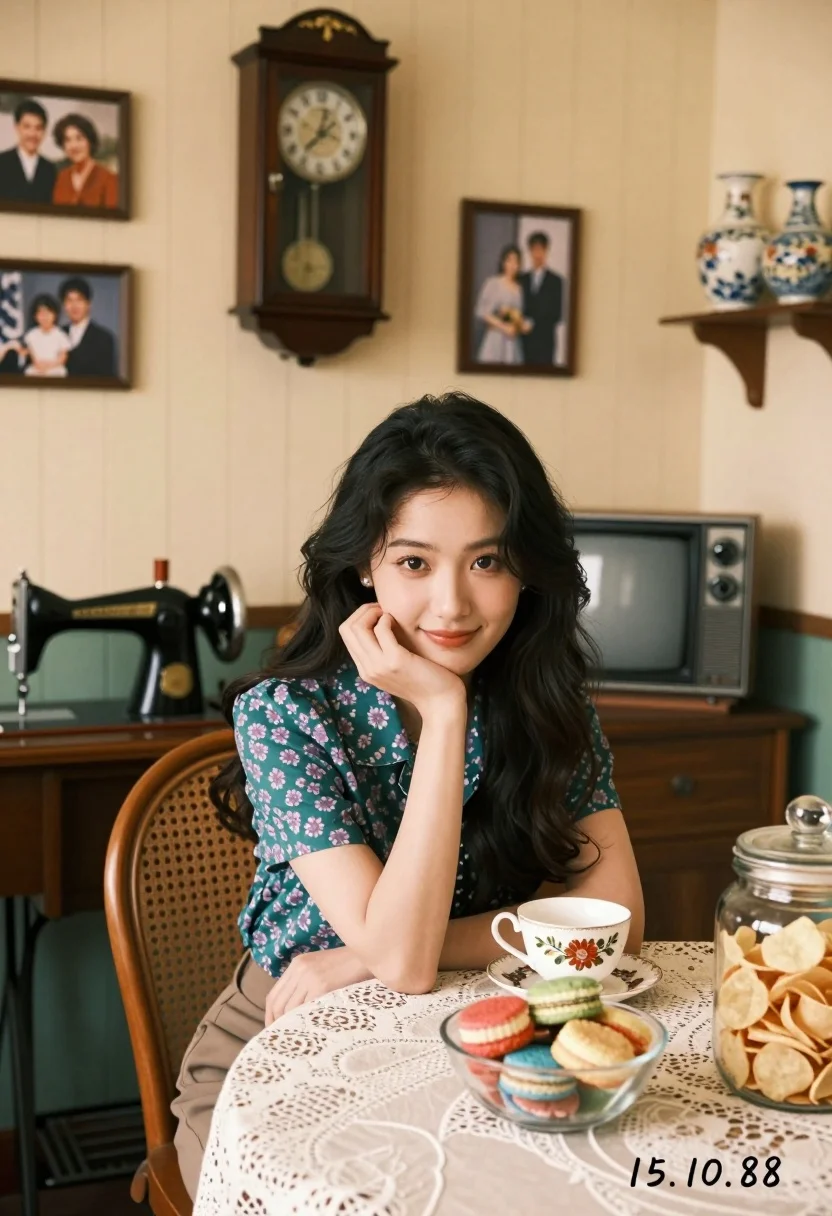
Young woman with dark hair smiling at table in retro dining room
Prompt
A young woman with long dark wavy hair sits at a dining table in a vintage room, resting her chin on her hand and smiling softly at the camera.

Subject: A young woman with long dark wavy hair, fair skin, and a gentle expression.

Clothing: She wears a short-sleeved teal blouse with a purple floral pattern.

Action: She is seated in a wooden cane-back chair, leaning slightly forward with her left hand supporting her chin and her right arm resting on the chair back.

Environment: The setting is a cozy retro dining room with cream-colored vertical panel walls. A large wooden pendulum clock hangs above her, flanked by several framed family photographs. To the left, a black vintage sewing machine sits on a wooden desk. Behind her is an old CRT television set and a small shelf holding ceramic vases.

Objects: On the table in front of her is a white teacup with a floral design, a glass bowl filled with colorful layered cakes or cookies, and a large glass jar packed with potato chips. A lace tablecloth covers the table.

Lighting: The lighting is soft and warm, creating a nostalgic atmosphere with gentle shadows that highlight the textures of the room.

Camera: The shot is taken from a slightly low angle looking up at the subject, utilizing a shallow depth of field to keep her in sharp focus while blurring the background details.

Style Details: The image features a retro aesthetic reminiscent of 1980s photography with a warm color palette and a soft film grain texture. A handwritten date "15.10.88" is visible in the bottom right corner.
Description
This prompt is useful for creating editorial lifestyle features, vintage advertisement mockups, and character portrait studies with a nostalgic feel. The combination of 'soft film grain texture' and 'warm color palette' grounds the scene in a specific era, while the 'shallow depth of field' ensures that the subject remains the clear focal point against the richly detailed retro background elements.
Suggestions
- Change 'teal blouse with a purple floral pattern' to 'mustard yellow knit sweater' for a different 80s vibe.
- Replace 'wooden cane-back chair' with 'velvet armchair' to change the texture contrast.
- Adjust 'handwritten date "15.
Category
Tags
Casual WearFair SkinFemaleLow AngleMedium ShotRealistic
Date added
August 5, 2026
Added by
PromptDexter Team
Related Prompts
More prompts with similar categories and tags.
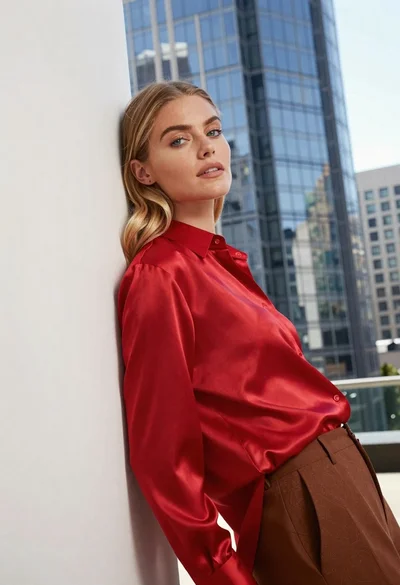
Blonde woman in red satin shirt leaning against white architecture

Fair blonde woman in black blazer sitting on chair in studio

Close up portrait of blonde woman in gold beaded top against stone
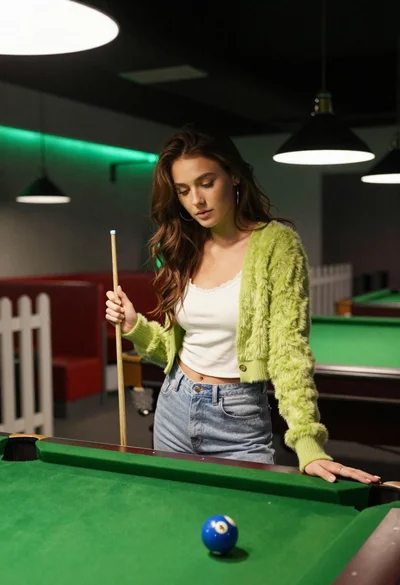
Young woman at pool table holding cue stick looking at eight ball

Young woman in blue slip dress holding apple on green park lawn
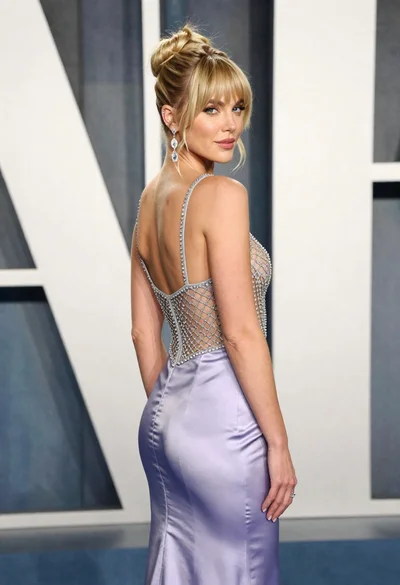
Blonde woman in lavender gown posing at a formal gala event
Young woman in black turtleneck looking over shoulder at street
Woman in black satin dress and opera gloves at a wooden table
Fair blonde woman in black floral slip dress sitting on white bed

Young east asian woman in black dress on rooftop terrace at golden