
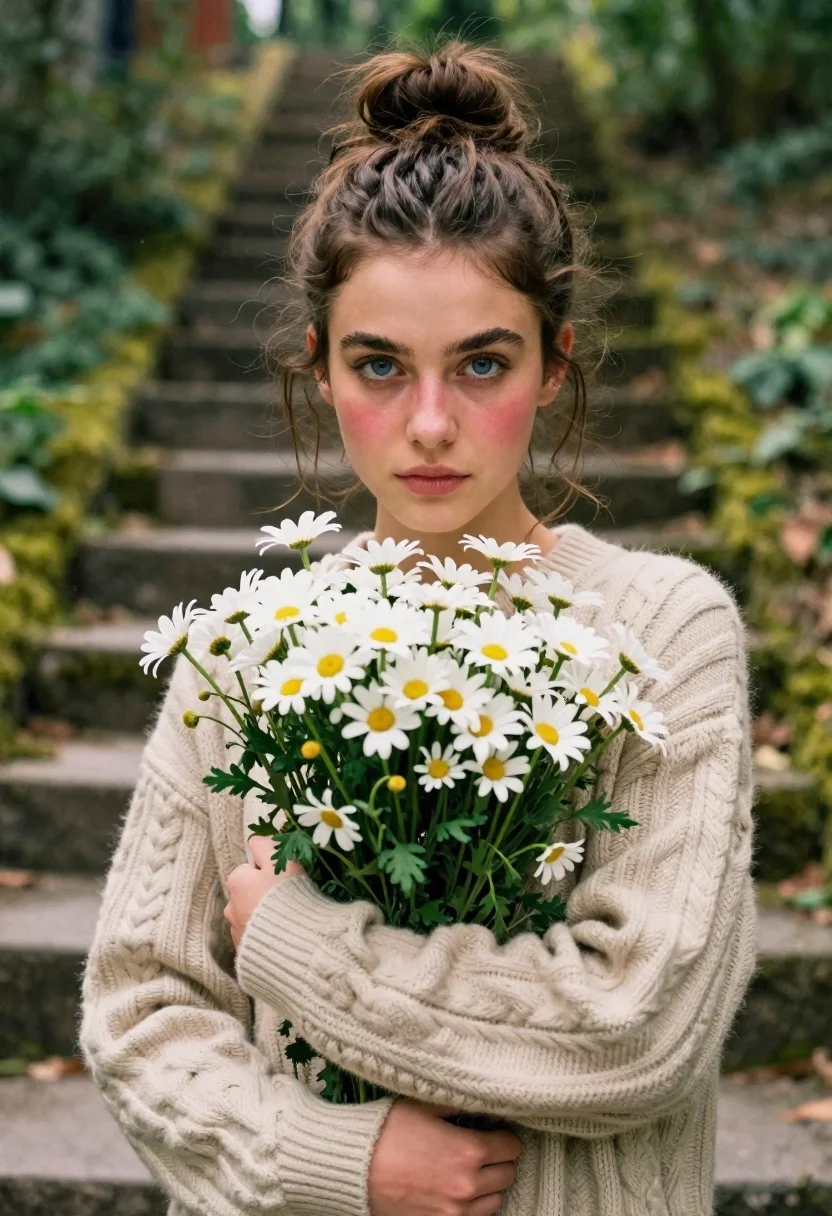
Young woman in beige sweater holding white daisies in a forest
Prompt
A young woman with brown hair in a messy bun holds a large bouquet of white daisies close to her chest while looking directly at the camera.

Subject: A young woman with fair skin and striking blue eyes, featuring soft rosy blush on her cheeks and dark eyebrows.

Clothing: She wears a thick, beige cable-knit sweater that covers her arms completely.

Action: She holds a large bunch of white daisies with yellow centers tightly against her chest with both hands, maintaining a calm and direct gaze forward.

Environment: The background is a blurred outdoor setting featuring mossy stone steps or a path leading into a forested area with green foliage.

Lighting: Soft, diffused natural light illuminates the scene from above, creating gentle shadows and a dreamy atmosphere enhanced by floating dust motes in the air.

Camera: A medium close-up shot with a shallow depth of field that keeps the subject sharp while blurring the background significantly.

Style Details: The image has a soft-focus, cinematic aesthetic with warm tones and a slightly grainy texture reminiscent of film photography.
Description
This prompt is useful for creating intimate portraiture, rustic lifestyle branding materials, and fine art nature editorials. The combination of 'soft, diffused natural light' and the 'shallow depth of field' ensures that the subject remains tack-sharp against a heavily blurred background, which directs all viewer attention to her direct gaze and the delicate texture of the daisies.
Suggestions
- Change 'beige cable-knit sweater' to 'cream chunky knit sweater' for a lighter feel.
- Swap 'white daisies with yellow centers' for 'wild blue forget-me-nots' to alter the color palette.
- Adjust 'soft-focus, cinematic aesthetic' to 'high contrast, documentary film style' for a mood shift.
Category
Tags
Brown HairClose UpFair SkinFemaleMedium ShotNatureOutdoorsRealistic
Date added
June 21, 2026
Added by
PromptDexter Team
Related Prompts
More prompts with similar categories and tags.

Young woman in pink camisole standing in sunlit rolling hills

Young woman in olive saree leaning on railing outdoors during golden hour
Young woman in white dress holding rope swing outdoors with sunlight

Young woman with dark hair at wooden table in open air setting
Young woman in patterned dress looking back over grassy hills
Young woman playfully sticking tongue out holding dark hair outdoors in daylight

Young woman holding pink smoothie outdoors near palm trees sunny day
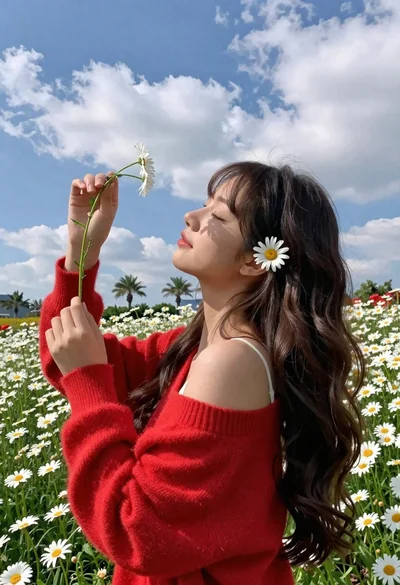
Young woman in red sweater holding flowers in daisy field
