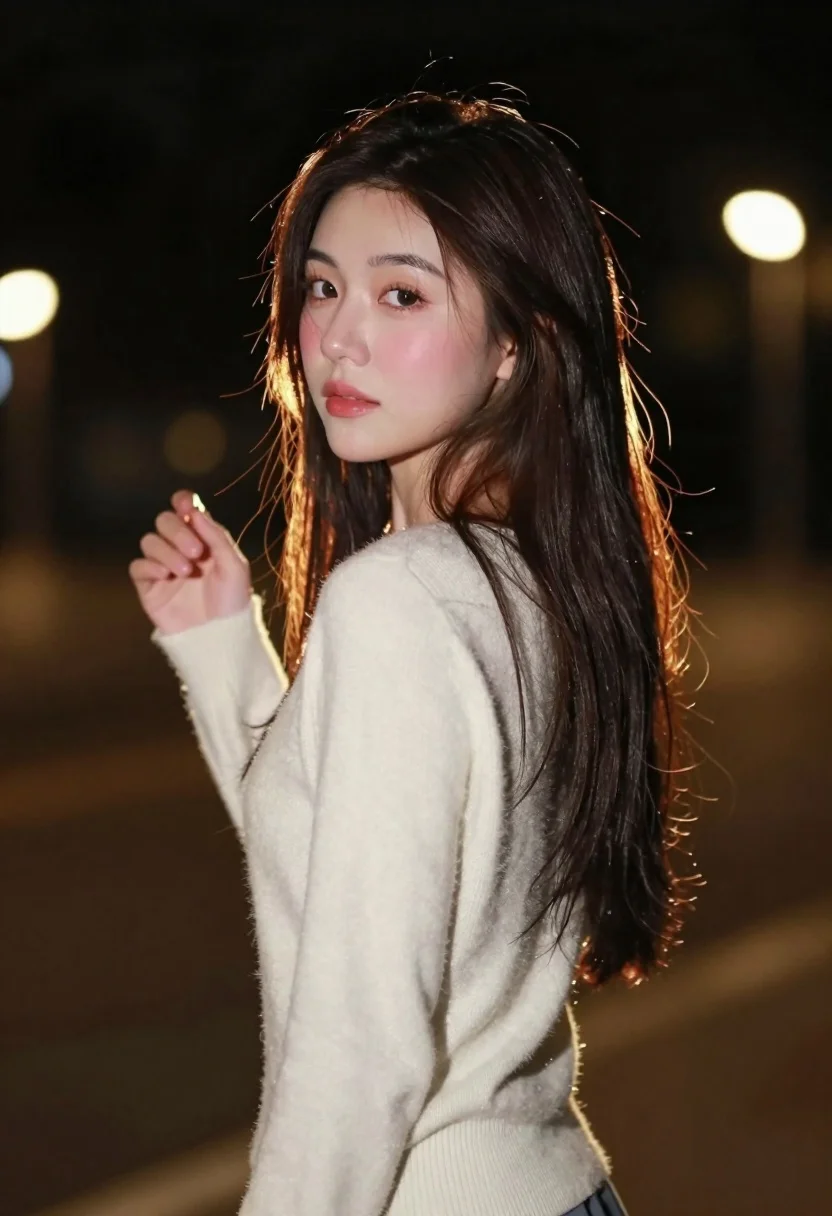
Young woman with long dark hair looking back over shoulder in dimly
Prompt
A woman with long dark hair stands in a dimly lit setting, looking back over her shoulder with a soft expression.

Subject: A young woman with long, straight dark brown hair that cascades down her back and shoulders. She has fair skin, defined cheekbones, and is wearing subtle makeup with pinkish blush on her cheeks. Her gaze is directed towards the viewer with a calm and gentle look.

Clothing: She wears a cream or off-white long-sleeved knit top with a ribbed texture visible at the hem. The fabric appears soft and comfortable.

Action: She is captured in a three-quarter pose, turning her body away from the camera while looking back over her left shoulder. Her right hand is raised slightly near her face in a relaxed gesture.

Environment: The background is dark and out of focus, featuring warm, glowing bokeh lights that suggest an evening or indoor setting with ambient lighting.

Lighting: The scene is illuminated by a strong backlight that creates a golden rim light effect around her hair and shoulders, highlighting the texture of her hair against the dark background. The front of her face is softly lit to maintain detail.

Camera: The shot uses a medium close-up framing with a shallow depth of field that blurs the background lights into soft orbs, emphasizing the subject's profile and hair.

Style Details: The image has a cinematic and elegant aesthetic with high contrast between the warm highlights and deep shadows, resembling a professional portrait or fashion photography style.
Description
This prompt is useful for creating intimate character portraits, dramatic editorial spreads, and moody cinematic stills. The combination of 'strong backlight' generating a golden rim light against the dark background emphasizes the subject's silhouette and hair texture, while the shallow depth of field keeps focus tightly on her profile despite the ambient bokeh lights.
Suggestions
- Change 'cream or off-white long-sleeved knit top' to 'black silk slip dress' for higher contrast.
- Adjust 'golden rim light effect' to 'cool blue rim light' for a different mood.
- Modify 'medium close-up framing' to 'full body shot' to incorporate more environment.
Category
Tags
Brown HairCasual WearDark SkinFair SkinFemaleMedium ShotOutdoorsOver The ShoulderRealistic
Date added
June 26, 2026
Added by
PromptDexter Team
Related Prompts
More prompts with similar categories and tags.
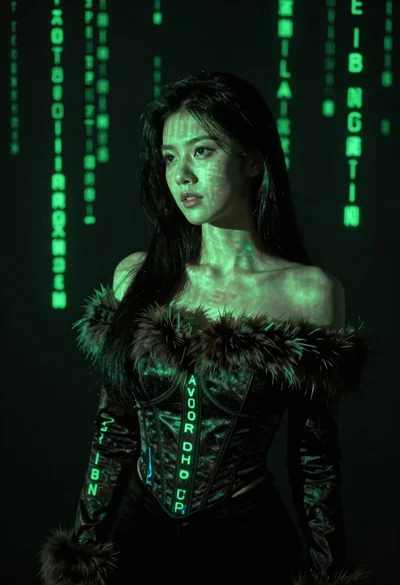
Young woman with long black hair standing in dark environment with projected
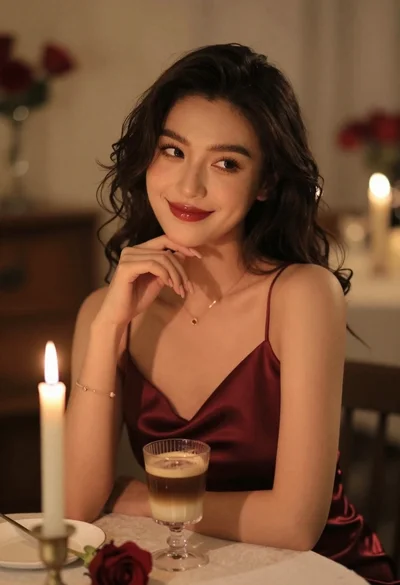
Woman in burgundy satin dress sitting at a table with candle and
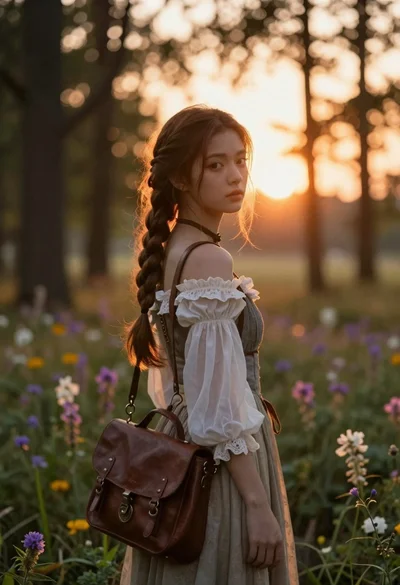
Young woman with brown hair braid standing in sunlit forest clearing at
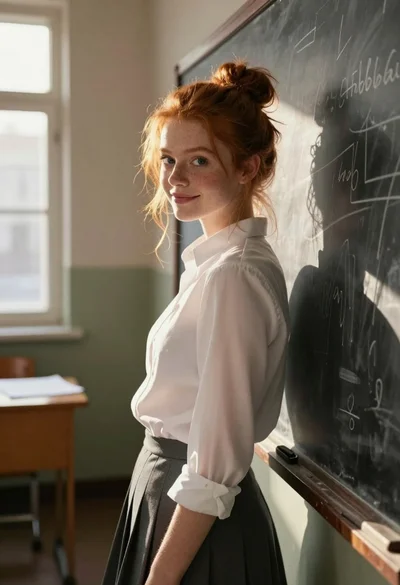
Young woman with red hair leaning on chalkboard in sunlit classroom setting
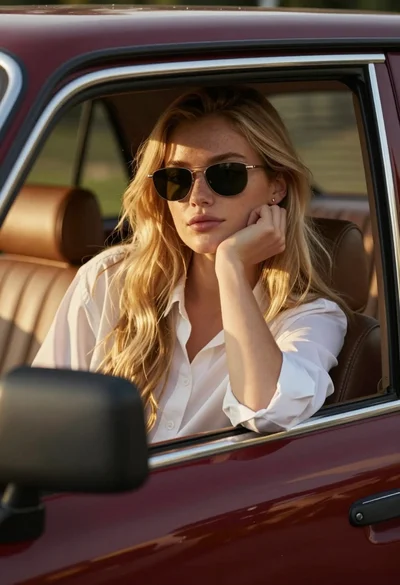
Young woman blonde hair leaning from vintage maroon car window at golden
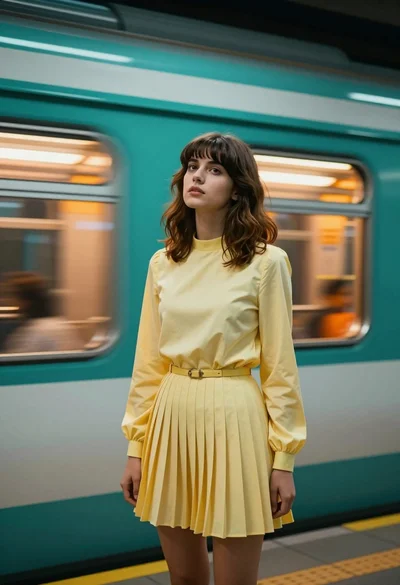
Young woman in yellow dress at subway station with fast moving train
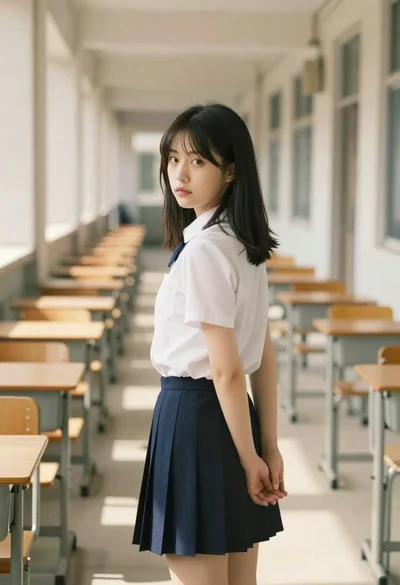
Young woman in school uniform looking back over shoulder down hallway

Black and white portrait of young woman in wool coat standing in