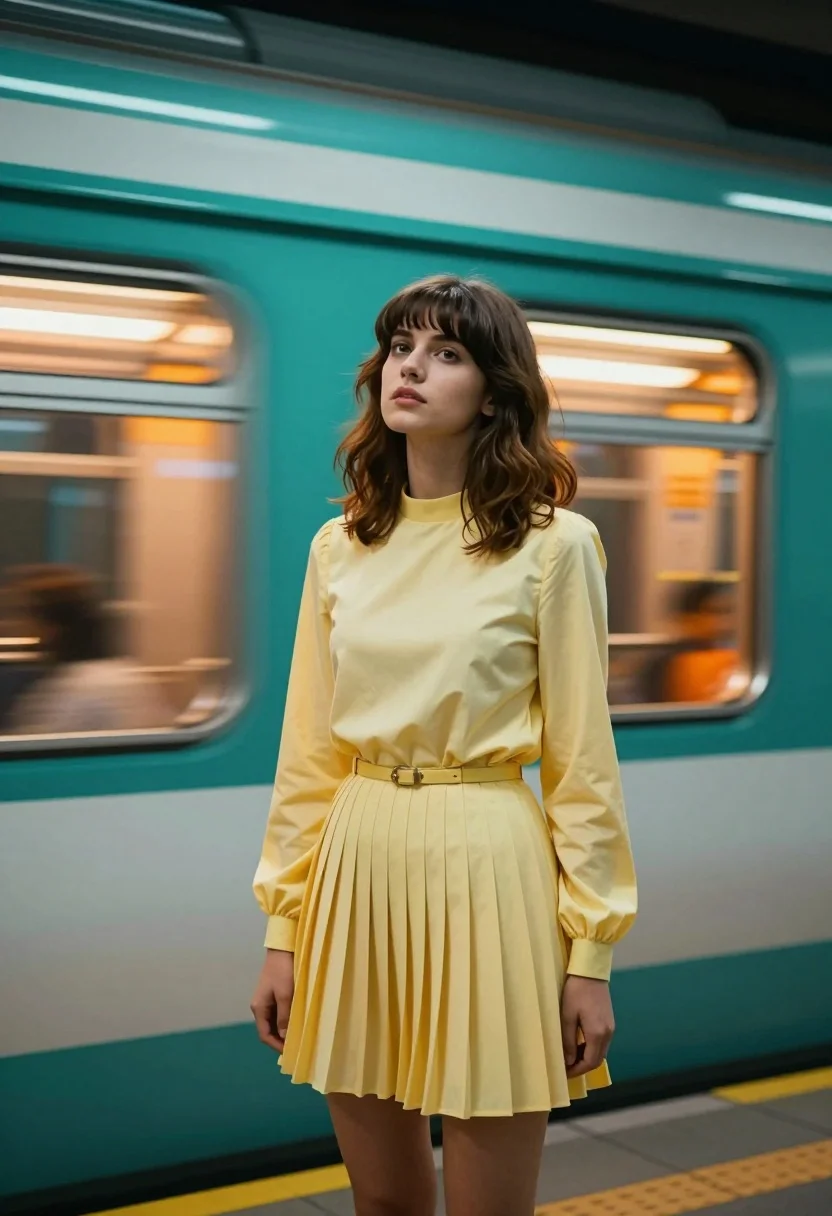
Young woman in yellow dress at subway station with fast moving train
Prompt
A young woman with shoulder-length brown hair and bangs stands in a subway station as a train speeds past her in the background.

Subject: A young woman with shoulder-length wavy brown hair featuring straight bangs, fair skin, and a neutral expression looking slightly upward.

Clothing: She wears a pale yellow pleated mini dress with long sleeves, a high neckline, and a thin belt cinched at the waist.

Action: She stands in a relaxed pose with her body angled toward the camera while her head tilts back slightly, gazing forward.

Environment: The scene is set inside a subway station with a large teal train car moving rapidly behind her, creating horizontal motion blur streaks of orange and yellow light from its interior windows.

Camera: A medium shot captures the subject from the thighs up, utilizing a shallow depth of field to keep the woman sharp while blurring the moving train in the background.

Lighting: The lighting is dramatic and moody, characterized by strong teal and orange color contrast that casts cool shadows on her face and body against the warm glow of the passing train.

Style Details: The image features a cinematic aesthetic with high saturation, distinct motion blur effects, and a modern digital art rendering style.
Description
This prompt is useful for creating dynamic editorial portraits, concept album artwork, and movie poster key visuals that emphasize movement. The combination of 'strong teal and orange color contrast' with the specified 'motion blur streaks' ensures the subject remains grounded while the background conveys intense speed, preventing the entire image from looking flat or static.
Suggestions
- Change 'pale yellow pleated mini dress' to 'mustard yellow knit dress' for a richer tone.
- Adjust 'teal train car' to 'verdigris subway car' for more patina.
- Swap 'high saturation' for 'desaturated film grain' to shift the mood.
Category
Tags
Brown HairCasual WearFair SkinFemaleMedium ShotOutdoorsRealistic
Date added
August 5, 2026
Added by
PromptDexter Team
Related Prompts
More prompts with similar categories and tags.
Young woman with long dark hair looking back over shoulder in dimly
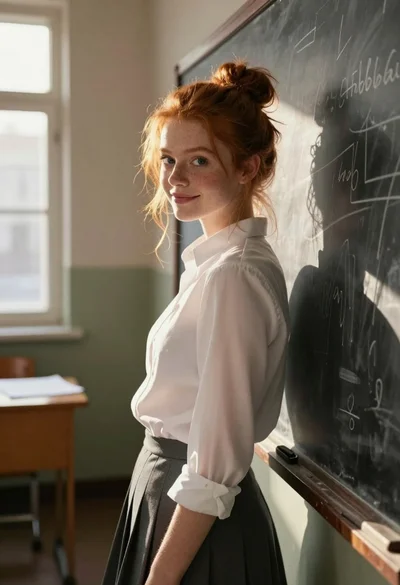
Young woman with red hair leaning on chalkboard in sunlit classroom setting
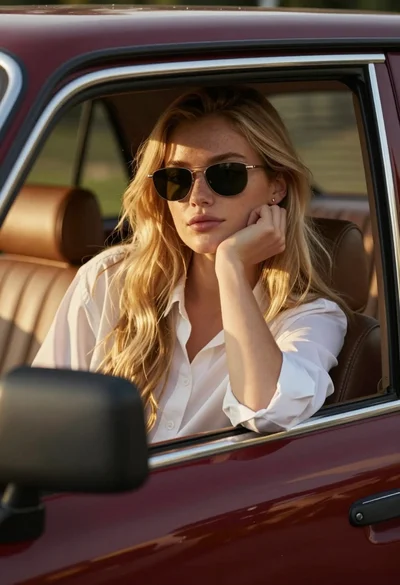
Young woman blonde hair leaning from vintage maroon car window at golden
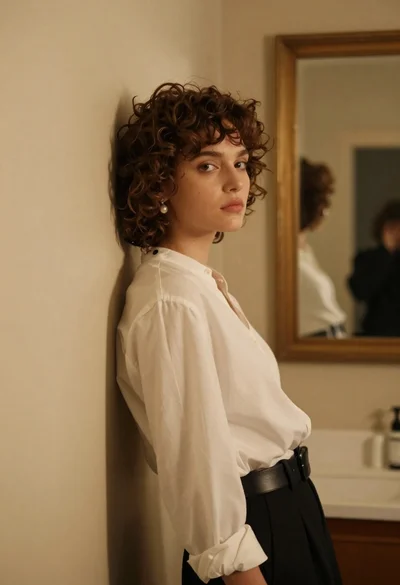
Young woman in white blouse leaning against beige wall near mirror

Woman in green satin slip dress standing in sunlit elegant interior room
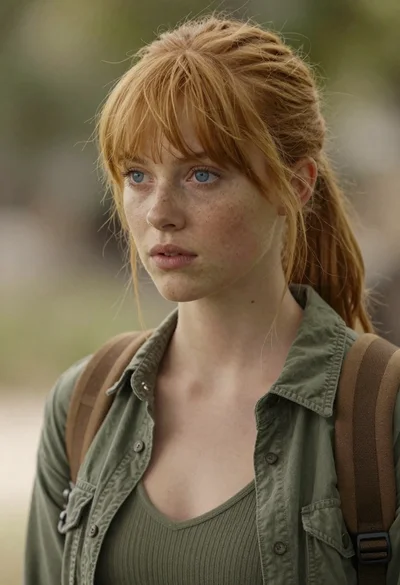
Photorealistic close up portrait of young woman with blonde hair
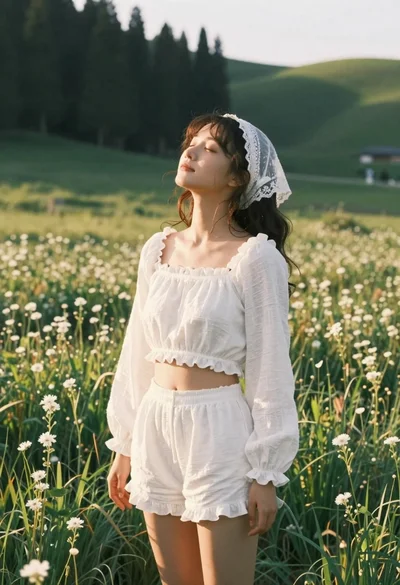
Young woman in white lace outfit standing in sunlit meadow
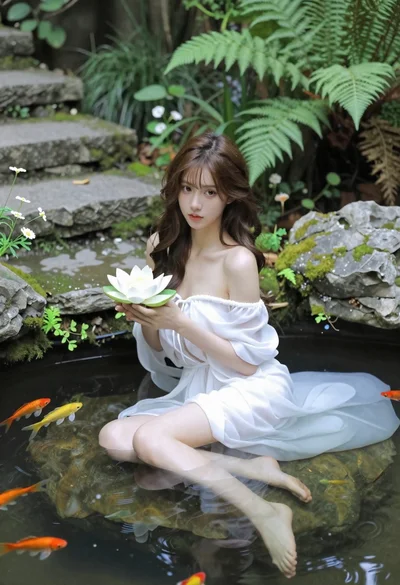
Woman in white dress holding lotus flower in shallow pool with fish
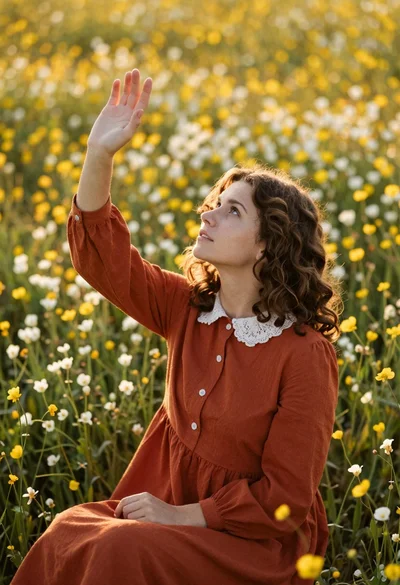
Young woman in rust dress reaching toward sky in wildflower meadow
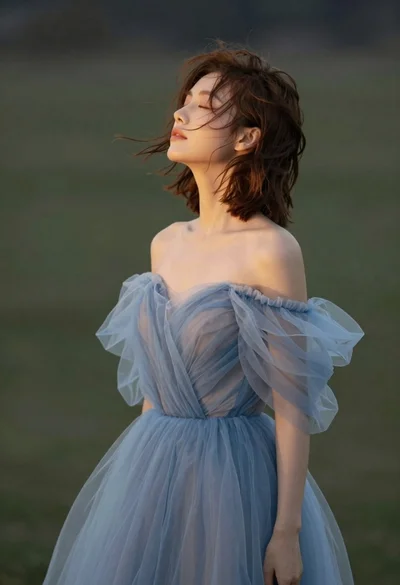
Young woman in blue tulle gown standing with eyes closed in wind