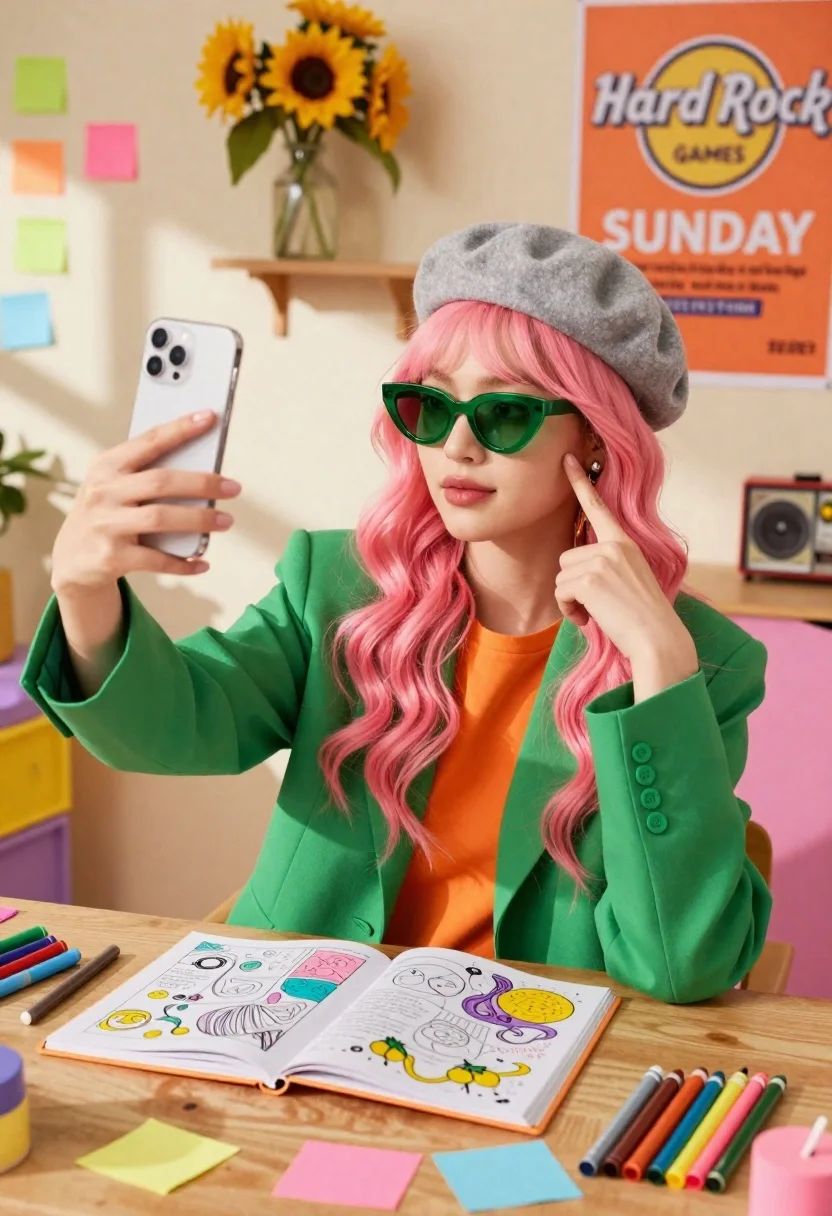
Young woman with pink hair taking selfie at desk with stationery
Prompt
A young woman with long wavy pink hair sits at a wooden desk taking a selfie while surrounded by colorful stationery and bright sunlight.

Subject: A young woman with long wavy pink hair wearing a grey beret, green sunglasses, and a vibrant green blazer over an orange top.

Clothing: She wears a structured green blazer with visible buttons on the sleeve cuff, an orange inner top, a grey felt beret, and large green-tinted sunglasses.

Action: She holds up a smartphone to take a selfie while pointing one finger at her temple in a thinking pose.

Environment: The setting is a vibrant room featuring a wall covered in colorful sticky notes, a vase of sunflowers on a shelf, and a wooden desk cluttered with art supplies.

Objects: An open coloring book filled with pastel drawings lies on the desk alongside scattered markers, crayons, and loose paper notes.

Camera: Shot from a straight-on eye-level perspective with a medium close-up framing that captures the subject from the waist up.

Lighting: Bright warm sunlight streams in from the left side casting strong diagonal shadows across the wall and desk while highlighting the subject's face.

Text/Graphics: A large orange poster on the wall displays the Hard Rock Games logo and the word SUNDAY in white text.

Style Details: The image features a high-saturation pop art aesthetic with vivid colors, soft focus background elements, and a glossy commercial photography finish.
Description
This prompt is useful for creating vibrant lifestyle blogs, character concept sheets for indie games, and colorful editorial mood boards featuring creative hobbies. The combination of 'high-saturation pop art aesthetic' with the 'bright warm sunlight' ensures that the vivid colors of the stationery and clothing remain punchy against the strong diagonal shadows, preventing the scene from looking flat or overly muted.
Suggestions
- Change 'pink hair' to 'pastel blue hair' for a different color palette.
- Swap 'green blazer' for 'mustard yellow blazer' to complement the orange top.
- Adjust 'medium close-up framing' to 'full body shot' to better show the desk clutter.
Category
Tags
Fair SkinFemaleIndoorsMedium ShotPortrait ShotRealistic
Date added
June 21, 2026
Added by
PromptDexter Team
Related Prompts
More prompts with similar categories and tags.
Young woman in pink top taking mirror selfie in modern boutique

Blonde woman taking a mirror selfie in black dress indoors

Woman taking a mirror selfie in an opulent room with gold lace
Young woman in shimmering grey outfit taking mirror selfie on carpeted floor
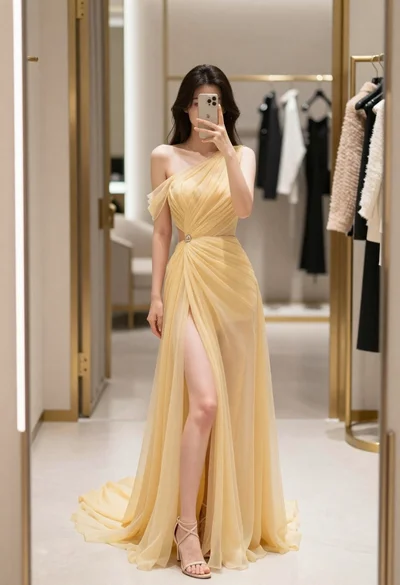
Woman in yellow evening gown taking a mirror selfie in boutique
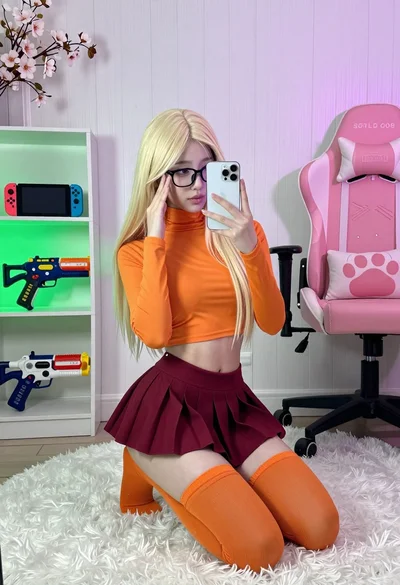
Young woman in orange crop top squatting for mirror selfie indoors
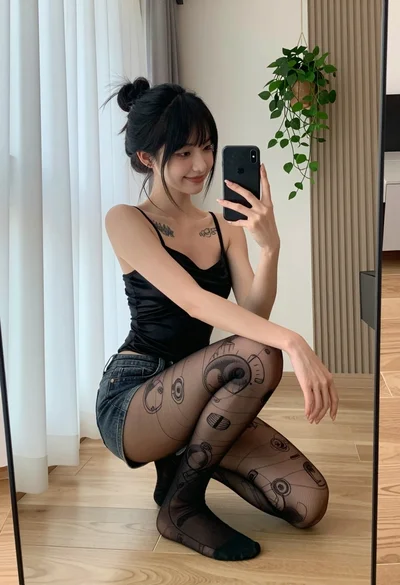
Young woman taking mirror selfie in black satin camisole and denim shorts
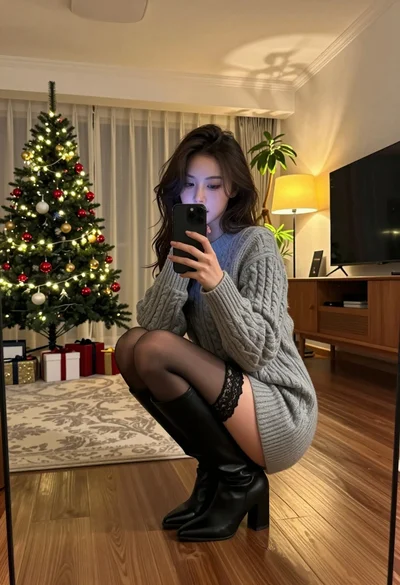
Young woman taking mirror selfie in cozy living room setting
Young woman taking mirror selfie in luxurious bedroom setting
Red haired woman in spider man bodysuit taking a mirror selfie indoors
