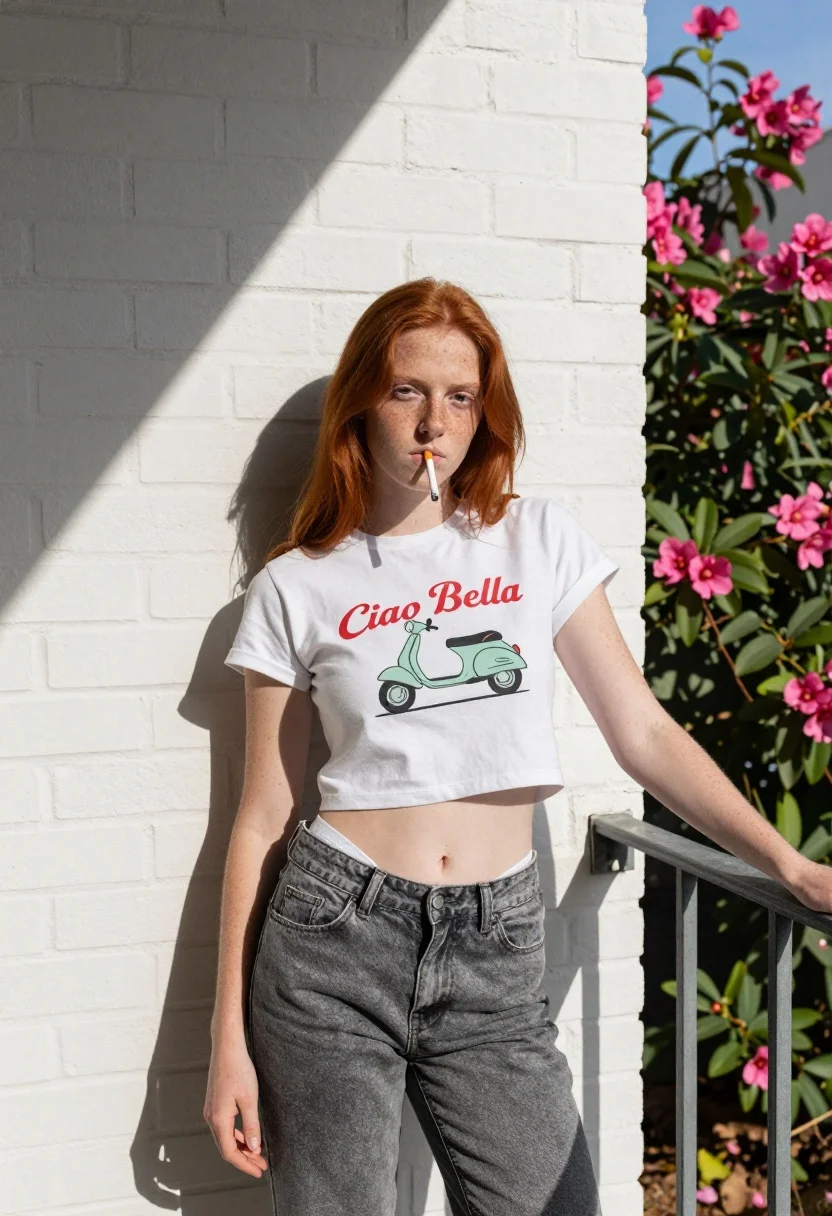
Young woman with red hair leaning against white brick wall in sunlight
Prompt
A young woman with long red hair stands leaning against a white brick wall under bright sunlight.

Subject: A fair-skinned woman with long straight red hair and freckles across her face and arms. She has a neutral, direct gaze and is holding a cigarette in her mouth.

Clothing: She wears a white cropped t-shirt featuring a graphic of a light green scooter with the text "Ciao Bella" in red script above it. Her grey denim jeans are pulled down low on her hips, revealing the waistband of a white undershirt underneath.

Action: She leans casually against a metal railing with her left arm extended and her right hand hanging loosely by her side.

Environment: The background consists of a clean white painted brick wall with dappled shadows cast across it from nearby foliage. To the right, there is a lush green bush with vibrant pink flowers blooming near a clear blue sky.

Camera: The shot is taken at eye level with a medium framing that captures the subject from head to mid-thigh, emphasizing her posture against the wall.

Lighting: Strong natural sunlight creates high contrast and sharp shadows on the brick wall and the subject's skin, highlighting the texture of the bricks and the freckles on her face.

Style Details: The image has a candid, urban street photography aesthetic with a focus on natural textures and bold color contrasts between the white wall, red hair, and pink flowers.
Description
This prompt is useful for creating editorial fashion moodboards, character concept art, and gritty lifestyle photography featuring strong contrast. The combination of 'strong natural sunlight' casting 'dappled shadows' across the 'white brick wall' accentuates the texture needed for street photography while the subject's direct gaze grounds the composition within a specific narrative moment.
Suggestions
- Change 'cigarette in her mouth' to 'holding a small book' for a different mood.
- Swap 'light green scooter' for 'vintage Vespa' to enhance the retro feel.
- Adjust 'dappled shadows' to 'harsh midday shadows' for higher contrast.
Category
Tags
Fair SkinFemaleMedium ShotOutdoorsRealisticRed HairStreetUrban
Date added
July 12, 2026
Added by
PromptDexter Team
Related Prompts
More prompts with similar categories and tags.
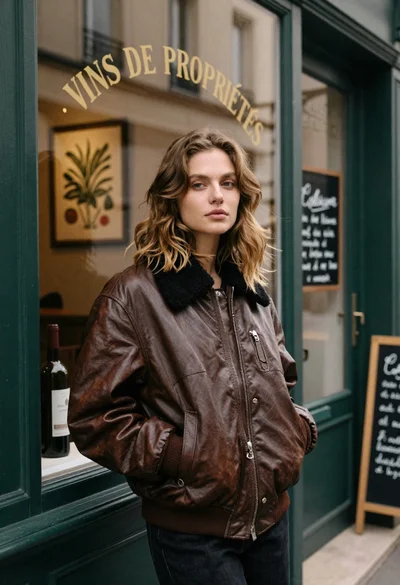
Fair skinned woman in brown leather jacket outside shop window

Young woman in green jacket holding plush toy at festive carousel

Young woman leaning against white wall with beige handbag under bright sunlight

Blonde woman in denim outfit standing on an urban city street

Young woman in black and white patterned outfit on urban rooftop

Smiling woman with red hair in floral twotoned dress outdoors
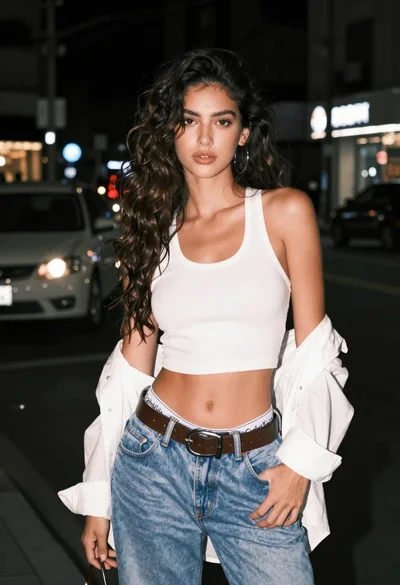
Confident young woman in white tank top on a dark city street
Young woman in black t shirt and green jacket on an urban

Young blonde woman in olive sweatshirt leaning on lamp post in snowy

Smiling young woman in pink top and white skirt before sandstone palace