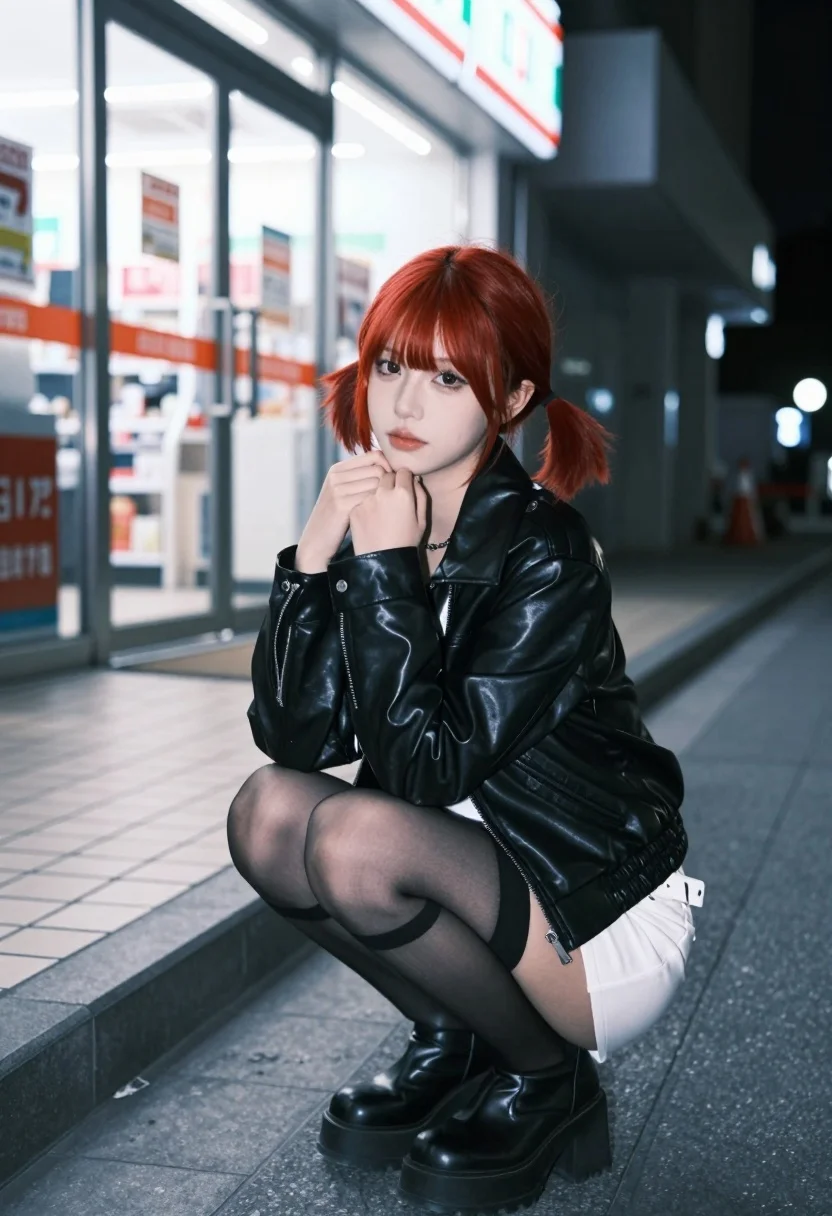
Young woman with red pigtails crouching on sidewalk outside brightly lit store
Prompt
A young woman with short red hair styled in pigtails crouches on a tiled sidewalk outside a brightly lit convenience store at night.

Subject: A young woman with vibrant red hair cut into a bob with bangs, styled into two low pigtails, featuring fair skin and soft makeup with defined eyes and glossy lips.

Clothing: She wears a black leather jacket over a white crop top, paired with a short white skirt, a white belt, sheer black thigh-high stockings, and chunky black platform boots.

Action: The subject is crouching low on the ground, her right hand raised to gently touch her chin in a pensive pose, while she gazes directly at the camera with a calm expression.

Environment: The setting is an urban street at night, featuring a glass-fronted convenience store with bright interior lights and visible signage in the background, alongside a tiled sidewalk and curb.

Camera: Shot from a low angle looking up at the subject, utilizing a shallow depth of field to blur the background storefronts while keeping the character sharply in focus.

Lighting: The scene is illuminated by cool ambient street lighting mixed with the bright white glow from the store windows, creating soft highlights on her face and jacket against the dark night.

Style Details: High-quality digital photography with a cinematic color palette, emphasizing cool blue tones in the shadows and warm skin tones, rendered with high detail and clarity.
Description
This prompt is useful for creating character concept art for neo-noir films, editorial street style features, and moody narrative sequences. The combination of 'low angle looking up' and 'cool ambient street lighting mixed with the bright white glow' emphasizes the subject's vulnerability against an overwhelming urban backdrop, while the shallow depth of field isolates her pensive pose from the distracting store signage.
Suggestions
- Change 'black leather jacket' to 'red vinyl jacket' for a more cohesive color story.
- Adjust 'cool blue tones in the shadows' to 'deep cyan tones' for a specific cinematic grade.
- Swap 'tiled sidewalk' for 'wet asphalt' to introduce reflective elements.
Category
Tags
Fair SkinFemaleLow AngleRealisticRed HairStreetUrban
Date added
July 12, 2026
Added by
PromptDexter Team
Related Prompts
More prompts with similar categories and tags.
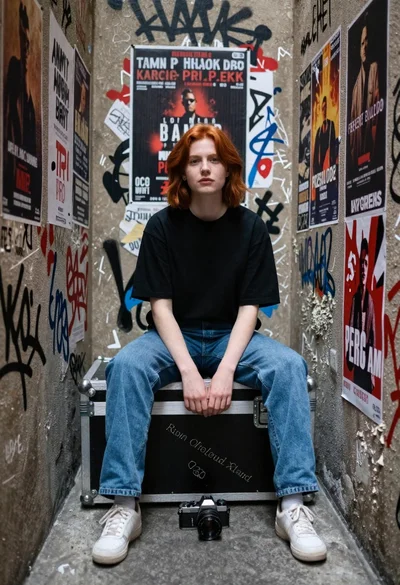
Young woman with red hair sitting in graffiti covered narrow alleyway

Young woman with red hair in blazer on busy city street
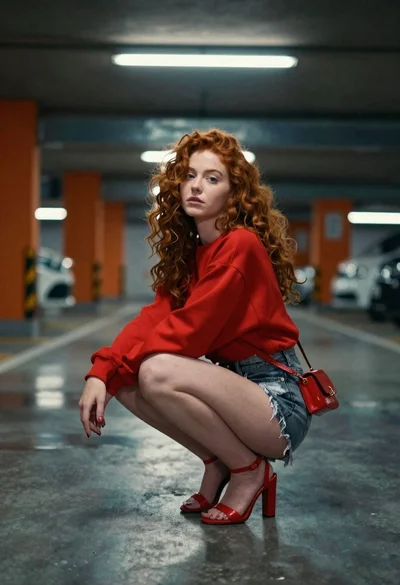
Young woman with red hair crouching in an underground parking garage

Close up portrait of young woman with dark hair looking back over

Blonde woman in black gown posing on city street near ritz london
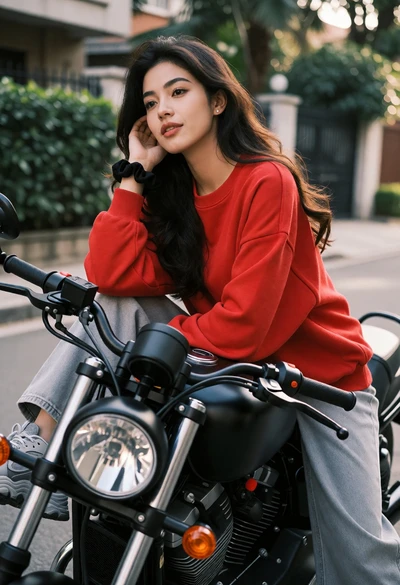
Young woman with dark wavy hair on black motorcycle in urban setting
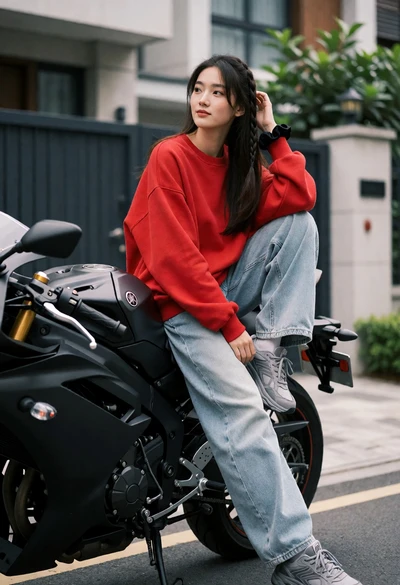
Young woman sitting sideways on a black motorcycle in an urban driveway
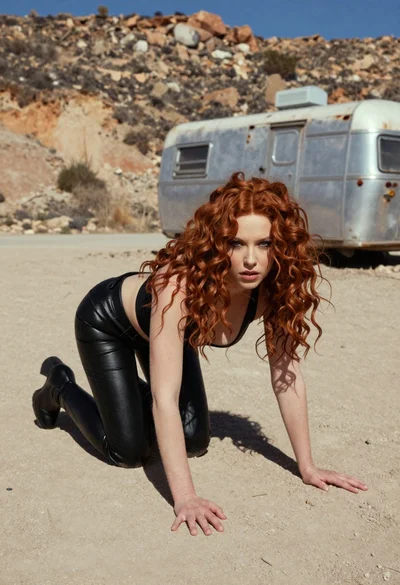
Woman crawling on dusty hillside in black leather outfit low angle
Young east asian woman on railing in busy japanese city street at
Woman in art deco gown on fire escape looking back over shoulder