
Fair skinned woman in black gown before ornate mirror with blue lighting
Prompt
A confident woman in a black halter gown stands before an ornate mirror with her reflection visible behind her.

Subject: A fair-skinned woman with reddish-brown hair pulled back, featuring high cheekbones and red lipstick.

Clothing: She wears a long, dark navy or black satin slip dress with a plunging V-neckline and thin straps, accessorized with a thick gold cuff bracelet on her right wrist.

Action: She stands in a dynamic pose with one hand on her hip and the other arm extended outward touching the mirror frame, looking upward with a poised expression.

Environment: The setting is an elegant room featuring a large floor-to-ceiling mirror with a white ornate carved frame, set against walls with decorative molding and architectural details.

Lighting: The scene is lit with cool, blue-toned lighting that creates soft shadows and highlights the texture of the fabric and skin.

Camera: A low-angle shot looking up at the subject, emphasizing her height and the grandeur of the mirror frame.

Style Details: High-fashion editorial aesthetic with a focus on elegance, dramatic posing, and sophisticated interior design.
Description
This prompt is useful for creating high-fashion editorial moodboards, cinematic character portraits, and luxury brand advertising featuring opulent interiors. The combination of 'low-angle shot' and 'cool, blue-toned lighting' exaggerates the subject's height against the grand scale of the mirror frame, while specifying a 'black satin slip dress' ensures the fabric catches highlights dramatically rather than appearing flat under the cool illumination.
Suggestions
- Change 'dark navy or black satin slip dress' to 'velvet gown' for a richer texture.
- Swap 'cool, blue-toned lighting' for 'deep emerald accent lighting' to complement the molding.
- Adjust 'low-angle shot' to 'eye-level medium full body' for a more intimate portrait.
Category
Tags
Black HairBrunetteCasual WearFair SkinFemaleFull BodyIndoorsLow AnglePortrait ShotRealisticRed Hair
Date added
June 19, 2026
Added by
PromptDexter Team
Related Prompts
More prompts with similar categories and tags.
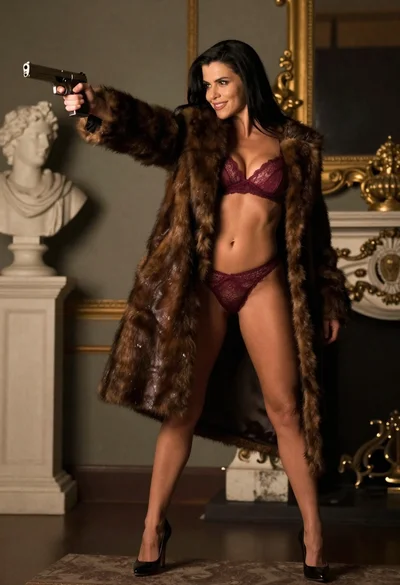
Woman in fur coat holding handgun in luxurious interior setting
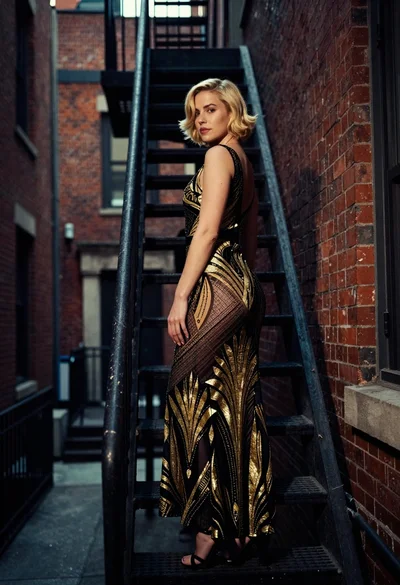
Woman in art deco gown on fire escape looking back over shoulder
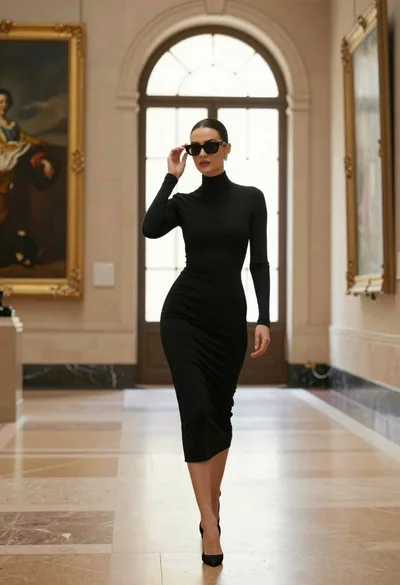
Confident woman in black dress walks through elegant museum hallway adjusting sunglasses

Blonde woman in black gown posing on city street near ritz london
Young woman in white shirt leaning against stone wall in urban alleyway
Young blonde woman in black slip dress leaning in luxurious bathroom doorway
Woman in black strapless gown leaning against upscale hotel hallway wall
Confident woman in black satin slip dress against weathered stone alley wall
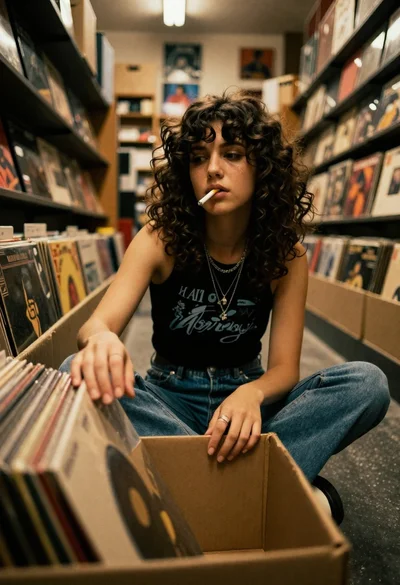
Young woman in black tank top sitting among vinyl records in store
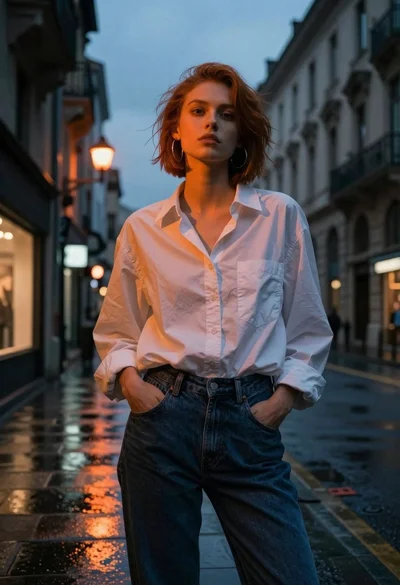
Young woman in white shirt on wet european street at dusk