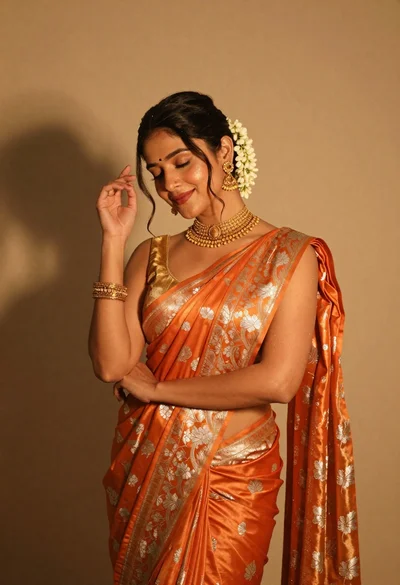
Elegant woman in orange silk saree posing against a beige studio wall
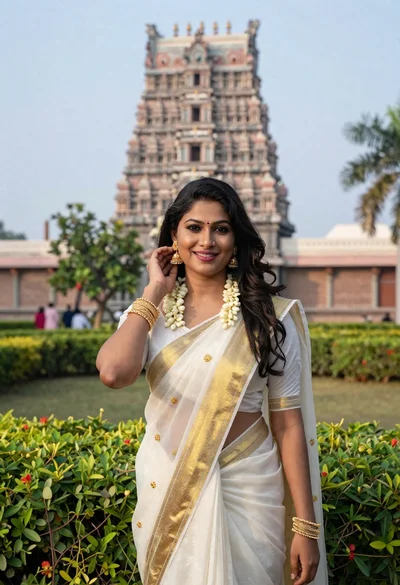
Smiling indian woman in traditional white saree standing before an ornate temple
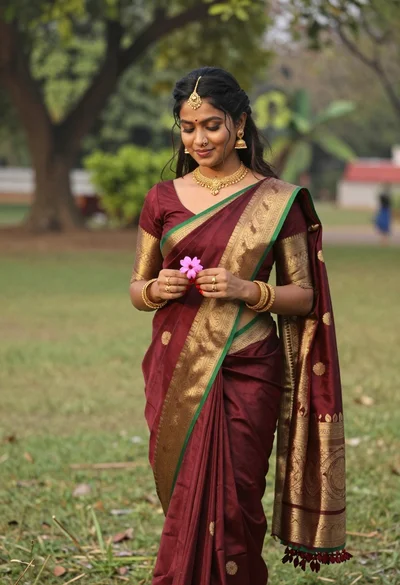
Young woman in maroon saree holding flower on lush green lawn
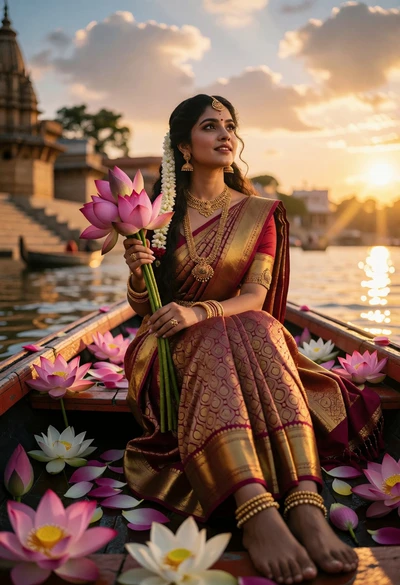
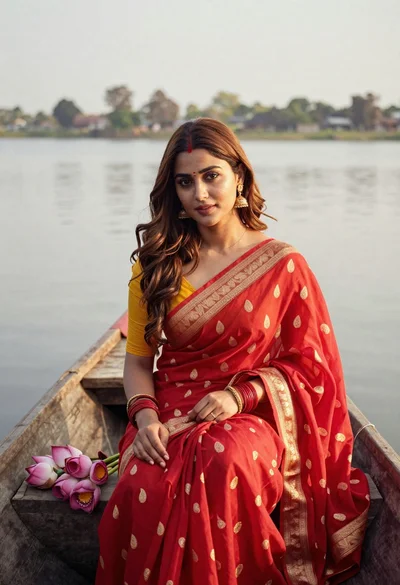
Woman in maroon saree boat filled with lotus flowers at sunset river
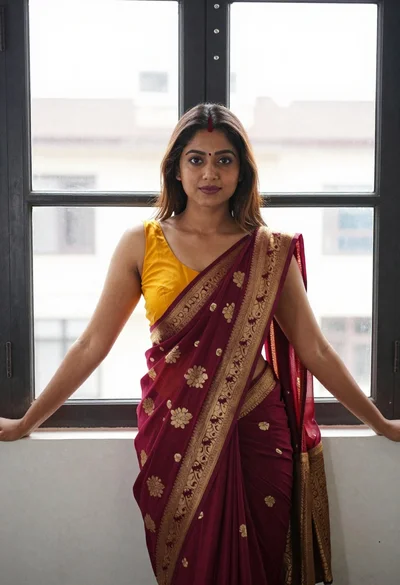
Young woman in mustard saree leaning against black framed window indoors
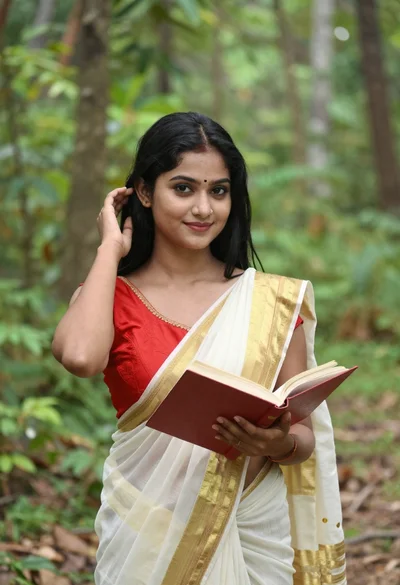
Young woman in red blouse and saree holding book in green forest
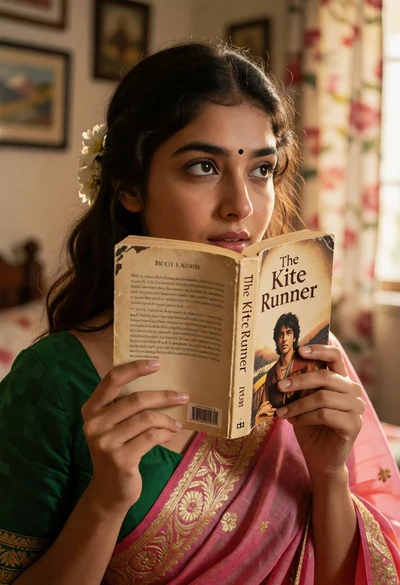
Young woman in green blouse and pink saree holding book indoors
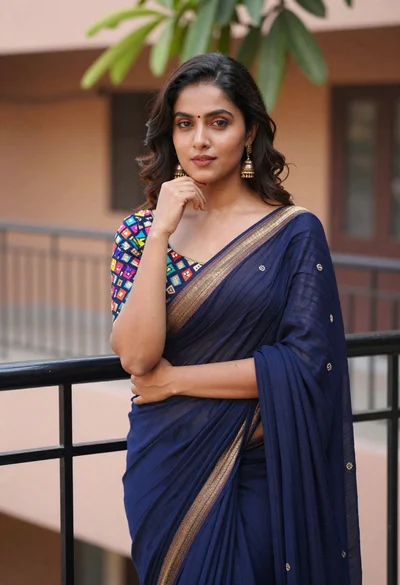
Young woman in navy blue embroidered saree posing elegantly outdoors
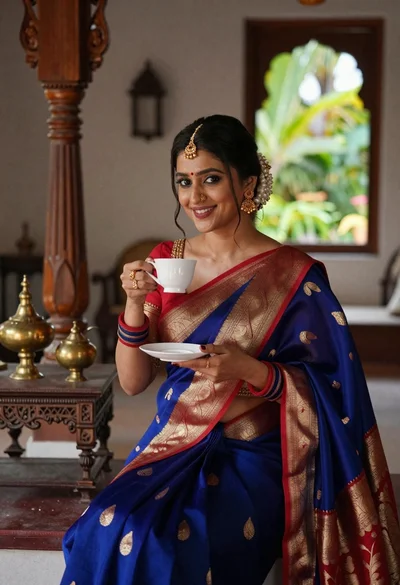
Smiling indian woman in blue silk saree holding a teacup indoors
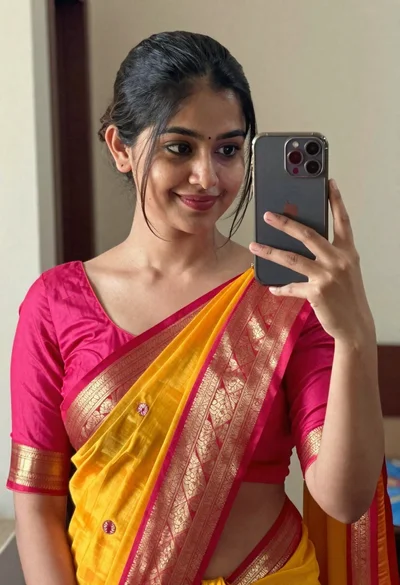
Young woman taking mirror selfie in vibrant traditional indian saree
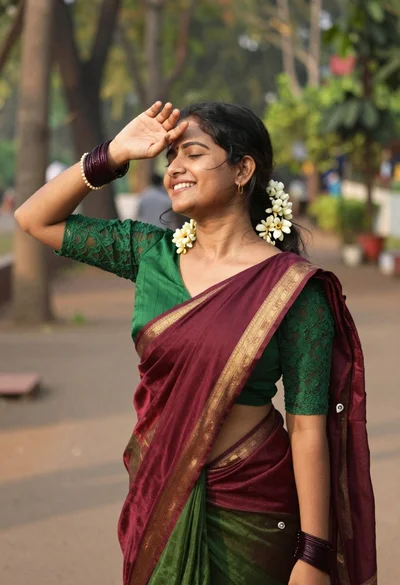
Smiling woman in green blouse and maroon saree in outdoor garden setting
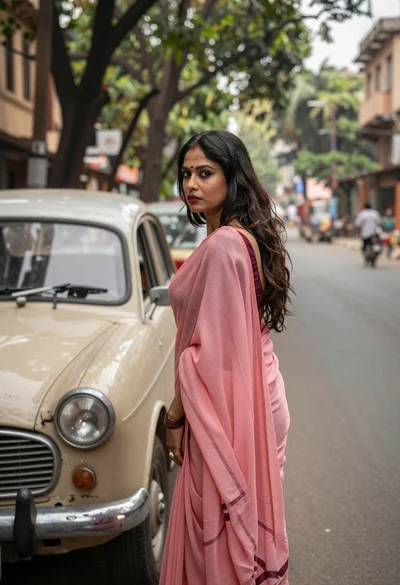
Woman in pink saree standing beside a vintage car on city street
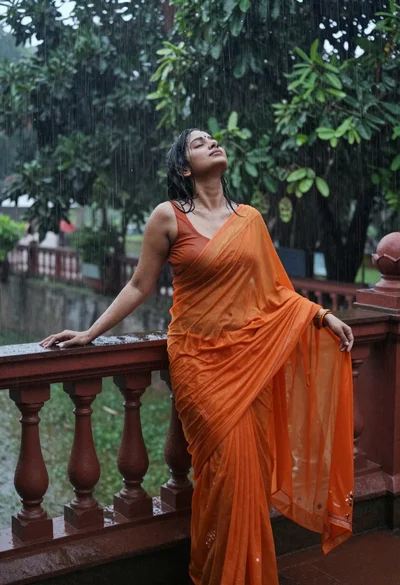
Woman in vibrant orange saree standing on wet balcony during heavy rainstorm
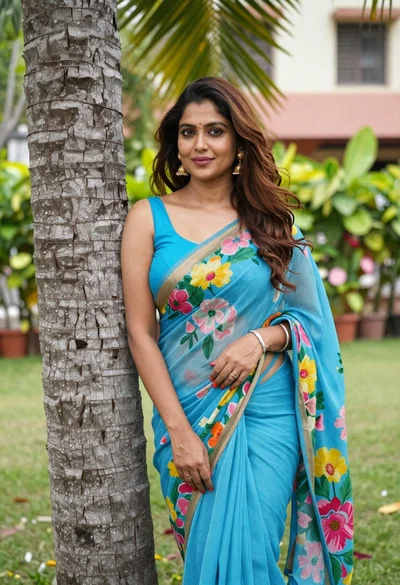
Woman in blue floral saree leaning against tree trunk in lush garden
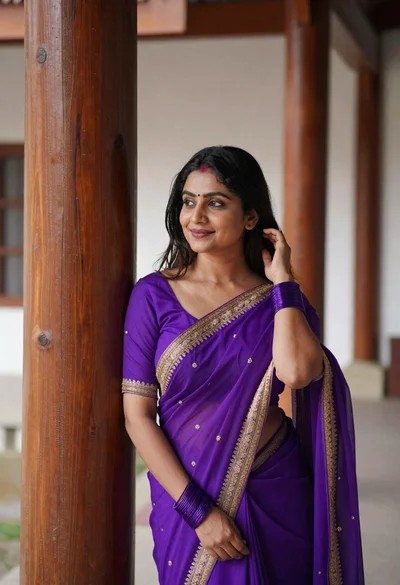
Woman in purple saree leaning on wooden pillar indoors soft lighting
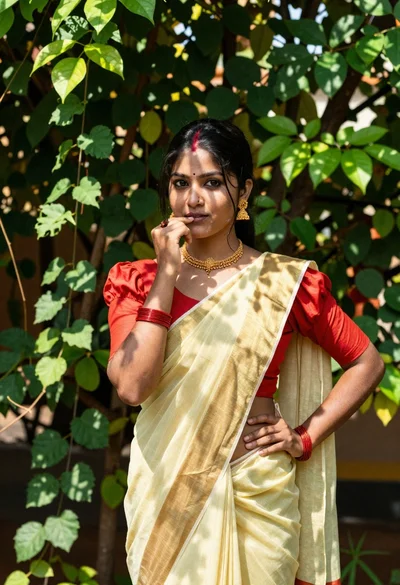
Young woman in yellow saree standing in lush green garden foliage
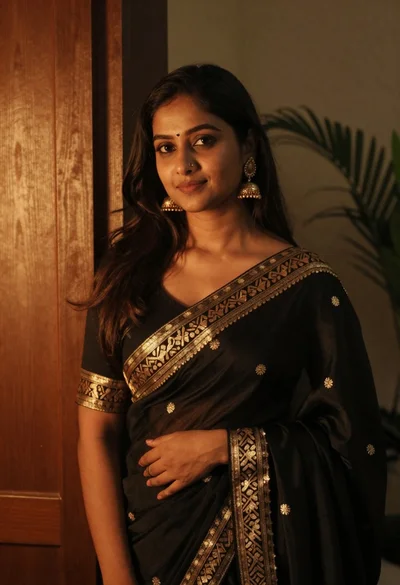
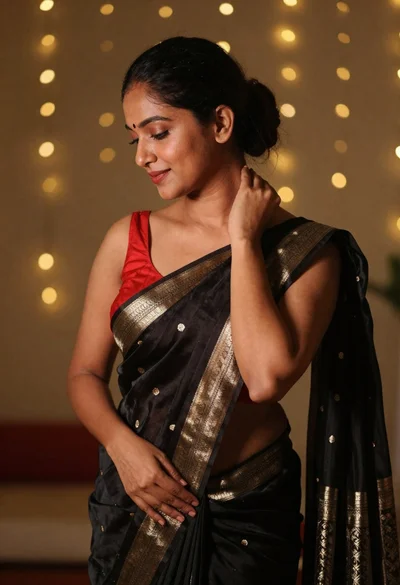
Woman in elegant black saree with gold embroidery indoors
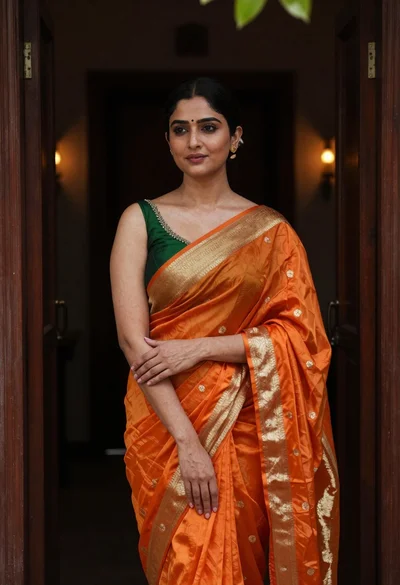
Poised young woman in orange saree standing in dark doorway
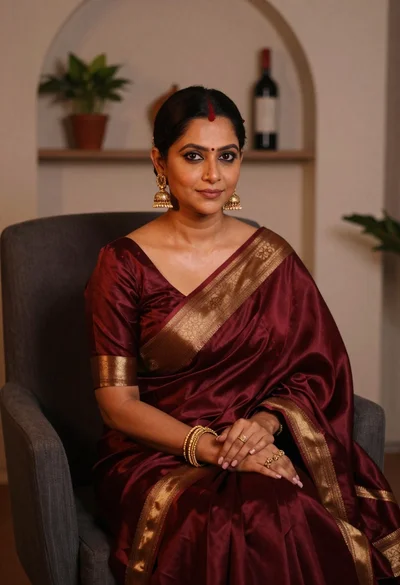
Woman in maroon silk saree seated indoors with gold jewelry
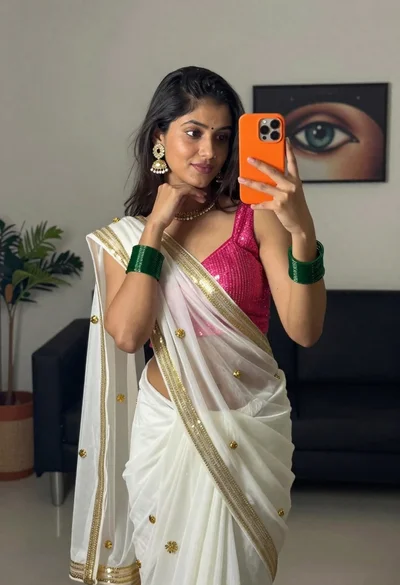
Young woman taking mirror selfie in white saree indoors

Woman in vibrant traditional indian saree against white marble backdrop
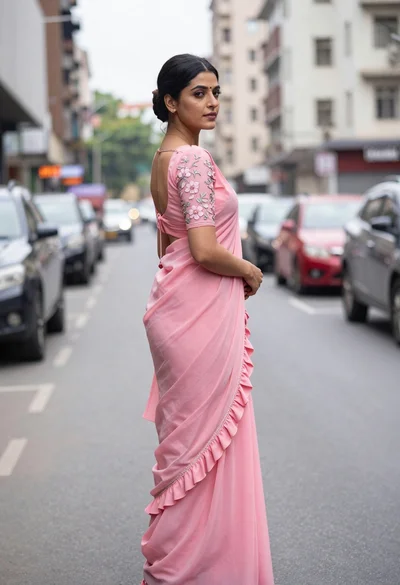
Young woman in pink saree looking back over shoulder on city street
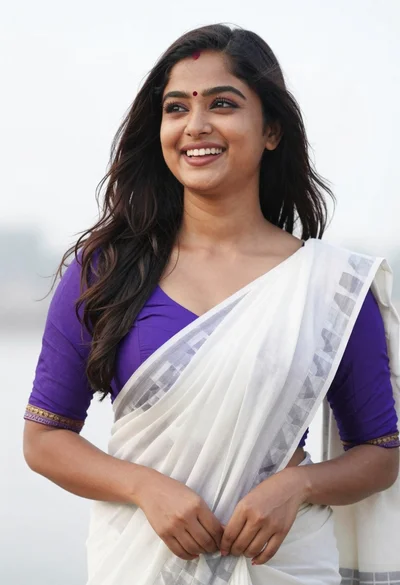
Joyful young woman adjusting saree in vibrant purple and white
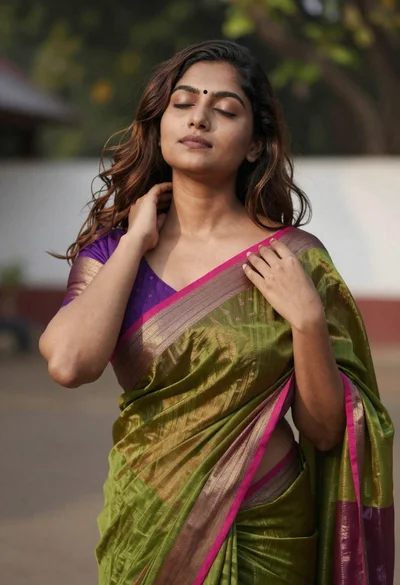
Young woman in olive green saree outdoors with closed eyes