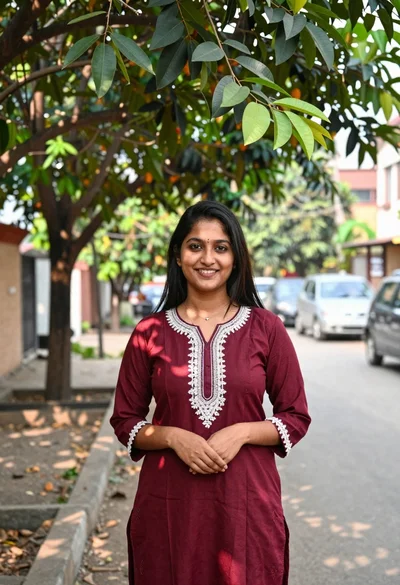

Smiling woman in green blouse and maroon saree in outdoor garden setting
Prompt
A smiling woman with dark hair and closed eyes shielding her face with one hand.

Subject: A young woman with long dark hair pulled back, wearing a green blouse and a maroon saree draped over her shoulder. She has a jasmine flower garland around her neck and is smiling broadly with her eyes closed.

Clothing: She wears a pleated emerald green blouse with lace detailing on the sleeves and a matching green saree bottom. A maroon silk saree with gold border embroidery is draped across her body. She wears multiple pearl bangles on her wrist, a small gold hoop earring, and a silver safety pin securing the saree.

Action: The woman stands in profile facing left, shielding her forehead with her right hand while smiling warmly. Her head is tilted slightly back, and she appears relaxed and happy.

Environment: A soft-focus outdoor garden setting with blurred trees and green foliage in the background suggesting a natural park or wooded area.

Lighting: Natural daylight illuminates the scene from the front-left, casting soft shadows and highlighting her skin tone and the texture of the fabrics.

Style Details: High-resolution portrait photography with a shallow depth of field creating a creamy bokeh effect on the background, emphasizing the subject's features and traditional attire.
Description
This prompt is useful for creating cultural portraiture for lifestyle magazines, wedding album mockups, and travel blogs focusing on South Asian aesthetics. The combination of 'natural daylight illuminates the scene from the front-left' with a 'shallow depth of field creating a creamy bokeh effect' ensures that the rich colors of the 'maroon silk saree' remain vibrant while the background foliage softly frames the subject without distracting from her expression.
Suggestions
- Change 'emerald green blouse' to 'bottle green blouse' for a deeper jewel tone.
- Add 'golden hour backlight' to enhance the silhouette and hair glow.
- Replace 'jasmine flower garland' with 'fresh roses garland' for a different floral accent.
Category
Tags
Brown SkinFemaleMedium ShotNatureOutdoorsRealisticTraditional Wear
Date added
June 19, 2026
Added by
PromptDexter Team
Related Prompts
More prompts with similar categories and tags.
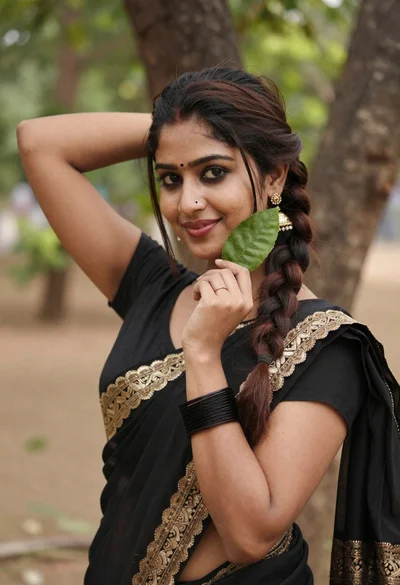
Young woman in black saree holding green leaf outdoors with soft smile
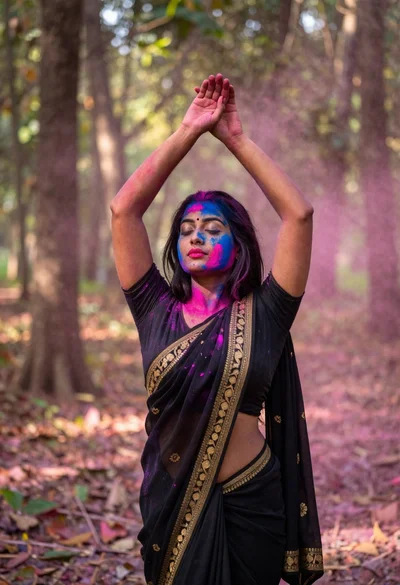
Woman in black saree raising arms in a sunlit forest clearing
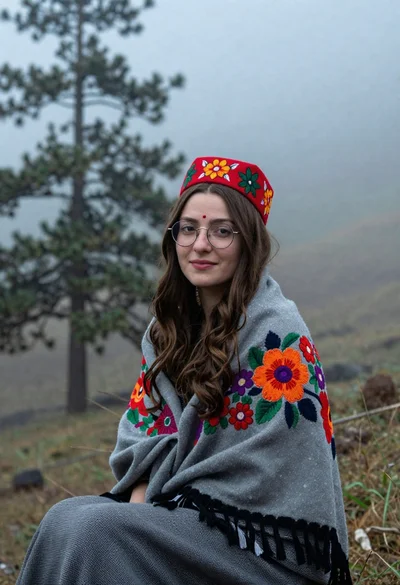
Young woman with brown hair and traditional shawl in misty mountains
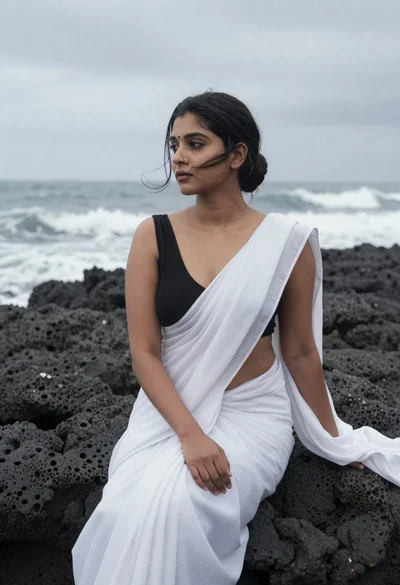
Woman in white saree sitting on dark volcanic rocks by sea
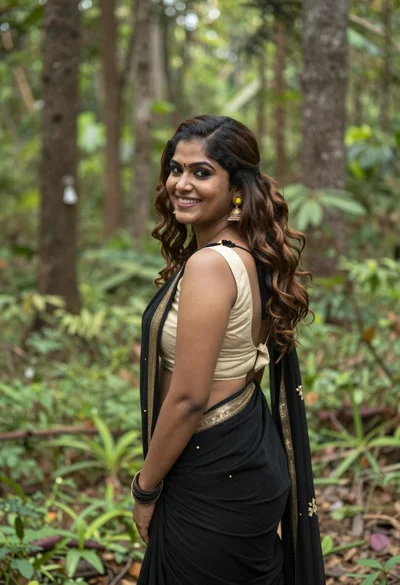
Smiling woman in black saree looking over shoulder in lush green forest
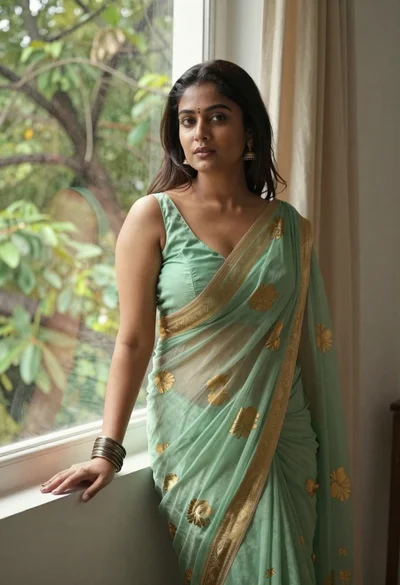
Young woman in green saree by window looking at camera indoors

Smiling young woman walking on tropical beach path with palm trees

Smiling woman in lime green saree posing outdoors near white car

Smiling young woman in white ruffled dress between green topiary bushes
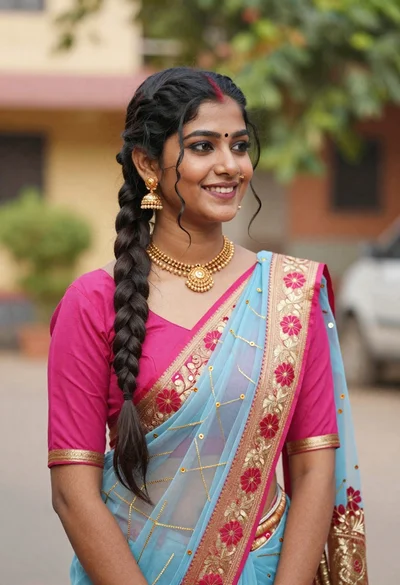
Young woman in pink blouse and blue sari outdoors with braided hair