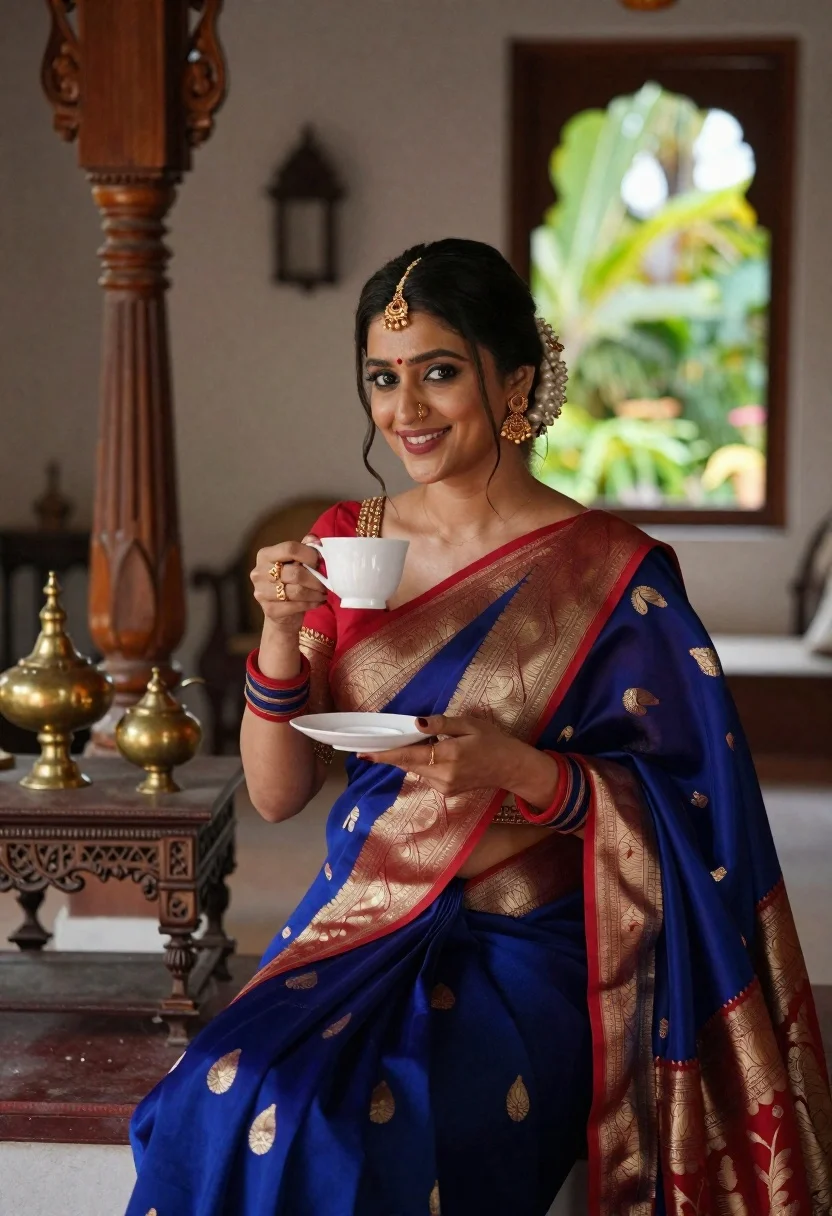
Smiling indian woman in blue silk saree holding a teacup indoors
Prompt
A smiling woman in traditional Indian attire holding a teacup.

Subject: A beautiful woman with dark hair styled in an elegant updo adorned with pearl pins and a gold maang tikka, featuring a red bindi on her forehead.

Clothing: She wears a deep blue silk saree with intricate gold paisley motifs and a wide red and gold border, paired with a matching blouse that has heavy gold embroidery on the sleeves and neckline.

Action: She is seated in a relaxed pose, holding a white teacup and saucer near her chest while smiling warmly at the camera.

Environment: The setting is a traditional Indian interior room featuring carved wooden pillars, antique furniture, brass vessels on a side table, and an arched window looking out onto a lush green garden.

Camera: Shot from a medium angle with a shallow depth of field that keeps the subject sharp while softly blurring the background elements.

Lighting: Soft natural light filters through the window to illuminate her face and the folds of the saree, creating a warm and inviting atmosphere.

Style Details: High-resolution photography with rich color saturation and a cinematic quality that emphasizes traditional elegance.
Description
This prompt is useful for creating cultural portraiture, lifestyle editorial spreads featuring tea rituals, and high-end catalog imagery for ethnic wear. The combination of 'soft natural light' filtering through the window and the 'shallow depth of field' ensures that the subject remains sharply focused against a softly blurred background, which prevents distracting details from the 'carved wooden pillars' while highlighting the rich texture of the deep blue silk saree.
Suggestions
- Change 'deep blue silk saree' to 'emerald green silk saree' for a different color pop.
- Add 'bokeh effect' to enhance the soft blurring of the garden background.
- Swap 'antique furniture' for 'velvet seating' to change the material feel.
Category
Tags
Brown HairFair SkinFemaleIndoorsMedium ShotPortrait ShotRealisticTraditional Wear
Date added
June 21, 2026
Added by
PromptDexter Team
Related Prompts
More prompts with similar categories and tags.
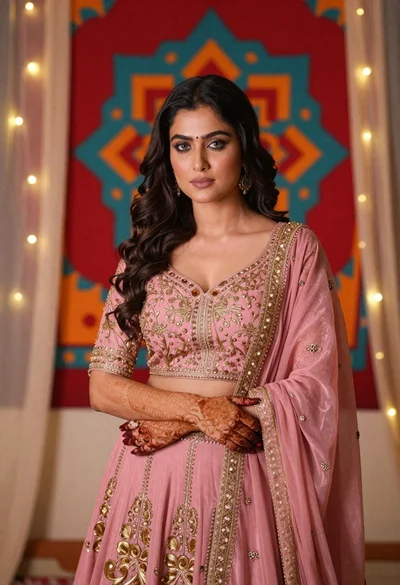
Woman in pink embroidered lehenga standing before a colorful mandala tapestry
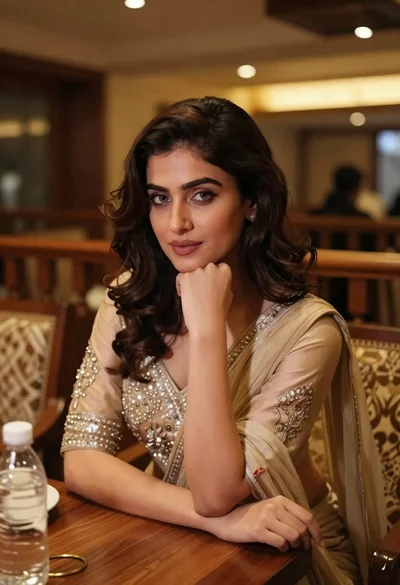
Young woman in traditional attire sitting at restaurant table with warm lighting
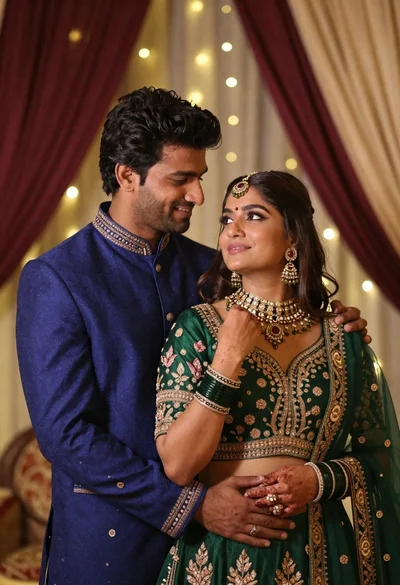
Indian couple in traditional wedding attire posing together in festive indoor setting
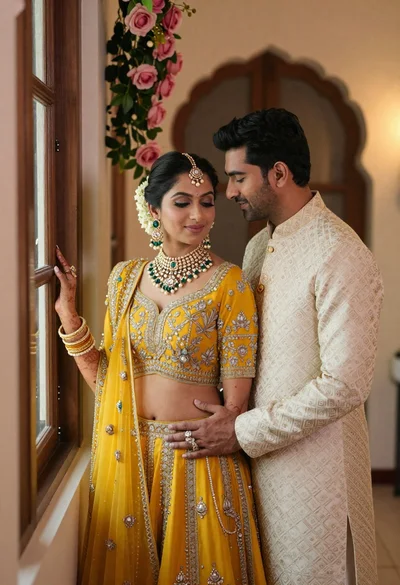
Indian couple in traditional wedding attire posing near a wooden window
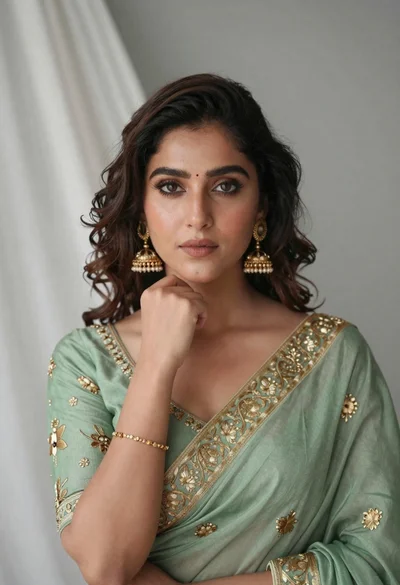
Portrait of young woman in sage green saree with gold embroidery
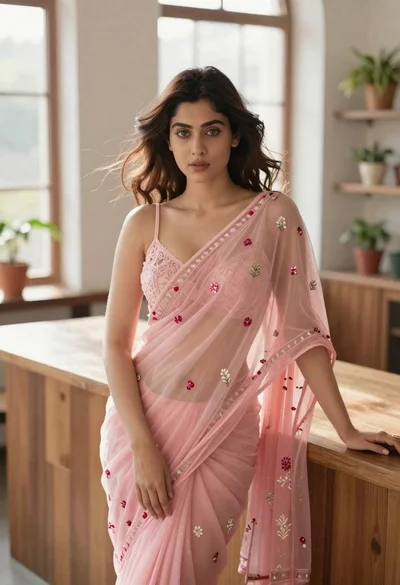
Young woman in pink saree leaning against counter in sunlit room
Smiling woman in maroon velvet saree touching gold earring indoors
Woman in red corset dress standing in dimly lit room with ornate
