
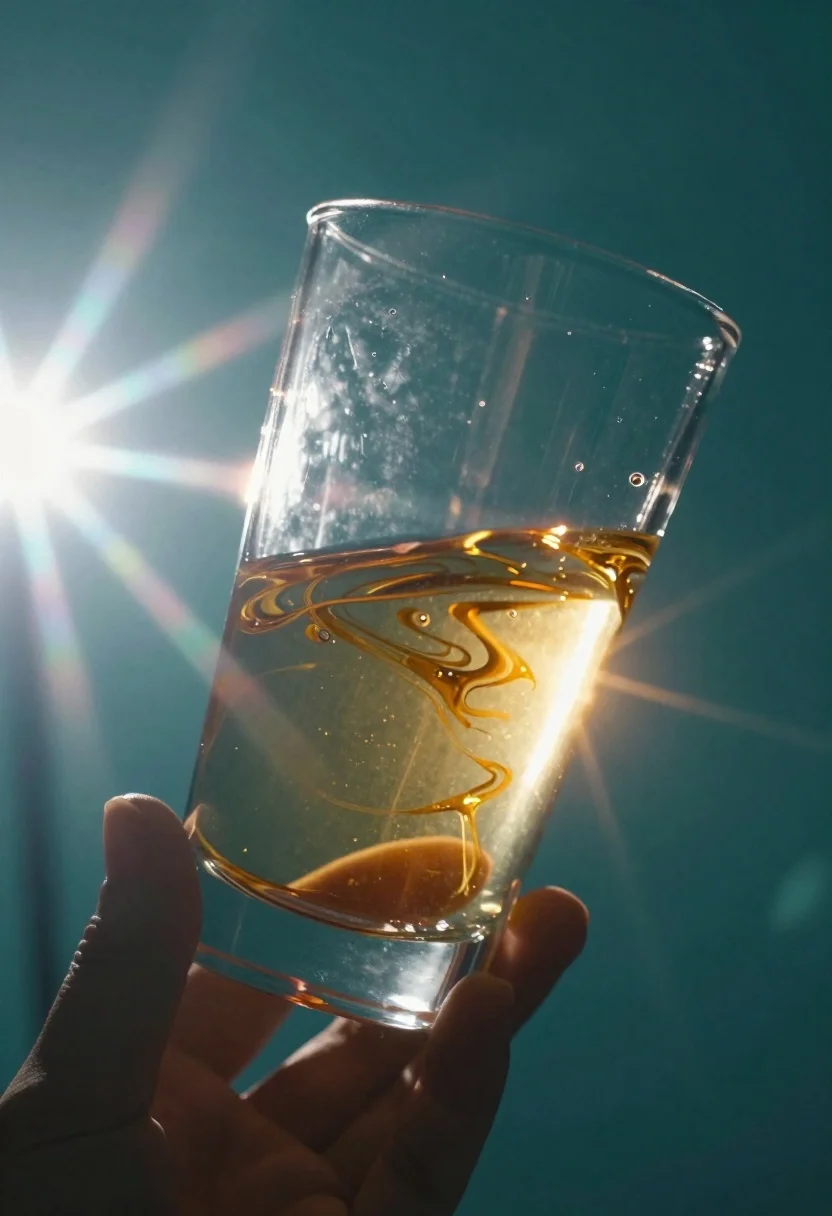
Abstract close up of glass vessel against teal background
Prompt
Medium and Scene: An abstract close-up of a transparent glass object held by a hand against a teal background

Subject: A clear glass vessel containing swirling golden-brown fluid that appears viscous, luminous, and partially illuminated from within

Action: The glass is being tilted or manipulated in the air as bright light passes through it.

Environment: Minimalist setting with no identifiable surface; smooth deep teal backdrop providing high contrast to the central object

Lighting: Intense lens flare dominates the left side of the frame, casting radiant starburst rays and streaks across the scene; warm internal glow highlights fluid textures while cooler rim lighting defines edges; moody cinematic atmosphere enhanced by strong light refraction through glass.

Style Details: Dreamlike abstraction with high-contrast chromatic aberration effects visible at flare points; soft focus rendering gives impression of motion or distortion; stylized surreal composition emphasizing interplay between transparency, reflection, and glowing interior contents.
Description
This prompt is useful for creating abstract product advertisements, conceptual fine art prints, and high-end cosmetic packaging mockups. The combination of 'intense lens flare' dominating the left side and 'warm internal glow' contrasting with 'cooler rim lighting' directs the viewer's eye to the glass vessel's manipulated form, ensuring that the transparency and viscous fluid are highlighted against the deep teal backdrop.
Suggestions
- Change 'golden-brown fluid' to 'iridescent oil' for a more varied color palette.
- Swap 'teal background' for 'deep sapphire blue' to increase overall coolness.
- Add 'macro lens perspective' to emphasize the glass details.
Category
Tags
Close UpMacro ShotNatureRealistic
Date added
June 19, 2026
Added by
PromptDexter Team
Related Prompts
More prompts with similar categories and tags.
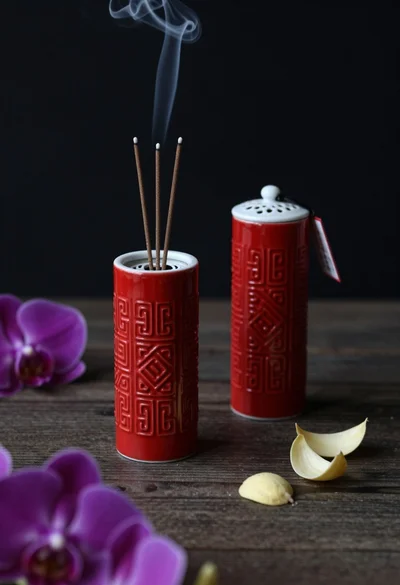
Still life composition of red incense holders with smoke on dark wood
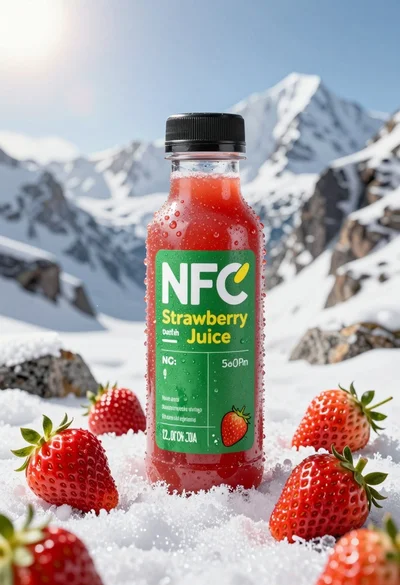
Close up product shot of strawberry juice bottle on snowy mountain rock

Black makeup tube next to open red pomegranate on beige background
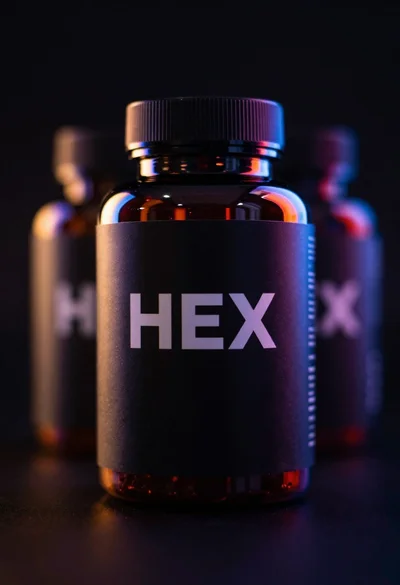
Black supplement bottle with chromatic aberration in void
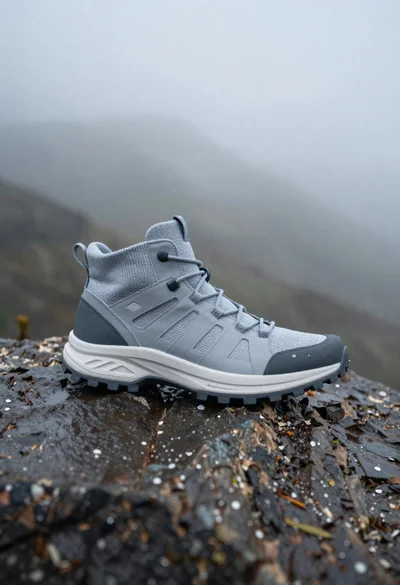
Grey and white hiking boot on wet rocky ground
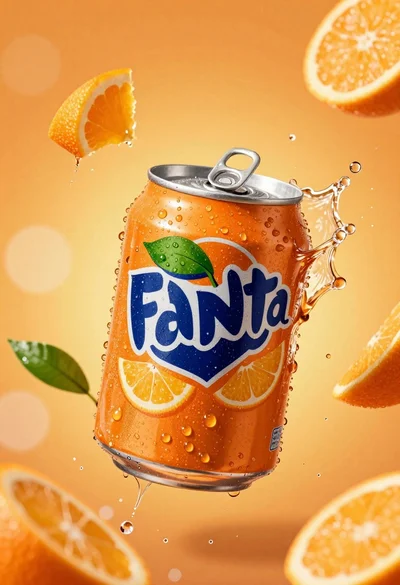
Hyperrealistic close up of orange soda splashing from a floating can

Closeup product shot of hand holding frosted glass spray bottle with colorful
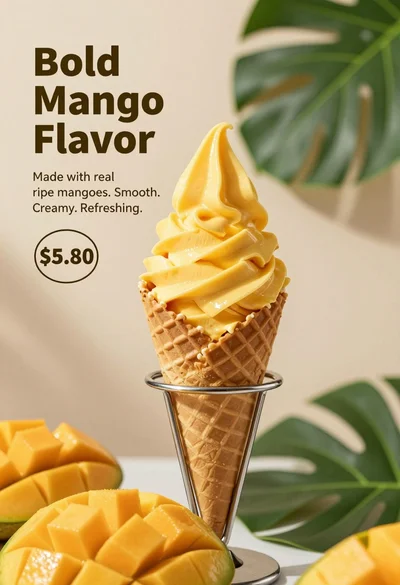
Close up advertisement of yellow soft serve ice cream in waffle cone
