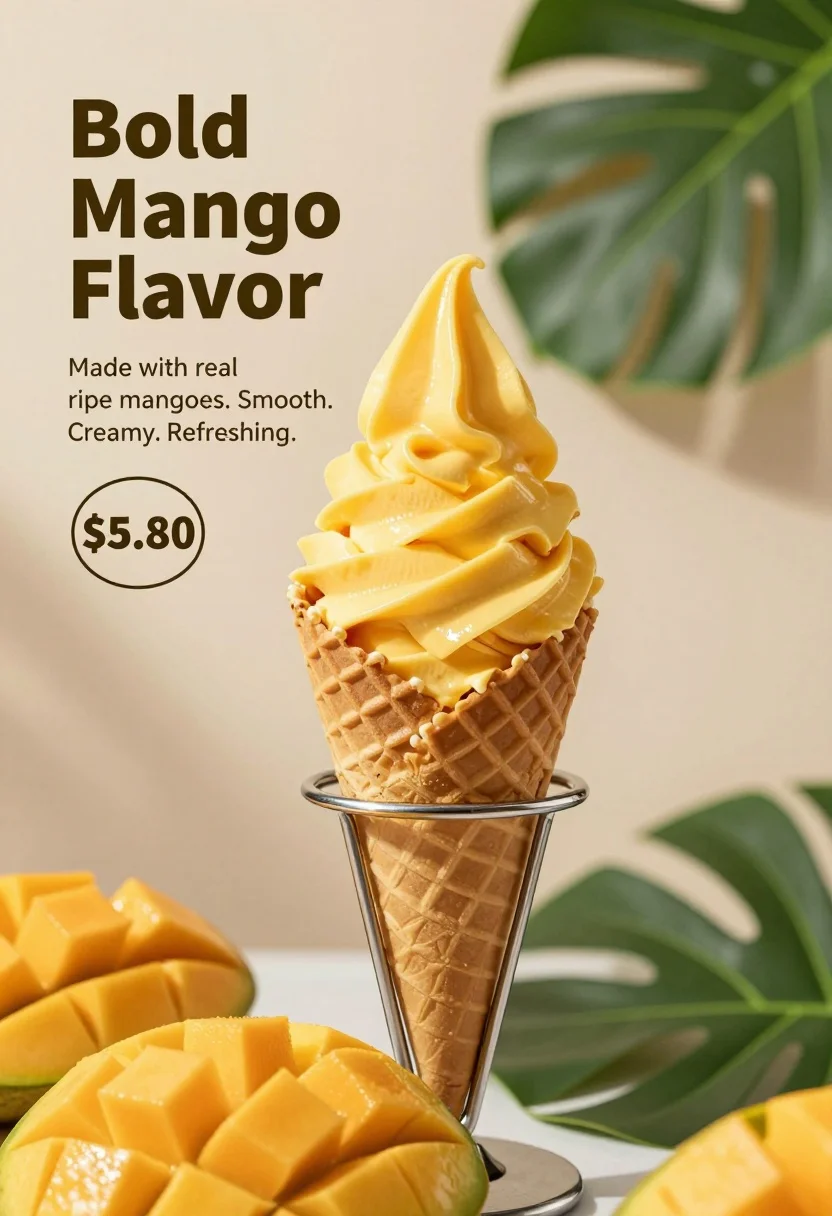
Close up advertisement of yellow soft serve ice cream in waffle cone
Prompt
A close-up advertisement featuring a tall swirl of bright yellow soft serve ice cream in a brown waffle cone held by a metal stand.

Subject: A generous swirl of vibrant yellow soft serve ice cream served in a classic brown waffle cone, resting on a silver metal holder.

Clothing: Not applicable.

Action: The ice cream is presented upright and stationary.

Environment: Set against a soft, neutral beige background with dappled shadows cast by large green leaves.

Camera: Close-up shot with a shallow depth of field that keeps the ice cream in sharp focus while blurring the foreground fruit and background foliage.

Lighting: Soft, natural lighting that highlights the creamy texture of the ice cream and creates gentle shadows from the surrounding leaves.

Subject: A pile of sliced fresh mangoes is visible in the blurred foreground at the bottom left.

Objects: Large green tropical leaves frame the top right and bottom of the image.

Interaction: Not applicable.

Text/Graphics: Bold dark text on the left reads "Bold Mango Flavor," followed by smaller text stating "Made with real ripe mangoes. Smooth. Creamy. Refreshing." A price tag graphic displays "$5.80" inside a circle.

Style Details: High-quality commercial photography with a clean, minimalist aesthetic and vibrant color grading to emphasize the freshness of the fruit.
Description
This prompt is useful for creating high-end food advertisements, seasonal menu mockups, and bright product catalog spreads. The combination of 'soft, natural lighting' and a 'shallow depth of field' ensures the vibrant yellow ice cream remains the sharp focal point while the dappled shadows from large green leaves add organic visual interest that complements the fresh mangoes.
Suggestions
- Change 'bright yellow soft serve' to 'mango-infused gelato' for more specificity.
- Adjust 'dappled shadows cast by large green leaves' to 'subtle bokeh background' for a cleaner look.
- Swap 'Bold Mango Flavor' text for a brand name.
Category
Tags
Close UpFoodMacro ShotNatureRealistic
Date added
August 5, 2026
Added by
PromptDexter Team
Related Prompts
More prompts with similar categories and tags.
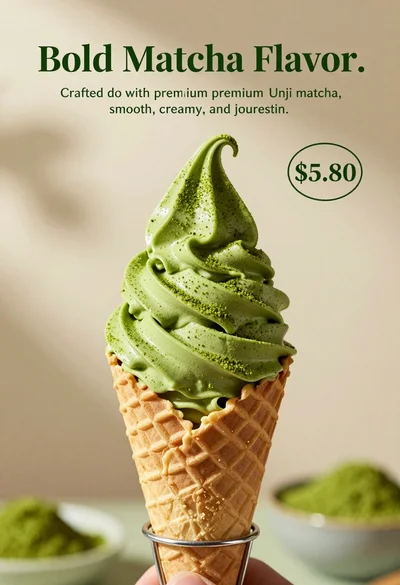
Close up shot of matcha soft serve ice cream in waffle cone

Close up still life of matcha whisk stirring vibrant green tea in
Dessert dome with pink jelly and red cherry
Closeup shot of hand holding red soda can with condensation droplets outdoors
Clear plastic cup with fizzy liquid ice cubes and lemon slices suspended
Closeup macro shot of a glass of orange soda splashing with ice
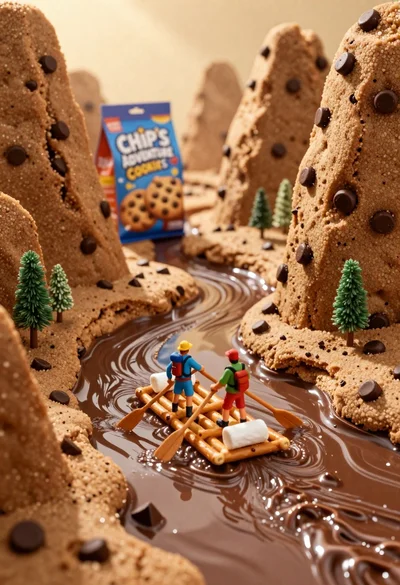
Tiny adventurers rowing a pretzel raft down a chocolate river between cookie
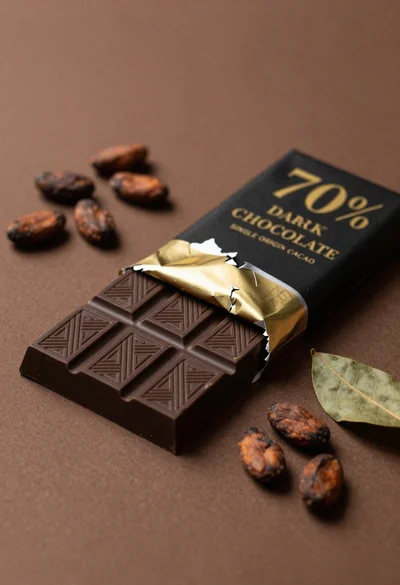
Closeup of dark chocolate bar on brown surface with cocoa beans
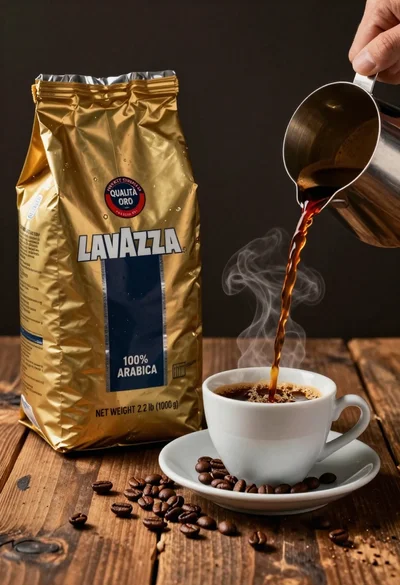
Commercial still life of lavazza coffee bag being poured into cup
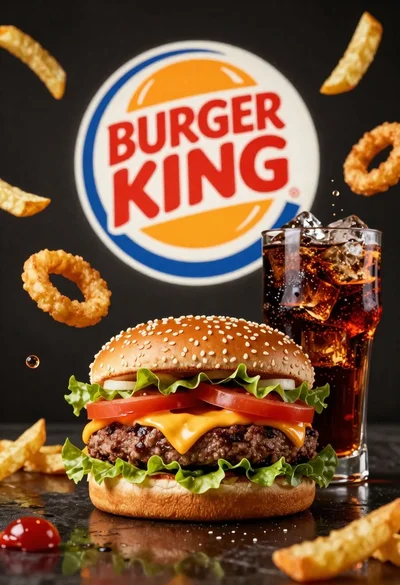
Large juicy beef burger with soda and ice cubes in dark studio