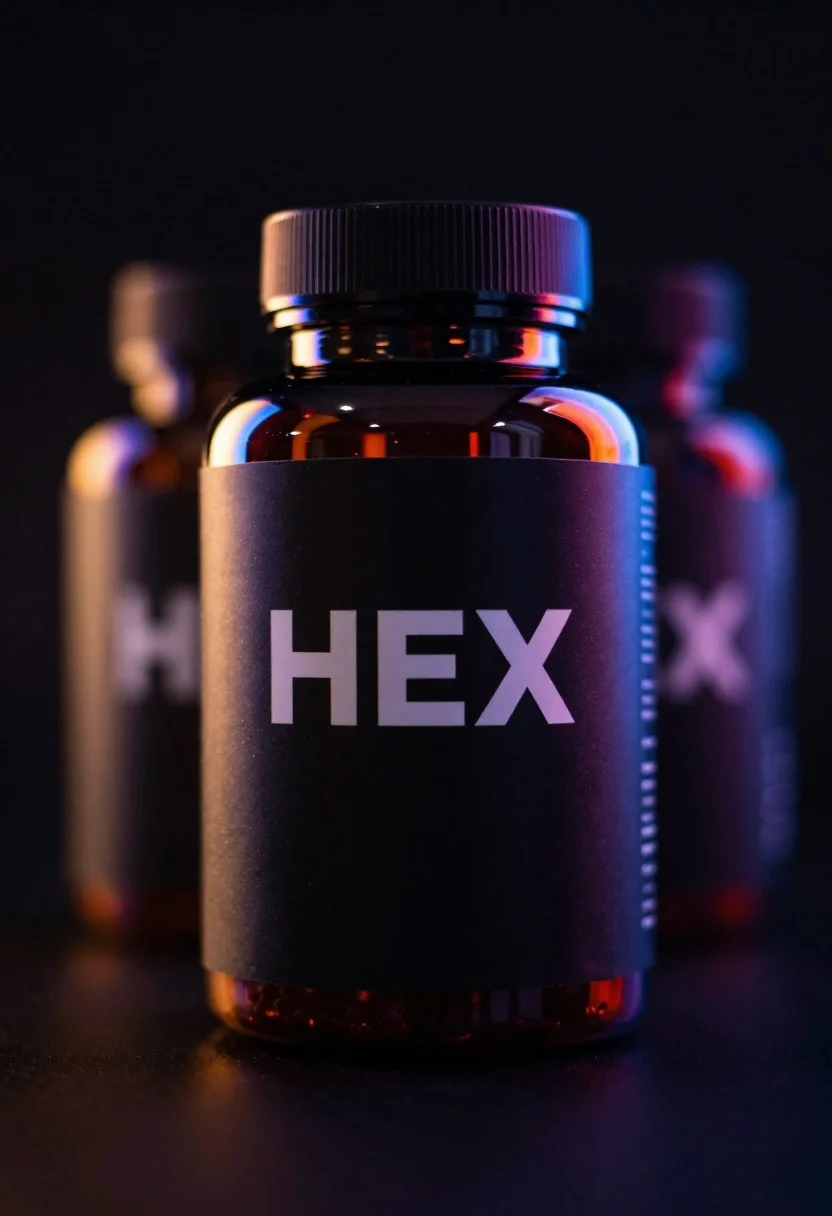
Black supplement bottle with chromatic aberration in void
Prompt
A dark product shot of a black supplement bottle labeled 'HEX' with vivid chromatic aberration and rainbow light leaks

Subject: A sleek, matte-black plastic supplement bottle centered in the frame, displaying bold white text reading 'HEX' on its label.

Action: The bottle stands upright and motionless, emitting a glowing aura of distorted color fringing around its edges.

Environment: Set against an infinite black void; minimal depth with one blurred duplicate bottle in the background to suggest repetition or reflection.

Camera: Close-up framing focusing tightly on the front label; shallow depth of field blurs both foreground highlights and background elements softly.

Lighting: Dramatic, high-contrast studio lighting with vibrant spectral flares casting multicolored reflections across the surface blues, oranges, purples blending into halos around the bottle's silhouette.

Style Details: Cyberpunk-inspired aesthetic combining photorealism with digital glitch effects; glossy textures enhanced by prismatic light distortion and lens flare artifacts for a futuristic vibe.
Description
This prompt is useful for creating album art for electronic music, high-tech product advertisements, and conceptual science fiction visuals. The combination of 'matte-black plastic' against an 'infinite black void' grounds the subject while the 'vivid chromatic aberration' and 'prismatic light distortion' push it into a digital, futuristic space that avoids looking like standard studio photography.
Suggestions
- Change 'blues, oranges, purples' to specific colors like 'cyan, magenta, yellow' for more control.
- Swap 'matte-black plastic' for 'brushed aluminum' to change the material reflectivity.
- Adjust 'shallow depth of field' to 'deep focus' if you want the background duplicate to be clearer.
Category
Tags
Close UpMacro ShotRealisticStudio
Date added
June 19, 2026
Added by
PromptDexter Team
Related Prompts
More prompts with similar categories and tags.
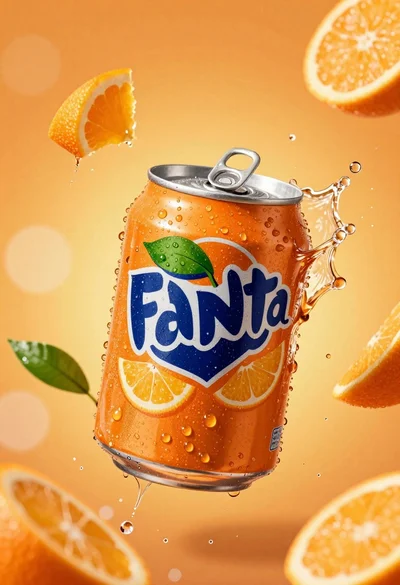
Hyperrealistic close up of orange soda splashing from a floating can

Closeup product shot of hand holding frosted glass spray bottle with colorful

Clear glass serum bottle with lemons and water splashes in studio
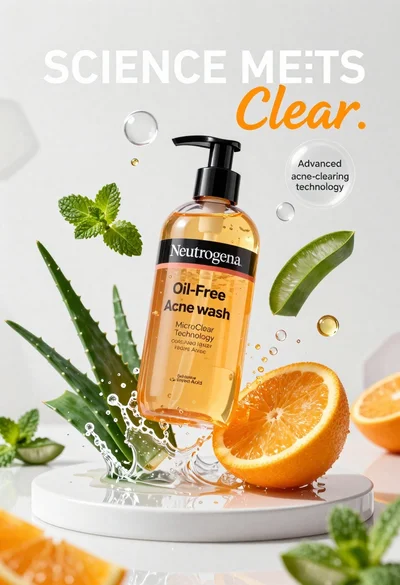
Neutrogena acne wash bottle suspended in midair with splashing liquid
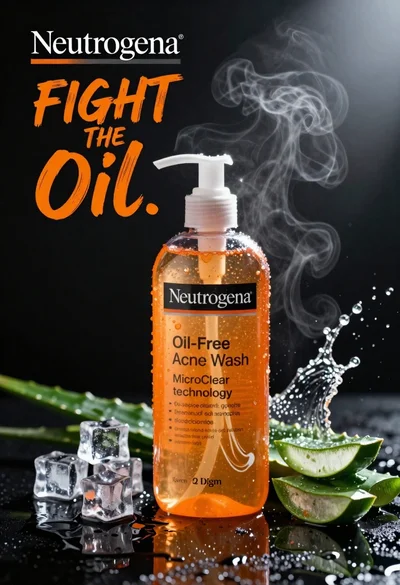
Commercial advertisement for orange facial cleanser bottle on wet black surface
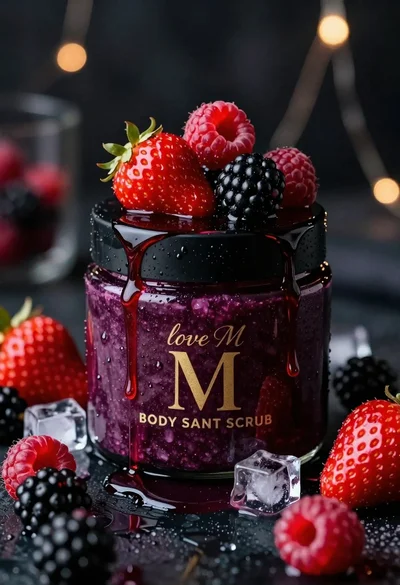
Luxurious dark berry body salt scrub jar with fresh strawberries and raspberries
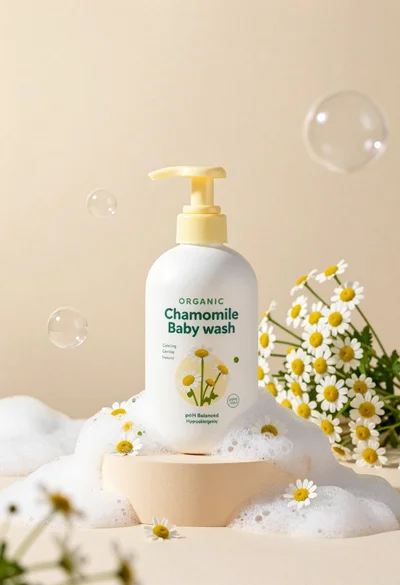
White pump bottle of organic chamomile baby wash on beige pedestal

Ginger cat dressed as fast food worker holding cheeseburger