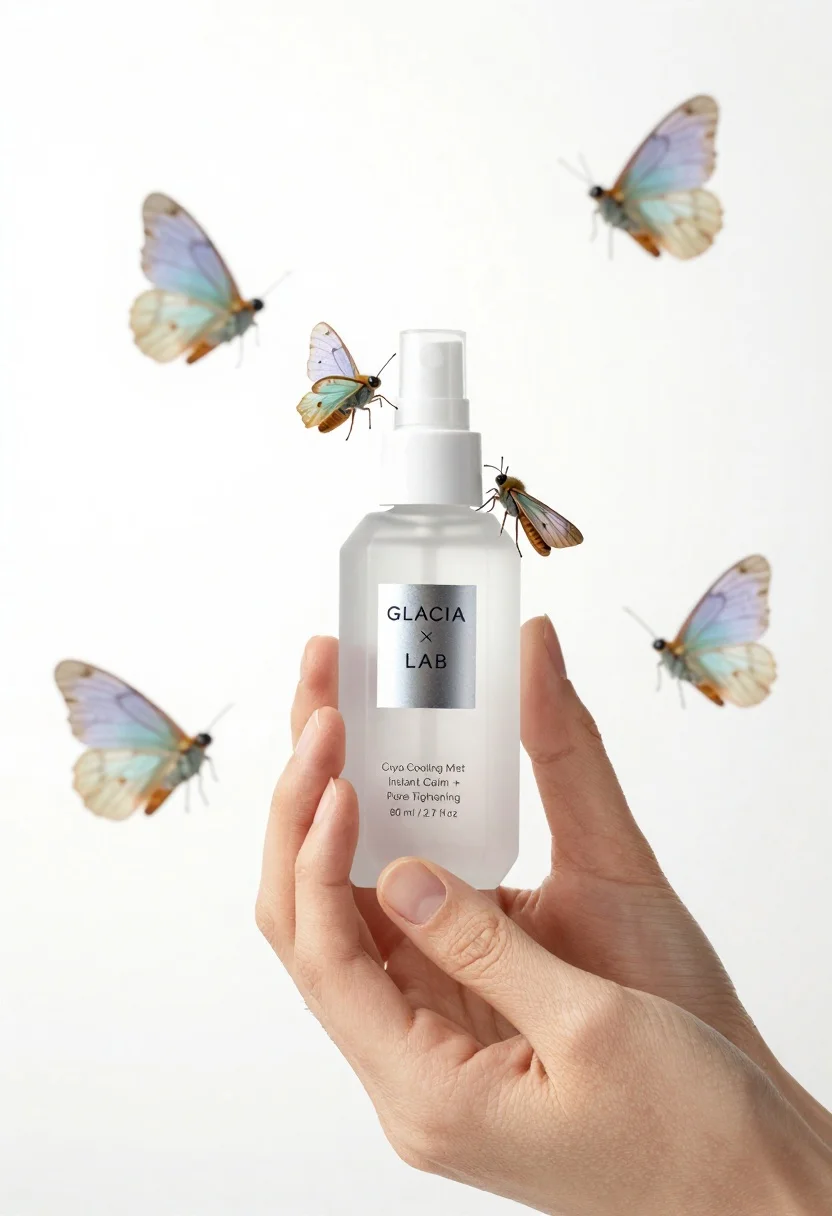
Closeup product shot of hand holding frosted glass spray bottle with colorful
Prompt
A close-up product shot of a hand holding a frosted glass spray bottle surrounded by colorful moths against a white background.

Subject: A pair of fair-skinned hands gently cradling a geometrically shaped, frosted glass spray bottle with a white pump nozzle.

Clothing: No clothing is visible on the subject.

Action: The fingers are curled around the base and sides of the bottle in a delicate grip, presenting it to the viewer.

Environment: A stark, clean white background that isolates the product and the moths.

Camera: Macro photography with a shallow depth of field that keeps the bottle label sharp while slightly softening the fingertips and distant moths.

Lighting: Bright, high-key studio lighting that creates soft reflections on the frosted glass and casts minimal shadows.
Second

Subject: A cluster of five moths in pastel shades of light blue, lavender, and cream hovering around the bottle.

Objects: The central object is a cosmetic spray bottle with a white pump top.

Interaction: Several moths are perched directly on the surface of the bottle while others float nearby as if attracted to it.

Text/Graphics: A silver label on the bottle reads "GLACIA LAB" and "Cryo Cooling Mist Instant Calm + Pore Tightening 80 ml / 2.7 fl oz".

Style Details: High-end commercial product photography with a clean, minimalist aesthetic and soft focus on the background elements.
Description
This prompt is useful for creating high-end cosmetic advertising campaigns, beauty editorial spreads, and e-commerce listings requiring an ethereal feel. The combination of 'frosted glass' and 'bright, high-key studio lighting' ensures the product remains the sharp focal point while the surrounding elements—like the moths—are softly rendered by the specified shallow depth of field.
Suggestions
- Change 'pastel shades' to 'iridescent metallic' for a more futuristic look.
- Swap 'white background' for 'pale marble surface' to add grounding texture.
- Adjust 'Macro photography' to 'orthographic view' if you want less focus falloff.
Category
Tags
Close UpFair SkinMacro ShotOutdoorsRealisticStudio
Date added
June 23, 2026
Added by
PromptDexter Team
Related Prompts
More prompts with similar categories and tags.
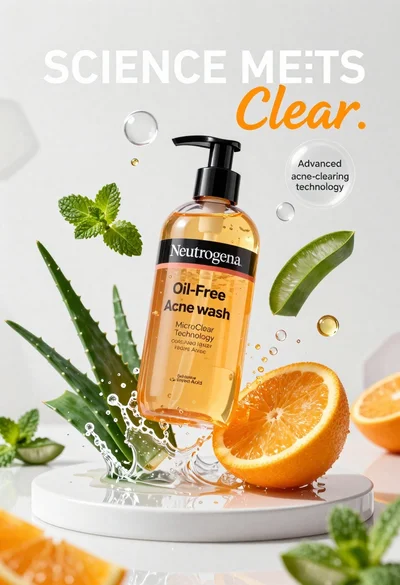
Neutrogena acne wash bottle suspended in midair with splashing liquid
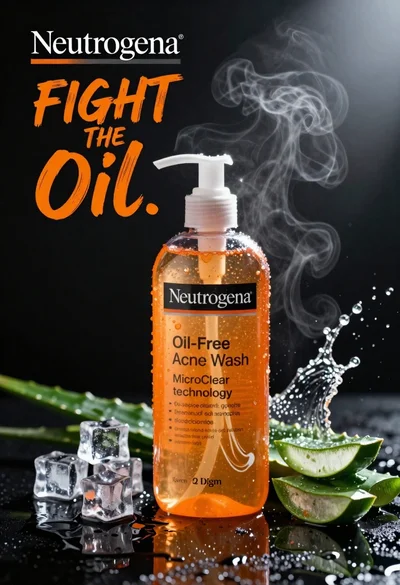
Commercial advertisement for orange facial cleanser bottle on wet black surface
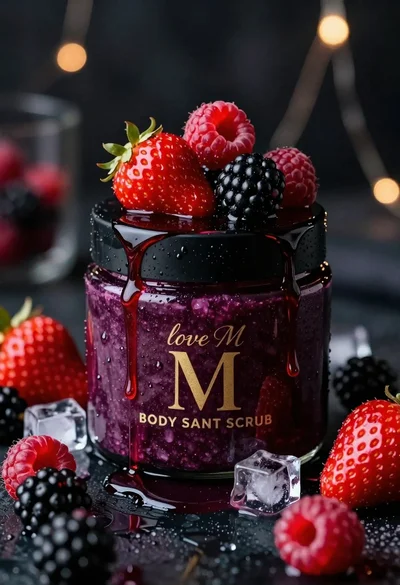
Luxurious dark berry body salt scrub jar with fresh strawberries and raspberries
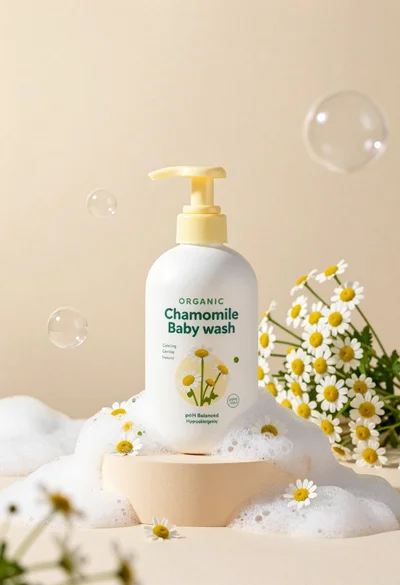
White pump bottle of organic chamomile baby wash on beige pedestal

Black perfume bottle on driftwood surrounded by pink cosmos flowers in purple

Black makeup tube next to open red pomegranate on beige background
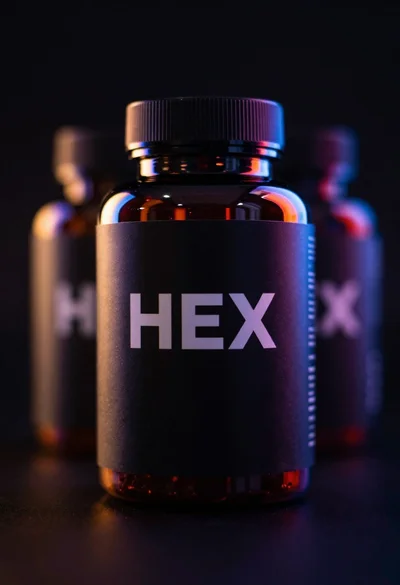
Black supplement bottle with chromatic aberration in void
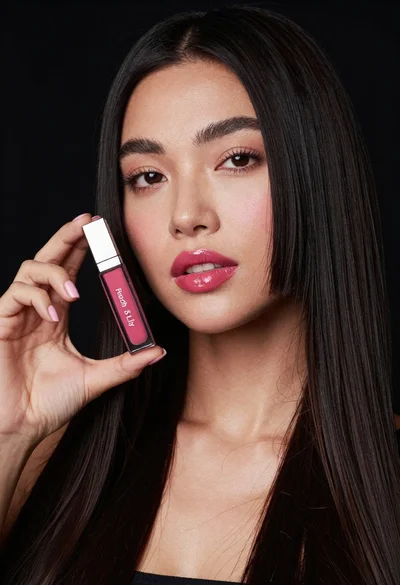
Woman holding lip gloss tube against black background in closeup