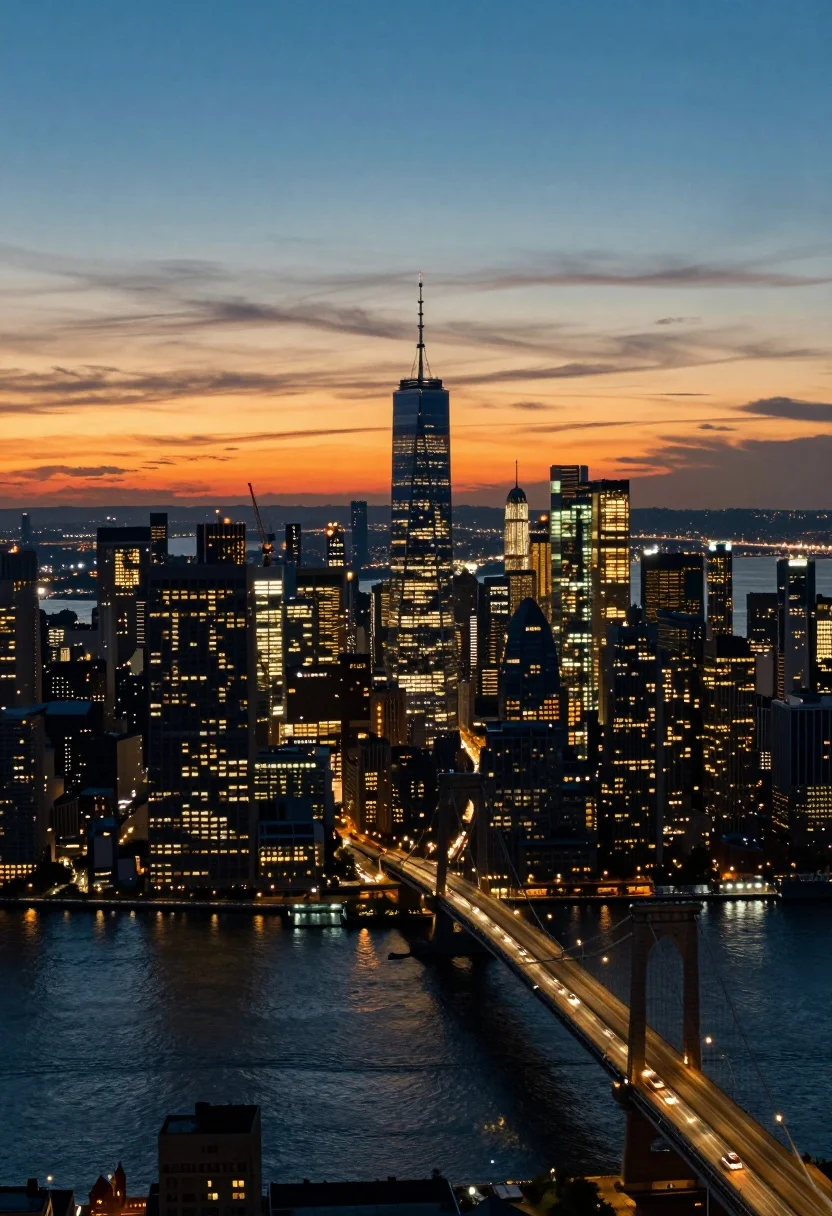
Aerial view of sprawling metropolis skyline at twilight with river reflections
Prompt
A breathtaking aerial view of a sprawling metropolis skyline at twilight, featuring a towering skyscraper with a spire as the central focal point against a vibrant sunset horizon.

Subject: A dense cluster of illuminated skyscrapers and high-rise buildings, dominated by a tall, slender tower with a distinctive antenna or spire rising above the rest, surrounded by other lit structures including one under construction with a visible crane.

Action: The city is alive with static lights from windows and streets, while traffic flows along the bridge and roads below, creating streaks of light that suggest movement across the water and urban landscape.

Environment: A wide river or bay in the foreground reflects the city lights and sky, with a large suspension bridge spanning the water connecting to the dense urban area, set against a distant horizon showing landmasses under a colorful sky.

Camera: High-angle wide shot capturing the vastness of the cityscape, with a composition that emphasizes verticality of buildings and horizontal flow of traffic and water, framed to include both foreground river and background skyline.

Lighting: Warm golden-orange glow from the setting sun on the horizon transitioning into deep blue twilight above, with artificial city lights glowing brightly in windows and streets, casting reflections on the water surface and creating a high-contrast interplay between natural dusk light and urban illumination.

Style Details: Cinematic realism with rich color grading that enhances the contrast between warm sunset tones and cool night blues, featuring subtle film grain texture and soft focus on distant elements to convey depth and atmosphere.
Description
This prompt is useful for creating cinematic concept art backgrounds, architectural visualization mood boards, and dramatic travel photography pieces. The combination of 'warm golden-orange glow' meeting 'deep blue twilight' establishes the high contrast necessary to make both the natural sunset hues and the artificial city lights pop against the water reflections.
Suggestions
- Change 'spire as the central focal point' to 'cluster of varied architectural styles' for less singular focus.
- Swap 'suspension bridge' for 'arched viaduct' to alter the foreground structure.
- Add 'long exposure photography' to enhance the light streaks on the water.
Category
Tags
High AngleRealisticRooftopUrbanWide Shot
Date added
August 5, 2026
Added by
PromptDexter Team
Related Prompts
More prompts with similar categories and tags.

High angle aerial view of new york city skyline at twilight featuring
High angle aerial view of burj khalifa towering over illuminated cityscape at
High angle view of historic city square pagoda temples at twilight
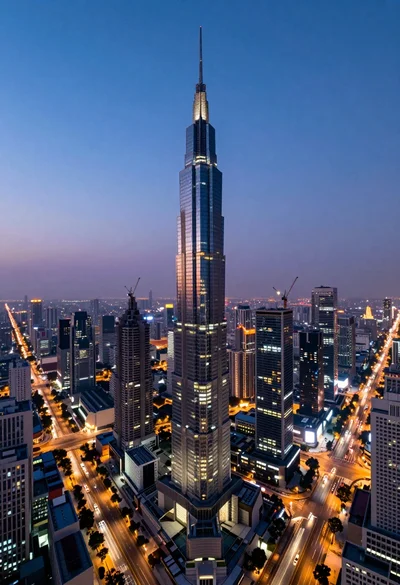
Panoramic view of futuristic metropolis dominated by tall spiraling skyscraper at dusk
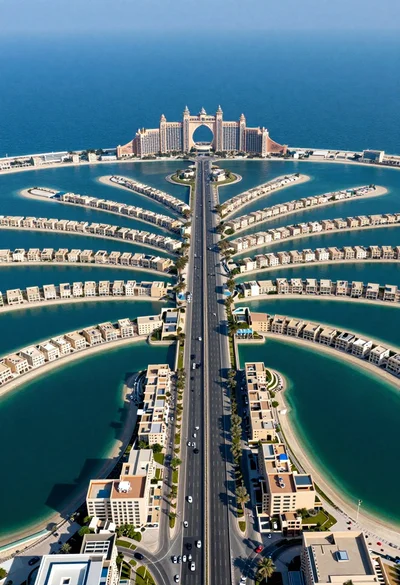
Aerial view of palm jumeirah artificial island dubai highway and resort
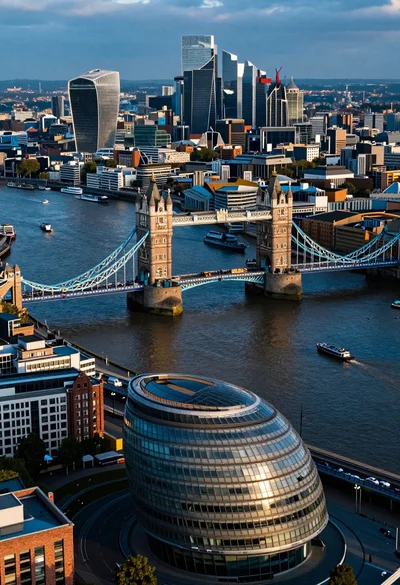
Aerial view of london twilight showing tower bridge city hall and canary

High angle aerial view of st peters square in vatican city rome
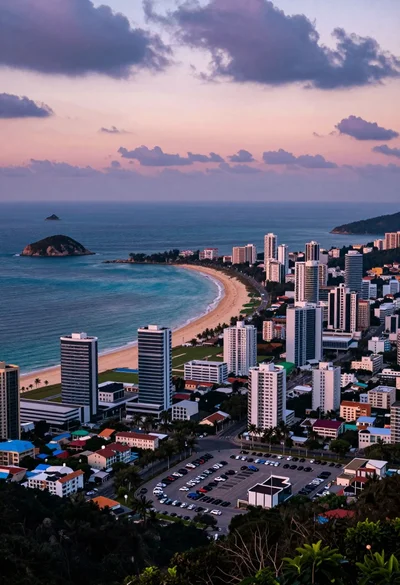
Aerial view of coastal city beach under dramatic twilight sky
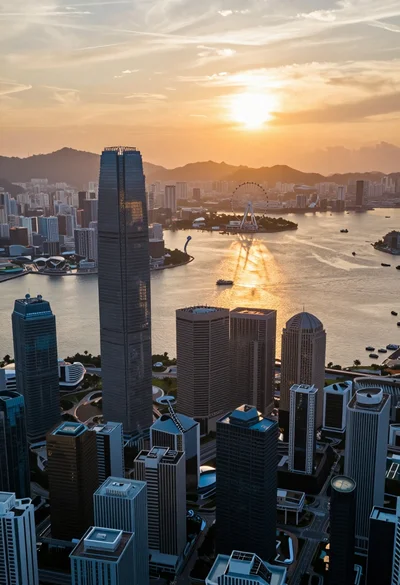
Aerial view of futuristic city skyline at sunset reflecting on calm water
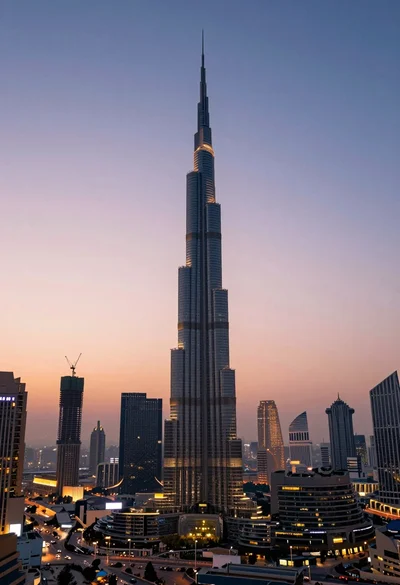
High angle wide shot of burj khalifa dominating modern city skyline at