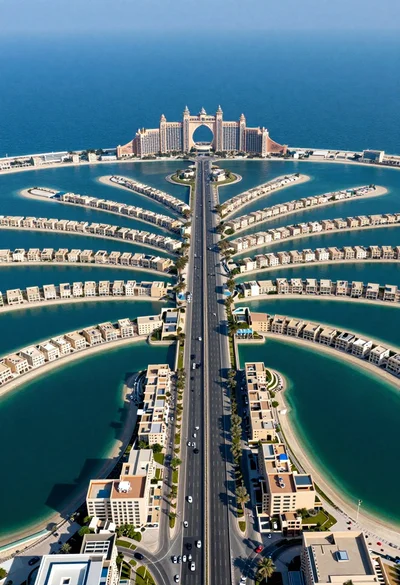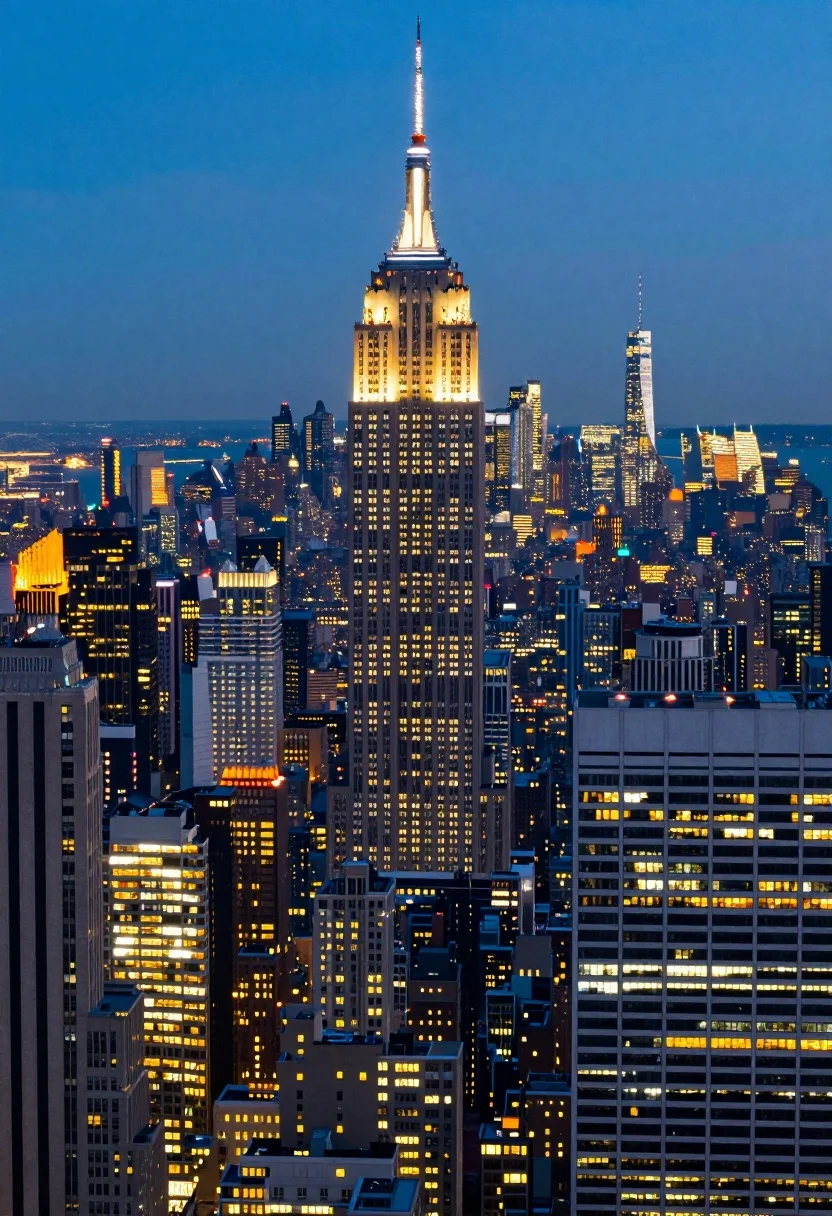
High angle aerial view of new york city skyline at twilight featuring
Prompt
A majestic high-angle aerial view of the New York City skyline at twilight featuring the illuminated Empire State Building as the central focal point.

Subject: The towering Art Deco skyscraper known as the Empire State Building stands prominently in the center, glowing with warm golden lights from its windows and a bright orange glow on its upper spire, surrounded by a dense cluster of other high-rise buildings with varying architectural styles and lit windows.

Action: There is no movement in the scene, capturing a static moment during the transition from day to night.

Environment: The setting is a sprawling urban metropolis with a vast cityscape stretching into the distance, revealing a wide body of water and faint outlines of bridges on the horizon under a deep blue evening sky.

Camera: High-angle wide shot looking down upon the city, utilizing a telephoto lens feel that compresses the depth to emphasize the height of the skyscrapers against the skyline.

Lighting: The scene is lit by the ambient light of dusk with the primary illumination coming from the artificial lights within the buildings and the glowing spire of the main tower, creating a high-contrast look between the warm yellow and orange interior lights and the cool blue tones of the fading sky.

Style Details: Photorealistic digital rendering with vibrant color saturation, sharp architectural details, and a cinematic composition that highlights the verticality of the urban environment.
Description
This prompt is useful for creating cinematic establishing shots for film trailers, architectural concept art, and dramatic travel documentaries focusing on cityscapes. The combination of 'high-angle wide shot' with a telephoto lens feel compresses depth to emphasize verticality, while the contrast between 'warm yellow and orange interior lights' against the 'deep blue evening sky' establishes the necessary high-contrast mood for cinematic impact.
Suggestions
- Change 'telephoto lens feel' to 'fisheye lens' for a more distorted, dramatic view.
- Swap 'Empire State Building' for 'Chrysler Building' to change the architectural focus.
- Add 'misty fog layer' in the environment description to soften distant details.
Category
Tags
High AngleRealisticRooftopUrbanWide Shot
Date added
July 12, 2026
Added by
PromptDexter Team
Related Prompts
More prompts with similar categories and tags.

Silhouette of india gate monument at sunset viewed from a low angle
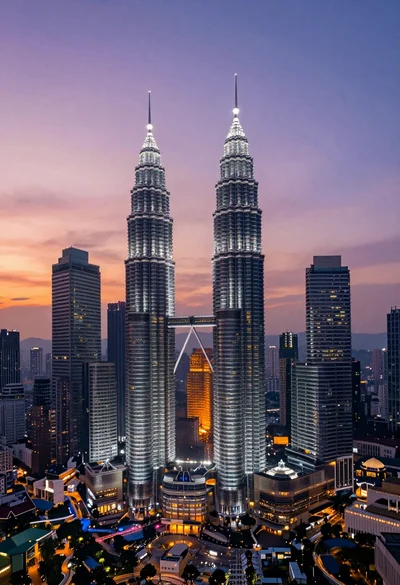
High angle wide shot of twilight cityscape featuring petronas twin towers

Wide view of tower bridge spanning river at sunset under dramatic colorful

Low angle wide shot of massive illuminated ferris wheel over modern city

Majestic illuminated historic building facade under deep blue night sky
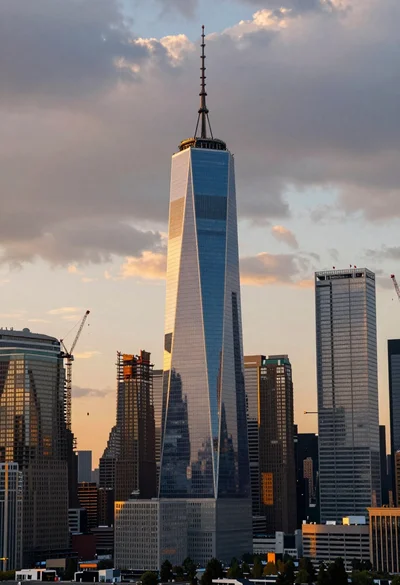
Wide angle view of massive modern skyscraper cityscape at sunset
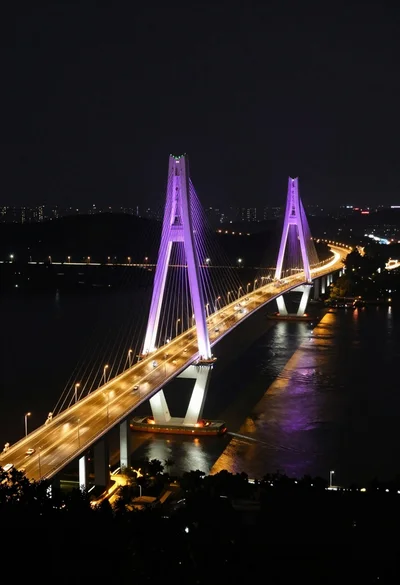
High angle view of majestic cable stayed bridge at night over dark
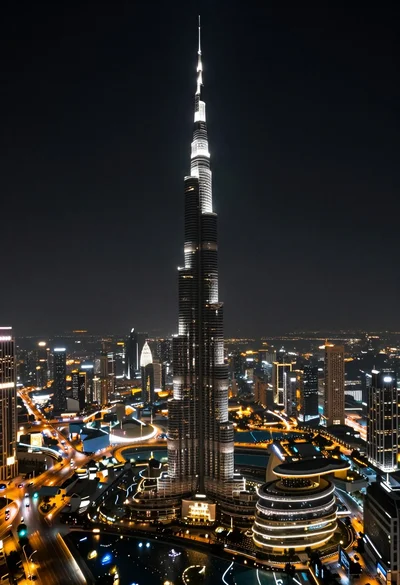
High angle aerial view of burj khalifa towering over illuminated cityscape at
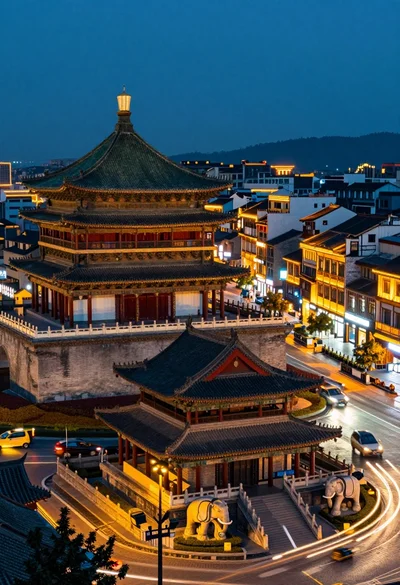
High angle view of historic city square pagoda temples at twilight
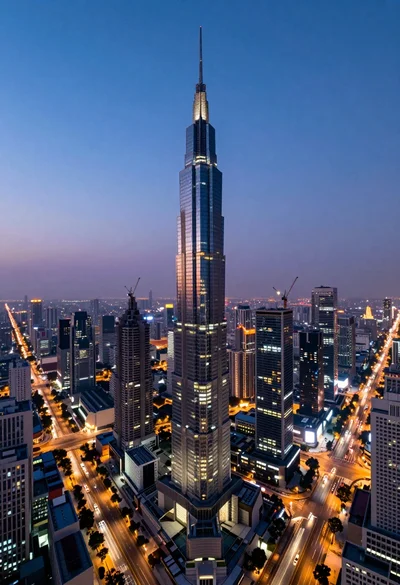
Panoramic view of futuristic metropolis dominated by tall spiraling skyscraper at dusk