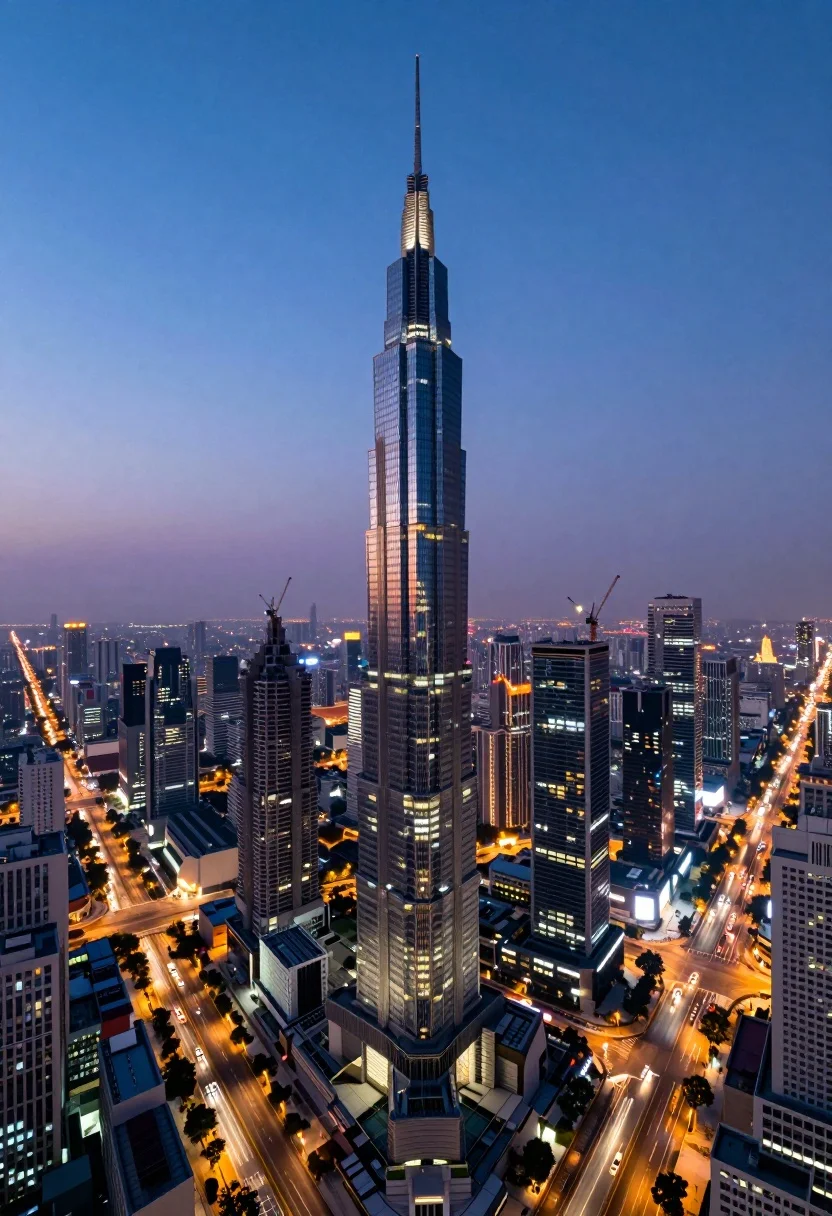
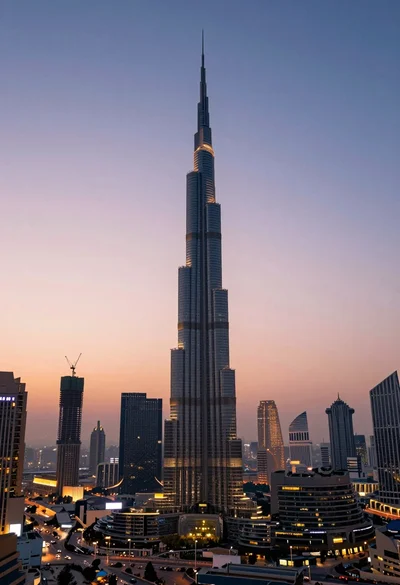
Panoramic view of futuristic metropolis dominated by tall spiraling skyscraper at dusk
Prompt
A majestic panoramic view of a futuristic metropolis dominated by the world's tallest skyscraper piercing the twilight sky.

Subject: The central focus is an incredibly tall, slender glass tower with a spiraling design and illuminated spire, surrounded by a dense cluster of modern high-rise buildings, some under construction with visible cranes, and others featuring reflective dark glass facades.

Action: There is no active movement in the scene, but the city exudes a sense of bustling energy through the glowing windows and the streaks of light from traffic on the highways below.

Environment: The setting is a sprawling urban landscape at dusk, featuring a complex network of roads and bridges with heavy traffic flow, distant city lights twinkling on the horizon, and a clear sky transitioning from deep blue to soft purple.

Camera: The shot is taken from a high vantage point looking slightly downward, utilizing a wide-angle perspective that captures the immense scale of the central tower against the sprawling city grid below.

Lighting: The scene is lit by the ambient glow of the setting sun fading into night, with artificial lights from the skyscrapers and streetlamps creating bright points of contrast against the darkening blue sky.

Style Details: The image has a crisp, high-definition quality with vibrant colors, sharp architectural details, and a cinematic composition that emphasizes the grandeur of modern urban architecture.
Description
This prompt is useful for creating concept art for sci-fi video game environments, architectural visualization portfolios, and movie set backdrops depicting advanced civilization. The combination of 'spiraling design' on the central tower against the 'deep blue to soft purple' twilight sky establishes a dramatic contrast that prevents the scene from feeling flat, while specifying 'reflective dark glass facades' ensures the buildings catch the artificial light sources effectively.
Suggestions
- Change 'glass tower' to 'bioluminescent spire' for an organic element.
- Add 'volumetric fog' to enhance the sense of depth between buildings.
- Swap 'deep blue to soft purple' for 'indigo and burnt orange' for a more dramatic sunset.
Category
Tags
3dHigh AngleRealisticRooftopUrbanWide Shot
Date added
August 5, 2026
Added by
PromptDexter Team
Related Prompts
More prompts with similar categories and tags.

Majestic golden domed palace overlooking sprawling cityscape at twilight

High angle aerial view of new york city skyline at twilight featuring
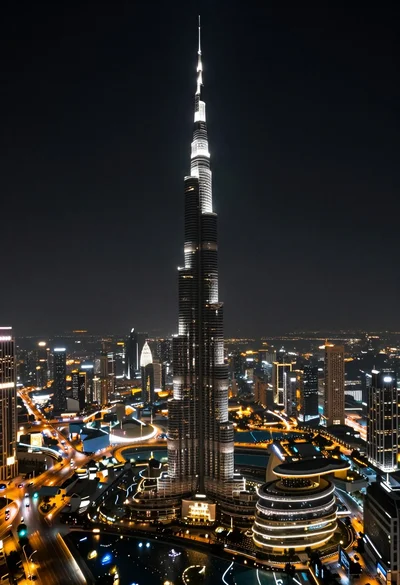
High angle aerial view of burj khalifa towering over illuminated cityscape at
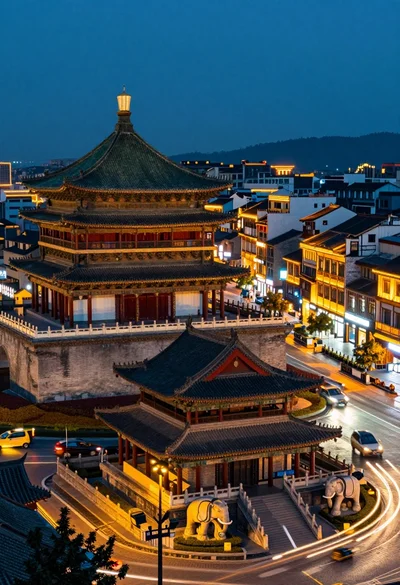
High angle view of historic city square pagoda temples at twilight
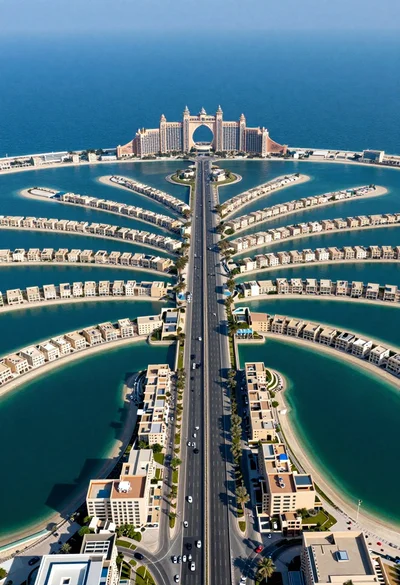
Aerial view of palm jumeirah artificial island dubai highway and resort
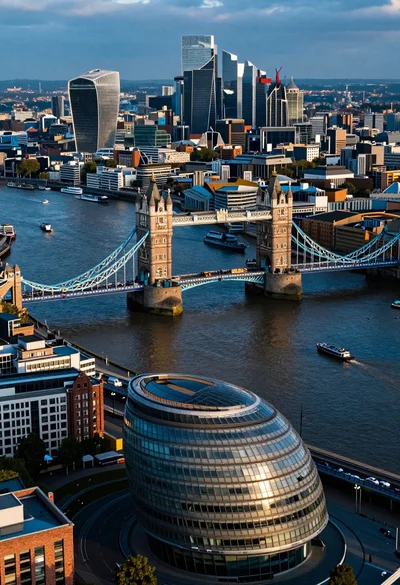
Aerial view of london twilight showing tower bridge city hall and canary

High angle aerial view of st peters square in vatican city rome
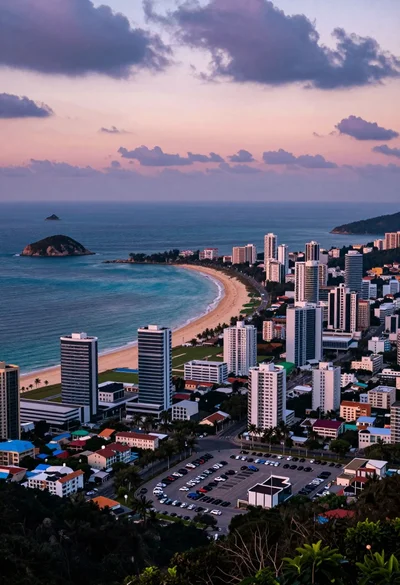
Aerial view of coastal city beach under dramatic twilight sky
High angle wide shot of burj khalifa dominating modern city skyline at
High angle aerial view of dense european town rooftops under overcast sky