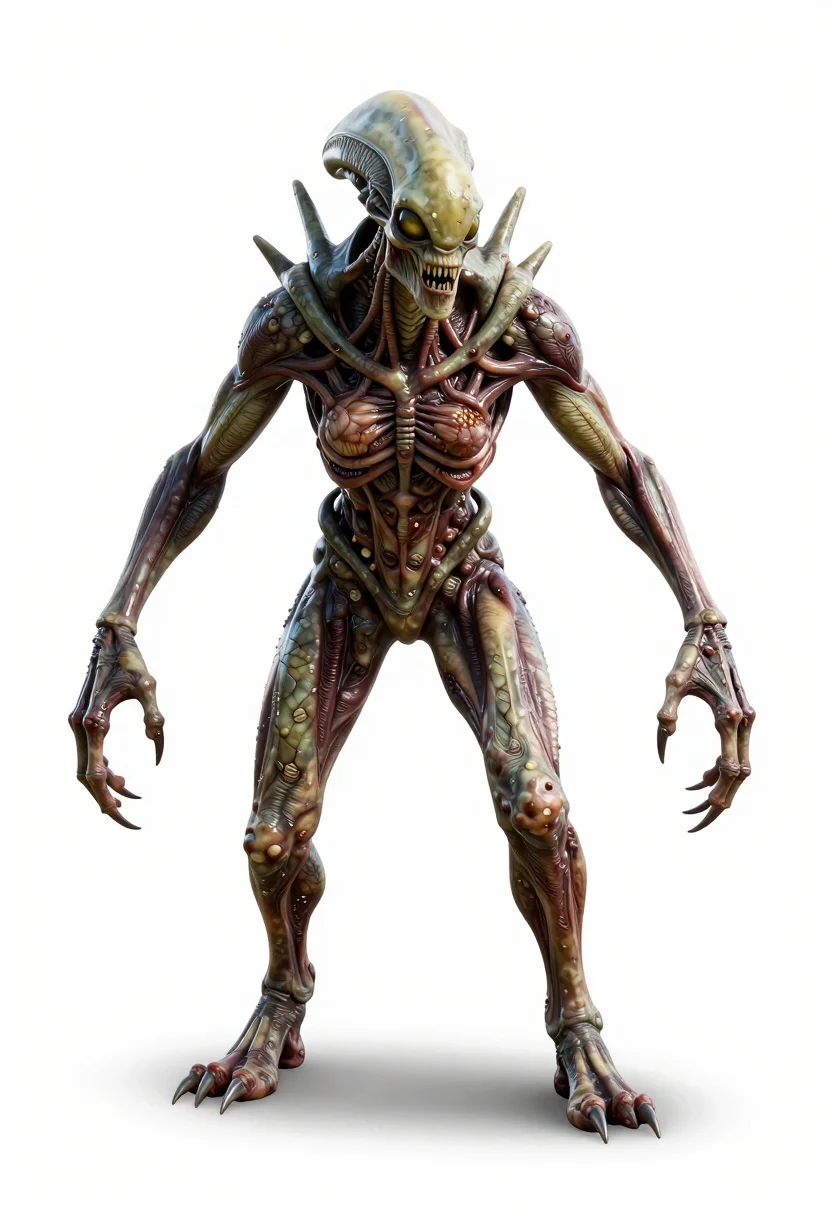
Alien humanoid creature on white studio background
Prompt
3D rendered full-body shot of a terrifying alien humanoid monster against a plain white background

Subject: emaciated female-form creature with pale green-grey skin texture resembling dry, cracked earth and exposed muscle fibers, glowing yellow eyes, jagged teeth in sunken face, spiky shoulder blades protruding from the back.

Action: crouched on all fours but standing upright enough to show torso and limbs clearly, hands clawed forward menacingly, long taloned fingers gripping air, feet planted with sharp claws digging into invisible ground.

Environment: completely isolated white studio backdrop with soft shadow beneath subject for grounding.

Lighting: even bright frontal lighting that highlights every texture of skin wrinkles, scars, mucus-like sheen with subtle shadows under limbs and torso to define form without harshness.

Style Details: hyper-realistic digital sculpting style combining anatomical horror with biomechanical grotesquerie; detailed subsurface scattering on skin suggesting moisture or decay; cinematic character design typical of high-end VFX concept art or monster movie stills.
Description
This prompt is useful for creating creature concept art, video game asset visualization, and horror film pre-visualization materials. The combination of 'even bright frontal lighting' with 'subsurface scattering on skin suggesting moisture or decay' ensures that the detailed textures—like the 'pale green-grey skin texture resembling dry, cracked earth'—are visible without losing definition in deep shadows, which is crucial for high-end VFX concept art.
Suggestions
- Change 'plain white background' to 'seamless cyclorama backdrop' for more professional studio feel.
- Swap 'glowing yellow eyes' for 'bioluminescent blue eyes' to shift the creature's energy signature.
- Adjust 'crouched on all fours but standing upright enough' to 'fully bipedal, aggressive stance' for a more dominant pose.
Category
Tags
3dCreatureFull BodyStudio
Date added
June 19, 2026
Added by
PromptDexter Team
Related Prompts
More prompts with similar categories and tags.
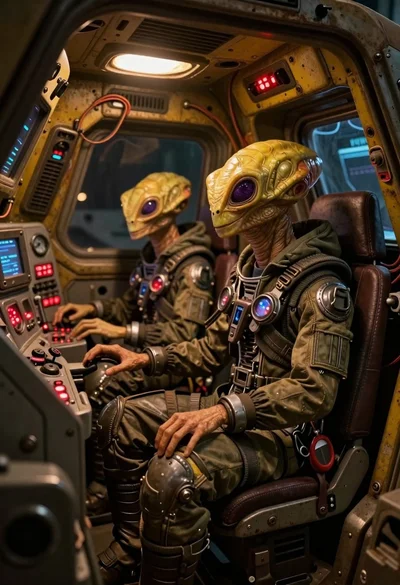
Two reptilian aliens in a worn spacecraft cockpit

Astronaut floating in deep space viewing earth
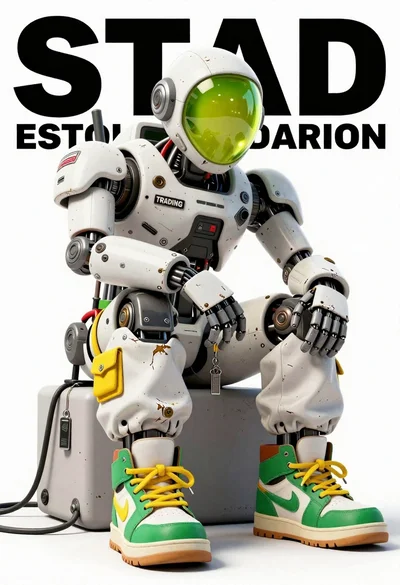
Anthropomorphic robot sitting on white studio background
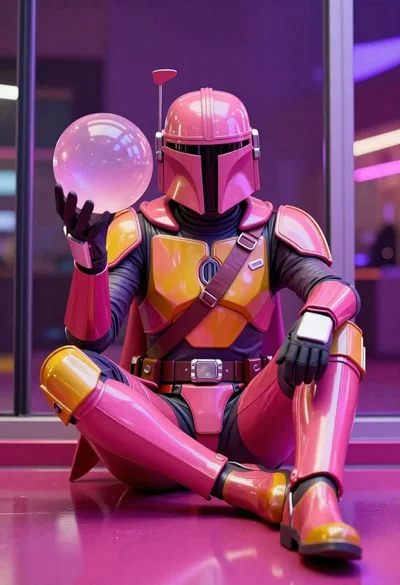
Mandalorian character in pink and gold armor on magenta surface

Astronaut standing on dark lunar surface at night
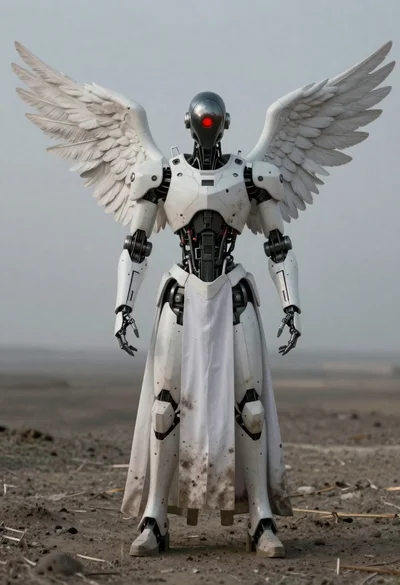
Full body shot of humanoid robot with white wings standing in desolate

Futuristic soldier in heavy snowfall on an urban street

Futuristic android woman in metallic corridor