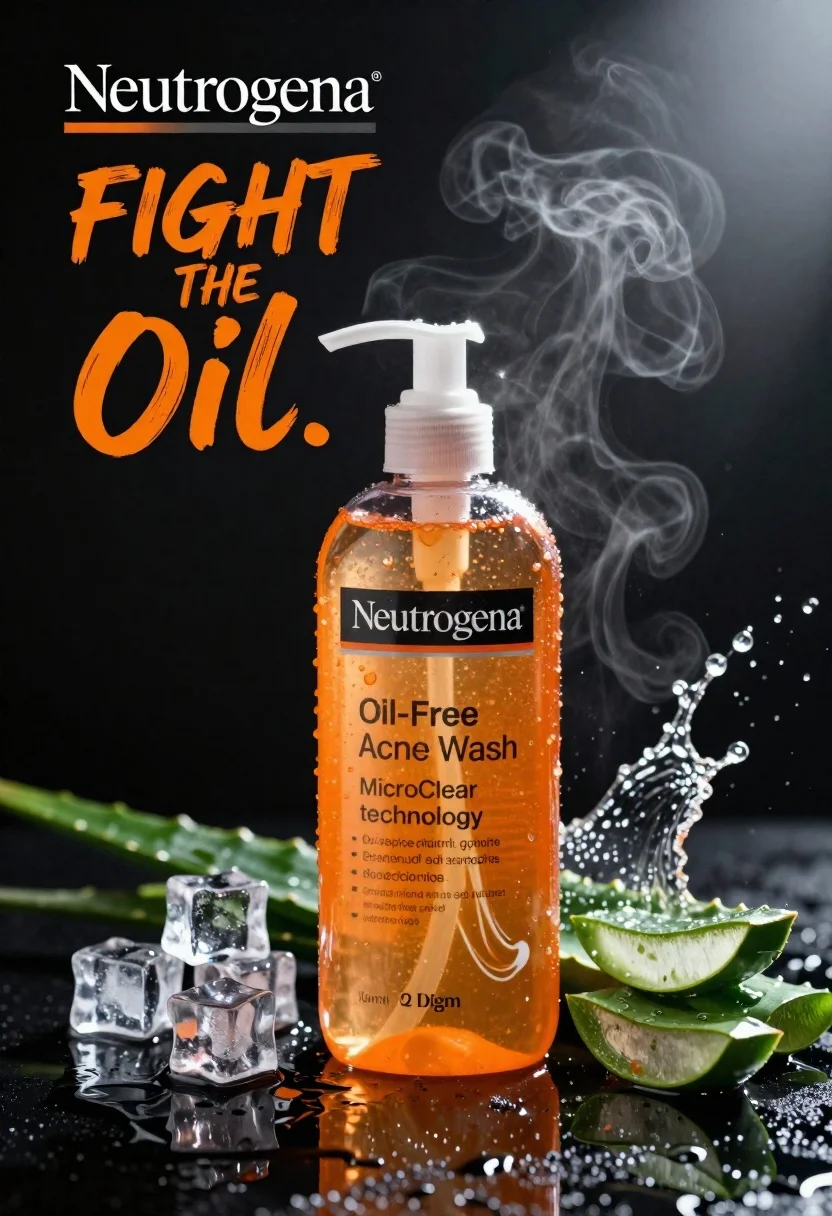
Commercial advertisement for orange facial cleanser bottle on wet black surface
Prompt
A high-end commercial advertisement featuring a bottle of orange liquid facial cleanser with a white pump dispenser standing upright on a wet, reflective black surface.

Subject: A transparent plastic bottle filled with bright orange liquid containing visible text labels and branding.

Clothing: Not applicable.

Action: The bottle is stationary but surrounded by dynamic splashes of water and steam rising from the top right corner.

Environment: A dark, sleek studio setting with scattered ice cubes and green aloe vera leaves arranged around the base of the bottle.

Camera: Close-up product shot with a shallow depth of field that keeps the bottle in sharp focus while blurring the background elements slightly.

Lighting: Dramatic high-contrast lighting with a strong spotlight from the top right creating bright highlights on the water droplets and glass, casting deep shadows to enhance the texture.
Second

Subject: Not applicable.

Objects: Clear ice cubes, green aloe vera slices, and scattered water droplets.

Interaction: Water splashing dynamically around the bottle and steam rising upwards, suggesting cooling and freshness.

Text/Graphics: Bold white text reading "Neutrogena" at the top left, large orange brush-stroke typography saying "FIGHT THE Oil.", and detailed product labels on the bottle including "Oil-Free Acne Wash", "MicroClear technology", and ingredient information.

Style Details: Commercial photography style with hyper-realistic rendering, vibrant color grading emphasizing the orange liquid against the black background, and a clean, polished aesthetic typical of skincare advertising.
Description
This prompt is useful for creating high-end cosmetic advertisements, e-commerce product listings needing dramatic flair, and magazine spreads focusing on 'fresh' beauty routines. The combination of 'dramatic high-contrast lighting' with the 'wet, reflective black surface' ensures that every water droplet catches a sharp highlight, which visually communicates the advertised concepts of intense cleanliness and cooling freshness.
Suggestions
- Change 'bright orange liquid' to 'citrus yellow liquid' for a different product feel.
- Replace 'green aloe vera leaves' with 'white orchid petals' for an upscale touch.
- Adjust 'strong spotlight from the top right' to 'soft box lighting from the front' for less harsh shadows.
Category
Tags
Close UpMacro ShotOutdoorsRealisticStudioWide Shot
Date added
June 23, 2026
Added by
PromptDexter Team
Related Prompts
More prompts with similar categories and tags.
Luxurious dark berry body salt scrub jar with fresh strawberries and raspberries
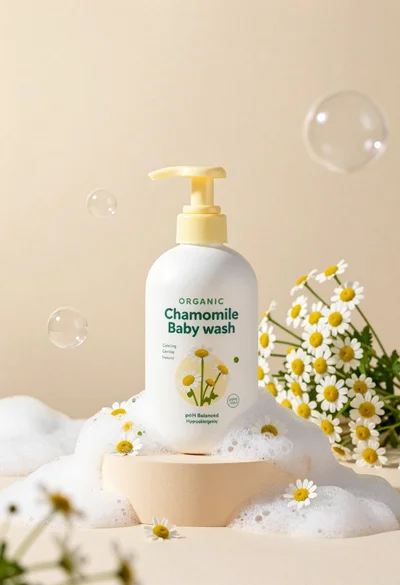
White pump bottle of organic chamomile baby wash on beige pedestal

Black perfume bottle on driftwood surrounded by pink cosmos flowers in purple

Closeup product shot of hand holding frosted glass spray bottle with colorful

Clear glass serum bottle with lemons and water splashes in studio
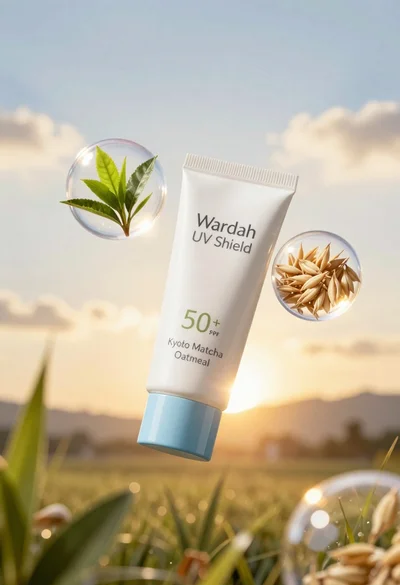
Wardah uv shield sunscreen tube floating with green tea leaves and oat
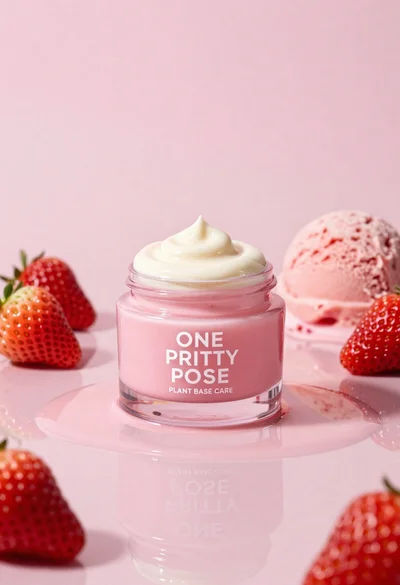
Glossy pink cosmetic jar with cream surrounded by strawberries and ice cream

Ginger cat dressed as fast food worker holding cheeseburger