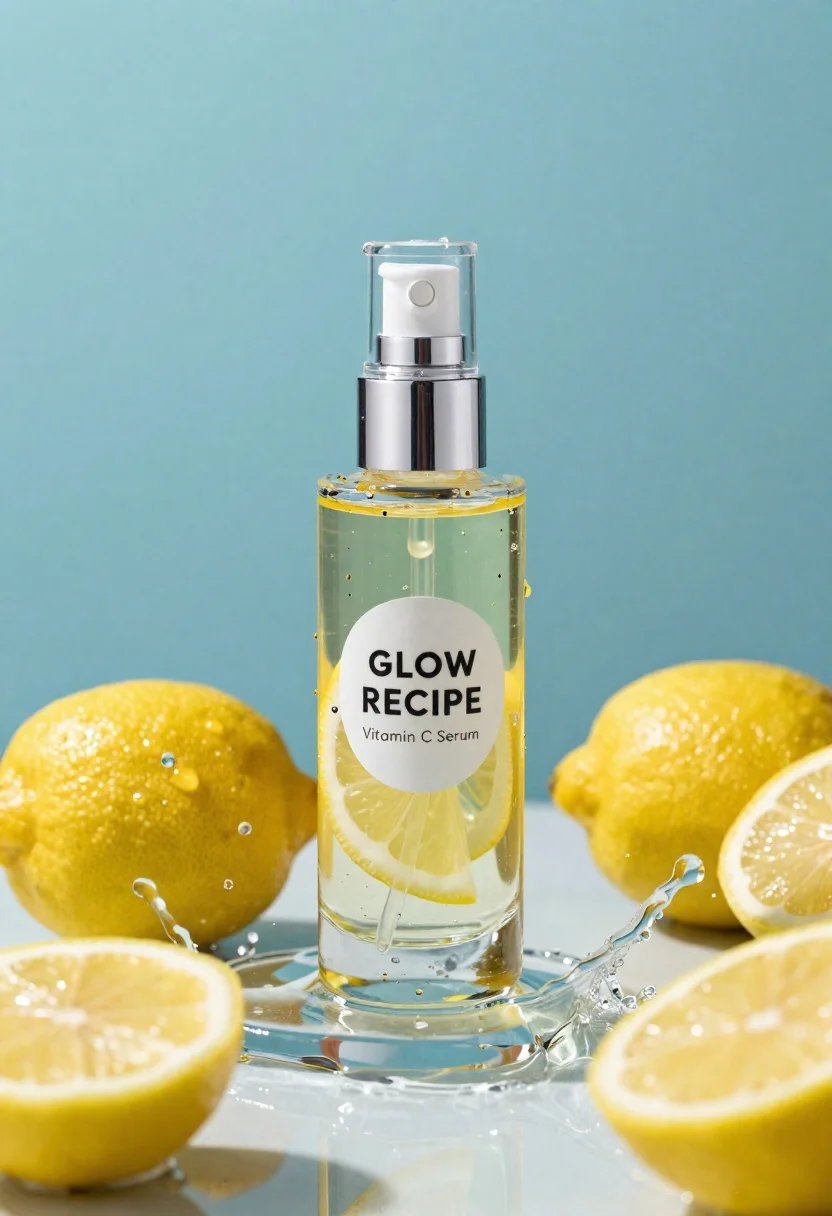
Clear glass serum bottle with lemons and water splashes in studio
Prompt
A high-end cosmetic product shot featuring a clear glass bottle of serum surrounded by fresh lemons and splashing water.

Subject: A transparent cylindrical glass bottle containing a yellow liquid with visible lemon slices suspended inside, topped with a metallic silver pump dispenser.

Clothing: Not applicable.

Action: The bottle is stationary while dynamic water splashes around it, capturing droplets in mid-air.

Environment: A clean studio setting with a solid teal-blue background and a reflective wet surface beneath the bottle.

Camera: Close-up product photography shot with a shallow depth of field that keeps the bottle sharp while slightly blurring the surrounding lemons.

Lighting: Bright, high-key lighting that creates strong specular highlights on the glass and water droplets, emphasizing transparency and freshness.
Second

Subject: Not applicable.

Objects: Several whole yellow lemons and lemon halves are arranged around the bottle, along with floating water droplets.

Interaction: The liquid inside the bottle appears to be dripping from the pump nozzle into the surrounding water.

Text/Graphics: A white circular label on the front of the bottle reads "GLOW RECIPE" in bold black letters, with smaller text below indicating "Vitamin C Serum".

Style Details: Commercial product photography style with hyper-realistic rendering, vibrant color saturation, and a focus on texture and clarity.
Description
This prompt is useful for creating high-end cosmetic advertisements, editorial beauty spreads focusing on natural ingredients, and e-commerce catalog visuals. The combination of 'bright, high-key lighting' and the 'reflective wet surface beneath the bottle' ensures that the glass and water droplets catch intense specular highlights, which visually communicates both premium quality and potent freshness necessary for skincare marketing.
Suggestions
- Change 'teal-blue background' to 'soft pastel pink' for a warmer feel.
- Swap 'metallic silver pump dispenser' for 'gold brushed aluminum' to increase luxury appeal.
- Adjust the water action by adding 'slow motion capture' to emphasize droplet physics.
Category
Tags
Close UpMacro ShotOutdoorsRealisticStudio
Date added
June 23, 2026
Added by
PromptDexter Team
Related Prompts
More prompts with similar categories and tags.
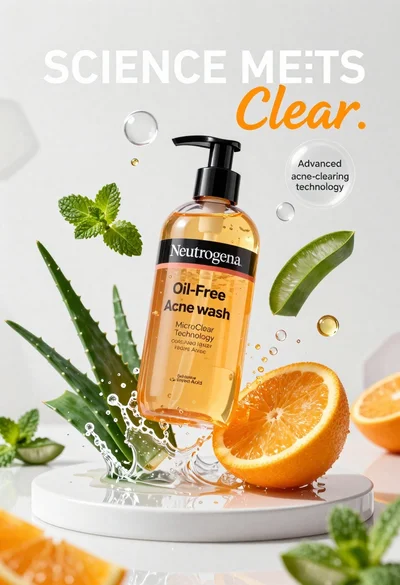
Neutrogena acne wash bottle suspended in midair with splashing liquid
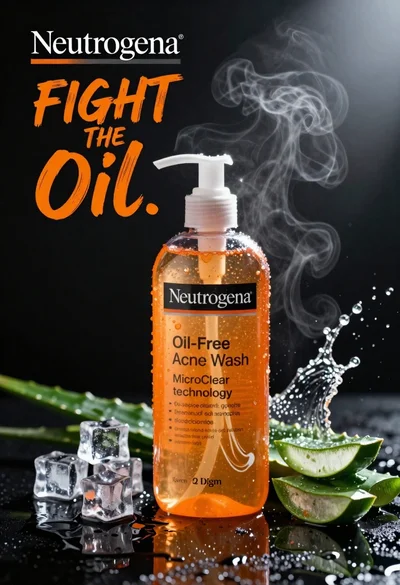
Commercial advertisement for orange facial cleanser bottle on wet black surface
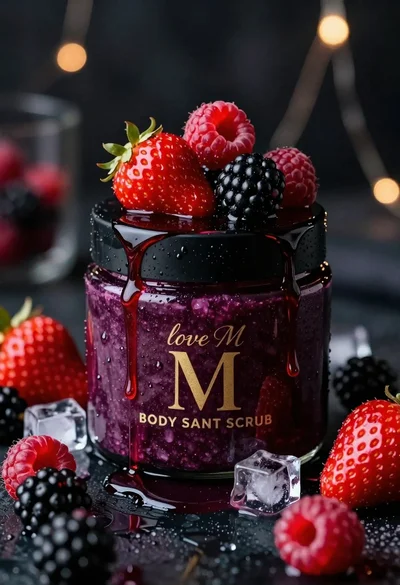
Luxurious dark berry body salt scrub jar with fresh strawberries and raspberries
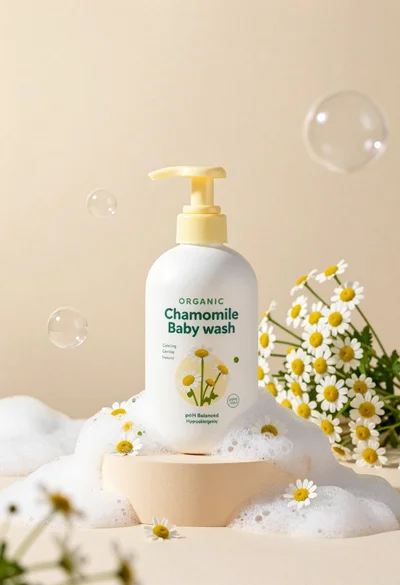
White pump bottle of organic chamomile baby wash on beige pedestal

Black perfume bottle on driftwood surrounded by pink cosmos flowers in purple

Black makeup tube next to open red pomegranate on beige background
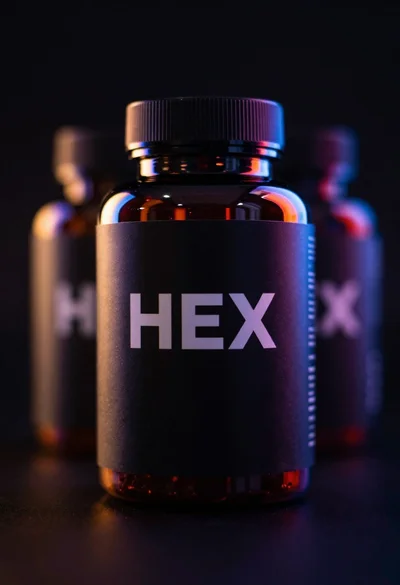
Black supplement bottle with chromatic aberration in void

Ginger cat dressed as fast food worker holding cheeseburger