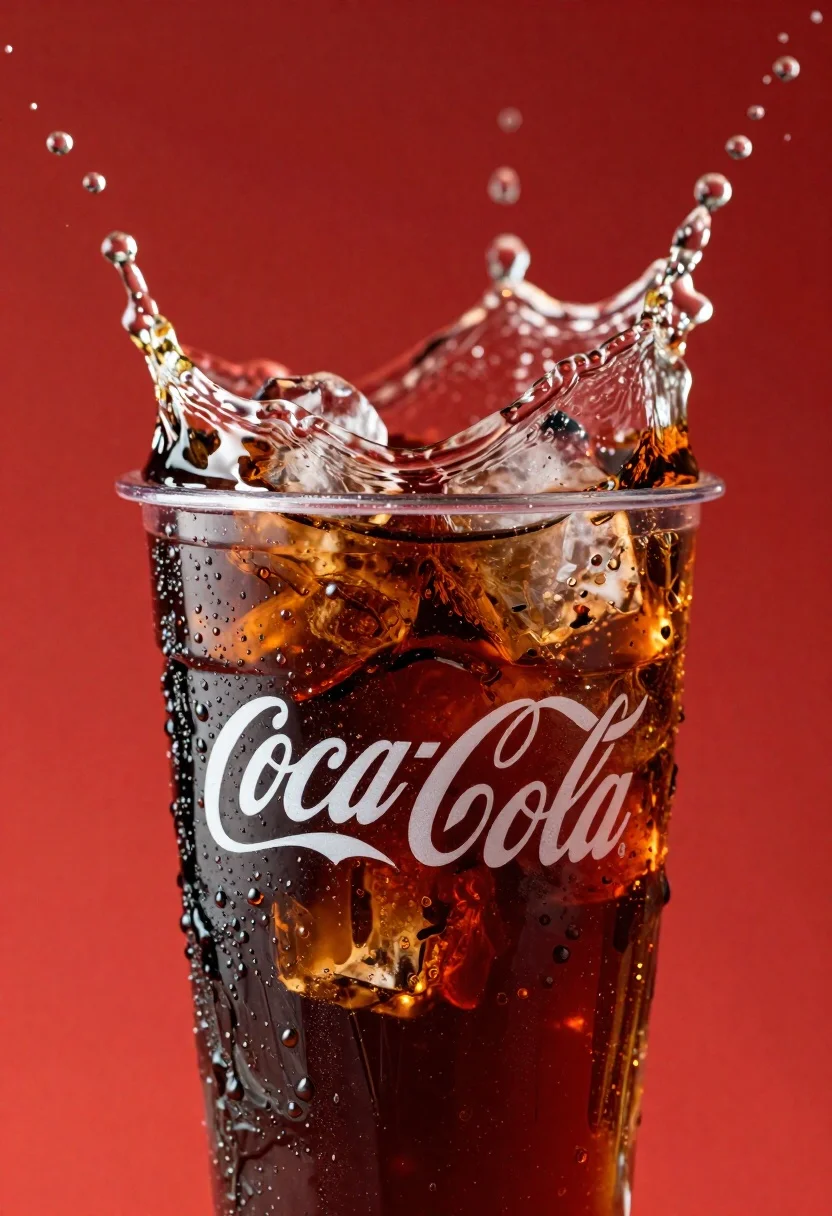
Refreshing coca cola glass with ice cubes splashing against red background
Prompt
A refreshing glass of Coca-Cola with ice cubes splashing dynamically against a vibrant red background.

Subject: A clear plastic cup filled with dark brown carbonated liquid and large ice cubes.

Clothing: N/A.

Action: The drink is captured mid-splash with water droplets flying upward and outward, creating a sense of motion and freshness.

Environment: A solid, vivid red backdrop that enhances the contrast of the glass and splashes.

Camera: Close-up shot with shallow depth of field, focusing sharply on the glass while blurring the background slightly.

Lighting: Bright, high-contrast lighting that highlights condensation droplets on the glass and reflects off the ice cubes and liquid surface.
Second

Subject: N/A.

Objects: Ice cubes inside the glass.

Interaction: The liquid is actively splashing around the rim and sides of the glass.

Text/Graphics: The iconic white "Coca-Cola" script logo is clearly visible on the side of the glass.

Style Details: Commercial product photography style with hyper-realistic rendering, saturated colors, and dynamic water effects.
Description
This prompt is useful for creating beverage advertisements, refreshing summer drink campaigns, and high-impact food editorial spreads. The combination of 'bright, high-contrast lighting' and the explicit focus on 'water droplets flying upward and outward' ensures that the product appears maximally crisp and energetic, preventing the liquid from looking flat against the saturated backdrop.
Suggestions
- Change 'vibrant red background' to 'deep burgundy background' for a more sophisticated feel.
- Add 'macro lens perspective' to emphasize the water physics.
- Swap 'dark brown carbonated liquid' for 'cola-colored soda' for broader applicability.
Category
Tags
Close UpFoodMacro ShotRealisticStudio
Date added
June 26, 2026
Added by
PromptDexter Team
Related Prompts
More prompts with similar categories and tags.
Dessert dome with pink jelly and red cherry
Close up advertisement of yellow soft serve ice cream in waffle cone
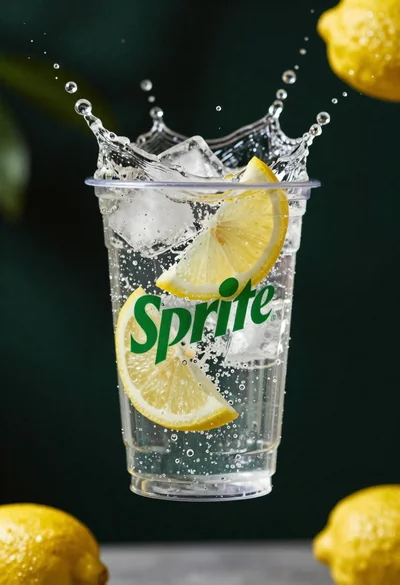
Clear plastic cup with fizzy liquid ice cubes and lemon slices suspended
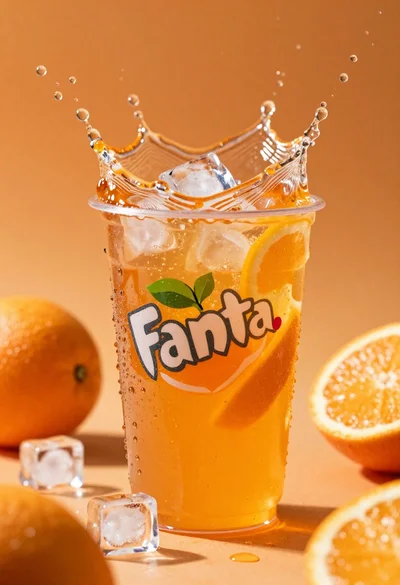
Closeup macro shot of a glass of orange soda splashing with ice
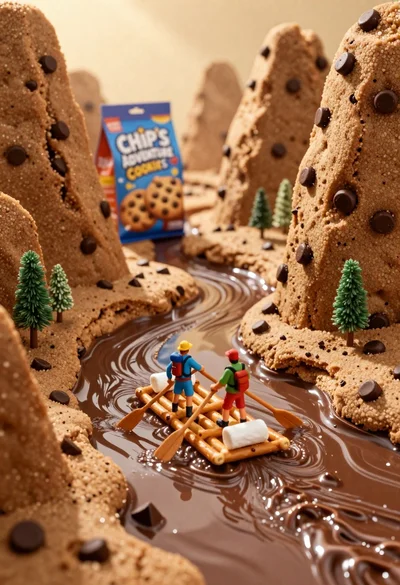
Tiny adventurers rowing a pretzel raft down a chocolate river between cookie
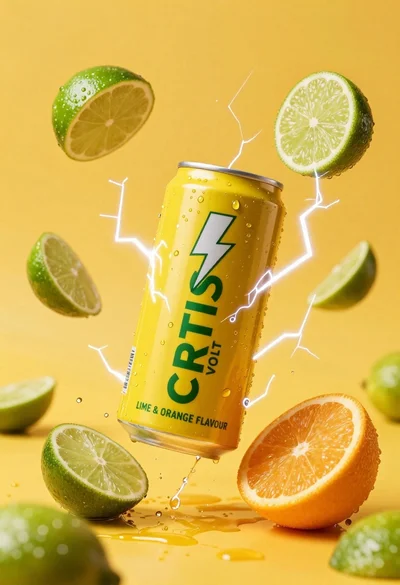
Yellow energy drink can floating in midair with lime slices and lightning
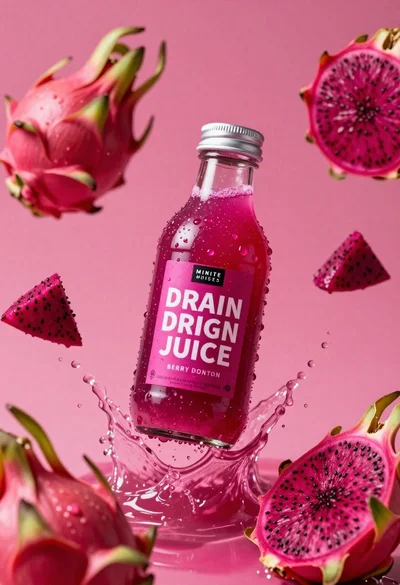
Clear glass bottle of pink dragon fruit juice frozen in a splash

Ginger cat dressed as fast food worker holding cheeseburger
