
Blonde woman in iridescent gown standing in a doorway with soft backlighting
Prompt
A woman stands in a doorway wearing an elaborate iridescent gown with voluminous ruffled shoulders and a large pink bow at the waist.

Subject: A blonde woman with a serious expression looking slightly to her left.

Clothing: An off-the-shoulder floor-length gown made of shimmering, translucent material that reflects rainbow hues, featuring a wide satin pink ribbon tied in a bow around the midsection and ruffled fabric on the upper chest. She wears a chunky silver statement necklace.

Action: Standing upright with her arms hanging loosely by her sides, framed within a dark doorway.

Environment: A dimly lit interior space behind her with soft white drapes visible in the background through an open passage.

Lighting: Warm backlighting coming from behind the subject creates a glowing rim light effect on her hair and dress while casting her face in softer shadow.

Style Details: Cinematic photography with high contrast between the dark foreground frame and the bright, ethereal glow of the dress.
Description
This prompt is useful for creating dramatic editorial fashion spreads, cinematic character portraits, and luxury catalog imagery emphasizing silhouette. The combination of 'warm backlighting' generating a glowing rim light against the dark doorway frame ensures that the 'shimmering, translucent material' catches light dramatically, preventing the gown from appearing flat while highlighting the contrast with the shadowed face.
Suggestions
- Change 'large pink bow' to 'deep burgundy velvet ribbon' for a richer color pop.
- Add 'anamorphic lens flare' to enhance the cinematic quality of the backlighting.
- Adjust 'dimly lit interior space' to 'ornate marble hall' for more architectural context.
Category
Tags
BlondeFemaleFull BodyIndoorsRealistic
Date added
June 19, 2026
Added by
PromptDexter Team
Related Prompts
More prompts with similar categories and tags.
Confident woman in black dress walks through elegant museum hallway adjusting sunglasses
Woman in red ballgown spinning in elegant museum hall

Blonde woman in black gown posing on city street near ritz london
Young woman in elaborate ballgown on grand marble staircase interior
Woman crawling on dusty hillside in black leather outfit low angle
Woman in red trench coat leaning against hallway wall cinematic portrait

Woman in brown corduroy sitting in golden dry grass at sunset
Young woman in red sari sitting on sand dunes at golden hour
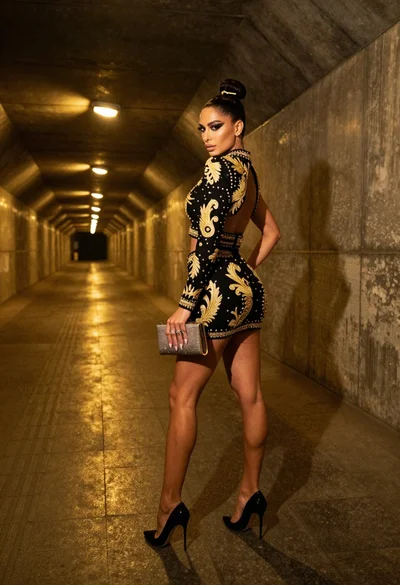
Glamorous woman in black gold outfit posing in concrete subway tunnel
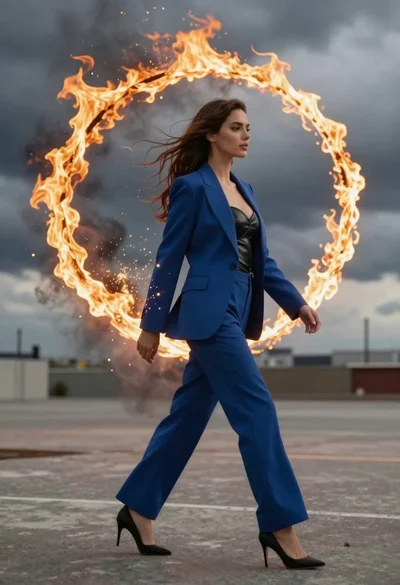
Young woman in blue blazer walking forward in profile against a ring