Blonde woman in sequined gown at a glamorous indoor event
Prompt
A glamorous woman with blonde hair and bangs stands in a crowded event setting.

Subject: A fair-skinned woman with shoulder-length blonde hair featuring straight bangs across her forehead. She has a soft, subtle smile and is looking slightly to the side rather than directly at the camera. Her facial features are distinct with defined eyes and a small beauty mark near her mouth.

Clothing: She wears a strapless gown covered in shimmering blue and silver sequins that catch the light. Around her neck is an elaborate necklace made of cascading strands of pearls, diamonds, and blue gemstones. She holds a dark clutch purse against her left hip.

Action: She stands with a relaxed posture, her body angled slightly while she gazes off-camera with a calm expression.

Environment: The background is out of focus but suggests a busy indoor venue or red carpet event with blurred figures in formal wear and warm ambient lighting.

Camera: A medium close-up shot framed from the chest up, utilizing a shallow depth of field to blur the background and emphasize the subject's face and attire.

Lighting: Soft, warm lighting illuminates her skin and highlights the sparkle on her dress and jewelry, creating a polished and elegant atmosphere.

Style Details: The image has a high-quality cinematic look with rich color saturation and a focus on fashion photography aesthetics.
Description
This prompt is useful for creating editorial fashion moodboards, red carpet event coverage, and luxury portraiture showcasing elaborate attire. The combination of 'shimmering blue and silver sequins' under 'soft, warm lighting' ensures the garment catches light dramatically, while the 'shallow depth of field' isolates the subject against the blurred background, preventing visual competition with the setting.
Suggestions
- Change 'blue and silver sequins' to 'gold and bronze sequins' for a warmer palette.
- Add 'bokeh effect' to enhance the background blur.
- Swap 'medium close-up shot' for 'waist-up shot' to better display the gown.
Category
Tags
BlondeFair SkinFemaleFormal WearRealistic
Date added
June 19, 2026
Added by
PromptDexter Team
Related Prompts
More prompts with similar categories and tags.

Smiling blonde woman in black dress at sports illustrated event backdrop
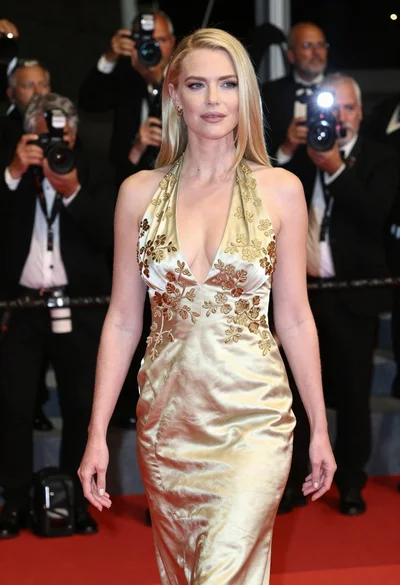
Blonde woman in gold satin gown walking at a red carpet event

Full length shot of woman in dusty pink lace gown at indoor

Blonde woman in seafoam gown looking over shoulder at camera
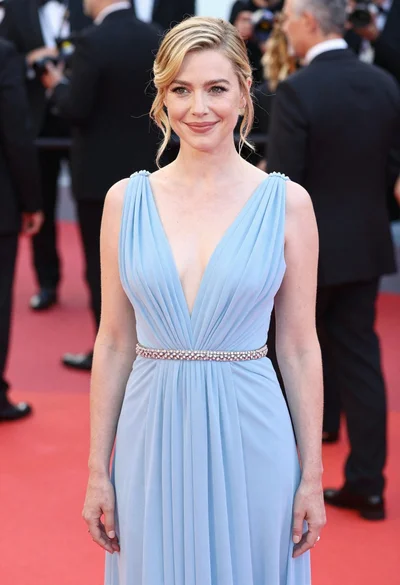
Blonde woman in pale blue gown standing on red carpet event
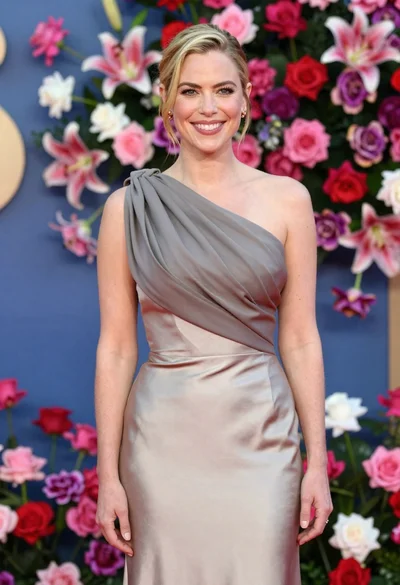
Smiling woman in one shoulder gown against vibrant floral wall backdrop
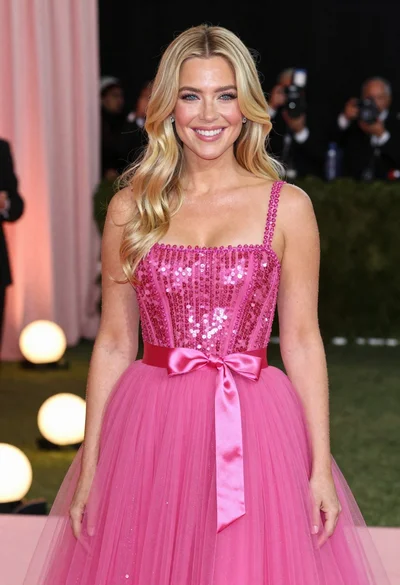
Smiling blonde woman in shimmering pink gown at glamorous event setting
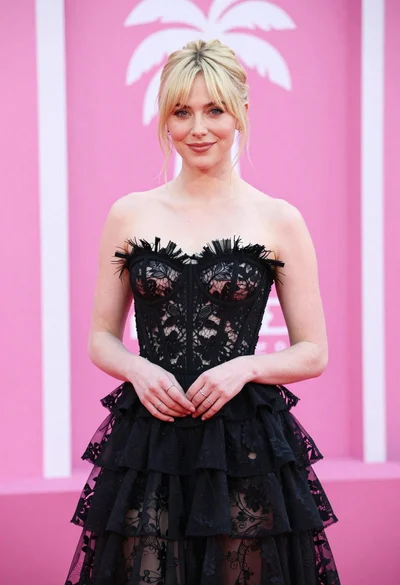
Blonde woman in black lace gown against a vibrant pink striped backdrop
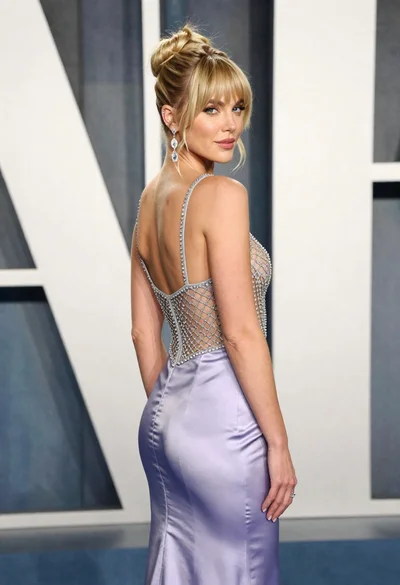
Blonde woman in lavender gown posing at a formal gala event
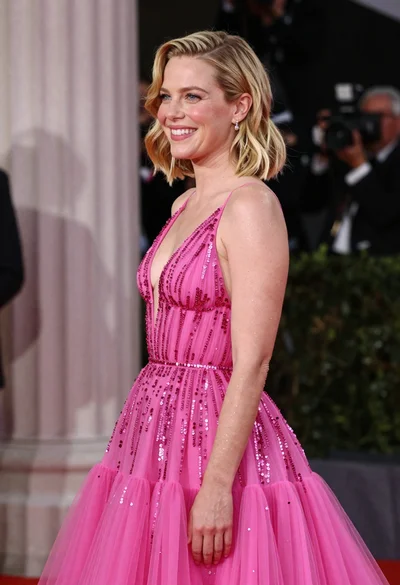
Smiling blonde woman in pink gown at an elegant outdoor evening event