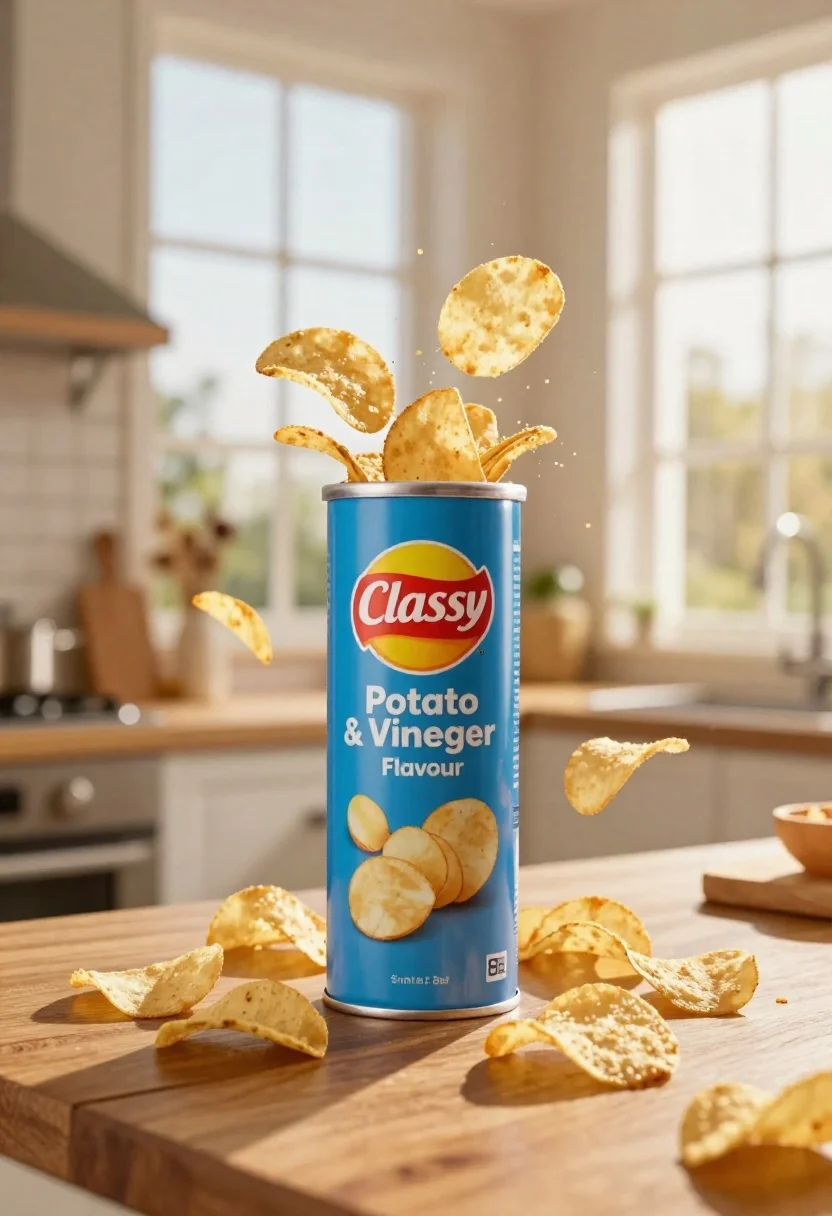
Blue classy potato salt and vinegar can with chips exploding on wooden
Prompt
A dynamic product shot of a blue cylindrical can labeled Classy Potato Salt & Vinegar Flavour with potato chips exploding upward from the top and scattered around its base on a wooden surface.

Subject: A tall blue cylindrical can featuring a red oval logo reading Classy and white text stating Potato Salt & Vinegar Flavour, surrounded by golden potato chips in mid-air and piled at the bottom.

Clothing: Not applicable.

Action: Potato chips are suspended in an upward explosion motion around the can with some resting on the wooden surface.

Environment: A blurred indoor kitchen setting with large windows showing soft daylight and a wooden countertop in the foreground.

Camera: Eye-level perspective with shallow depth of field blurring the background to emphasize the product.

Lighting: Warm natural light streaming from the right side creating soft highlights on the chips and can while maintaining gentle shadows.
Second

Subject: Not applicable.

Objects: Wooden surface, blurred kitchen windows, and scattered potato chips.

Interaction: Chips are dynamically interacting with the can through an explosive upward motion.

Text/Graphics: Clear branding text including Classy in a red oval logo and Salt & Vinegar Flavour on the blue can label.

Style Details: High-quality commercial product photography style with vibrant colors, sharp focus on the subject, and cinematic lighting effects.
Description
This prompt is useful for creating high-impact food advertising campaigns, e-commerce listings for snack brands, and editorial spreads showcasing indulgent eating moments. The combination of 'exploding upward motion' chips against a 'wooden countertop' grounds the dynamic action while the 'shallow depth of field' ensures that all visual attention remains locked onto the product branding and texture.
Suggestions
- Change 'blue cylindrical can' to 'matte navy blue can' for a more premium feel.
- Replace 'golden potato chips' with 'crispy, textured golden chips' to enhance perceived crunch.
- Adjust 'soft daylight' to 'harsh midday sun' for higher contrast advertising.
Category
Tags
FoodOutdoorsRealistic
Date added
June 26, 2026
Added by
PromptDexter Team
Related Prompts
More prompts with similar categories and tags.

Joyful young woman in pink overalls jumping next to giant ice cream
Large juicy beef burger with soda and ice cubes in dark studio

Dessert dome with pink jelly and red cherry
Black pringles can floating in midair with chips and chili peppers against
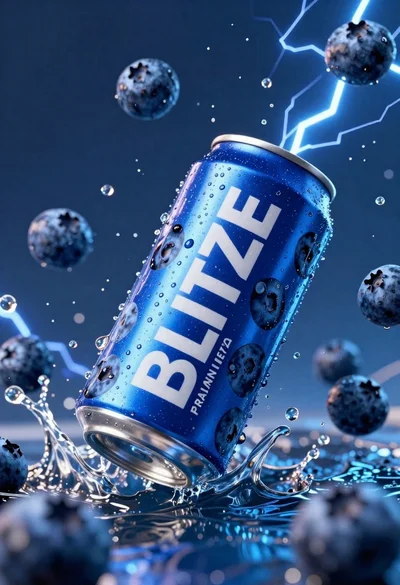
Blue aluminum beverage can suspended in midair with splashing water and blueberries
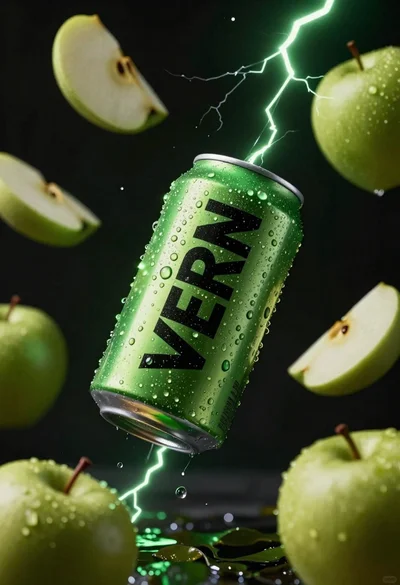
Hyper realistic green energy drink can floating with apples in dark void
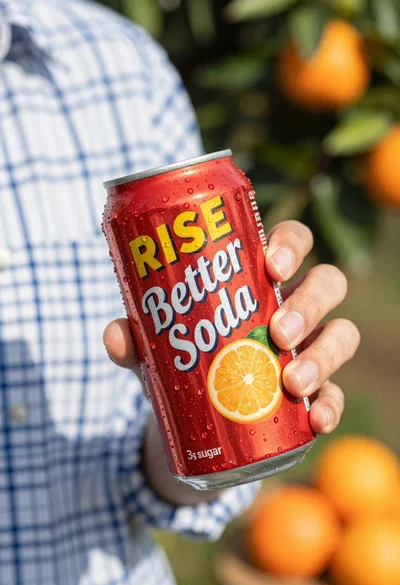
Closeup shot of hand holding red soda can with condensation droplets outdoors

Ginger cat dressed as fast food worker holding cheeseburger