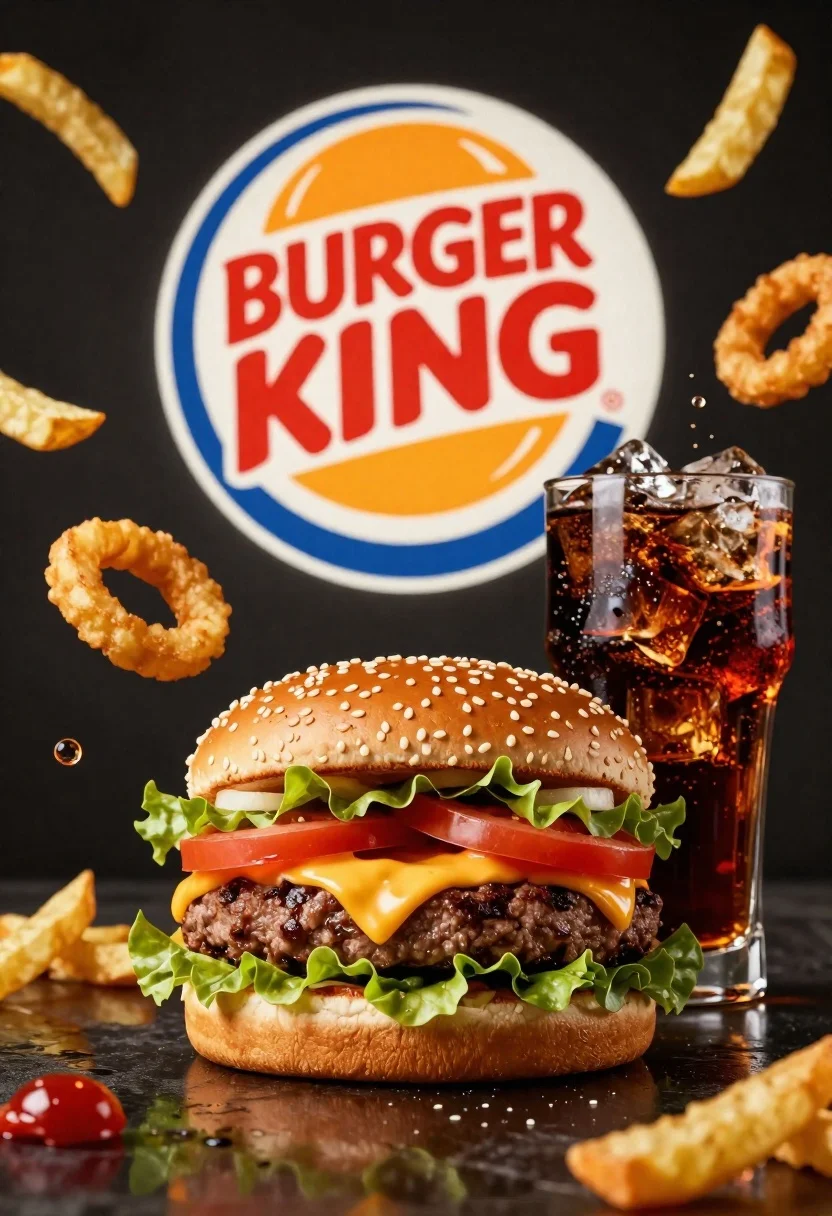
Large juicy beef burger with soda and ice cubes in dark studio
Prompt
A dynamic commercial advertisement featuring a large, appetizing cheeseburger and a glass of soda with ice cubes in the foreground against a dark background.

Subject: A large, juicy beef burger with melted yellow cheese, fresh green lettuce, red tomato slices, crispy onion rings, and a sesame seed bun sits prominently in the lower center.

Clothing: Not applicable.

Action: Various food items are suspended in mid-air around the main subject, creating a sense of explosive motion and freshness.

Environment: The setting is a dark, moody studio environment with a reflective surface at the bottom that mirrors the food items.

Camera: A close-up shot with a shallow depth of field focuses sharply on the burger and soda while slightly blurring the floating elements in the background.

Lighting: Dramatic studio lighting highlights the textures of the food, creating bright specular reflections on the wet bun and the glass of soda against deep shadows.
Second

Subject: Not applicable.

Objects: A tall glass filled with dark cola and large ice cubes stands next to the burger. Crinkle-cut french fries float in the air around the scene.

Interaction: The floating ingredients and burgers appear to be bursting outwards from behind the central logo, interacting dynamically with the space.

Text/Graphics: The iconic Burger King logo is displayed in a large circular frame in the background, featuring red text on a white circle with yellow bun shapes.

Style Details: High-gloss commercial photography style with vibrant colors, sharp focus on food textures, and a sense of depth created by floating elements.
Description
This prompt is useful for creating high-impact fast-food advertising campaigns, menu board visuals, and product catalog shots emphasizing freshness. The combination of 'dramatic studio lighting' with 'bright specular reflections on the wet bun' ensures that every juicy element catches the light, making the food look maximally appetizing against the deep shadows.
Suggestions
- Change 'dark background' to 'charcoal gray backdrop' for a slightly softer mood.
- Swap 'large ice cubes' for 'condensation beads' to emphasize coldness.
- Adjust 'crispy onion rings' to 'golden potato straws' for visual variety.
Category
Tags
Close UpFoodOutdoorsRealistic
Date added
June 26, 2026
Added by
PromptDexter Team
Related Prompts
More prompts with similar categories and tags.
Blue aluminum beverage can suspended in midair with splashing water and blueberries
Closeup shot of hand holding red soda can with condensation droplets outdoors
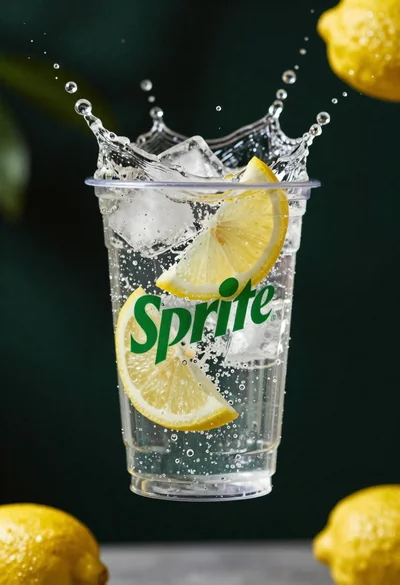
Clear plastic cup with fizzy liquid ice cubes and lemon slices suspended
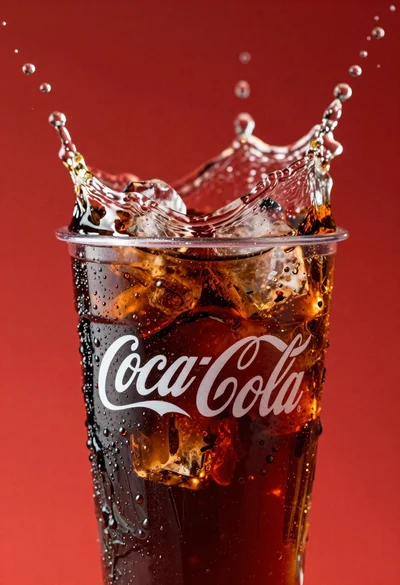
Refreshing coca cola glass with ice cubes splashing against red background
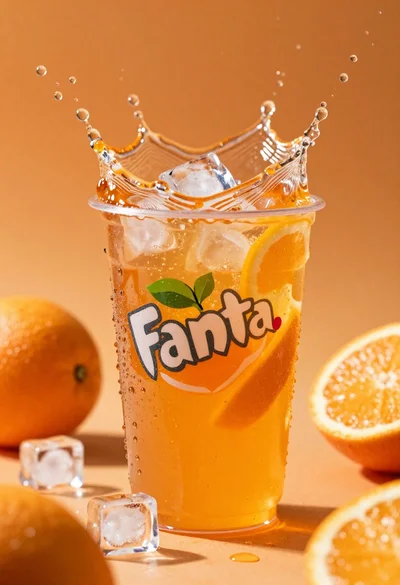
Closeup macro shot of a glass of orange soda splashing with ice
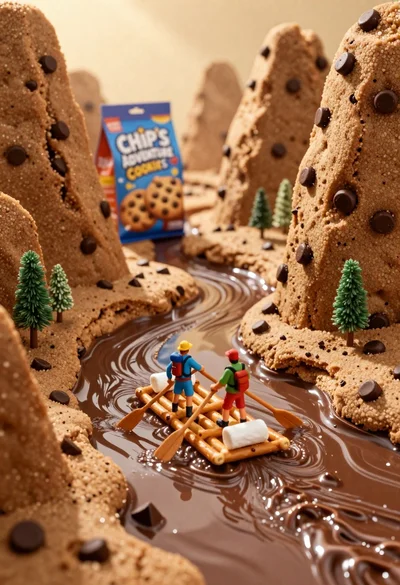
Tiny adventurers rowing a pretzel raft down a chocolate river between cookie
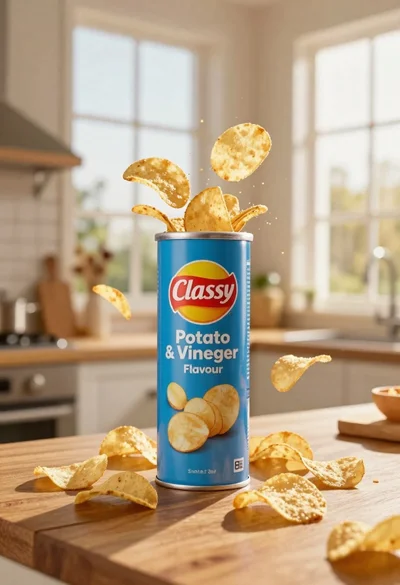
Blue classy potato salt and vinegar can with chips exploding on wooden

Ginger cat dressed as fast food worker holding cheeseburger