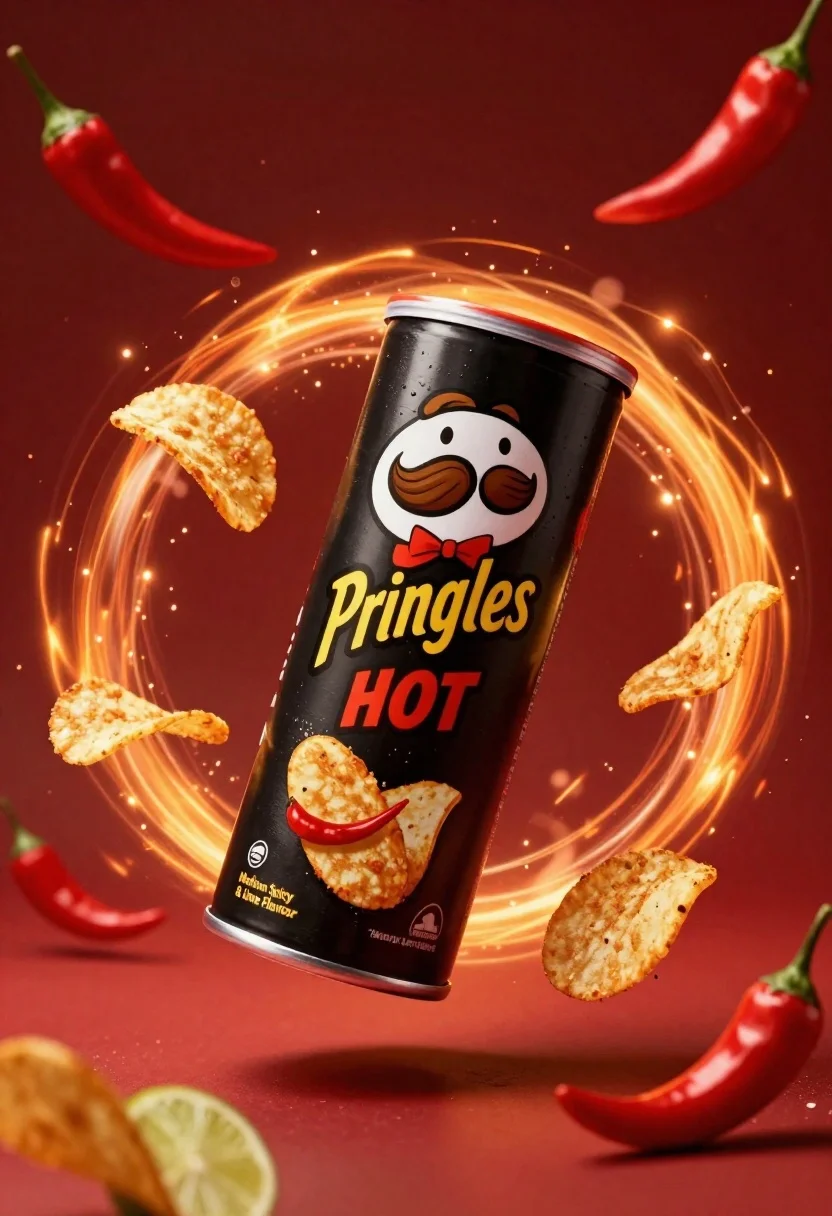
Black pringles can floating in midair with chips and chili peppers against
Prompt
A dynamic product shot of a black Pringles can floating in mid-air against a deep red background.

Subject: A sleek black cylindrical Pringles can featuring the iconic mascot with a thick brown mustache and a red bow tie, labeled "Pringles HOT" in yellow and red text with additional flavor descriptors.

Clothing: The mascot on the can is depicted wearing a formal white shirt and a bright red bow tie.

Action: The can is tilted diagonally as if suspended in zero gravity, surrounded by floating potato chips and flying chili peppers that suggest explosive motion and heat.

Environment: A swirling vortex of glowing orange and yellow energy forms a circular halo behind the can, set against a rich, dark red backdrop with subtle particle effects.

Camera: Centered composition with a slight tilt to emphasize the diagonal orientation of the product, utilizing a shallow depth of field that keeps the can sharp while softly blurring the background elements.

Lighting: Dramatic and high-contrast lighting with a warm color temperature, featuring bright highlights on the metallic rim and glossy surface of the can to create a sense of heat and intensity.

Objects: Several golden-brown ridged potato chips are scattered in various stages of flight around the can, accompanied by whole red chili peppers and lime wedges that reinforce the spicy flavor profile.

Text/Graphics: The label displays "Pringles" in bold yellow script, "HOT" in red block letters, and smaller text reading "Medium Spicy & Lime Flavour," along with a small logo indicating it is a "Market Leader."

Style Details: High-end commercial 3D render with hyper-realistic textures, vibrant saturated colors, and a polished advertising aesthetic.
Description
This prompt is useful for creating high-impact food advertisements, conceptual product launches, and spicy flavor marketing materials. The combination of 'dramatic and high-contrast lighting' with the 'swirling vortex of glowing orange and yellow energy' visually communicates intense heat and dynamic action, which is essential for selling a 'HOT' flavored snack.
Suggestions
- Change 'deep red background' to 'charcoal black backdrop' for more contrast.
- Swap 'golden-brown ridged potato chips' for 'crispy tortilla chip shards' to change the texture.
- Adjust 'warm color temperature' to 'fiery orange color temperature' to intensify the heat suggestion.
Category
Tags
Full BodyHigh AngleOutdoorsRealistic
Date added
June 23, 2026
Added by
PromptDexter Team
Related Prompts
More prompts with similar categories and tags.
Blue aluminum beverage can suspended in midair with splashing water and blueberries
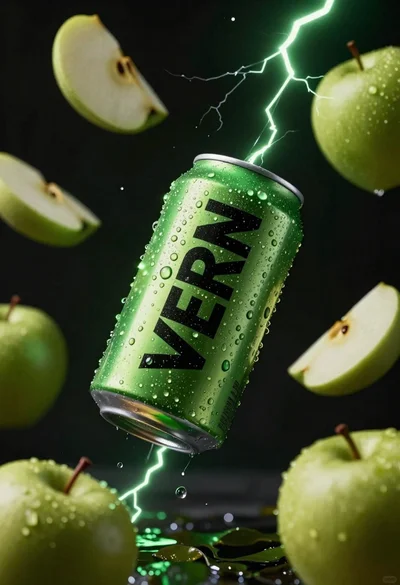
Hyper realistic green energy drink can floating with apples in dark void
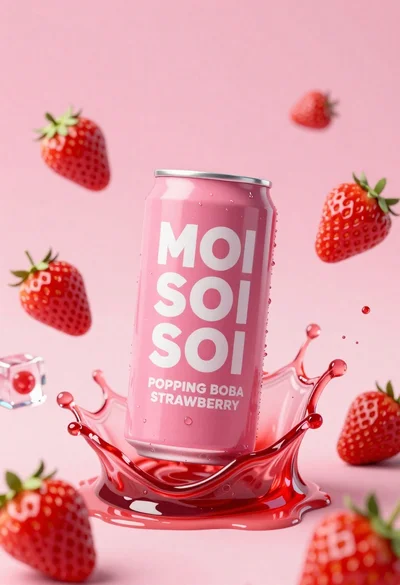
Pink soda can frozen in midair splash with strawberries
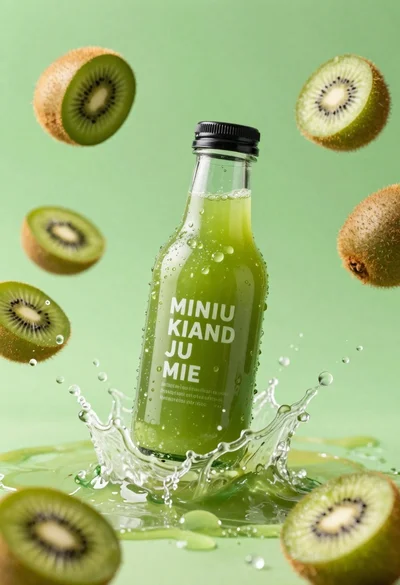
Clear glass kiwi juice bottle frozen in midair splash against green background
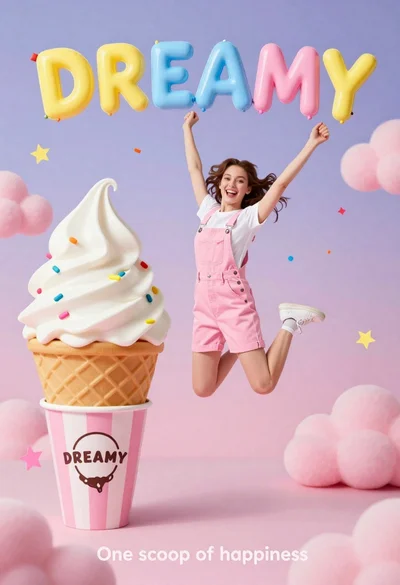
Joyful young woman in pink overalls jumping next to giant ice cream
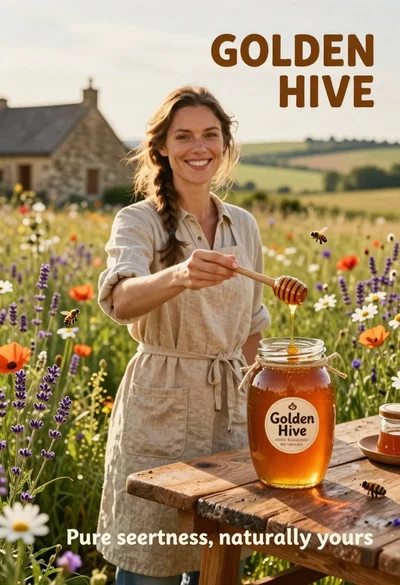
Smiling woman in beige linen dress holding honey jar on rustic wooden

Two smiling children holding red kitkat bars against a blue sky
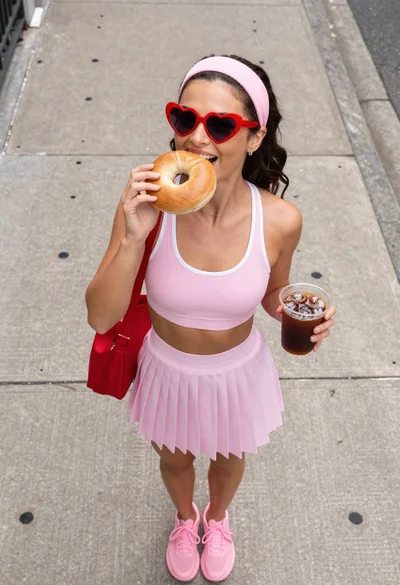
Young woman eating bagel holding iced coffee on urban sidewalk