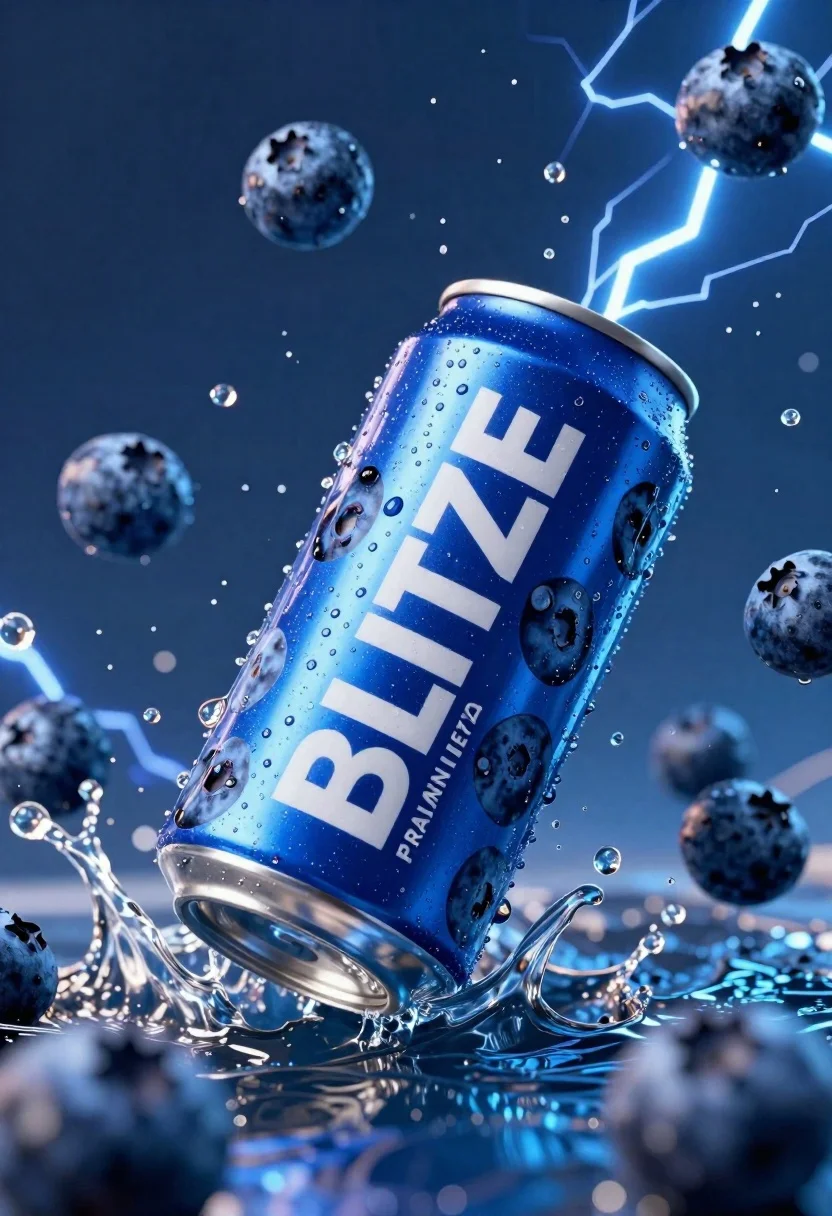
Blue aluminum beverage can suspended in midair with splashing water and blueberries
Prompt
A dynamic close-up of a blue aluminum beverage can suspended in mid-air amidst splashing water and floating blueberries.

Subject: A tall cylindrical aluminum can with a metallic silver rim at the top and bottom, featuring a vibrant blue surface patterned with dark blueberry images.

Clothing: N/A.

Action: The can is tilted diagonally, appearing to fall or float through the air while being surrounded by splashing water droplets and floating whole blueberries.

Environment: A deep blue background filled with electric blue lightning bolts and scattered water spray, creating a high-energy atmosphere.

Camera: Close-up shot with a shallow depth of field that blurs the foreground and background blueberries to emphasize the central can.

Lighting: High-contrast lighting with bright highlights on the wet metal surface and cool blue tones reflecting off the water droplets and lightning effects.
Second

Subject: N/A.

Objects: Numerous whole blueberries floating around the can, some in sharp focus and others blurred in the background.

Interaction: The can is interacting dynamically with the surrounding water spray and electric energy, suggesting a refreshing impact.

Text/Graphics: Large white text reading "BLITZE" diagonally across the front of the can, with smaller text below reading "PRAMANA IREZA".

Style Details: Hyper-realistic 3D commercial render with high saturation, sharp focus on the product, and dramatic lighting effects.
Description
This prompt is useful for creating dynamic beverage advertisements, product packaging mockups, and high-energy food campaign visuals. The combination of 'high-contrast lighting' and 'metallic silver rim' ensures that the wet surfaces catch sharp highlights, which prevents the blue aluminum from looking flat against the dramatic background elements like the 'electric blue lightning bolts'.
Suggestions
- Change 'vibrant blue surface' to 'matte cobalt blue' for a different product feel.
- Add 'macro lens perspective' to intensify the close-up focus.
- Swap 'lightning bolts' for 'ripples of water' to soften the energy.
Category
Tags
3dClose UpHigh AngleOutdoorsRealistic
Date added
June 23, 2026
Added by
PromptDexter Team
Related Prompts
More prompts with similar categories and tags.

Black pringles can floating in midair with chips and chili peppers against
Hyper realistic green energy drink can floating with apples in dark void
Closeup shot of hand holding red soda can with condensation droplets outdoors
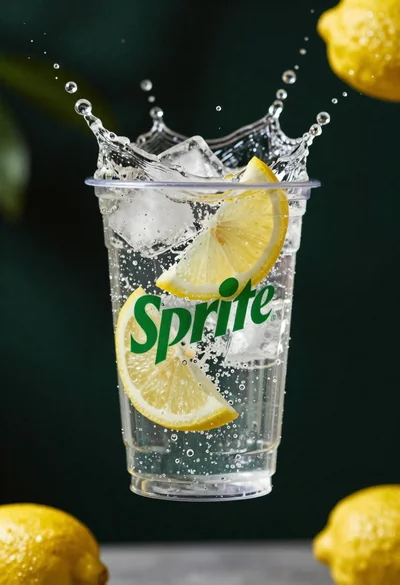
Clear plastic cup with fizzy liquid ice cubes and lemon slices suspended

Closeup macro shot of a glass of orange soda splashing with ice
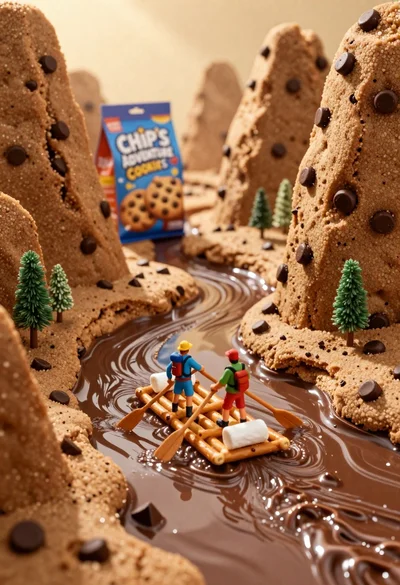
Tiny adventurers rowing a pretzel raft down a chocolate river between cookie
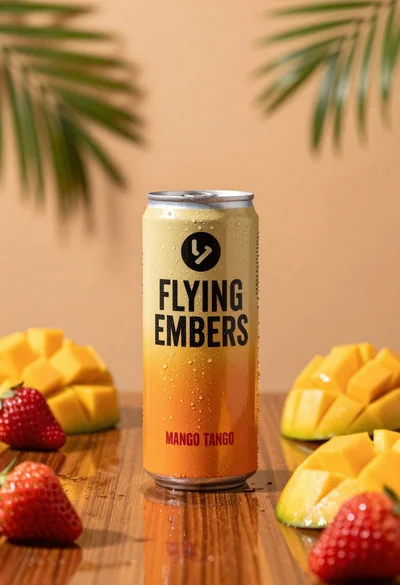
Refreshing beverage can with fruit slices on wooden table

Ginger cat dressed as fast food worker holding cheeseburger
