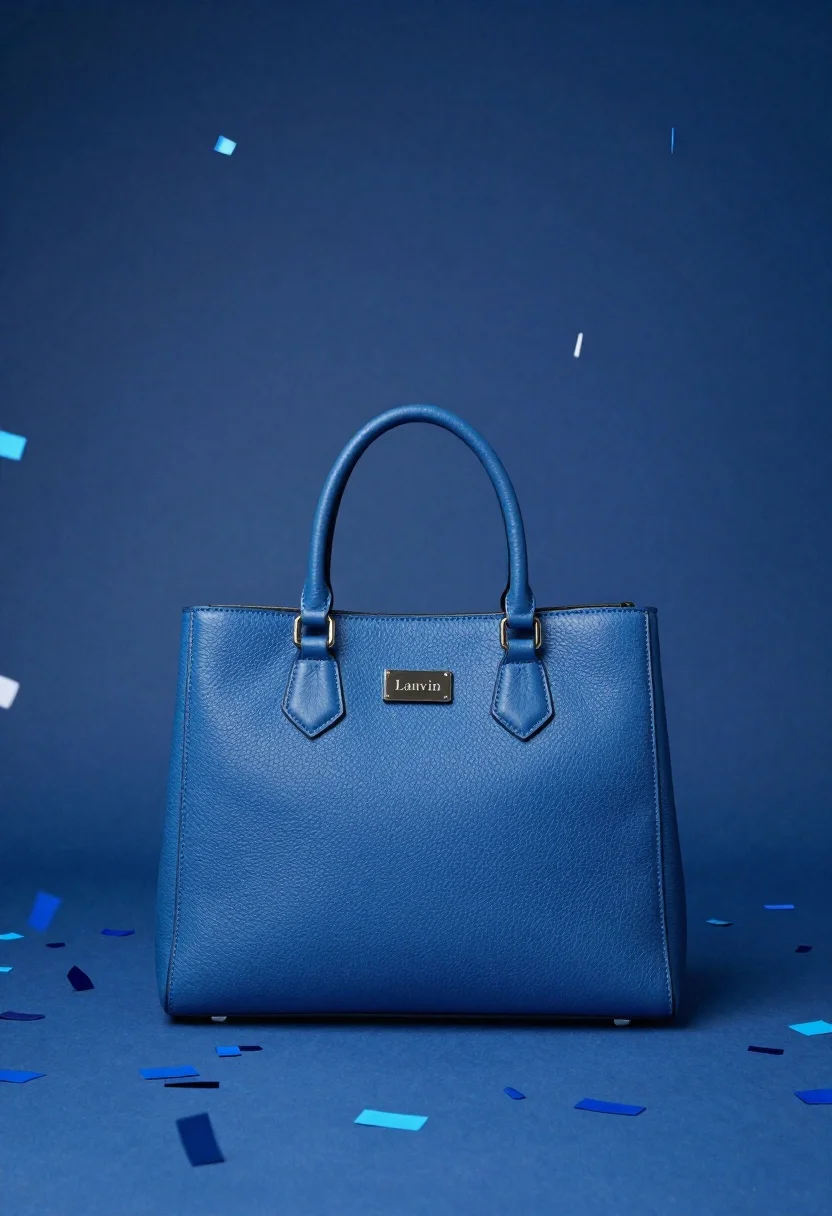
Blue lanvin handbag with confetti in a studio setting
Prompt
A vibrant blue handbag stands centered against a dynamic backdrop of falling and scattered confetti in varying shades of blue.

Subject: A structured, rectangular handbag with a pebbled leather texture, featuring two curved top handles attached by metal hardware.

Clothing: The bag has a small, dark rectangular plaque on the front center with the embossed text "Lanvin".

Action: The bag is stationary and upright, positioned as if for product display.

Environment: The setting is a monochromatic blue studio space where the floor and background are filled with scattered confetti pieces that also appear to be falling through the air.

Camera: A straight-on eye-level shot with a shallow depth of field that keeps the bag in sharp focus while slightly blurring the distant confetti.

Lighting: Soft, diffused lighting illuminates the scene from the front and top, creating gentle highlights on the leather texture and metallic hardware without harsh shadows.

Style Details: High-end commercial product photography style with a cool color palette dominated by various shades of blue, featuring a clean composition and high resolution.
Description
This prompt is useful for creating luxury e-commerce listings, seasonal advertising campaigns, and editorial accessory spreads. The combination of 'soft, diffused lighting' and the 'pebbled leather texture' ensures that the bag's material details are visible without harsh reflections, which is crucial for high-end product representation against the monochromatic blue backdrop.
Suggestions
- Change 'vibrant blue handbag' to specify a shade like 'cerulean blue' for better color control.
- Add 'macro lens perspective' to emphasize the pebbled leather texture.
- Swap 'confetti pieces' for 'iridescent paper scraps' to alter the material reflection.
Category
Tags
Studio
Date added
June 26, 2026
Added by
PromptDexter Team
Related Prompts
More prompts with similar categories and tags.
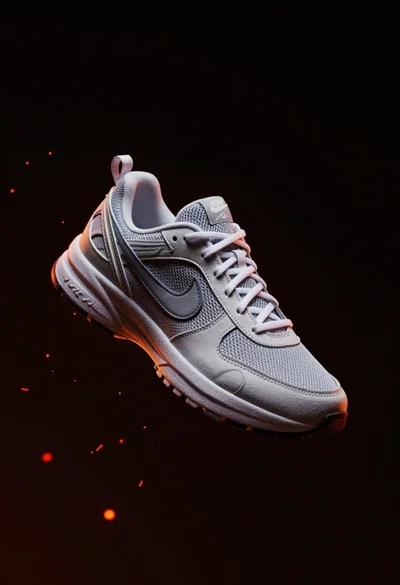
Nike sneaker floating in dark void with embers
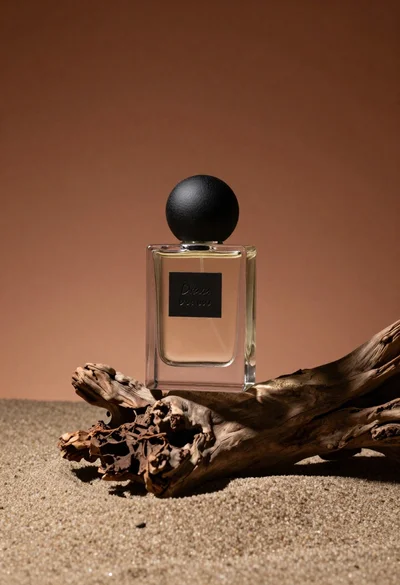
Minimalist perfume bottle on driftwood and sand
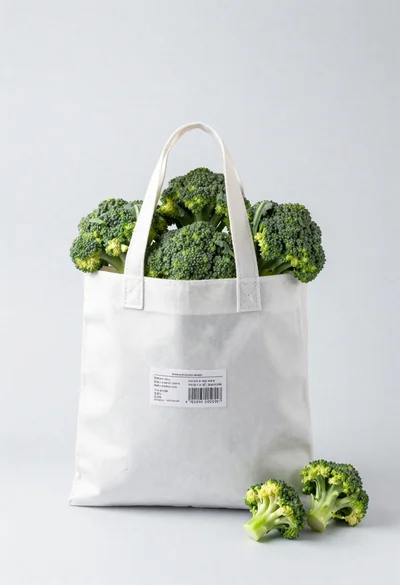
White shopping bag overflowing with fresh broccoli florets
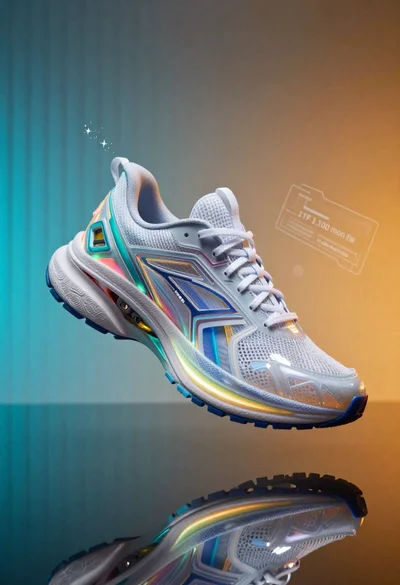
Futuristic running shoe on a split color surface
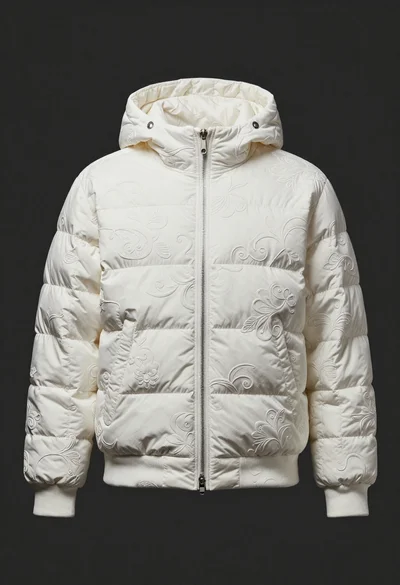
White puffer jacket displayed on a dark gray background

Black makeup tube next to open red pomegranate on beige background
Amber glass bottle with gold pump under dramatic golden light
Neon glowing armchair in dimly lit elegant room