
Smiling blonde woman holding a blue jar in a minimalist studio setting
Prompt
A smiling woman with blonde hair pulled back holds a small blue jar near her cheek while wearing a light blue long-sleeved top.

Subject: A fair-skinned woman with blonde hair styled in a sleek updo and prominent bangs, featuring bright blue eyes and glossy lips.

Clothing: She wears a pale blue, scoop-neck long-sleeved shirt made of smooth fabric that fits closely to her frame.

Action: The woman smiles gently at the camera while holding a small round jar near her face with one hand and resting her other arm on a white surface.

Environment: A minimalist studio setting with a plain light blue background and a clean white table in the foreground.

Camera: Shot from a medium close-up angle with a shallow depth of field that keeps the subject sharp while softening the edges.

Lighting: Soft, diffused lighting illuminates her face evenly to highlight skin texture without harsh shadows.

Objects: A small light blue jar held in her hand displays white text on its surface.
Description
This prompt is useful for creating beauty product advertisements, cosmetic brand lookbooks, and lifestyle e-commerce visuals. The combination of 'soft, diffused lighting' ensuring even illumination across the face, paired with the 'plain light blue background,' minimizes distracting elements so that the focus remains squarely on the subject and the small blue jar.
Suggestions
- Change 'pale blue, scoop-neck long-sleeved shirt' to a neutral beige knit for versatility.
- Swap 'small round jar' for a glass dropper bottle to suggest skincare.
- Adjust 'medium close-up angle' to 'eye-level portrait' for more direct engagement.
Category
Tags
BlondeCasual WearFair SkinFemalePortrait ShotRealisticStudio
Date added
June 19, 2026
Added by
PromptDexter Team
Related Prompts
More prompts with similar categories and tags.
Medium close up portrait of woman holding makeup compact in studio

Woman leaning on silver sports car in showroom

Young woman in red sweatshirt holding pepperoni pizza box against collage background
Woman holding cosmetic tube near face in closeup portrait shot
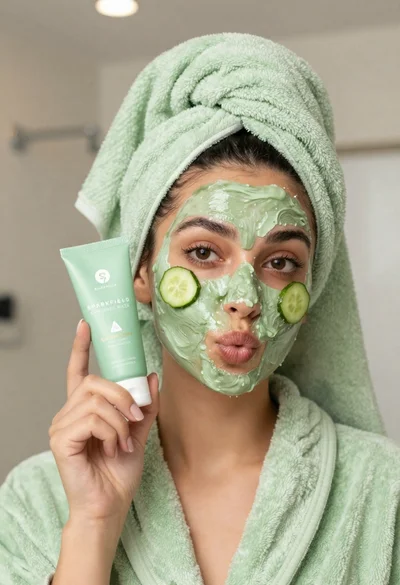
Woman in light green bathrobe holding cucumber face mask tube
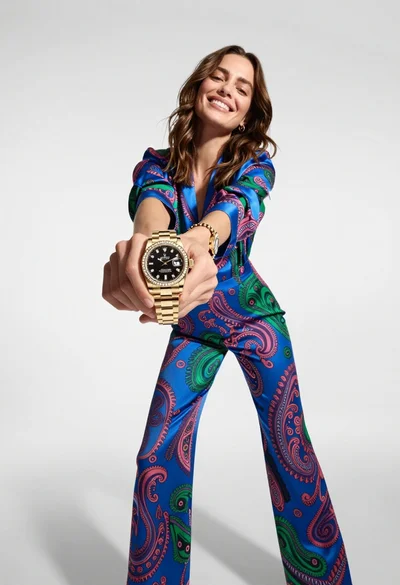
Woman in blue paisley jumpsuit presenting diamond wristwatch against white studio backdrop
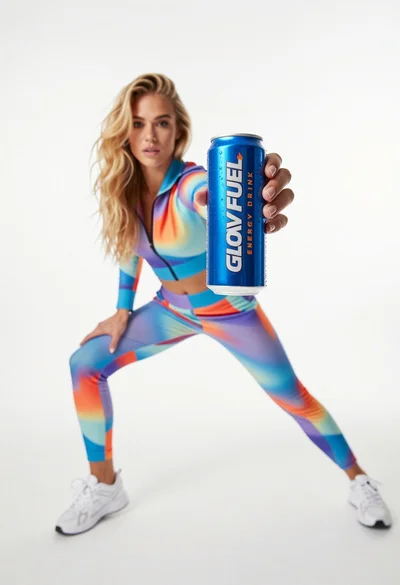
Young woman in athletic tracksuit holding blue energy drink can against white
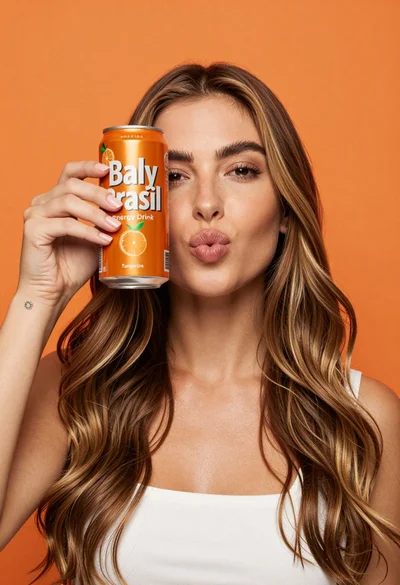
Young woman holding energy drink can making kissy face in studio setting
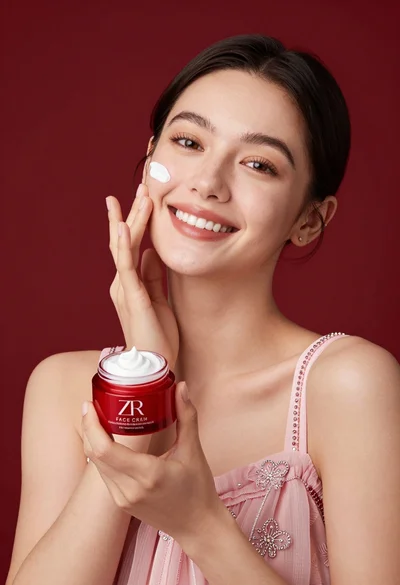
Smiling woman applying white face cream near red jar in studio setting

Medium full length portrait of woman in brown mesh dress