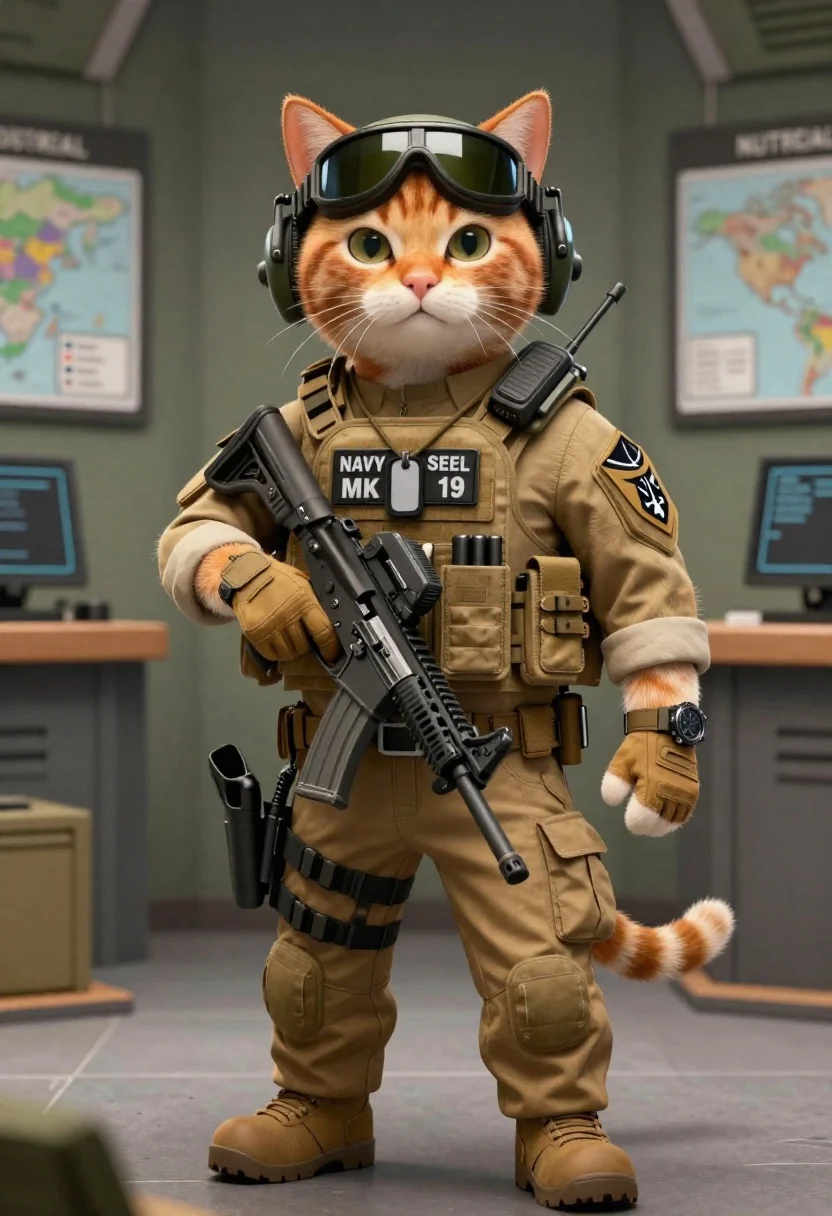
Tactical orange tabby cat in a military briefing room
Prompt
A highly detailed 3d render of a tactical orange tabby cat standing in a military briefing room.

Subject: An anthropomorphic ginger tabby cat with white muzzle and whiskers, featuring realistic feline fur texture on its face and paws.

Clothing: Wearing full tan military combat gear including an M80 plate carrier vest labeled 'NAVY SEAL MK 19', tactical gloves, cargo pants, and a utility belt equipped with pouches and magazines. The left arm bears the Navy SEAL trident patch. Accessories & Gear: Equipped with black aviator goggles on headgear, olive green sunglasses, large over-ear military headset radio, wristwatch, dog tags hanging from neck strap, assault rifle held in right hand, sidearm holstered at hip, and tactical equipment attached to belt.

Environment: Set inside a dimly lit command center or operations room with blurred maps pinned on walls, mission briefing documents visible in background including one labeled 'NUTREIAL'. Camera &

Lighting: Shot from eye level using medium close-up framing; soft directional lighting creates subtle shadows enhancing realism and depth without harsh highlights.

Style Details: Hyper-realistic rendering combining anthropomorphic character design with military operational aesthetics blending feline features seamlessly into tactical gear presentation.
Description
This prompt is useful for creating concept art for animated action sequences, mascot designs for specialized services, and detailed character sheets for video games. The combination of 'hyper-realistic rendering' applied to an anthropomorphic subject wearing specific items like the 'M80 plate carrier vest labeled 'NAVY SEAL MK 19'' grounds the fantasy elements in tangible detail, ensuring the cat looks functional rather than merely costumed.
Suggestions
- Change 'tactical orange tabby cat' to 'sleek black panther cat' for a different color palette.
- Replace 'M80 plate carrier vest labeled 'NAVY SEAL MK 19'' with 'advanced comms harness' to generalize the gear.
- Adjust 'dimly lit command center' to 'bright, sterile laboratory' for a different mood.
Category
Tags
3dAnimalsFull BodyMedium Shot
Date added
June 19, 2026
Added by
PromptDexter Team
Related Prompts
More prompts with similar categories and tags.

Woman in police uniform stands with fox wearing shirt against white studio

Translucent cosmic teddy bear in outer space
Cat surfing on yellow board in tropical ocean waves
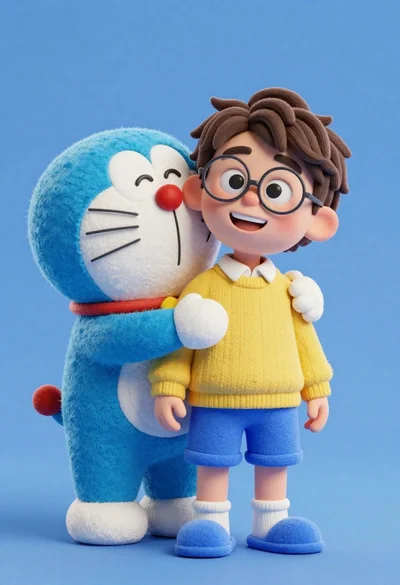
Young boy in yellow sweater hugged by blue robotic cat on blue
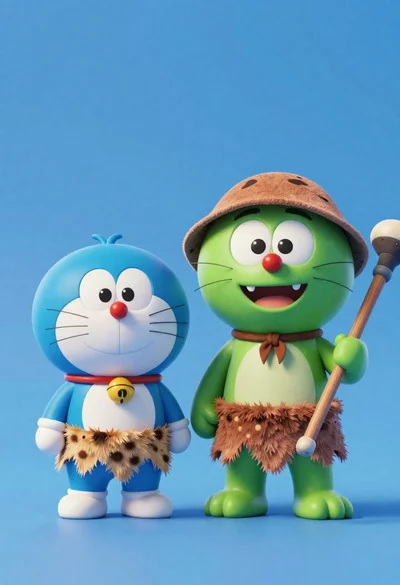
Two friendly cartoon cats standing side by side against a blue background
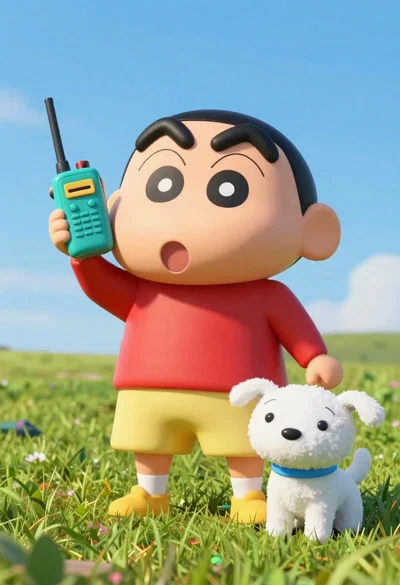
Cheerful plush toy boy holding a teal walkie talkie on a grassy

Three animated characters standing together against a solid blue background
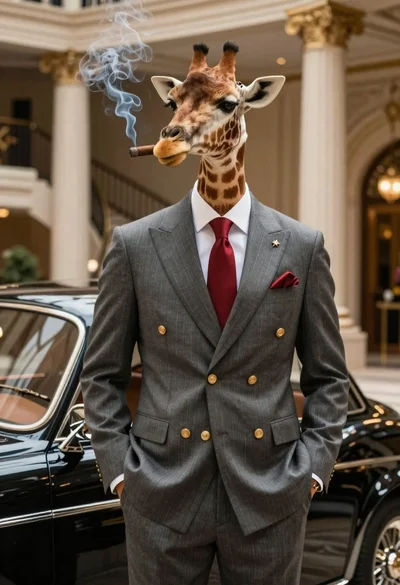
Giraffe in pinstripe suit next to vintage car