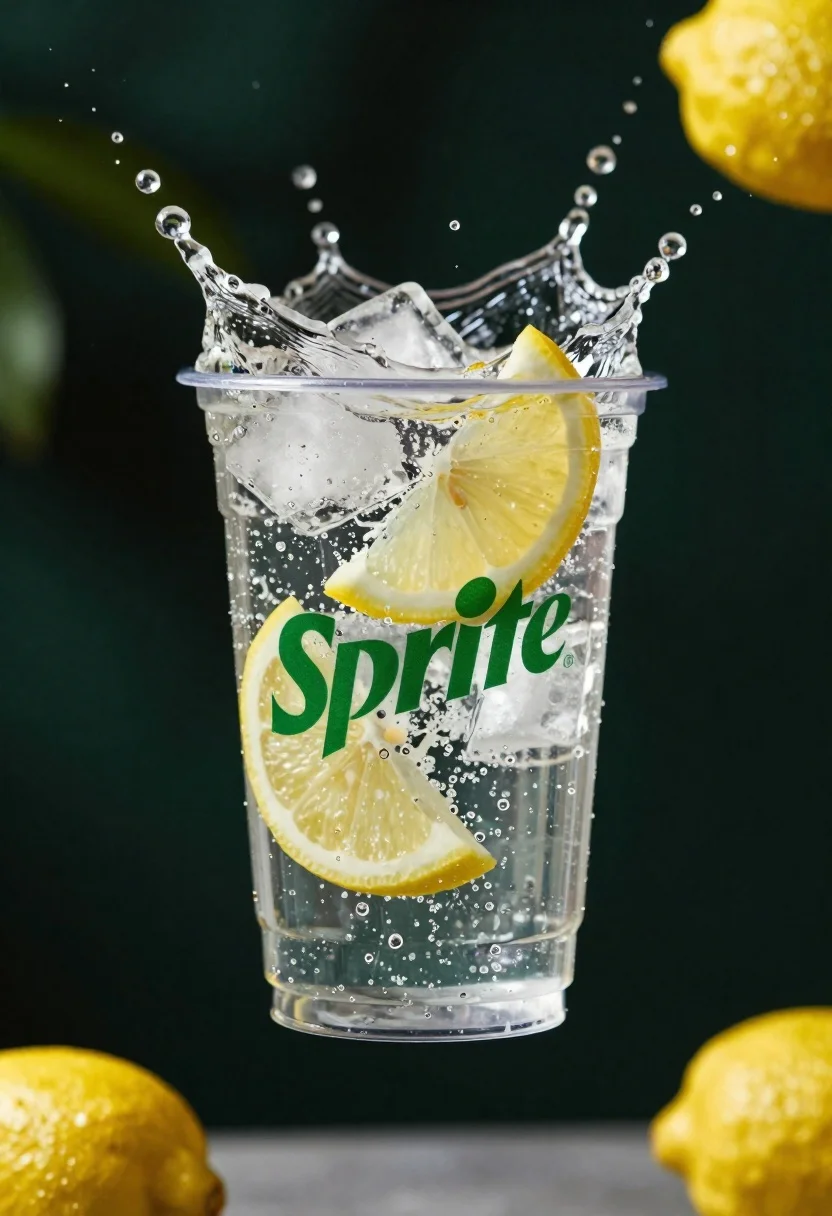
Clear plastic cup with fizzy liquid ice cubes and lemon slices suspended
Prompt
A clear plastic cup filled with fizzy liquid, ice cubes, and lemon slices is suspended in mid-air against a dark background.

Subject: A transparent plastic cup containing carbonated liquid, large ice cubes, and bright yellow lemon wedges.

Clothing: Not applicable.

Action: The cup is frozen in a dynamic splash, with water droplets flying upward and outward from the rim.

Environment: Dark, moody background with blurred green tones and floating out-of-focus lemons.

Camera: Close-up macro shot with shallow depth of field, emphasizing the clarity of the liquid and ice.

Lighting: High-contrast studio lighting highlighting the transparency of the cup and the texture of the splashing water.
Second

Subject: Not applicable.

Objects: Ice cubes, lemon wedges, carbonated beverage.

Interaction: The liquid is actively splashing out of the cup, creating a sense of motion and refreshment.

Text/Graphics: Green "Sprite" logo printed on the side of the cup.

Style Details: Commercial product photography style with high saturation, crisp details, and dynamic water effects.
Description
This prompt is useful for creating beverage advertisement mockups, cocktail recipe guides, and refreshing summer lifestyle content. The combination of 'high-contrast studio lighting' and the specified 'dynamic splash' ensures that the liquid's transparency and the water droplets are sharply defined against the dark background, which prevents the product from looking flat or dull.
Suggestions
- Change 'dark background' to 'slate gray backdrop' for a more neutral feel.
- Add 'bokeh effect' to enhance the blurred green tones.
- Swap 'bright yellow lemon wedges' for 'lime slices' to shift the color palette.
Category
Tags
Close UpDark SkinMacro ShotOutdoorsRealistic
Date added
June 26, 2026
Added by
PromptDexter Team
Related Prompts
More prompts with similar categories and tags.
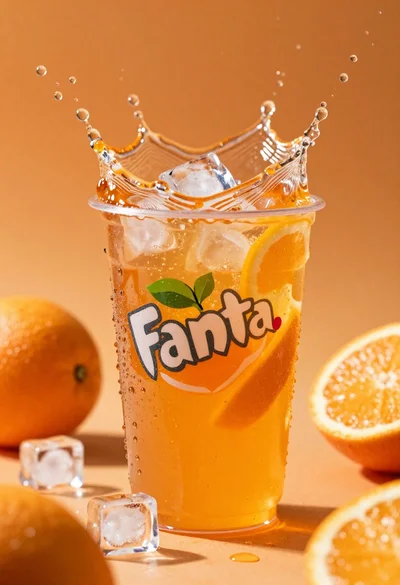
Closeup macro shot of a glass of orange soda splashing with ice
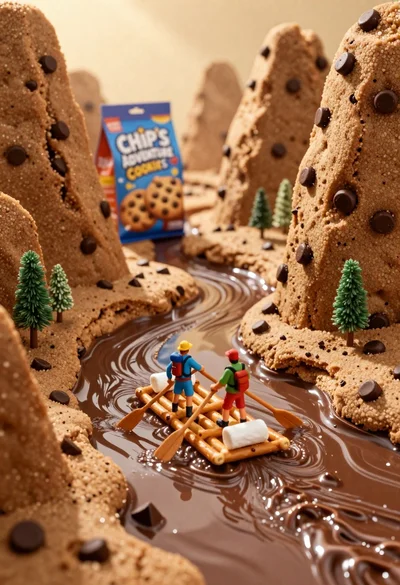
Tiny adventurers rowing a pretzel raft down a chocolate river between cookie
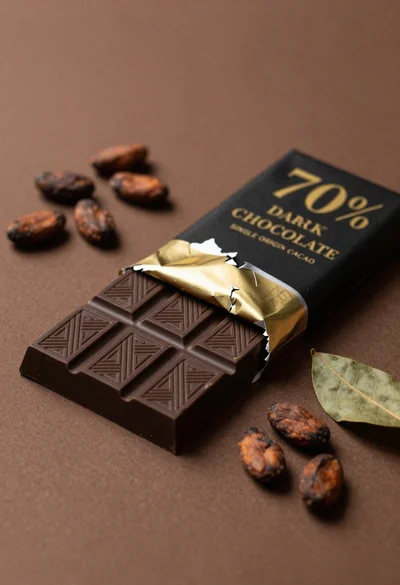
Closeup of dark chocolate bar on brown surface with cocoa beans

Two smiling children holding red kitkat bars against a blue sky
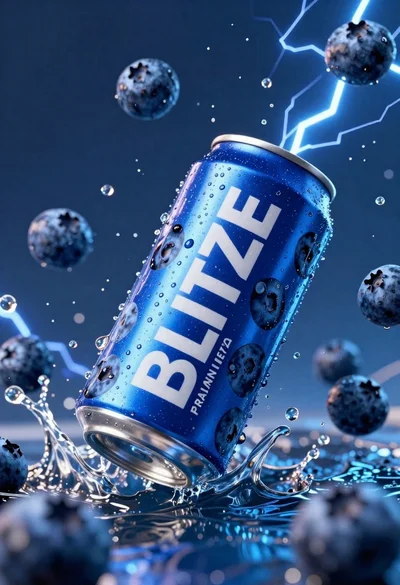
Blue aluminum beverage can suspended in midair with splashing water and blueberries
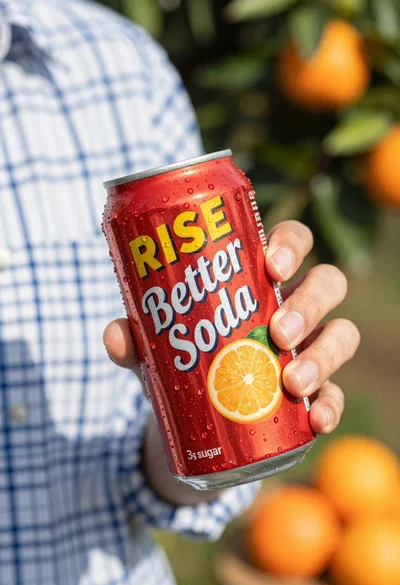
Closeup shot of hand holding red soda can with condensation droplets outdoors
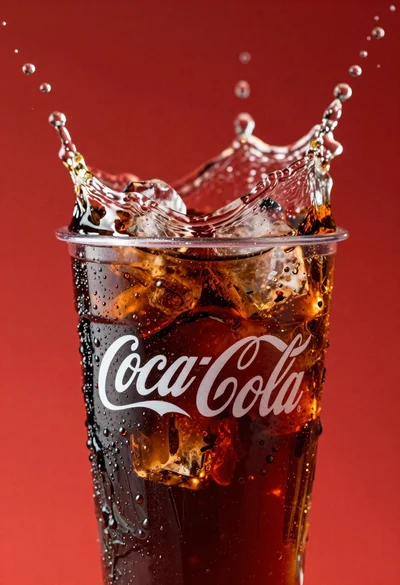
Refreshing coca cola glass with ice cubes splashing against red background

Ginger cat dressed as fast food worker holding cheeseburger