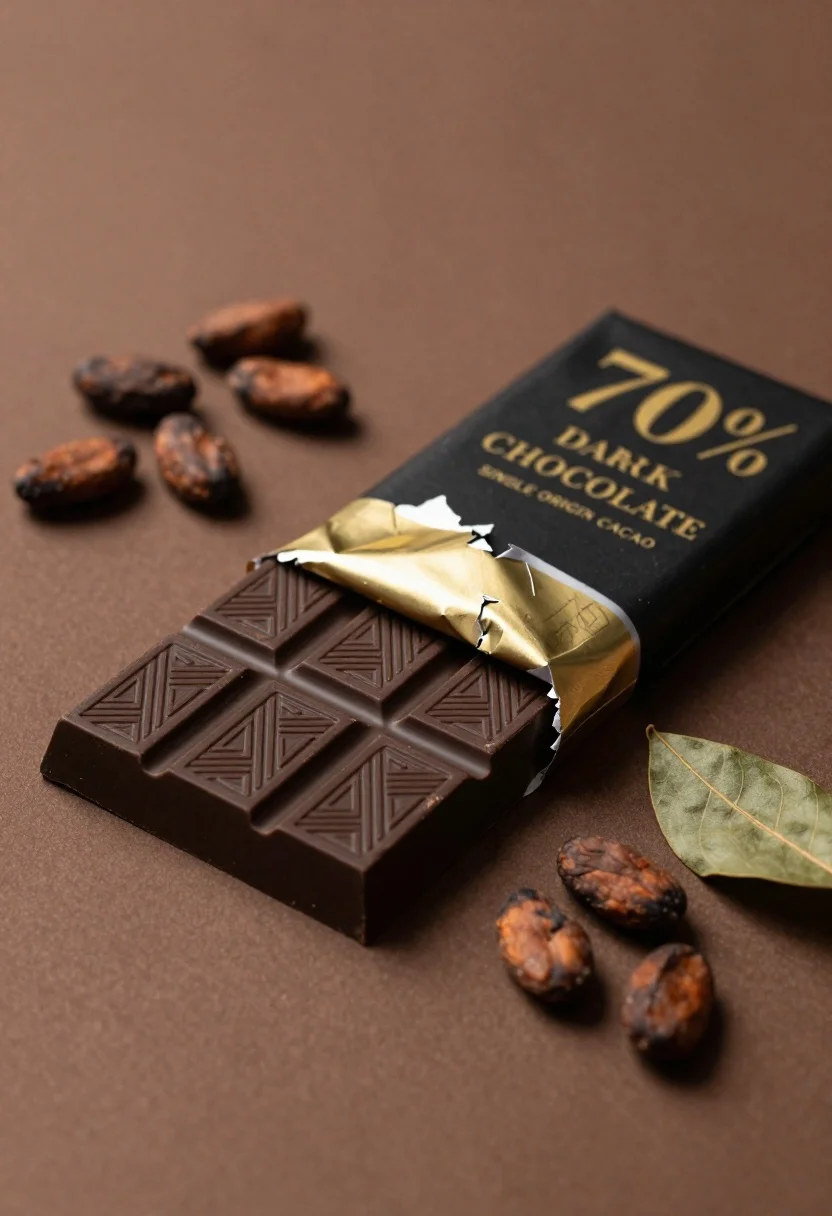
Closeup of dark chocolate bar on brown surface with cocoa beans
Prompt
A partially unwrapped dark chocolate bar rests diagonally on a smooth brown surface.

Subject: A rectangular slab of dark chocolate with a matte black wrapper featuring gold foil accents and embossed geometric patterns on the exposed squares.

Clothing: The wrapper is black paper with gold foil wrapping around the edges and a torn section revealing the chocolate underneath.

Action: The bar lies flat and static, partially unwrapped to show the texture of the chocolate squares.

Environment: A solid, smooth brown background that fills the frame without distinct features or depth.

Camera: Close-up shot with shallow depth of field focusing on the chocolate bar while softly blurring the surrounding elements.

Lighting: Soft directional lighting from the upper left creating gentle highlights on the gold foil and casting subtle shadows to the right.
Second

Subject: Scattered whole cocoa beans are arranged around the bar, some near the top left and others near the bottom right.

Objects: A small sprig of dried green leaves rests on the right side of the frame next to a few loose cocoa beans.

Text/Graphics: The wrapper displays gold text reading "70% DARK CHOCOLATE" and "SINGLE ORIGIN CACAO", along with partial branding visible near the torn foil.

Style Details: High-end product photography style with rich warm tones, sharp focus on the chocolate texture, and a minimalist composition emphasizing elegance and premium quality.
Description
This prompt is useful for creating luxury food advertisements, artisanal packaging mockups, and high-end gourmet recipe features. The combination of 'soft directional lighting' accentuating the 'gold foil accents' and the 'shallow depth of field' ensures that the rich texture of the chocolate squares remains the sharp focal point against the minimalist composition.
Suggestions
- Change 'smooth brown surface' to 'dark slate background' for more contrast.
- Add 'macro lens, 100mm' to enhance the close-up detail.
- Swap 'dried green leaves' for 'cacao pods' to keep the theme consistent.
Category
Tags
Close UpDark SkinNatureOutdoorsRealistic
Date added
June 26, 2026
Added by
PromptDexter Team
Related Prompts
More prompts with similar categories and tags.
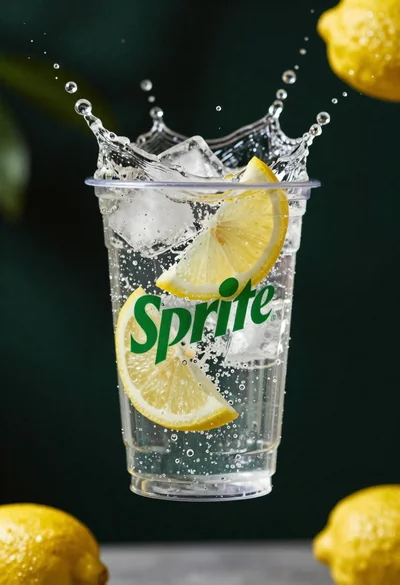
Clear plastic cup with fizzy liquid ice cubes and lemon slices suspended
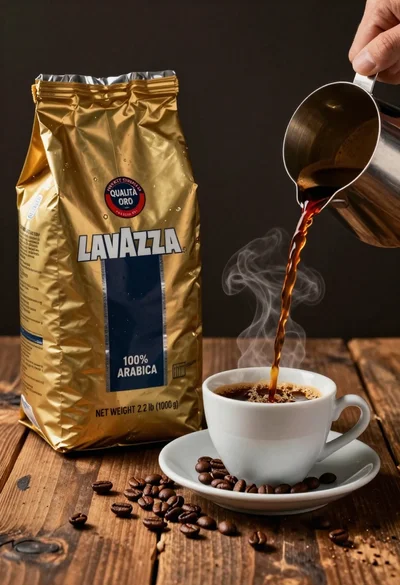
Commercial still life of lavazza coffee bag being poured into cup

Two smiling children holding red kitkat bars against a blue sky
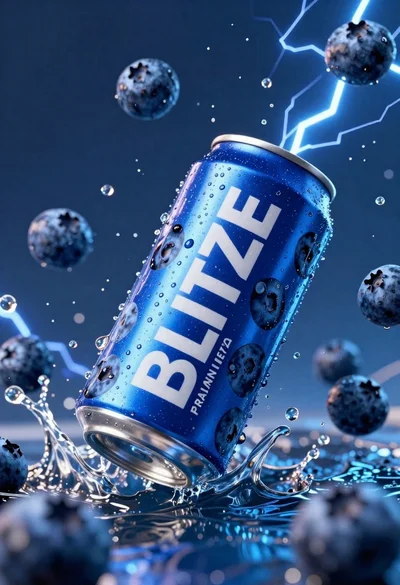
Blue aluminum beverage can suspended in midair with splashing water and blueberries
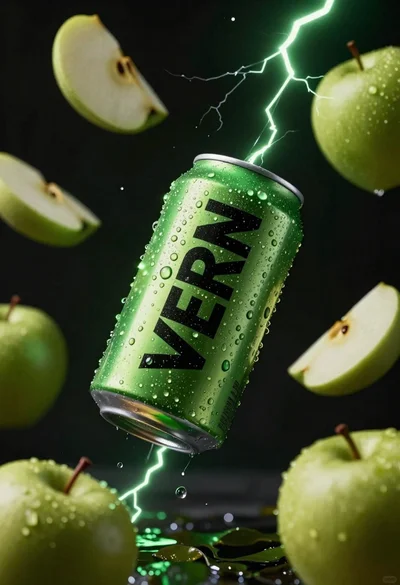
Hyper realistic green energy drink can floating with apples in dark void
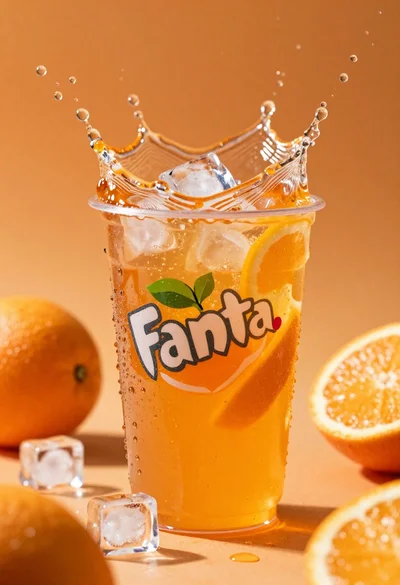
Closeup macro shot of a glass of orange soda splashing with ice
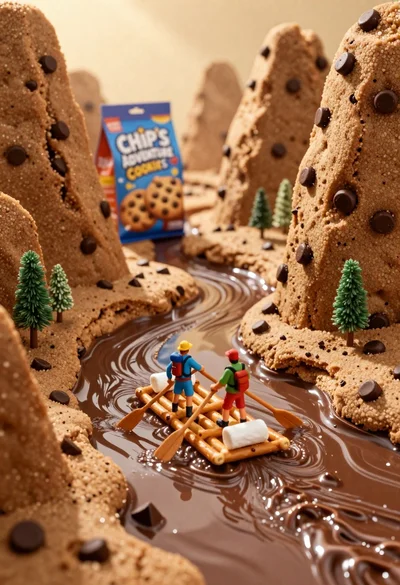
Tiny adventurers rowing a pretzel raft down a chocolate river between cookie
Glossy black dior sauvage elixir perfume bottle in dark wood hollow
