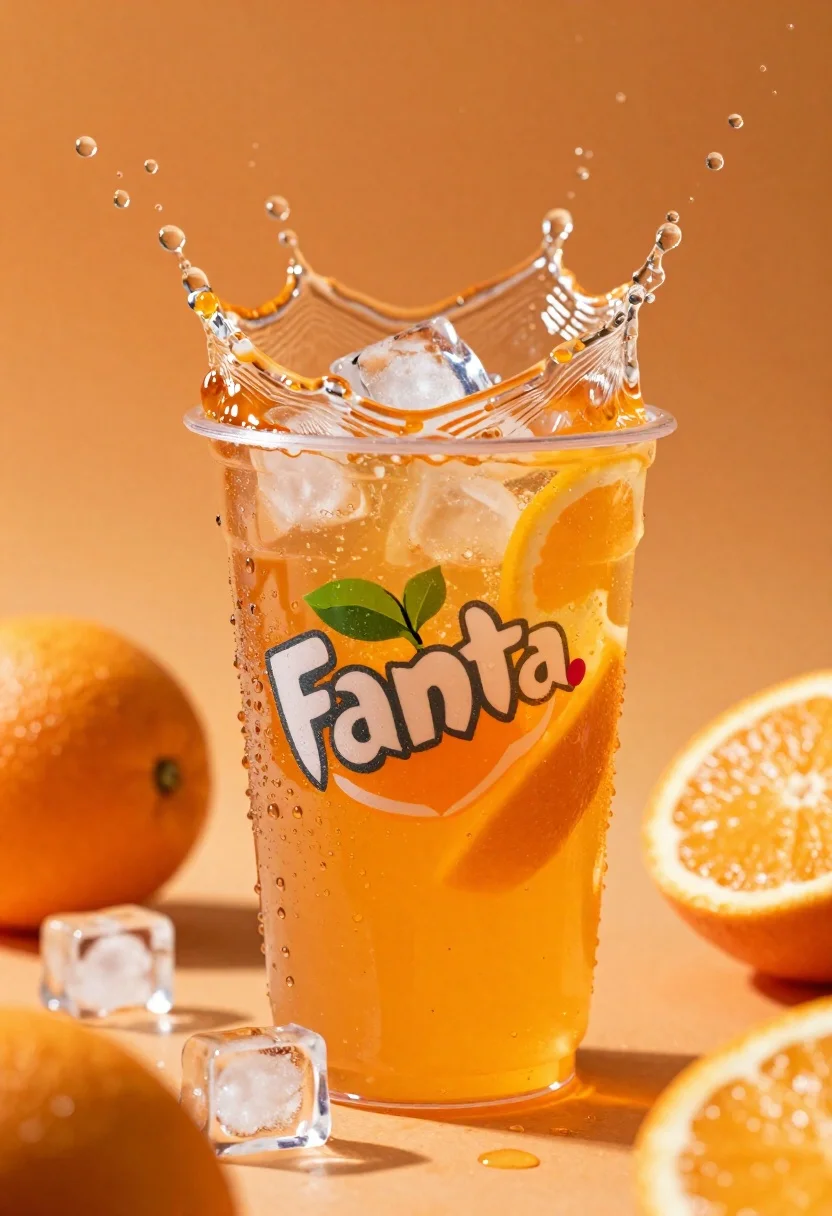
Closeup macro shot of a glass of orange soda splashing with ice
Prompt
A refreshing glass of orange soda splashing with ice cubes and citrus slices against a vibrant warm background.

Subject: A clear plastic cup filled with bright orange carbonated liquid, featuring the Fanta logo on the front.

Clothing: N/A.

Action: The drink is captured mid-splash with water droplets flying upward and outward, while ice cubes float in the air around the glass.

Environment: The scene is set against a rich warm orange gradient background with blurred whole oranges and halved citrus slices scattered throughout the space.

Camera: Close-up macro shot with shallow depth of field focusing on the splashing liquid and foreground elements.

Lighting: Bright studio lighting highlighting condensation droplets on the cup, creating high contrast between the translucent ice and vibrant orange tones.
Second

Subject: N/A.

Objects: Floating ice cubes, sliced oranges, whole oranges in background blur.

Interaction: The drink is actively splashing with liquid bursting over the rim and ice cubes suspended in motion around it.

Text/Graphics: The Fanta logo is clearly visible on the front of the cup with white lettering outlined in red.

Style Details: High-energy commercial advertisement style with hyper-realistic rendering, vivid color saturation, and dynamic motion blur effects.
Description
This prompt is useful for creating high-energy beverage advertisements, product packaging mockups, and vibrant food editorial spreads. The combination of 'bright studio lighting' emphasizing condensation droplets and the explicit inclusion of 'dynamic motion blur effects' ensures that the captured mid-splash action looks explosive rather than static, which is crucial for conveying refreshment in commercial advertising.
Suggestions
- Change 'vibrant warm background' to 'deep teal gradient background' for contrast.
- Add 'bokeh effect' to enhance the blurred oranges and slices.
- Swap 'clear plastic cup' for 'textured glass tumbler' to change the material reflectivity.
Category
Tags
Close UpMacro ShotOutdoorsRealistic
Date added
June 26, 2026
Added by
PromptDexter Team
Related Prompts
More prompts with similar categories and tags.
Tiny adventurers rowing a pretzel raft down a chocolate river between cookie
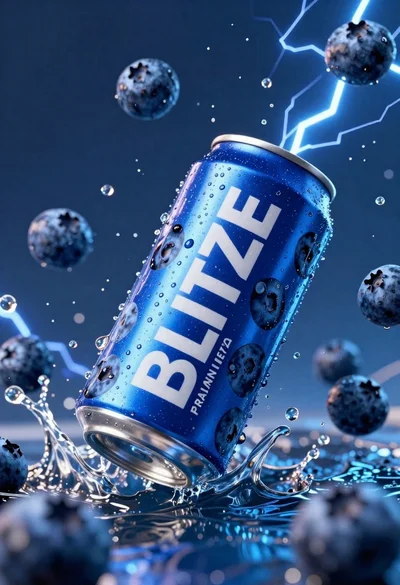
Blue aluminum beverage can suspended in midair with splashing water and blueberries
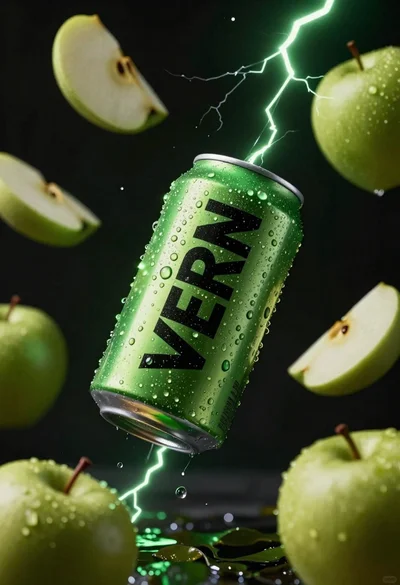
Hyper realistic green energy drink can floating with apples in dark void
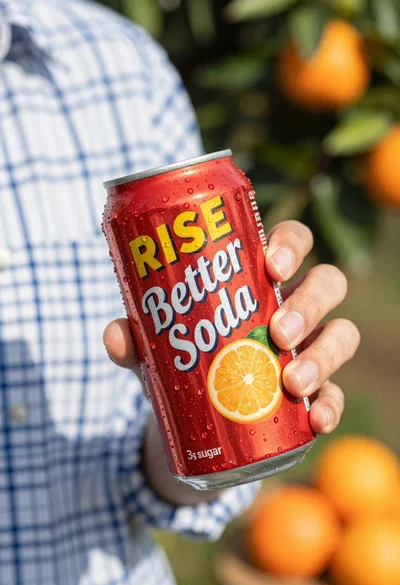
Closeup shot of hand holding red soda can with condensation droplets outdoors
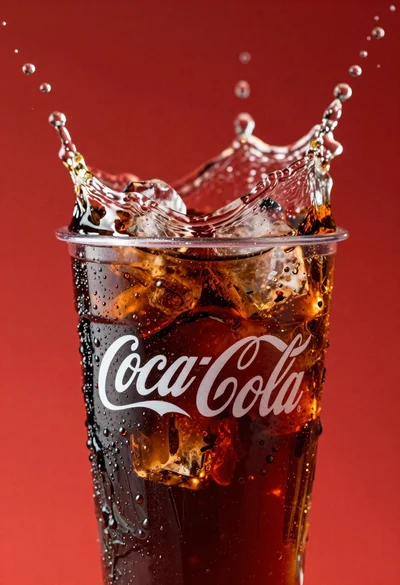
Refreshing coca cola glass with ice cubes splashing against red background
Refreshing beverage can with fruit slices on wooden table
Yellow energy drink can floating in midair with lime slices and lightning

Ginger cat dressed as fast food worker holding cheeseburger