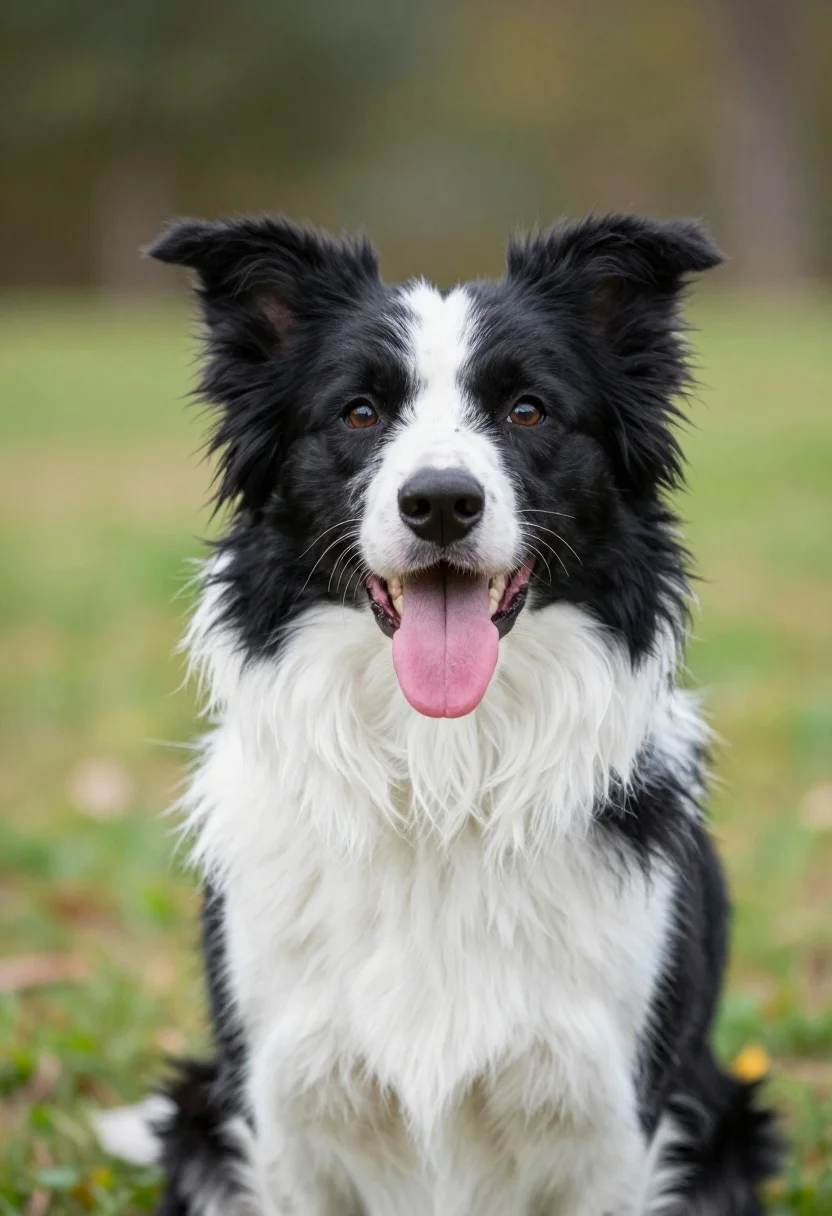
Close up portrait of happy border collie dog panting in green grass
Prompt
A close-up portrait of a black and white Border Collie sitting on grass with its mouth open and tongue lolling out in a happy expression.

Subject: A medium-sized dog with a fluffy coat featuring black fur on the head, ears, and back, contrasted by white fur on the chest, neck, and legs, with alert upright ears and dark eyes.

Action: The dog is sitting still but appears to be panting happily with its mouth wide open and tongue hanging out.

Environment: A soft-focus outdoor setting with a blurred background of green grass and indistinct foliage suggesting a park or garden.

Camera: Tight framing focusing on the dog's head and upper body with a shallow depth of field that blurs the background to emphasize the subject.

Lighting: Natural daylight illuminating the scene from above, creating soft highlights on the fur and gentle shadows around the face and chest.

Style Details: High-resolution photography with realistic textures, vibrant natural colors, and a clean composition typical of professional pet portraits.
Description
This prompt is useful for creating heartwarming pet profile pictures, veterinary clinic marketing materials, and lifestyle blog content featuring active dogs. The combination of 'shallow depth of field' and 'soft highlights on the fur' ensures that the viewer's focus remains tightly on the dog's happy expression while the blurred background prevents distracting details from pulling attention away from the subject.
Suggestions
- Change 'black and white Border Collie' to 'merle Australian Shepherd' for a different coat pattern.
- Add 'bokeh effect' to enhance the background blur.
- Swap 'Natural daylight illuminating the scene from above' for 'rim lighting from the side' to add more drama.
Category
Tags
AnimalBlack HairClose UpNaturePortrait ShotRealistic
Date added
July 12, 2026
Added by
PromptDexter Team
Related Prompts
More prompts with similar categories and tags.
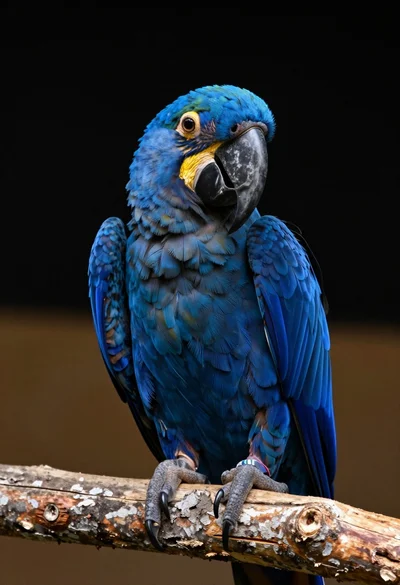
Close up portrait of a blue macaw on a branch against black
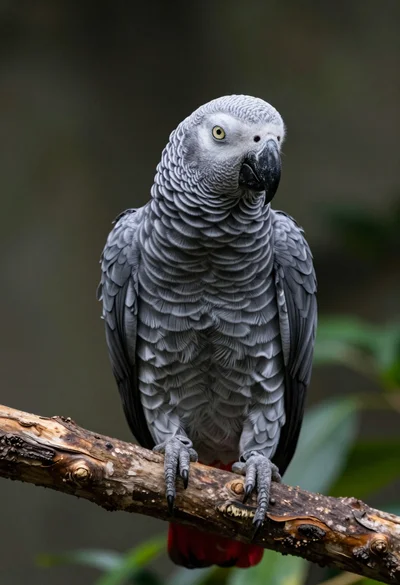
Close up portrait of an african grey parrot on a wooden branch
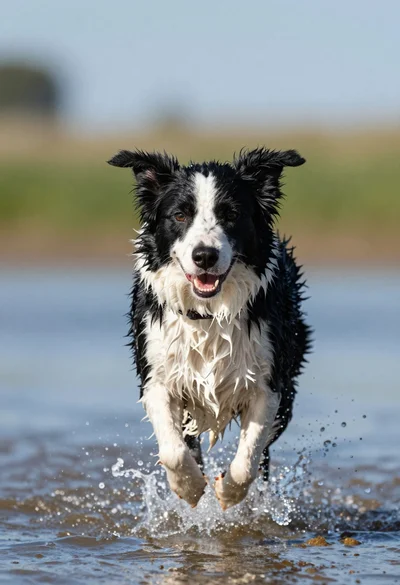
Wet black and white border collie running through splashing water close up
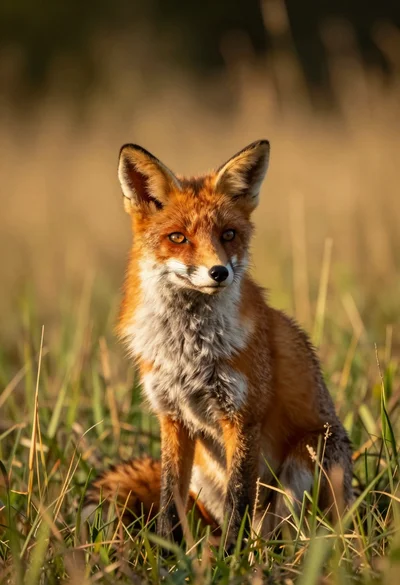
Close up portrait of a red fox sitting in tall golden grass
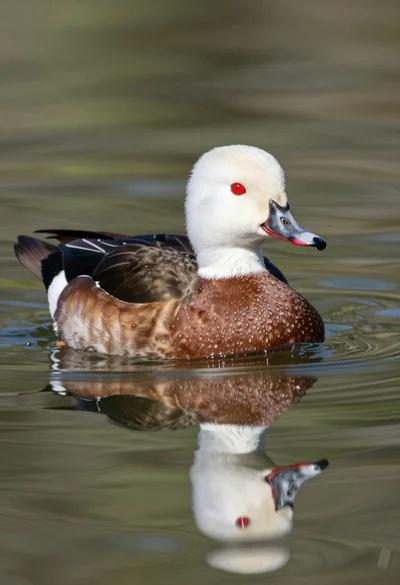
Close up portrait of a duck floating on calm water showing clear
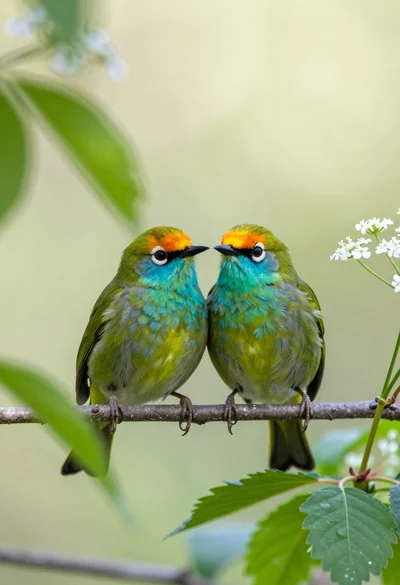
Two vibrant green birds perched closely on a twig amidst soft foliage
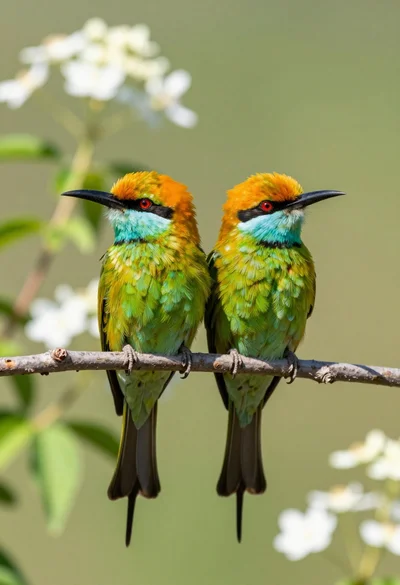
Two vibrant green birds with orange heads perched on a thin branch
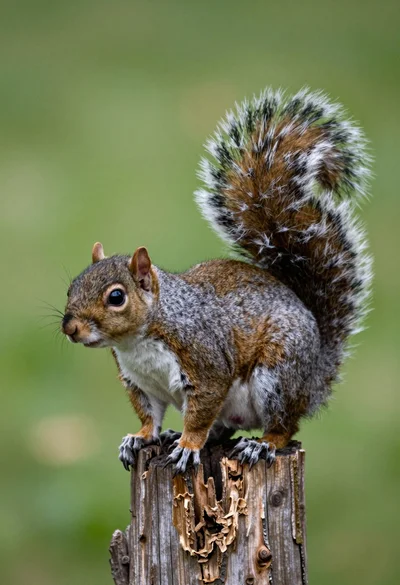
Close up photograph of a grey squirrel on a wooden stump against
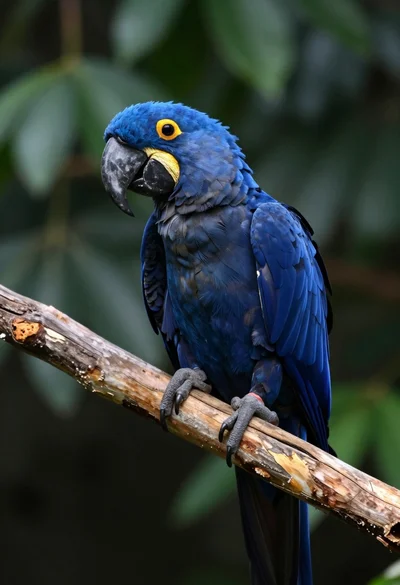
Close up of majestic blue macaw perched on wooden branch in lush
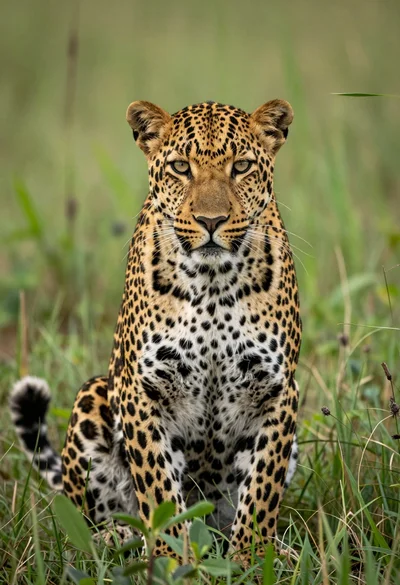
Majestic leopard sitting alert in lush green savanna grassland close up