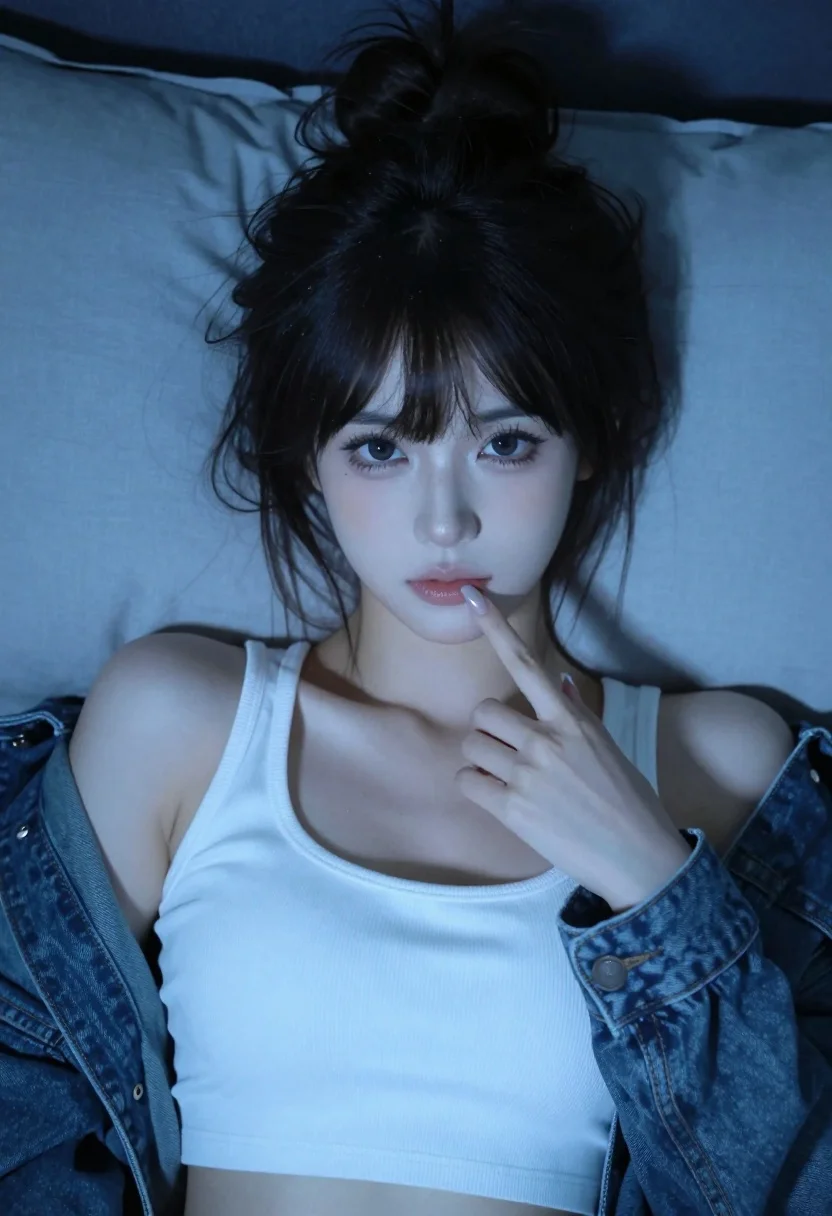
Close up portrait of young woman in white crop top on bed
Prompt
A young woman with dark hair styled in a messy high bun and bangs lies on a bed, gazing directly at the camera while touching her lips with her index finger.

Subject: A young woman with pale skin, large expressive eyes, and a soft, youthful face. Her dark hair is tied up in a loose, messy bun with wisps of strands framing her face and covering her forehead.

Clothing: She wears a white ribbed crop top with a scoop neckline. Over the top, she has a denim jacket draped loosely off her shoulders, exposing her arms.

Action: She is lying down on her back, looking straight ahead at the viewer. Her right hand is raised to her face, with her index finger gently touching her lower lip in a contemplative or playful gesture.

Environment: The setting appears to be a bedroom, indicated by large, soft pillows behind her head and shoulders. The background is dark and indistinct, suggesting a low-light indoor environment.

Camera: The shot is framed as a close-up selfie, capturing the subject from the chest up with a shallow depth of field that blurs the background slightly to emphasize her face.

Lighting: The scene is lit with cool, blue-toned ambient light, creating a moody and intimate atmosphere. Soft shadows are cast across her features, highlighting the texture of her skin and clothing without harsh contrast.

Style Details: The image has a hyper-realistic, high-definition quality with smooth skin textures and vibrant color saturation typical of modern digital photography or AI-generated art.
Description
This prompt is useful for creating intimate self-portraits, moody character studies, and editorial beauty shots mimicking candid moments. The combination of 'cool, blue-toned ambient light' with a 'shallow depth of field' directs all focus onto the subject's face and the delicate gesture of her finger on her lip, preventing the background elements from distracting from the intended emotional connection.
Suggestions
- Change 'messy high bun' to 'loose waves' for a softer hairstyle.
- Swap 'white ribbed crop top' for 'silk camisole' to change the material feel.
- Adjust 'cool, blue-toned ambient light' to 'soft window light' for a different mood.
Category
Tags
BedroomBlack HairCasual WearClose UpFemaleIndoorsRealisticSelfie
Date added
July 3, 2026
Added by
PromptDexter Team
Related Prompts
More prompts with similar categories and tags.
Woman in tactical bodysuit standing in sterile white hallway after combat
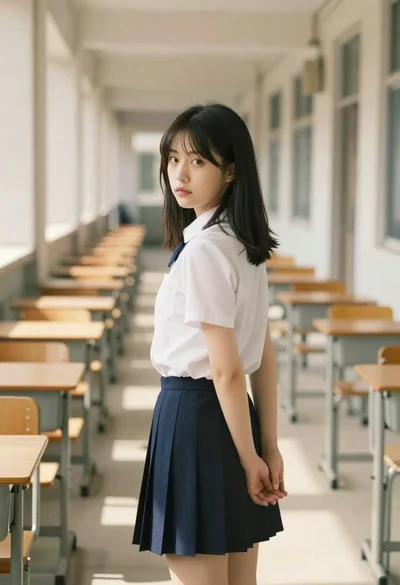
Young woman in school uniform looking back over shoulder down hallway
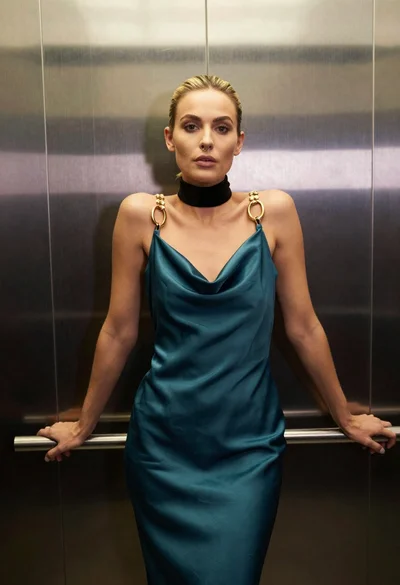
Blonde woman in teal slip dress leaning on elevator handrail

Young woman in beige mini dress looking back at camera on subway
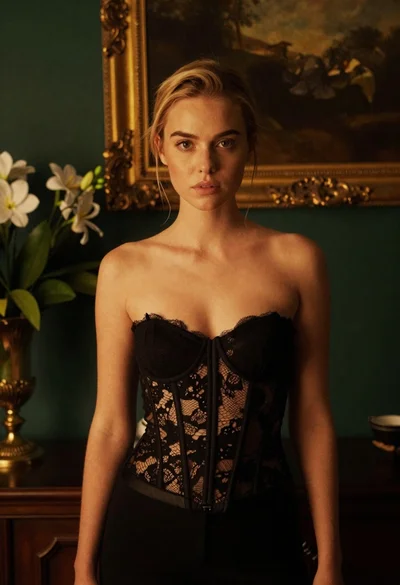
Blonde woman in black lace corset top against dark green wall
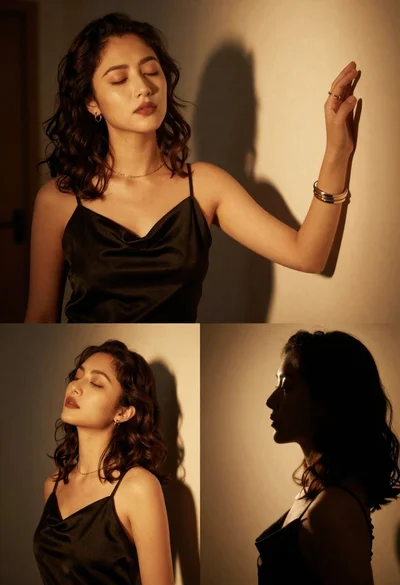
Cinematic portrait collage of woman in black satin dress with golden lighting

Young woman holding green tea bottle inside a convenience store aisle
Closeup portrait of rugged man with short brown hair and full beard

East asian woman in black leather jacket on bustling chinese street at

Young woman in japanese school uniform stands in a bookstore looking back over shoulder