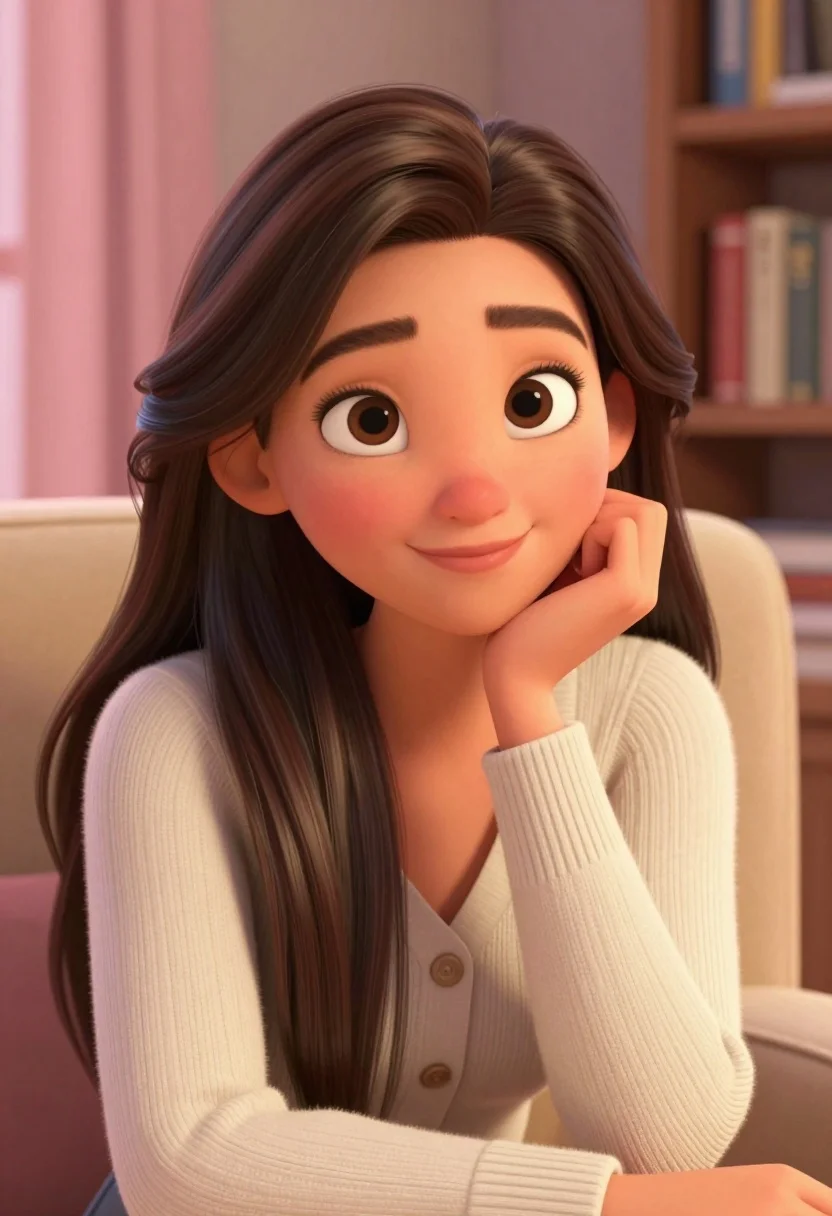
Close up portrait of young woman with brown hair in cream cardigan
Prompt
A close-up portrait of a young woman with long wavy brown hair and large expressive eyes smiling gently while resting her chin on her hand.

Subject: A young woman with long wavy brown hair that cascades over her shoulders, fair skin with soft rosy cheeks, and large detailed brown eyes looking directly at the viewer.

Clothing: She wears a cream-colored ribbed knit cardigan sweater with visible buttons, layered over a simple white top.

Action: The subject is seated in a relaxed pose, leaning forward slightly with her right hand supporting her cheek, conveying a thoughtful or content expression.

Environment: A cozy indoor setting featuring a beige upholstered armchair, soft pink curtains to the left, and a wooden bookshelf with books visible in the background.

Lighting: Soft warm ambient lighting illuminates the scene from the front and side, creating gentle highlights on her face and hair while casting subtle shadows for depth.

Style Details: The image features a polished 3D animated aesthetic reminiscent of high-end character design or Pixar-style rendering, with smooth textures, vibrant colors, and a clean composition.
Description
This prompt is useful for creating character concept art, digital portraiture for animation pitches, and cozy lifestyle branding materials. The combination of 'soft warm ambient lighting' and the 'polished 3D animated aesthetic' ensures that skin tones retain subtle dimensionality rather than appearing flat, while the specific inclusion of a 'ribbed knit cardigan sweater' grounds the high-fidelity rendering in tangible, relatable textures.
Suggestions
- Change 'beige upholstered armchair' to 'velvet armchair' for richer color saturation.
- Swap 'soft pink curtains' for 'dusty blue curtains' to shift the overall mood.
- Add 'depth of field' to the style details for a more professional focus.
Category
Tags
3dBrown HairBrunetteCasual WearClose UpFair SkinFemaleIndoorsMedium ShotPortrait Shot
Date added
August 5, 2026
Added by
PromptDexter Team
Related Prompts
More prompts with similar categories and tags.
Woman working on miniature doll in cozy library setting with warm light
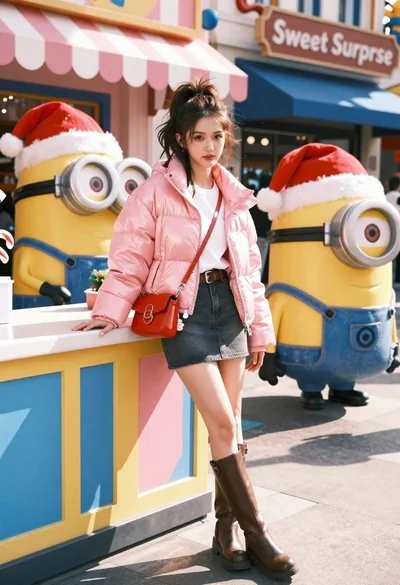
Young woman in pink puffer jacket standing by counter with minions
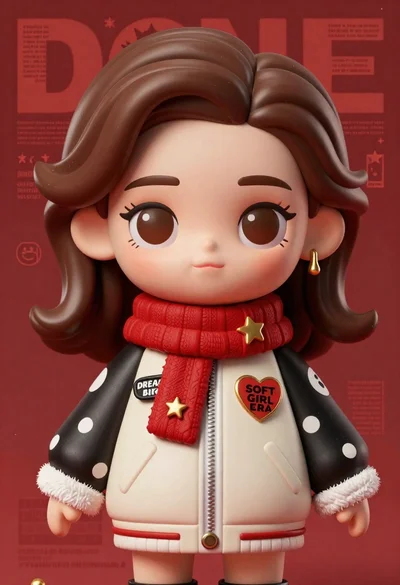
Closeup portrait of stylized female art doll figure with brown hair
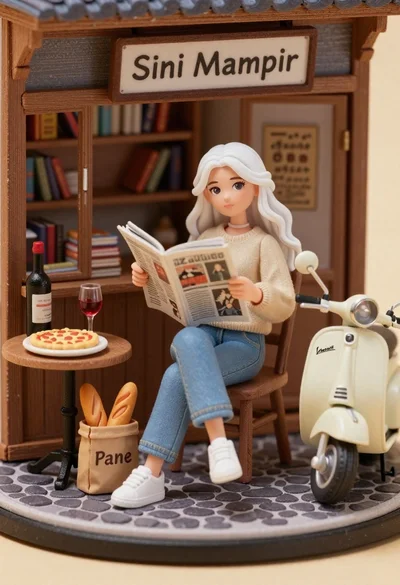
Miniature diorama of young woman reading newspaper in rustic storefront
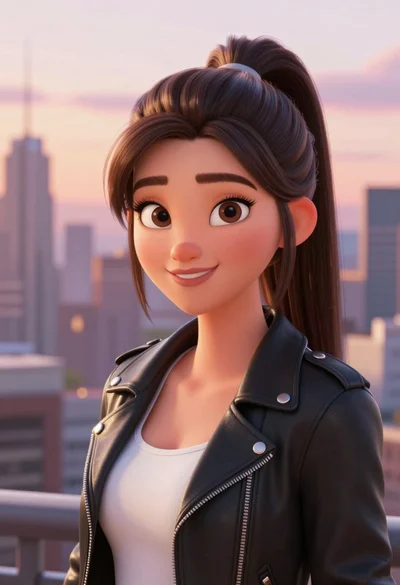
Digital portrait of young woman in black leather jacket against city skyline

Full body studio portrait of woman with two animated animal friends
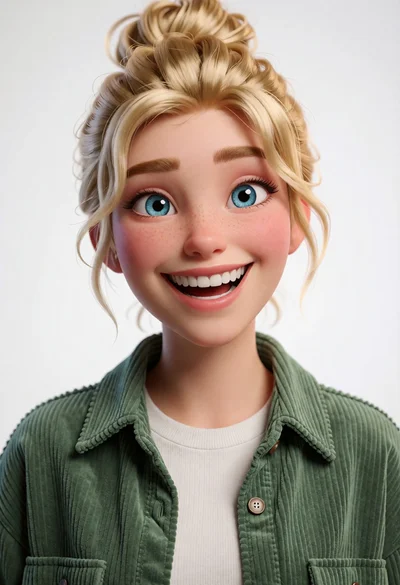
Cheerful young woman with blonde hair in green corduroy shirt studio portrait
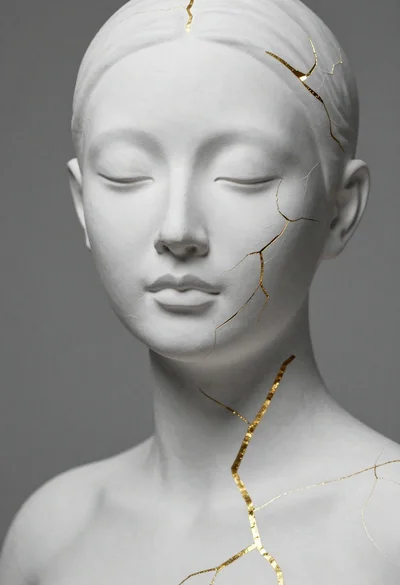
Close up portrait of serene bust with gold kintsugi cracks
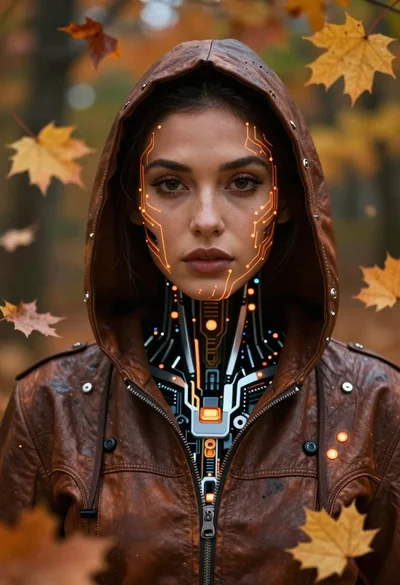
Cyborg woman in hoodie with glowing amber circuitry amidst floating autumn leaves

Astronaut portrait against pale blue sky background