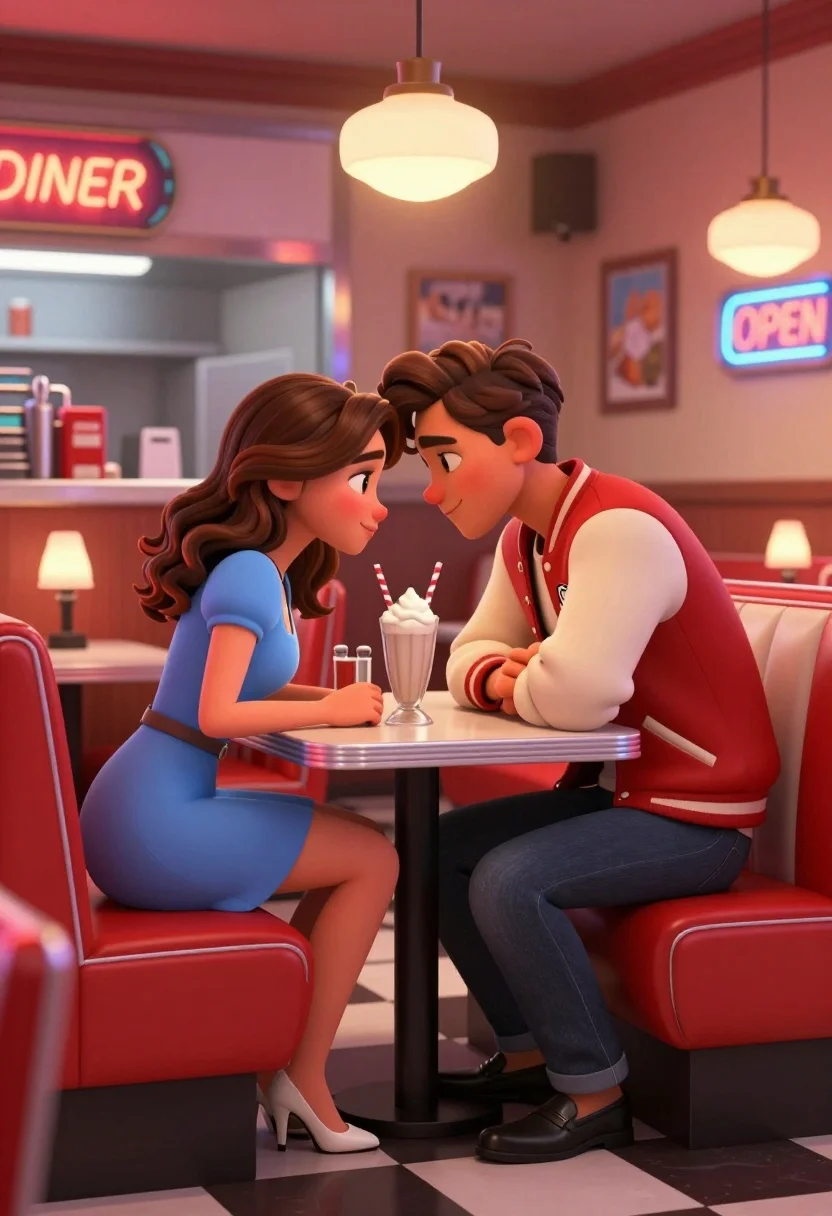
Young couple sharing intimate moment at a retro diner table setting
Prompt
A romantic scene of a young couple sharing an intimate moment at a small table in a retro-style diner.

Subject: A young woman with wavy brown hair and a young man with styled brown hair leaning their foreheads together while gazing into each other's eyes.

Clothing: The woman wears a light blue short-sleeved dress and white high heels, while the man wears a red and cream varsity jacket with dark jeans and black loafers.

Action: They are seated facing each other across a small table, leaning in close with affectionate expressions and soft smiles.

Environment: A classic American diner interior featuring red leather booth seating, a checkered floor, stainless steel condiments, and a service counter in the background.

Camera: Eye-level medium shot capturing the couple at the table with a shallow depth of field that blurs the background kitchen area.

Lighting: Warm ambient lighting from pendant lamps above the booths and soft glow from neon signs, creating a cozy and nostalgic atmosphere.

Objects: A tall glass milkshake with whipped cream and two striped straws sits on the table between them, alongside a small lamp providing intimate illumination.

Text/Graphics: Neon signs reading "DINER" and "OPEN" are visible in the background along with framed pictures on the wall.

Style Details: 3D animated style with soft textures, vibrant colors, and a cinematic composition reminiscent of a romantic movie scene.
Description
This prompt is useful for creating concept art for animated romance scenes, mood boards for vintage restaurant branding, and promotional material for themed media. The combination of 'warm ambient lighting from pendant lamps' and the 'red leather booth seating' establishes a specific nostalgic warmth that prevents the scene from feeling sterile, while the 'shallow depth of field' ensures the focus remains tightly on the couple's intimate expressions rather than getting lost in the detailed background.
Suggestions
- Change 'light blue short-sleeved dress' to 'pinstripe sundress' for a different era feel.
- Swap 'red and cream varsity jacket' for 'mustard yellow bomber jacket' to shift the color palette.
- Adjust 'neon signs reading "DINER" and "OPEN"' to read "SWEET MEMORIES" for more thematic resonance.
Category
Tags
3dBrown HairBrunetteCasual WearFemaleIndoorsMaleMedium Shot
Date added
August 5, 2026
Added by
PromptDexter Team
Related Prompts
More prompts with similar categories and tags.
Two lego minifigures holding hands in a romantic nighttime city scene
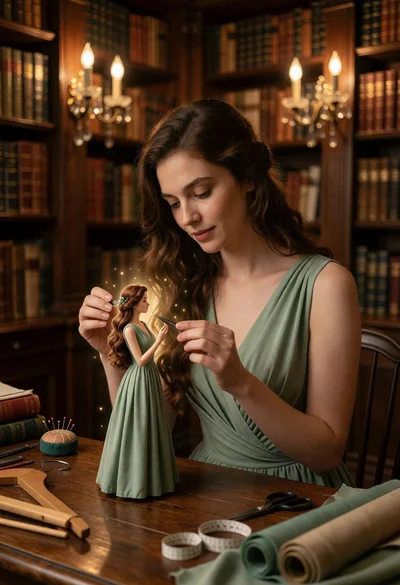
Woman working on miniature doll in cozy library setting with warm light
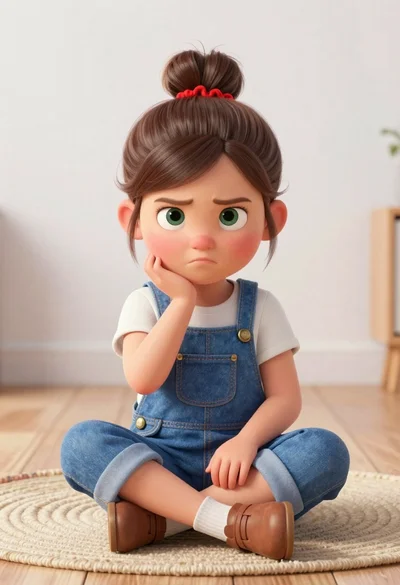
Toddler girl in blue overalls sitting cross legged on light wooden floor
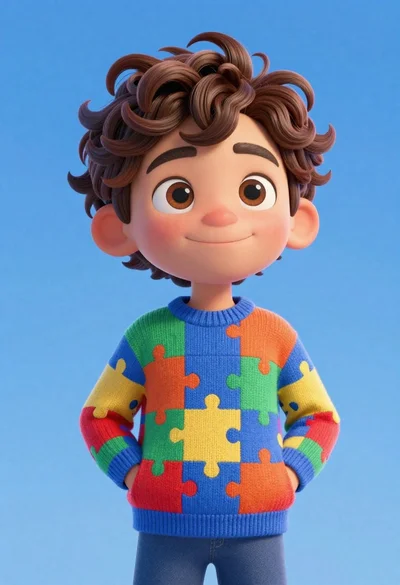
Cheerful young boy in colorful puzzle sweater standing against blue background

Cheerful chibi pirate character standing on treasure chest in studio
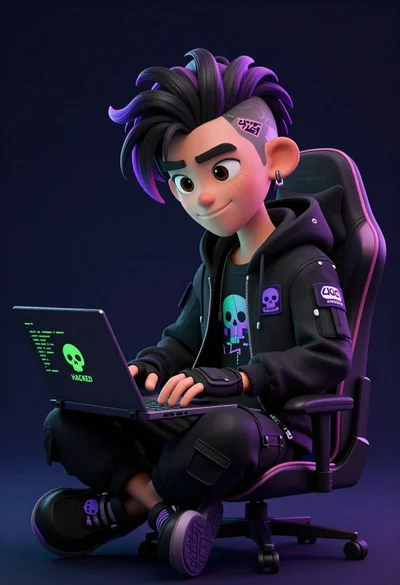
Young male hacker in black jacket typing on laptop in dark studio
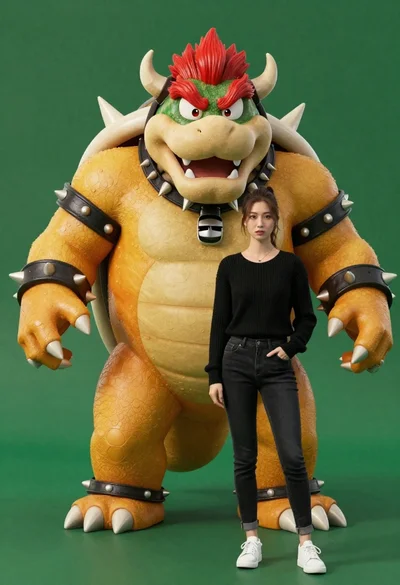
Muscular bowser character standing next to young woman in black sweater
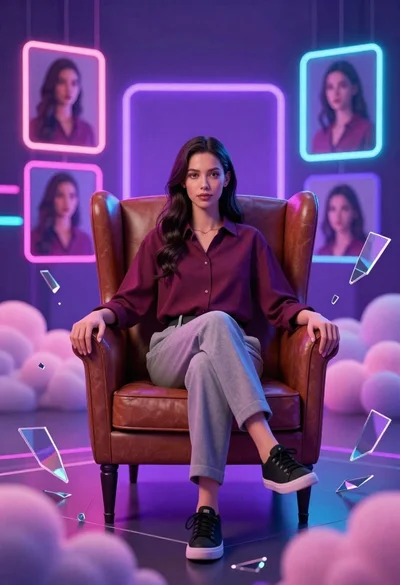
Confident young woman in maroon shirt sitting in brown leather chair with
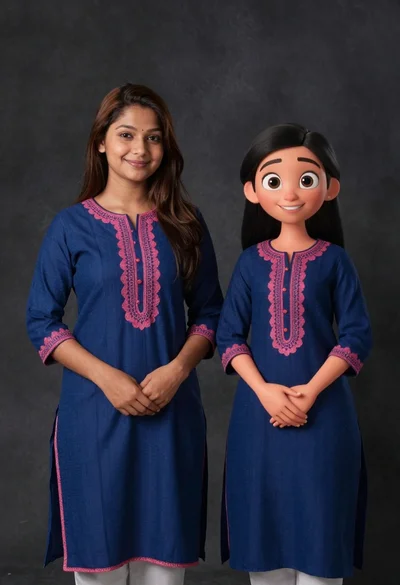
Young woman in blue traditional outfit standing next to her animated 3d
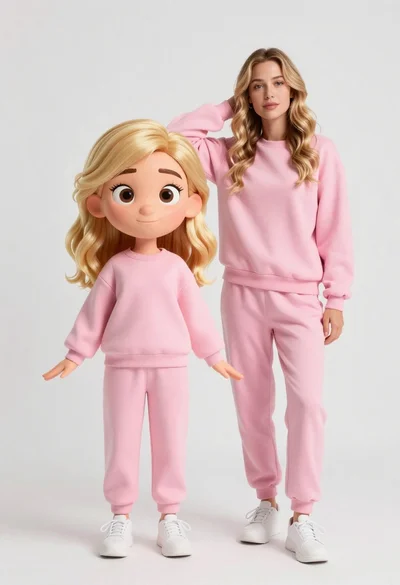
Stylized 3d animated girl in pink loungewear stands next to realistic woman