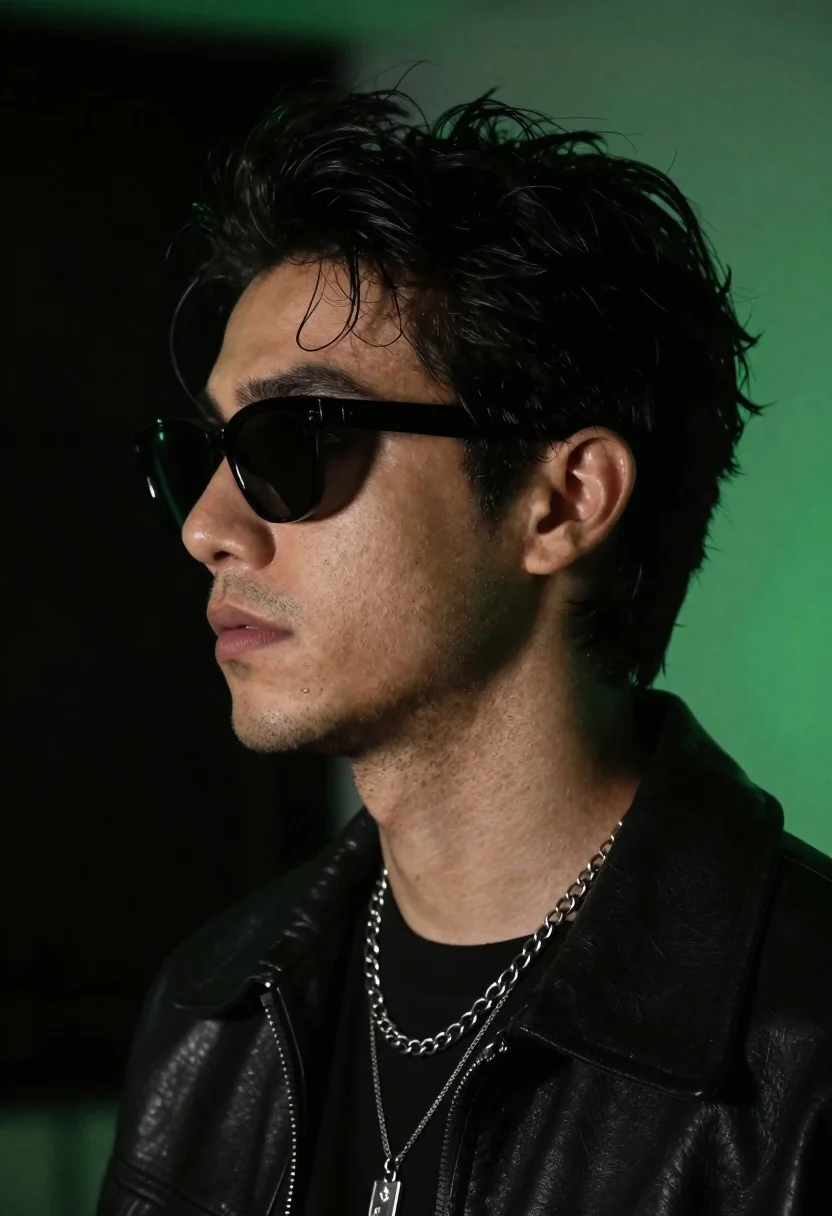
Close up profile portrait of young man in black jacket against dark
Prompt
A close-up profile portrait of a young man with dark tousled hair and stubble wearing black sunglasses.

Subject: A young man with dark messy hair, light skin, and short facial stubble shown in sharp profile view.

Clothing: He wears a black leather jacket over a black shirt, accessorized with a thick silver curb chain necklace layered with thinner chains and a silver pendant.

Action: His head is turned to the side in a static pose with a neutral expression and lips slightly parted.

Environment: The background is a smooth, dark void illuminated by a soft green glow on the right side.

Lighting: Dramatic lighting highlights the left side of his face while casting the right side in shadow, with a distinct green rim light illuminating the hair and shoulder from the background.

Camera: Tight close-up framing focusing on the head and shoulders with a shallow depth of field that blurs the background.

Style Details: Cinematic photography style with high contrast, moody atmosphere, and a cool color palette dominated by black and neon green tones.
Description
This prompt is useful for creating cinematic character portraits, album art concepts, and editorial mood shots emphasizing mystery. The combination of 'dramatic lighting' highlighting one side while the 'green rim light' defines the silhouette ensures that even with a 'dark void' background, the subject remains sharply delineated against the moody atmosphere.
Suggestions
- Change 'black leather jacket' to 'velvet blazer' for a different texture.
- Swap 'soft green glow' for 'cyan neon wash' to intensify the color palette.
- Adjust 'shallow depth of field' to 'medium depth of field' if you want more background context.
Category
Tags
Close UpLight SkinMaleRealisticStudio
Date added
June 19, 2026
Added by
PromptDexter Team
Related Prompts
More prompts with similar categories and tags.
Close up portrait of dark skinned man with wet hair
Black man in dark armored suit portrait against black background
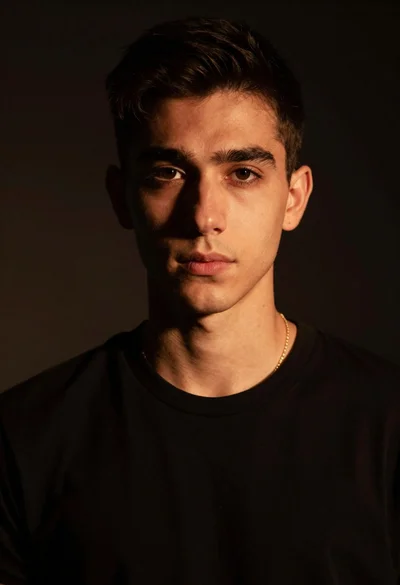
Portrait of young man with gold necklace under dramatic light
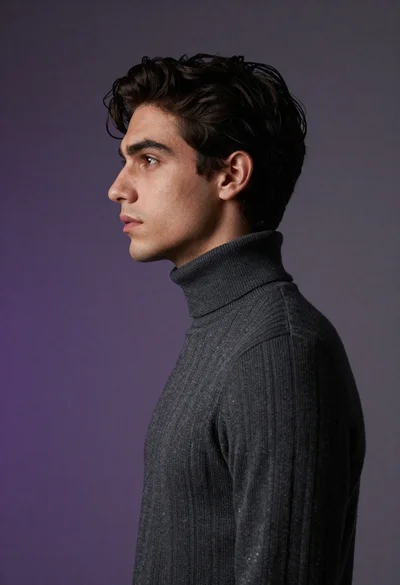
Close up profile portrait of young man in dark turtleneck sweater
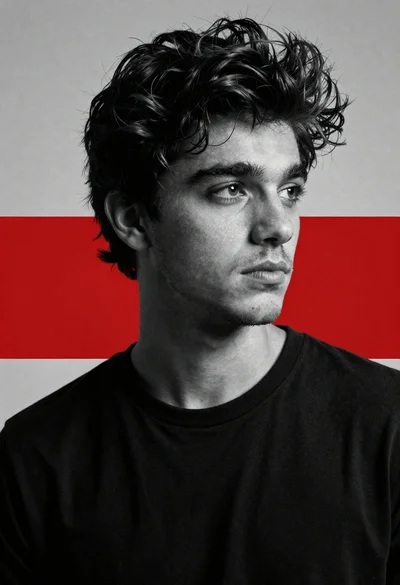
Cinematic black and white portrait of young man with dark hair
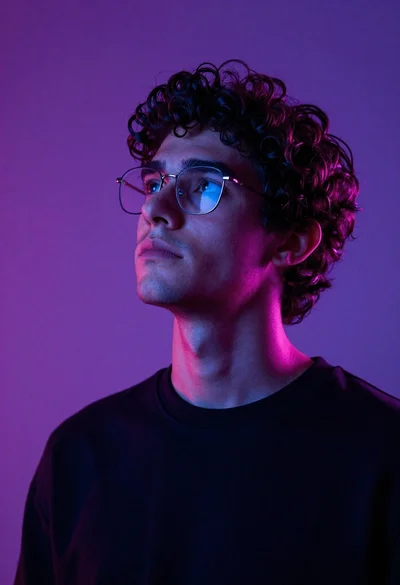
Close up portrait of young man with curly dark hair looking upward
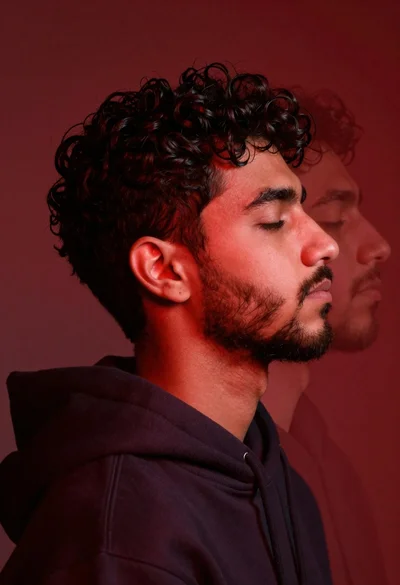
Profile portrait of young man with dark curly hair in red light
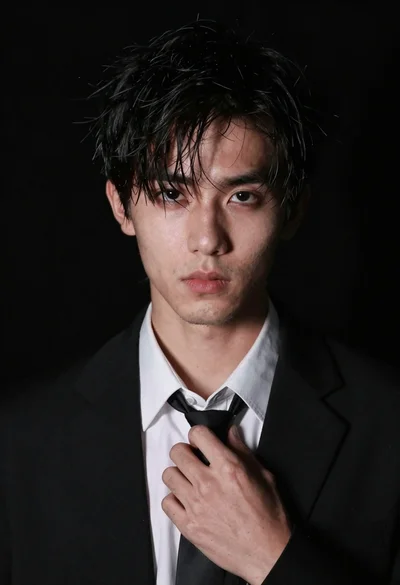
Close up portrait of young man in black suit adjusting his tie
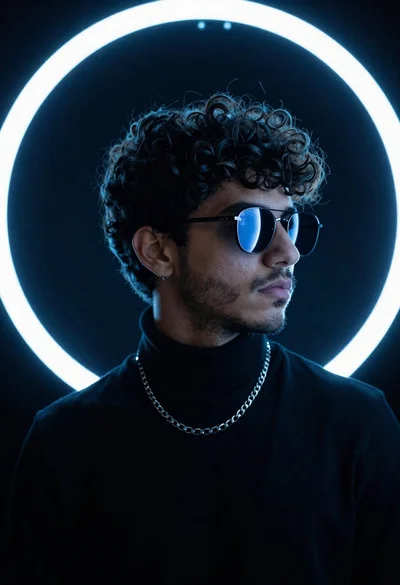
Portrait of young man in black turtleneck against glowing circular neon light
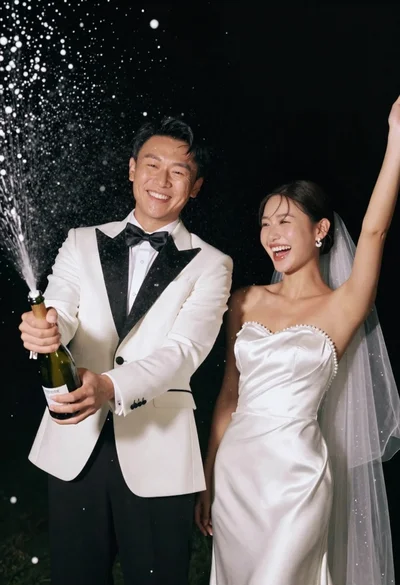
Joyful wedding couple celebrating with spraying champagne in studio