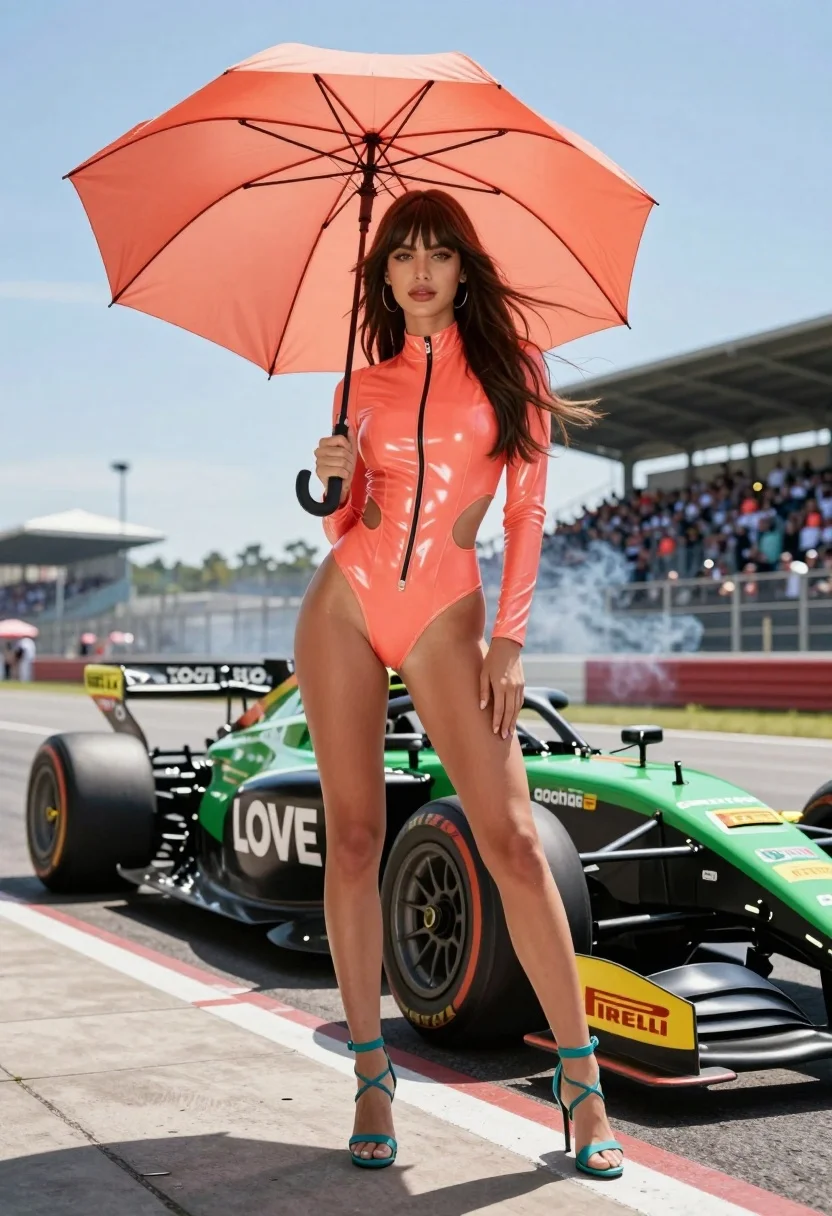
Woman in coral latex bodysuit holding umbrella near race car pit lane
Prompt
A confident woman stands in the foreground holding a large coral umbrella against a bright blue sky.

Subject: A young woman with long flowing brown hair and bangs, featuring a high cheekbone structure and a direct, intense gaze.

Clothing: She wears a tight-fitting, glossy coral-colored latex bodysuit with a high collar, a front zipper, and a cutout on the left hip, paired with teal strappy high-heeled sandals.

Action: She stands in a relaxed pose with one hand holding the umbrella handle and the other resting near her thigh, while her hair blows gently in the wind.

Environment: The setting is a race track pit lane under bright sunlight, with a blurred grandstand filled with spectators in the background and smoke rising from the asphalt.

Camera: Shot with a wide-angle lens to emphasize the foreground subject against the expansive background, utilizing a shallow depth of field that keeps the woman sharp while blurring the distant crowd and track details.

Lighting: Bright, direct overhead sunlight creates strong highlights on her glossy outfit and casts distinct shadows on the ground, contributing to a high-contrast, vibrant atmosphere.

Objects: A large open coral umbrella is held above her head, and behind her stands a black and green race car with prominent "LOVE" branding and Pirelli tire logos.

Text/Graphics: The word "LOVE" is clearly visible in white text on the side of the race car, along with smaller sponsor decals like "Pirelli".

Style Details: The image features a hyper-realistic aesthetic with high saturation and sharp focus, resembling a high-end commercial advertisement or digital art.
Description
This prompt is useful for creating high-energy automotive advertisements, editorial fashion spreads blending sportswear and fetish wear, and vibrant concept art pieces. The combination of 'glossy coral-colored latex bodysuit' under 'bright, direct overhead sunlight' maximizes specular highlights on the material, which is crucial for selling the artificial sheen required in commercial advertising while the 'wide-angle lens' keeps the subject dominant against the chaotic background elements like smoke and grandstands.
Suggestions
- Change 'coral umbrella' to 'black umbrella' for a more aggressive contrast.
- Swap 'bright blue sky' for 'overcast sky' to soften the harsh highlights on the latex.
- Adjust 'high saturation' to 'muted tones' if you want a grittier, less commercial feel.
Category
Tags
Brown HairBrunetteFemaleOutdoorsRealisticWide Shot
Date added
August 5, 2026
Added by
PromptDexter Team
Related Prompts
More prompts with similar categories and tags.
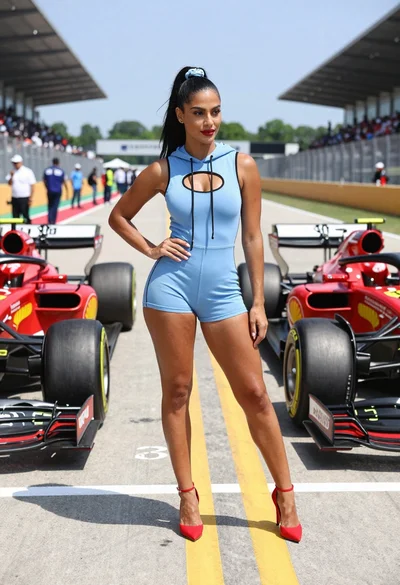
Confident woman in blue bodysuit between two formula one race cars
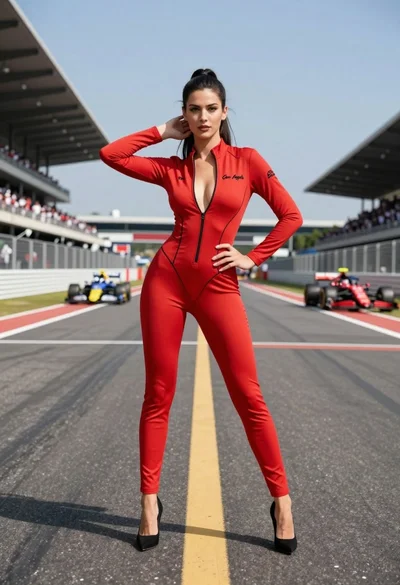
Confident woman in red bodysuit posing on an asphalt race track
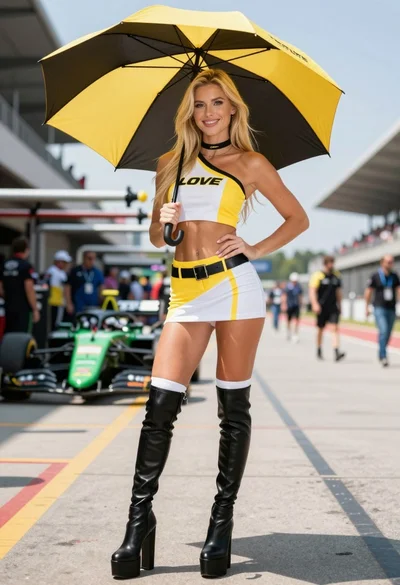
Blonde woman in racing uniform holding umbrella at sunny pit lane
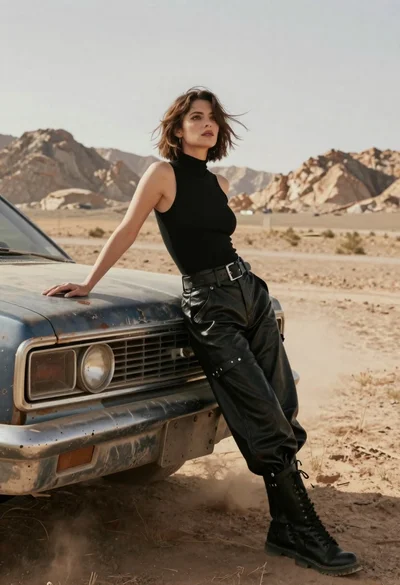
Woman in black leather outfit leaning on vintage car in desert
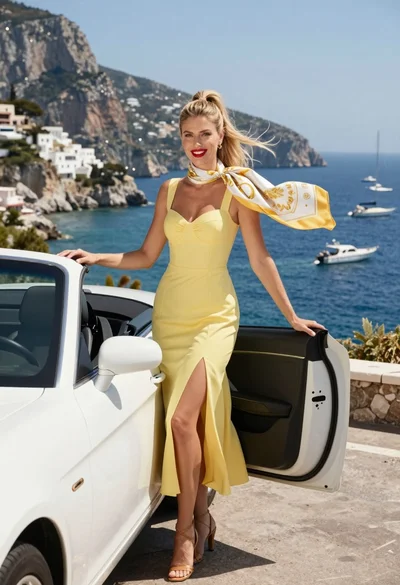
Blonde woman in yellow dress by convertible car overlooking blue bay
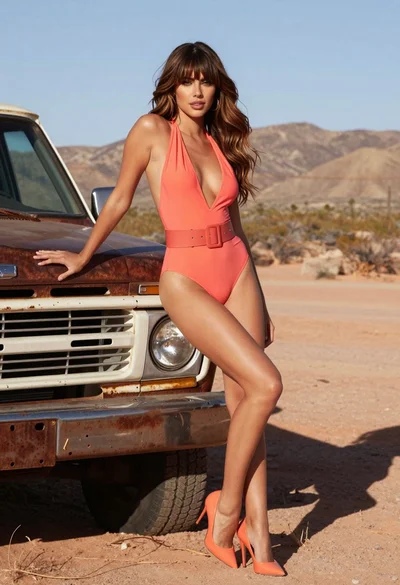
Confident woman in coral swimsuit posing by rusty vintage truck in desert
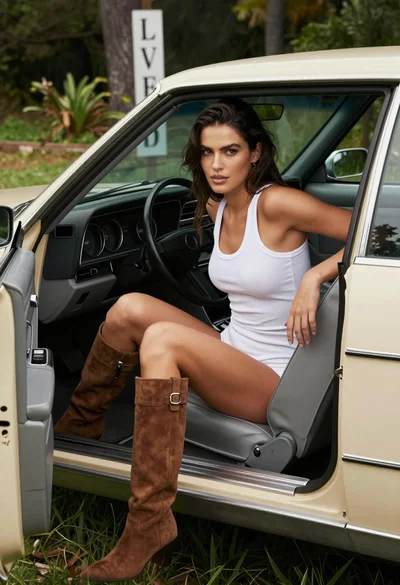
Woman seated in vintage convertible car parked on grass in woods
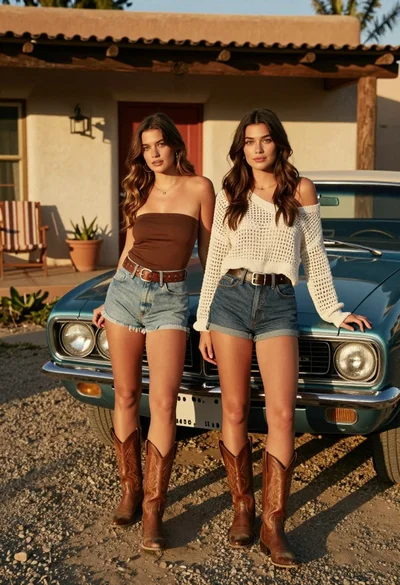
Two young women posing by a teal muscle car outside adobe building
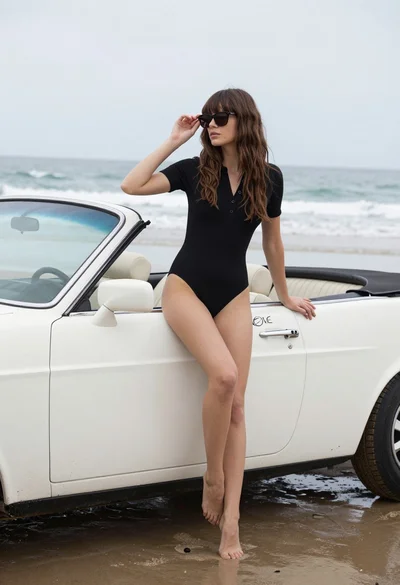
Woman with brown hair sitting on a white vintage convertible at wet

Stylish woman in satin slip dress driving convertible car outside luxury home