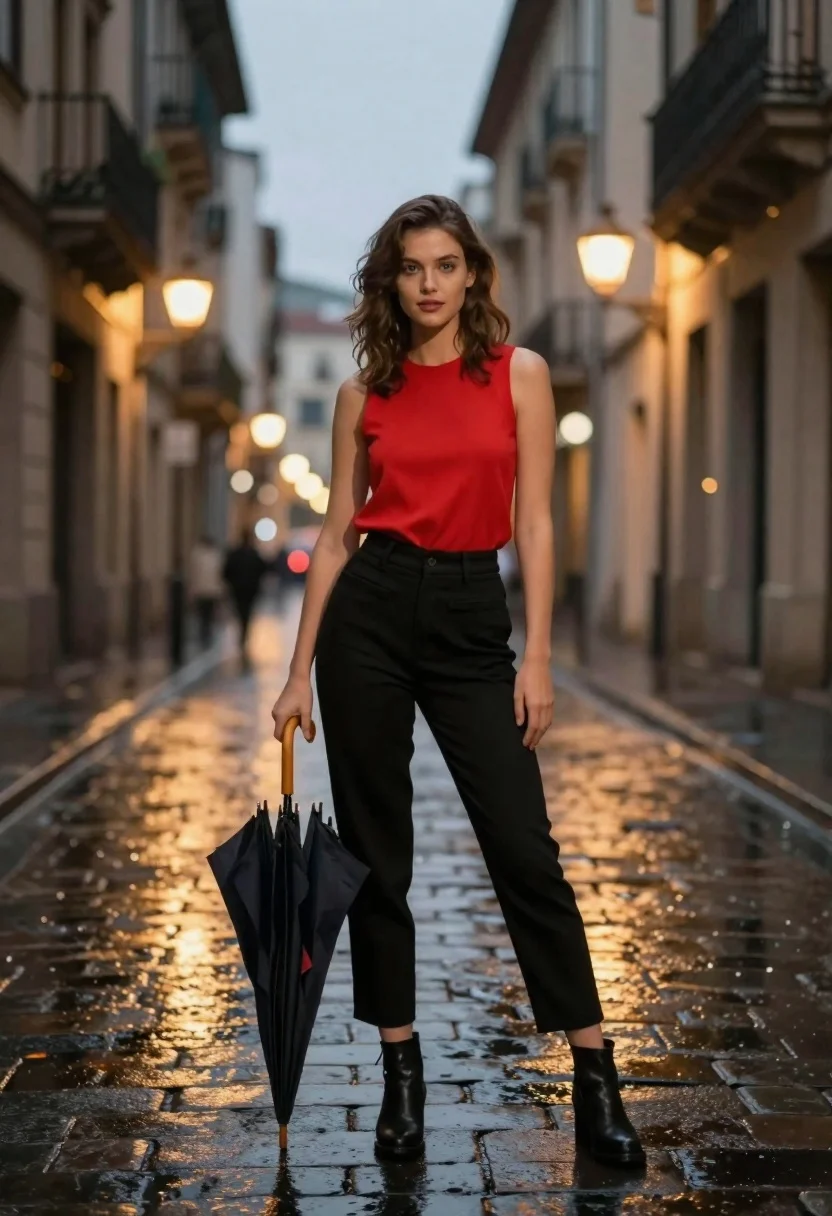
Confident woman in red top standing on wet cobblestone city street
Prompt
A confident young woman stands in the center of a wet cobblestone street at dusk.

Subject: A fair-skinned woman with shoulder-length wavy brown hair and intense blue eyes looking directly at the camera.

Clothing: She wears a bright red sleeveless top, high-waisted black trousers, and black ankle boots.

Action: She stands with her legs slightly apart, one hand resting on her hip while holding a closed dark umbrella in the other hand.

Environment: A narrow European-style street lined with tall buildings featuring balconies and warm glowing streetlights reflecting off the wet ground.

Camera: Eye-level medium shot with a shallow depth of field that blurs the background architecture into soft bokeh circles.

Lighting: Soft ambient light from the sky mixed with warm artificial glow from streetlamps creating golden reflections on the wet pavement.

Style Details: Cinematic fashion photography style with high contrast between the red top and dark surroundings, emphasizing a moody urban atmosphere.
Description
This prompt is useful for creating cinematic editorial spreads, dramatic character portraits, and mood-setting travel advertisements. The combination of 'bright red sleeveless top' against the 'dark surroundings' establishes immediate visual tension, while the 'shallow depth of field that blurs the background architecture into soft bokeh circles' ensures the subject remains the sharp focal point despite the detailed environment.
Suggestions
- Change 'wet cobblestone street' to 'rain-slicked marble plaza' for a different material reflection.
- Swap 'intense blue eyes' for 'smoldering green eyes' to alter the color palette.
- Add 'film grain, Kodak Portra 400' to enhance the cinematic texture.
Category
Tags
Brown HairFair SkinFemaleMedium ShotPortrait ShotRealisticStreetUrban
Date added
June 21, 2026
Added by
PromptDexter Team
Related Prompts
More prompts with similar categories and tags.
Young woman in black dress standing on stone steps before classical building

Confident woman with brown hair sitting at dark desk in dimly lit
Young woman at wooden counter in dimly lit japanese izakaya bar setting
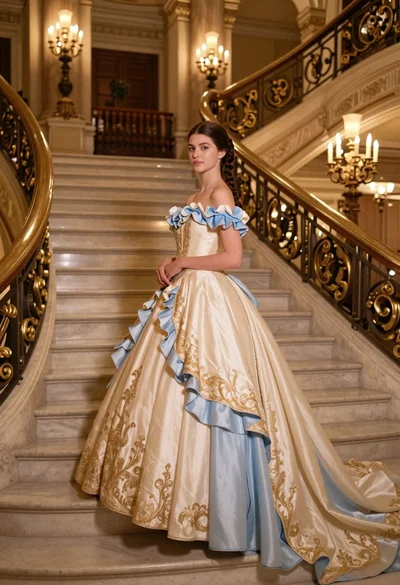
Young woman in elaborate ballgown on grand marble staircase interior
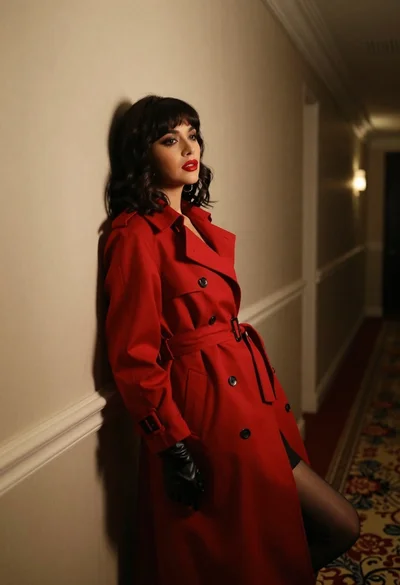
Woman in red trench coat leaning against hallway wall cinematic portrait
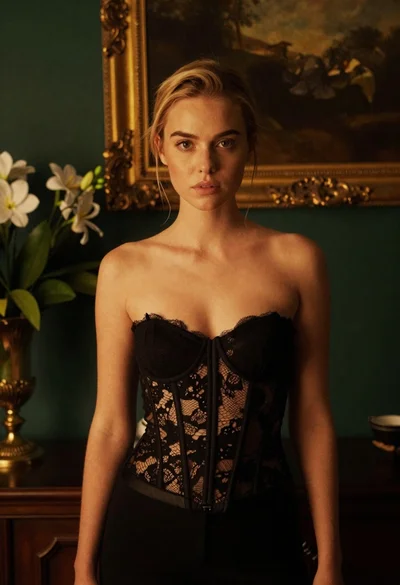
Blonde woman in black lace corset top against dark green wall
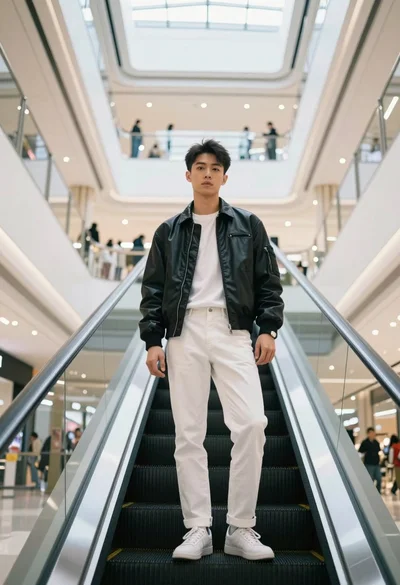
Young asian man in black jacket standing on escalator in modern shopping
Medium close up portrait of woman in coat on old european cobblestone