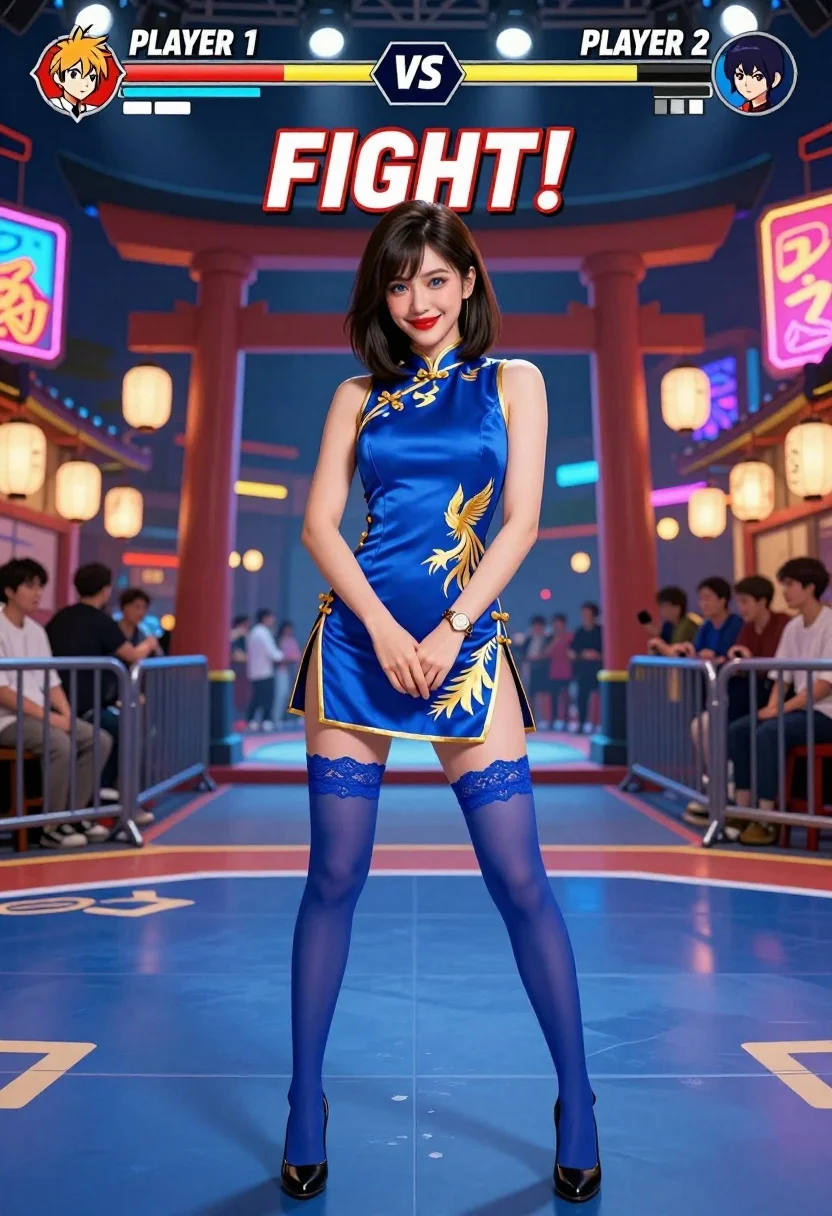
Woman in blue qipao standing in neon lit fighting game arena
Prompt
A confident woman stands in the center of a vibrant fighting game arena, smiling directly at the viewer with her hands clasped near her waist.

Subject: A young woman with shoulder-length dark brown hair and fair skin, featuring bright blue eyes and red lipstick. She has a poised and engaging expression.

Clothing: She wears a sleeveless royal blue qipao dress with gold trim and a large golden phoenix design on the chest, paired with matching blue lace garter stockings and black high heels. A gold watch is visible on her left wrist.

Action: The subject stands in a relaxed pose facing forward, looking directly at the camera with a slight smile.

Environment: A crowded fighting game stage set at night, featuring a traditional Japanese torii gate in the background, illuminated by bright neon signs with Japanese characters and hanging paper lanterns. Spectators are visible behind metal barriers on both sides of the stage.

Camera: Eye-level medium shot capturing the full figure from head to toe, framed within a fighting game interface that includes health bars labeled "PLAYER 1" and "PLAYER 2" at the top and a large "FIGHT!" text in the center.

Lighting: The scene is lit by cool blue ambient light mixed with warm yellow glows from neon signs and overhead spotlights, creating high contrast against the dark night sky.

Style Details: Digital art style mimicking a modern 3D fighting game character model, featuring smooth textures, vibrant saturation, and a polished video game aesthetic.
Description
This prompt is useful for creating concept art for video game characters, promotional key art for digital media, or stylized editorial illustrations depicting action-oriented figures. The combination of 'cool blue ambient light mixed with warm yellow glows' and the explicit inclusion of a fighting game interface ensures that the subject feels integrated into a high-tech, dramatic setting rather than simply placed in front of one.
Suggestions
- Change 'royal blue qipao dress' to 'iridescent royal blue qipao' for more light interaction.
- Swap 'Japanese characters' for 'cyberpunk Kanji' to heighten the sci-fi feel.
- Adjust 'medium shot' to 'full body, dynamic pose' to better utilize the arena space.
Category
Tags
3dBrown HairDigital ArtFair SkinFemaleFull BodyMedium ShotRealisticRooftopTraditional WearUrban
Date added
July 3, 2026
Added by
PromptDexter Team
Related Prompts
More prompts with similar categories and tags.
Young woman in pink puffer jacket standing by counter with minions
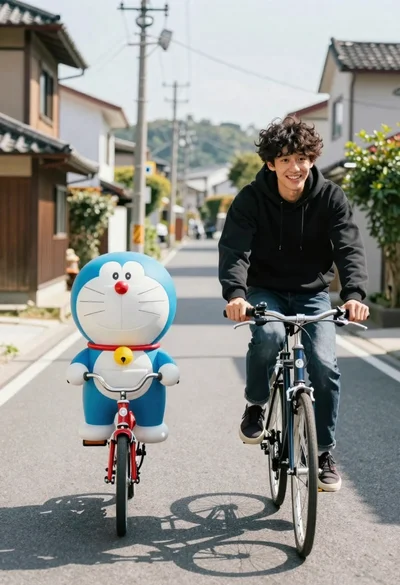
Young man and blue robotic cat riding bicycles down a sunny street

Woman in police uniform stands with fox wearing shirt against white studio
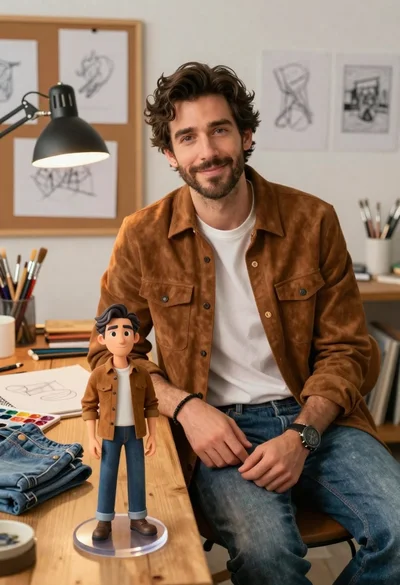
Handsome man in suede shirt sitting at desk in art studio
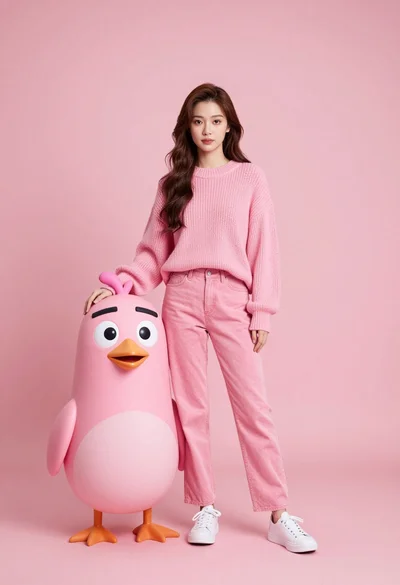
Full body portrait of woman with pink sweater next to animated bird

Full body studio portrait of woman with two animated animal friends
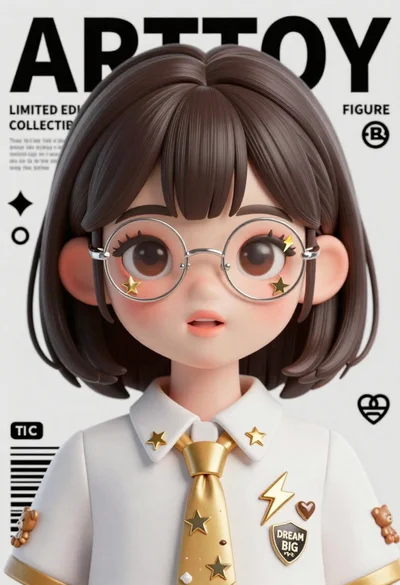
Anime girl portrait with glasses and gold spiked tie on magazine background
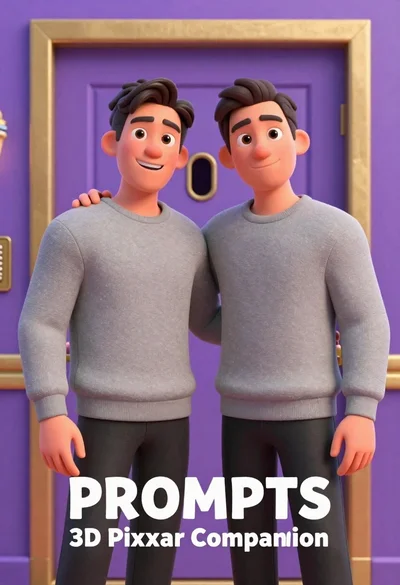
Two men standing side by side in front of a purple door

Futuristic soldier in heavy snowfall on an urban street

Full body studio shot of woman standing between large mario and luigi