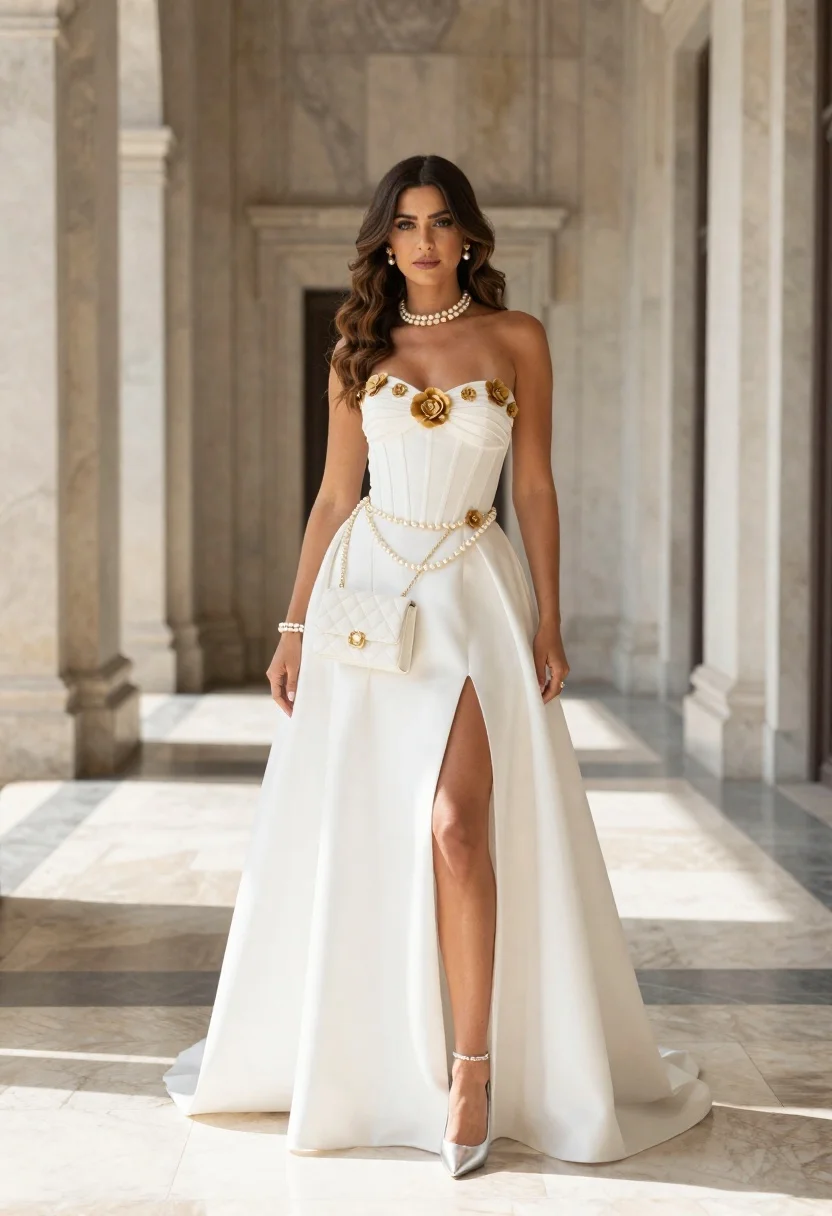
Elegant woman in white gown standing among marble columns in grand hall
Prompt
A full-length portrait of a woman standing in an elegant architectural space with tall marble columns and soft natural light filtering through the background.

Subject: A woman with long, wavy brown hair parted in the middle, featuring a fair complexion and a calm, direct gaze toward the camera.

Clothing: She wears a white strapless gown with a structured corset bodice adorned with gold floral embellishments and a central fabric flower; the skirt is voluminous with a high front slit revealing her legs, paired with silver pointed-toe heels.

Action: Standing upright in a poised pose with arms relaxed at her sides, exuding elegance and confidence.

Environment: A grand hall or corridor featuring tall marble columns and a polished marble floor with rectangular light patterns cast across the ground.

Camera: Full-body shot taken from a straight-on angle with a shallow depth of field that blurs the background to emphasize the subject.

Lighting: Soft, diffused natural light illuminating the scene from the side and front, creating gentle shadows and highlighting the texture of the fabric.

Objects: A white quilted handbag hanging from a pearl chain belt worn around her waist, complemented by pearl earrings, a pearl choker necklace, and pearl bracelets on both wrists.

Style Details: High-fashion editorial aesthetic with a clean, bright color palette dominated by white and gold tones, rendered with sharp focus and realistic textures.
Description
This prompt is useful for creating high-end bridal editorials, luxury brand advertising campaigns, and architectural fashion spreads. The combination of 'soft, diffused natural light' and the 'polished marble floor with rectangular light patterns' grounds the subject in a grand setting while the 'shallow depth of field' ensures the viewer's focus remains sharply on the gown's details rather than getting lost in background clutter.
Suggestions
- Change 'gold floral embellishments' to 'silver beading' for a cooler tone.
- Swap 'white strapless gown' for 'ivory silk gown' to soften the contrast.
- Add 'anamorphic lens flare' to enhance the natural light effect.
Category
Tags
Brown HairFair SkinFemaleFormal WearFull BodyIndoorsPortrait ShotRealisticUrban
Date added
June 21, 2026
Added by
PromptDexter Team
Related Prompts
More prompts with similar categories and tags.
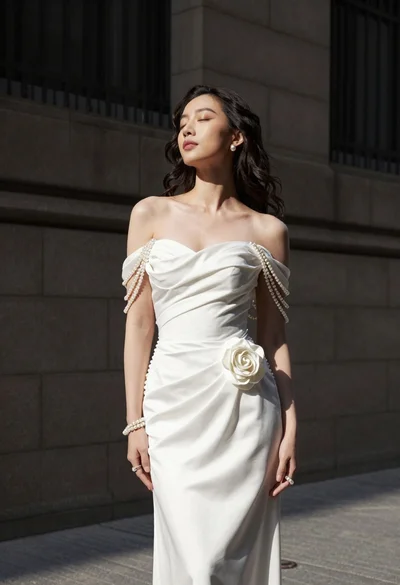
Woman in white gown standing against dark stone architectural wall outdoors

Woman in rose gold gown looking over shoulder by large floor mirror

Portrait of woman in elaborate red feathered gown against vivid blue background
Full length portrait of woman in black traditional outfit indoors
Blonde woman in victorian steampunk attire portrait
Full length portrait of woman in embroidered coat against black background
Woman in bright yellow slip dress posing near white sofa interior
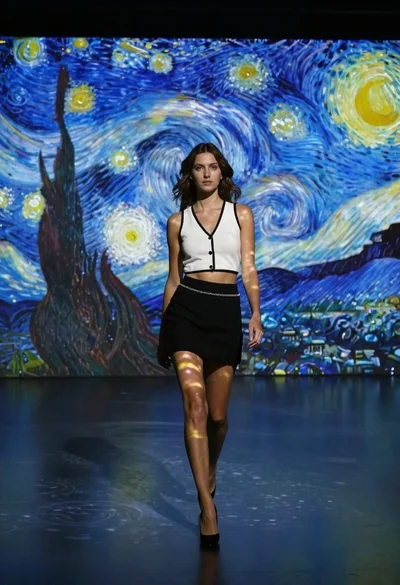
Woman in white top walking through immersive van gogh art gallery