Fair blonde woman in sheer pink dress against solid deep red backdrop
Prompt
A woman stands in profile against a solid red background.

Subject: A fair-skinned woman with long, wavy blonde hair that falls over her shoulders and back. She has blue eyes and is looking slightly upward and away from the camera. Her lips are closed and she has a neutral expression.

Clothing: She wears a form-fitting, pale pink dress. The bodice features a sheer, polka-dotted mesh overlay with long sleeves that extend to her wrists. A small bow detail is visible on the chest area of the dress.

Action: She stands in a three-quarter pose facing left, with her right arm bent and her hand resting near her waist. Her fingers are slightly curled, displaying several large gold rings on her ring finger and middle finger.

Environment: The background is a seamless, solid deep red wall or backdrop that fills the entire frame behind the subject.

Lighting: The lighting is bright and even, illuminating the front of the subject clearly while casting soft shadows to her left side. The light highlights the texture of the sheer fabric on her arm.

Camera: The shot is a medium close-up capturing the subject from the mid-thigh up, framed with a slight tilt to emphasize her profile.

Style Details: High-fashion photography style with high contrast between the pale pink dress and the vibrant red background.
Description
This prompt is useful for creating editorial fashion lookbooks, beauty advertisements focusing on accessories, and stylized portrait studies requiring strong color blocking. The combination of 'sheer, polka-dotted mesh overlay' against a 'solid deep red backdrop' maximizes the contrast between delicate texture and saturated color, ensuring the subtle details like the 'large gold rings' are visible without being lost in distracting environmental elements.
Suggestions
- Change 'pale pink dress' to 'blush tulle gown' for more volume.
- Swap 'solid deep red background' for 'oxblood velvet backdrop' for a richer tone.
- Adjust 'medium close-up' to 'waist shot' to better display the hand and rings.
Category
Tags
BlondeCasual WearFair SkinFemaleMedium ShotPortrait ShotRealisticSide Profile
Date added
June 19, 2026
Added by
PromptDexter Team
Related Prompts
More prompts with similar categories and tags.

Blonde woman in striped swimsuit seated on sofa indoors studio shot
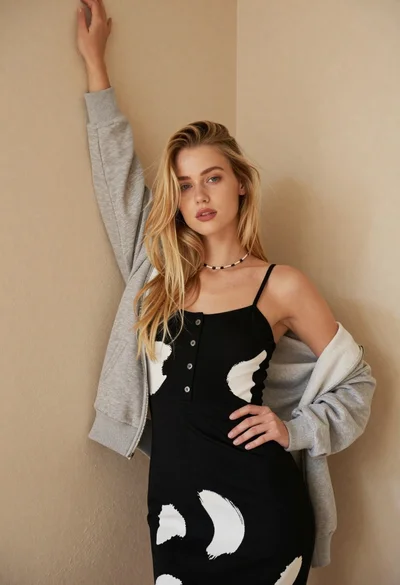
Fair blonde woman in patterned black dress against plain beige wall

Blonde woman in cream sweater sitting on beige couch

Woman in sheer crystal gown looking over shoulder at event backdrop
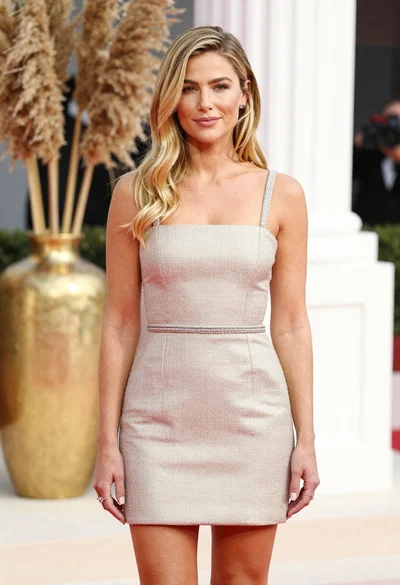
Fair blonde woman in champagne mini dress by dried pampas grass

Blonde woman in blue dress on sun drenched beach looking back
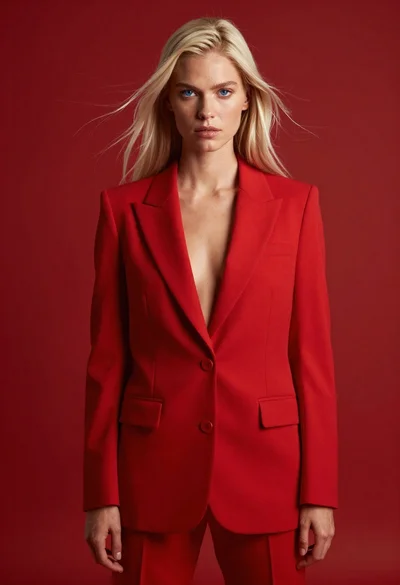
High fashion studio portrait of woman in crimson blazer
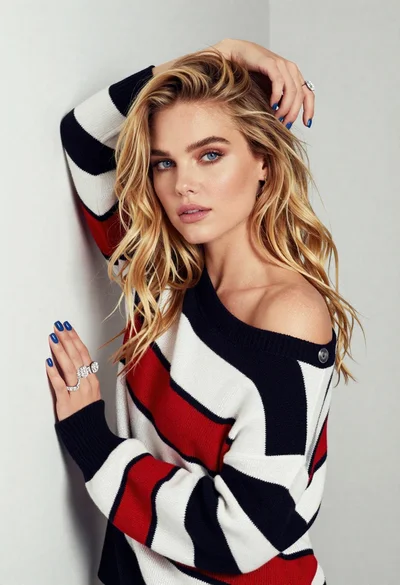
Fair blonde woman leaning against light wall wearing striped sweater studio portrait

Woman with brown hair in white top and black skirt indoors

Young woman in cream blouse leaning against rustic wood