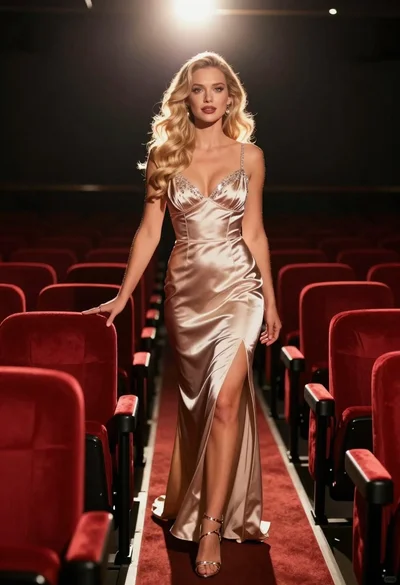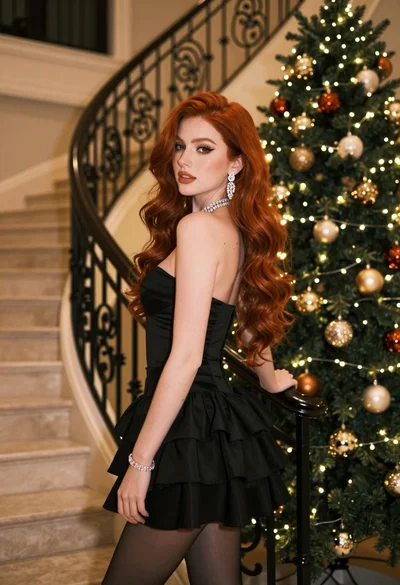

Woman in black strapless gown leaning against upscale hotel hallway wall
Prompt
A woman with long red hair stands in a hotel hallway wearing an elegant black strapless gown.

Subject: A woman with long wavy red hair and fair skin standing confidently against a wall.

Clothing: She wears a floor-length black satin strapless dress featuring a geometric patterned bodice and a cutout at the waist, paired with black high-heeled sandals.

Action: She leans slightly back against the wall with her hands resting gently on her hips, looking directly at the camera with a calm expression.

Environment: The setting is an upscale hotel corridor with beige patterned wallpaper, decorative molding, and a textured carpet runner.

Lighting: Warm ambient light emanates from wall sconces, casting soft highlights on the subject and creating gentle shadows along the hallway.

Camera: A medium full-body shot taken at eye level with a shallow depth of field that keeps the subject sharp while softly blurring the background.

Style Details: The image has a polished, cinematic quality with rich warm tones and a sophisticated atmosphere.
Description
This prompt is useful for creating dramatic character portraits, high-end editorial fashion spreads, and movie stills featuring formal wear. The combination of 'black satin strapless dress' against the 'beige patterned wallpaper' grounds the subject in an opulent setting, while the 'shallow depth of field' ensures that the viewer's focus remains entirely on the model despite the rich background details.
Suggestions
- Change 'red hair' to 'raven black hair' for a more dramatic contrast.
- Swap 'black satin strapless dress' for 'velvet strapless gown' to alter the material sheen.
- Adjust 'warm ambient light' to 'cool neon glow' for a different mood.
Category
Tags
Black HairFair SkinFemaleFormal WearFull BodyIndoorsMedium ShotRealisticRed Hair
Date added
June 19, 2026
Added by
PromptDexter Team
Related Prompts
More prompts with similar categories and tags.
Young woman in elaborate ballgown on grand marble staircase interior
Young blonde woman in black slip dress leaning in luxurious bathroom doorway
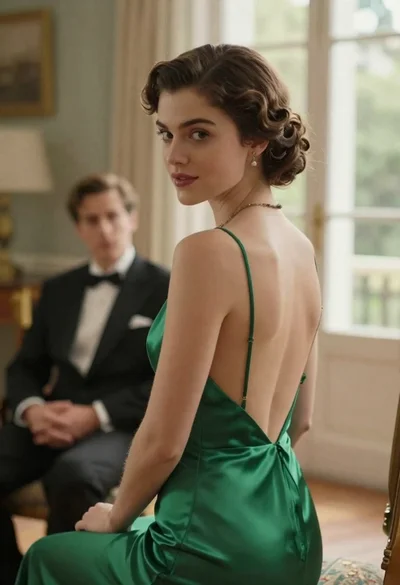
Woman in green dress looking over shoulder in bright ballroom setting

Blonde woman in teal slip dress leaning on elevator handrail
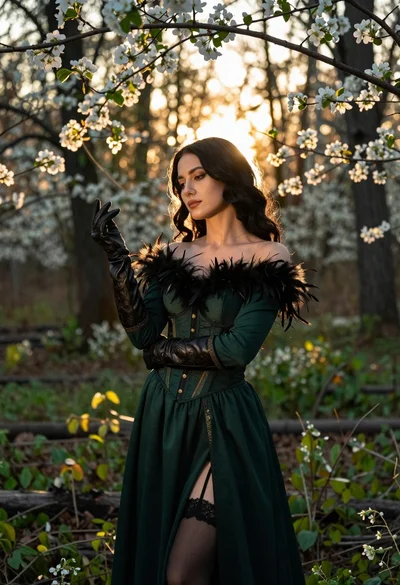
Woman in green gown stands in sunlit forest with blooming trees
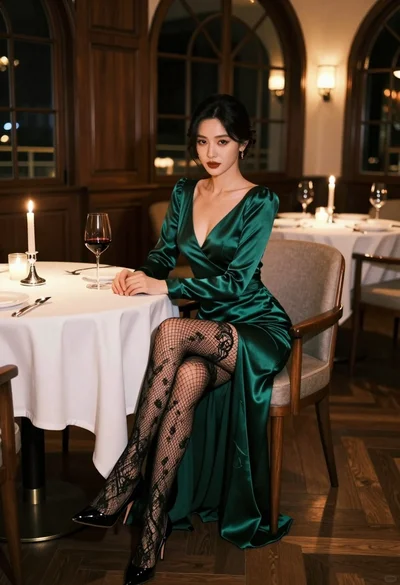
Glamorous woman in emerald gown seated at luxurious restaurant table setting
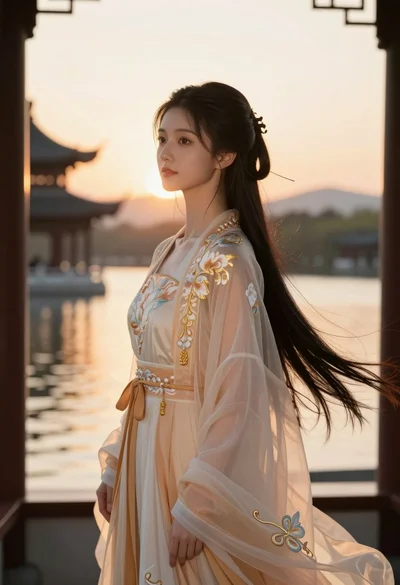
Young woman in traditional chinese gown on balcony at golden hour sunset
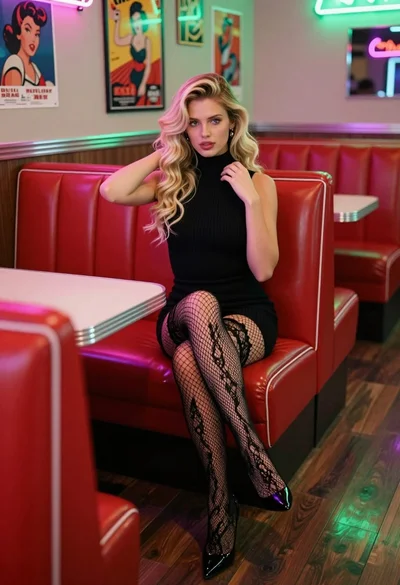
Blonde woman in black dress sitting in a retro diner booth
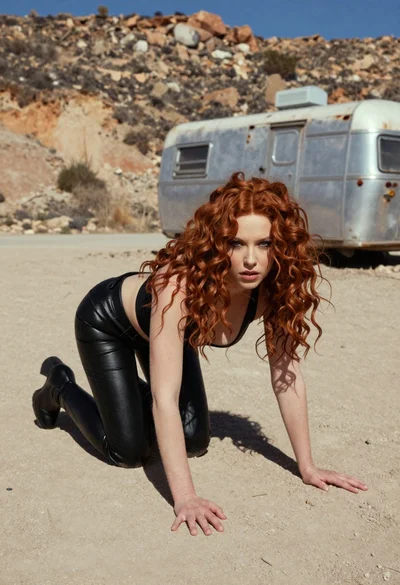
Woman crawling on dusty hillside in black leather outfit low angle
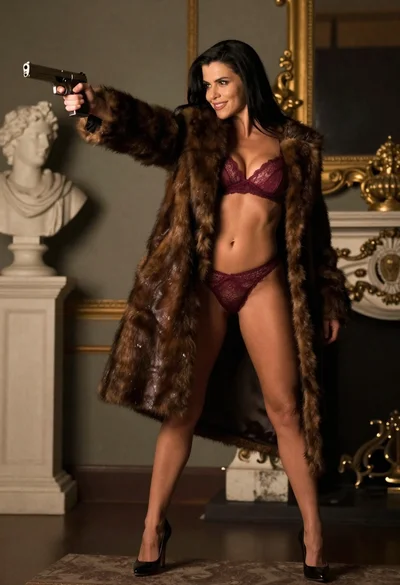
Woman in fur coat holding handgun in luxurious interior setting